Hi all
I’ve created a Fig UI surfacing plugin:
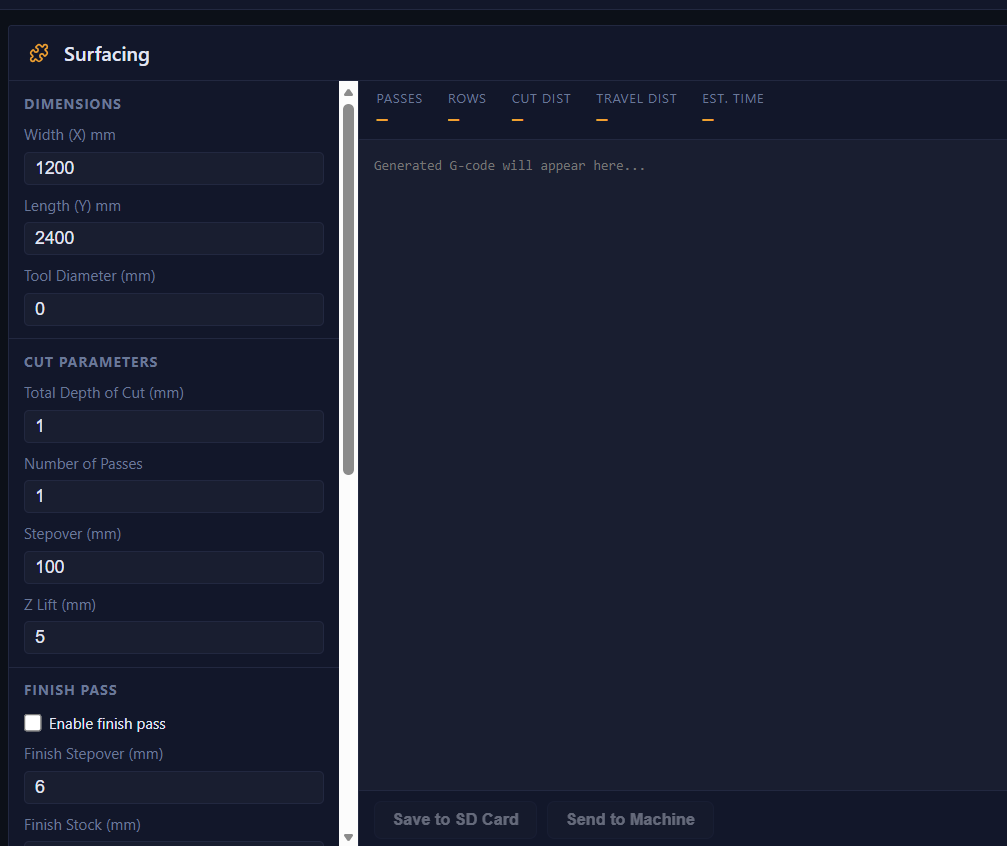
That allows you to create surfacing gcode straight from FigUI
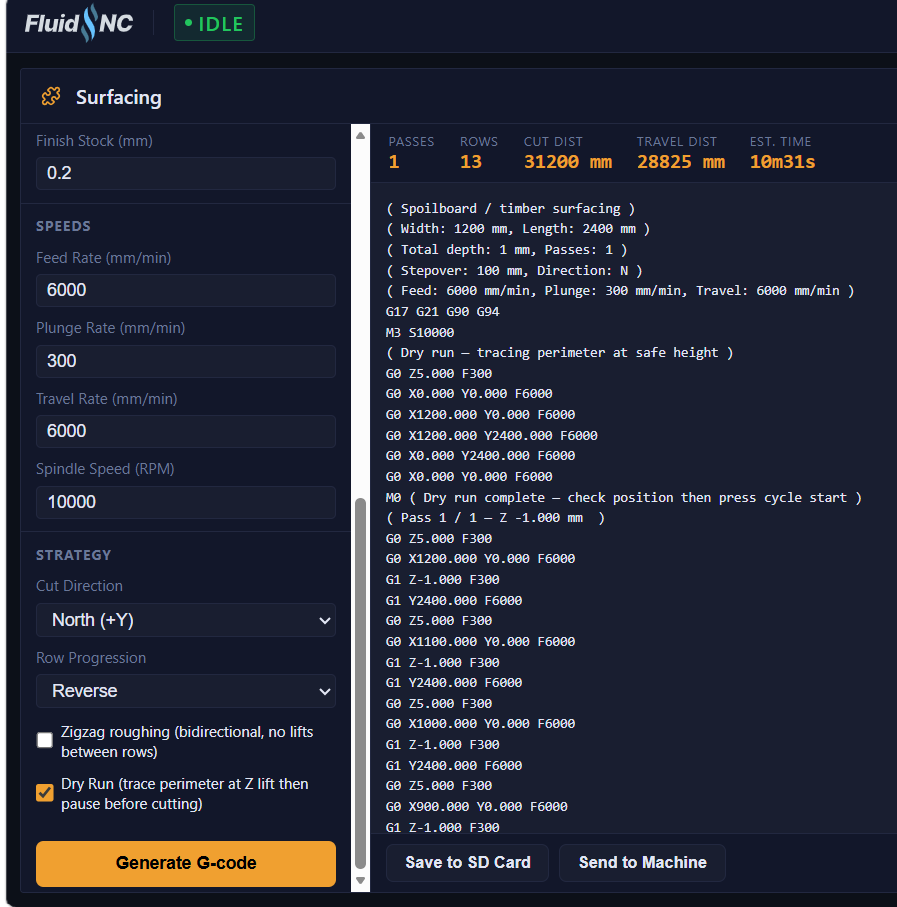
It also supports surfacing in multiple passed with a finishing pass. I’m quite often use LR4 to flatten timber and that makes it much easier to do it in multiple passes
It also had a dry run mode to run on the safe Z height before cutting to make sure that coordinates and stock size is set correction
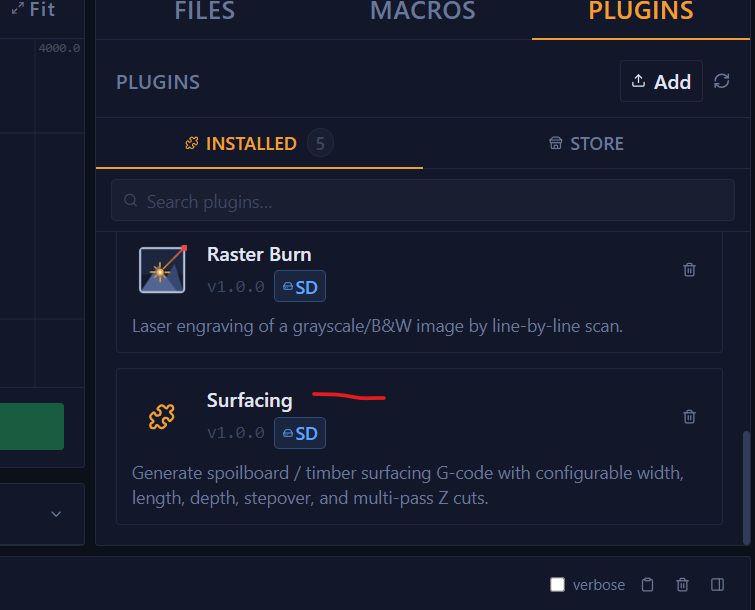
drop the folder from github to the plugins folder and reload the page
fully AI generated with a bit of hand testing after so use with caution. i had some stability issues with triggering the cut automatically after the file is saved to SD. had to add a small delay. it is a hack but looks like FluidNC crashes if you try to $SD/Run straight after writing a file to SD
Created GCode is on the SD card with surfacing_ prefix
Thanks @jamiek for the inspiration with the idea vector76/gcode_tpgen: G-code Test Pattern Generator
may look into making a squaring plugin as well