Your stock thickness is 20.2mm. Your zero is set to the top of your part, at z=10. Your maximum stepdown for face is 5mm.
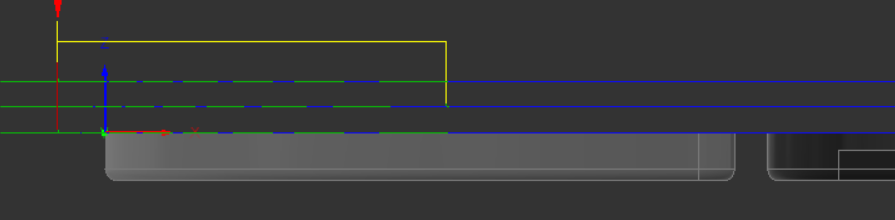
when you set the z=0 at the top of the stock, it thinks you’re setting the top of your part, so it is machining phantom stock above that.
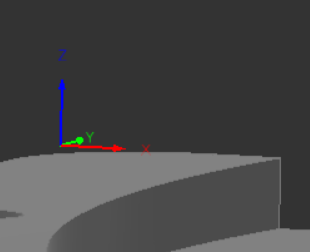
One way around this is to use a box point
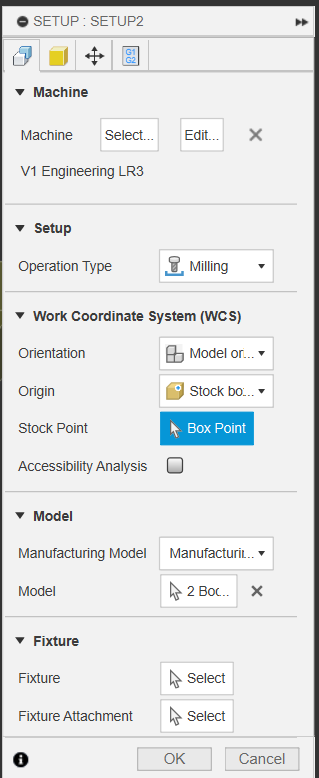
and click one of the 27 default locations, as appropriate for you
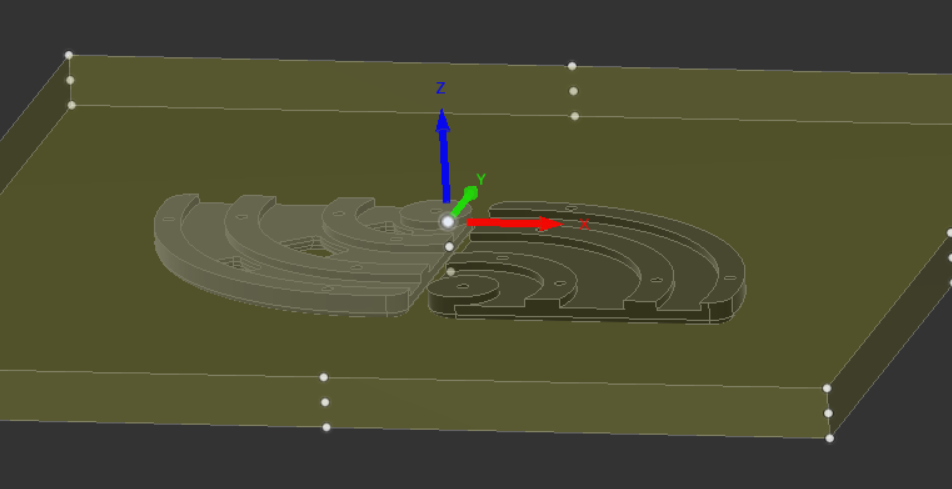
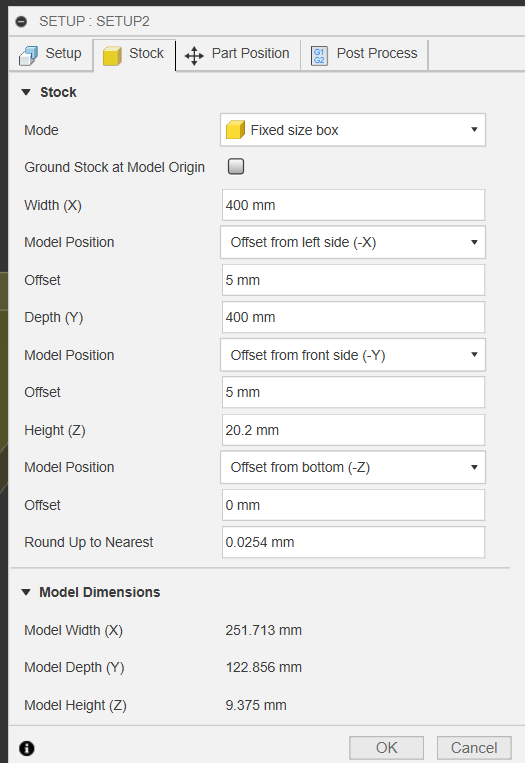
You can change model position x, model position y from center to offset from left/right, front/back if your stock really is that large and you don’t need it in the center
Original facing path:
new facing path:
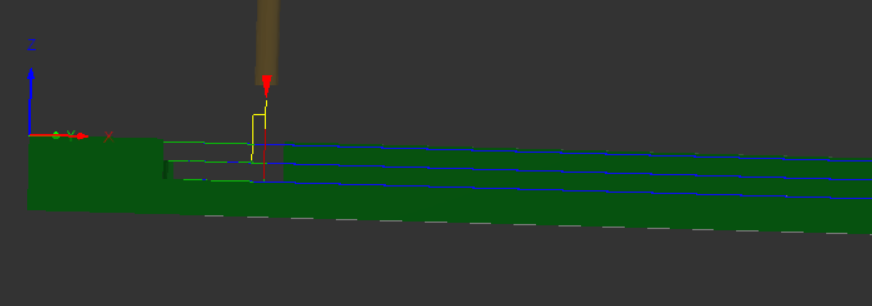
You can see the paths aren’t changing, but their location relative to z=0 has.