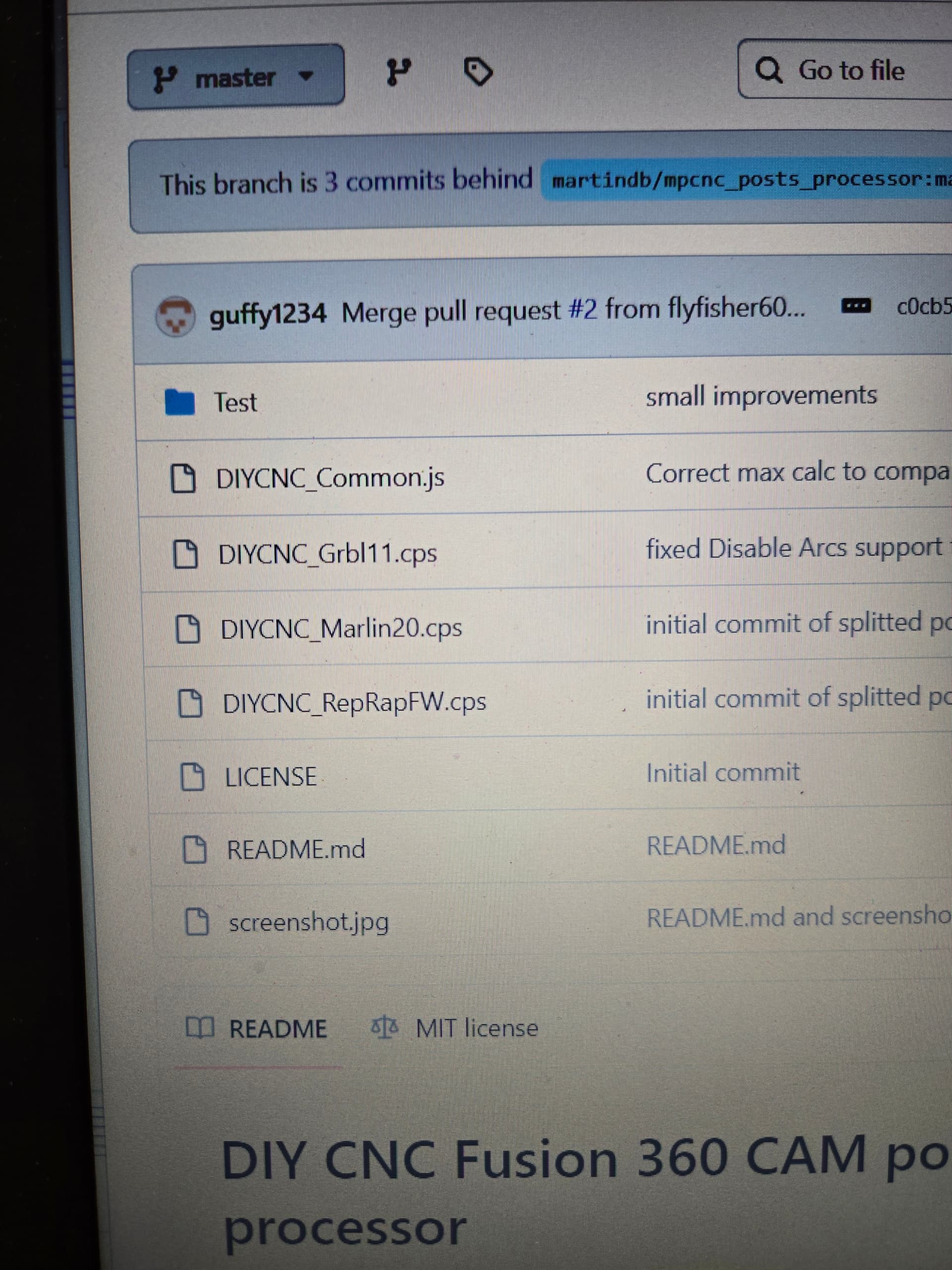
I had an LR2 but upgrade to the LR4, so I do have some (minimal) experience with its operation. My LR2 didnt have a touchplate, so that is completely new to me. I downloaded the post processor today
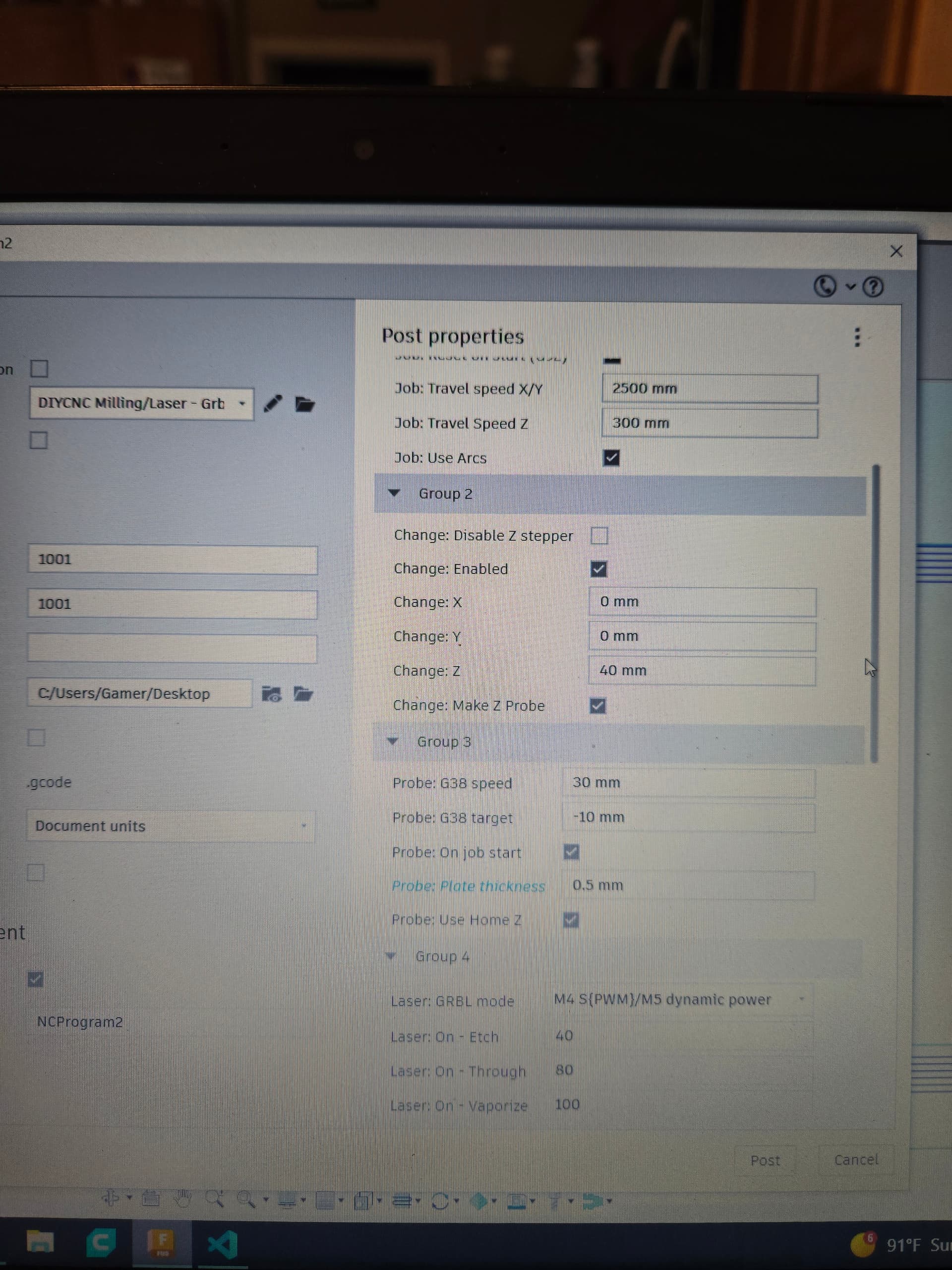
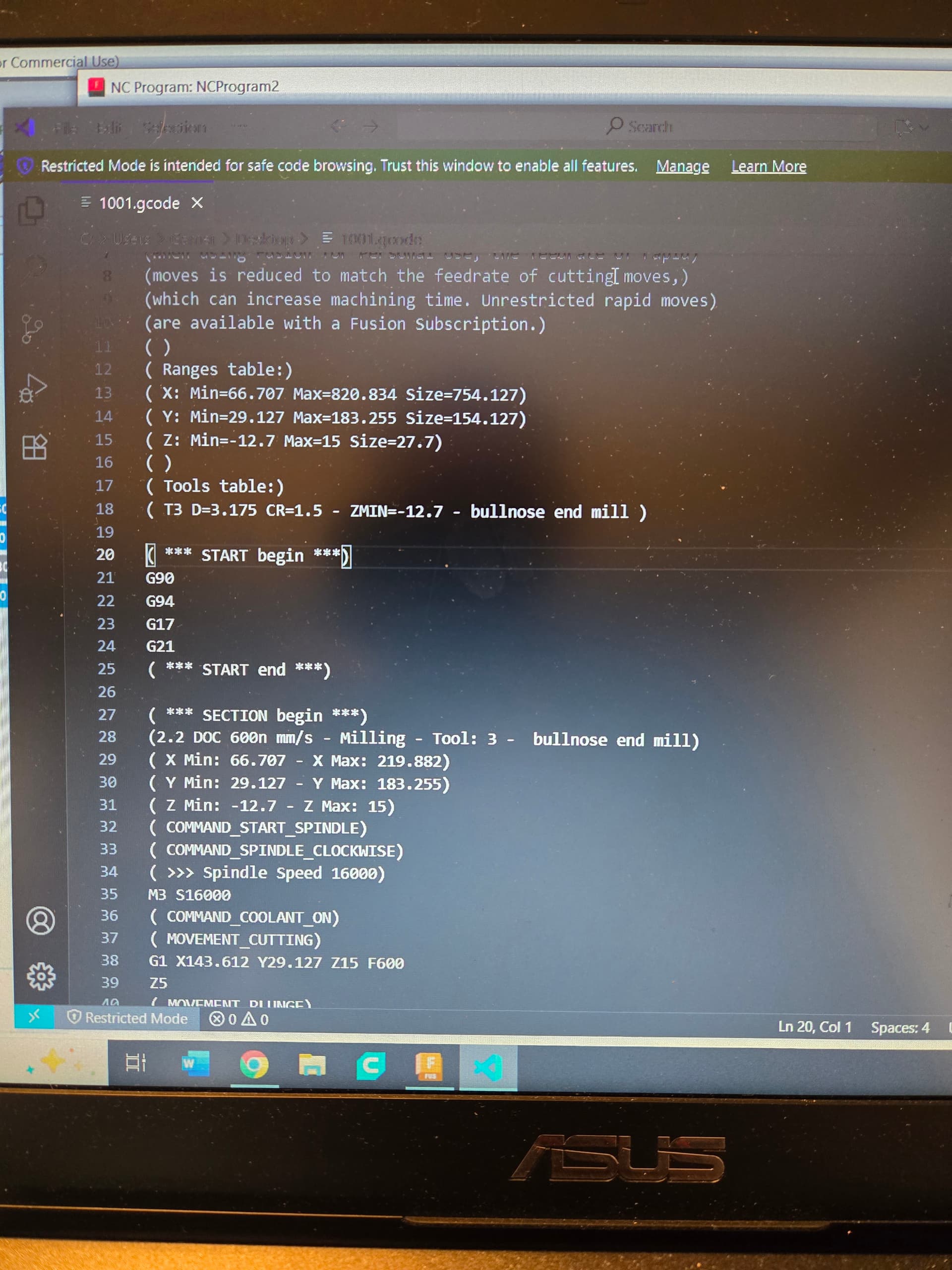
and used the GRBL11 one (was this the correct one?). I wanted to “air cut” some squares to see its operation so I drew a few in F360 and generated gcode .
When I hit start to air cut it, I kept touching the plate to the bit (with the magnetic end attached) to simulate it hitting thr top of the piece, however it didn’t do anything. It went down to what seemed like a predetermined spot and began air cutting.
Am I doing something wrong? Years ago with my LR2, I know I had a big learning curve and once I figured out the settings to get chips flying, I just always used those settings and never varied, so I would equate myself to a newbie when it comes to understanding this stuff.
You will find a download link to a postprocessor specifically for V1 machines in this topic. While generic GRBL postprocessors will work with the Jackpot board, there are specific issues associated with V1 machine. In particular, the Z axes have different federate limits than the X and Y axes, and Don Gamble’s postprocessor makes some provisions for this difference.
Don did mention at one point that he did not personally test the postprocessor wrt GRBL, but I believe Jackpot users have successfully his postprocessor.
The one I was trying was one of the links on the V1 milling page. I just read through that link you sent and will give that one a shot this weekend. Thanks!