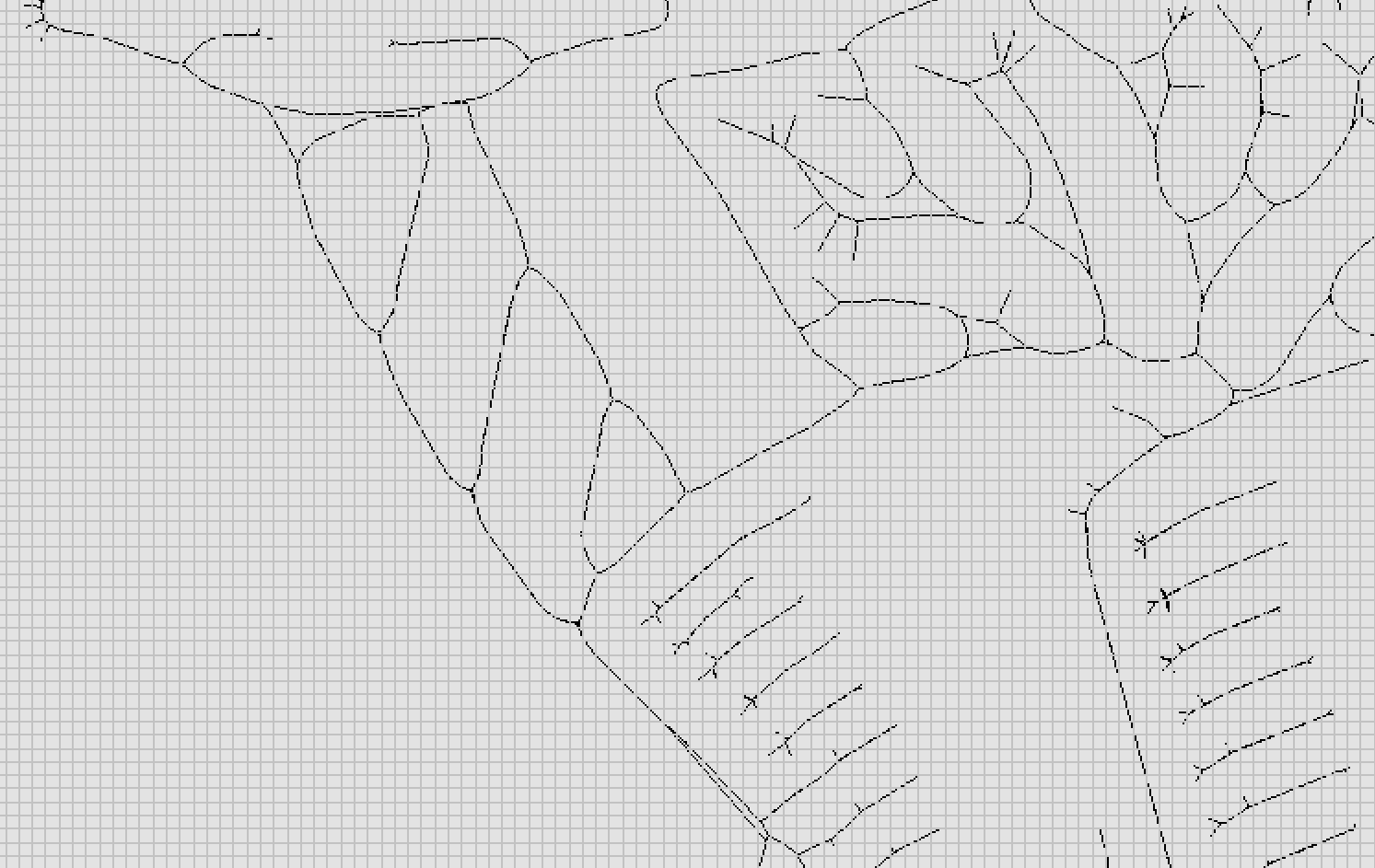
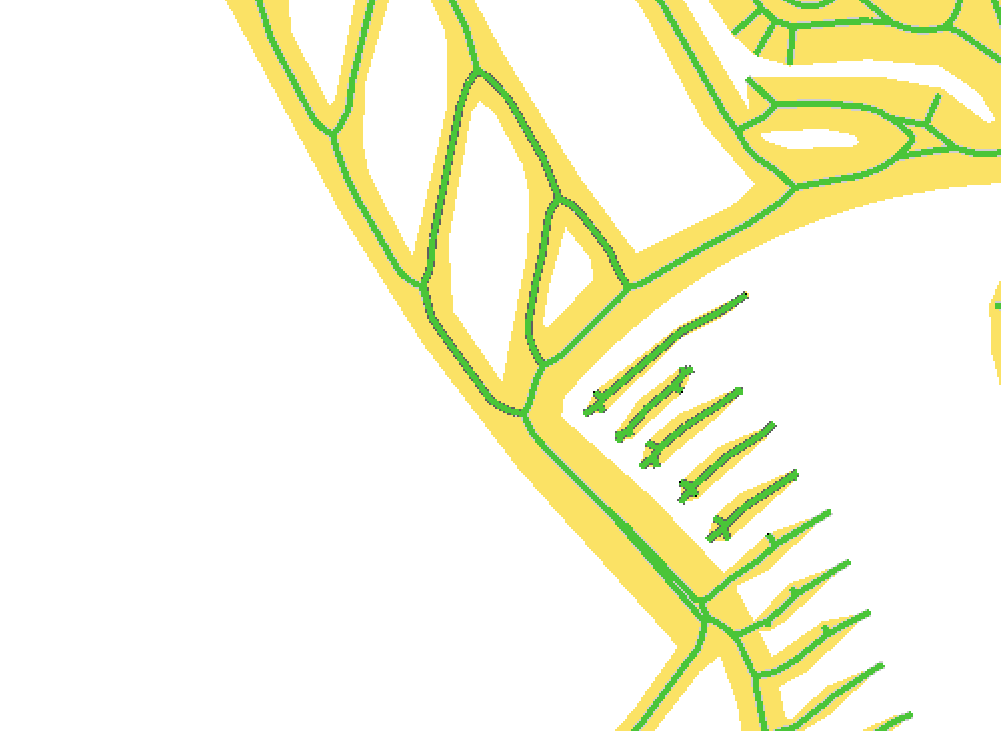
I am trying to engrave a pirate sign for my son, but EstlCam doesn’t ask me which side to carve.
After some testing it seems to only ask the carve side when I have an open segment.
I am using 13.004D
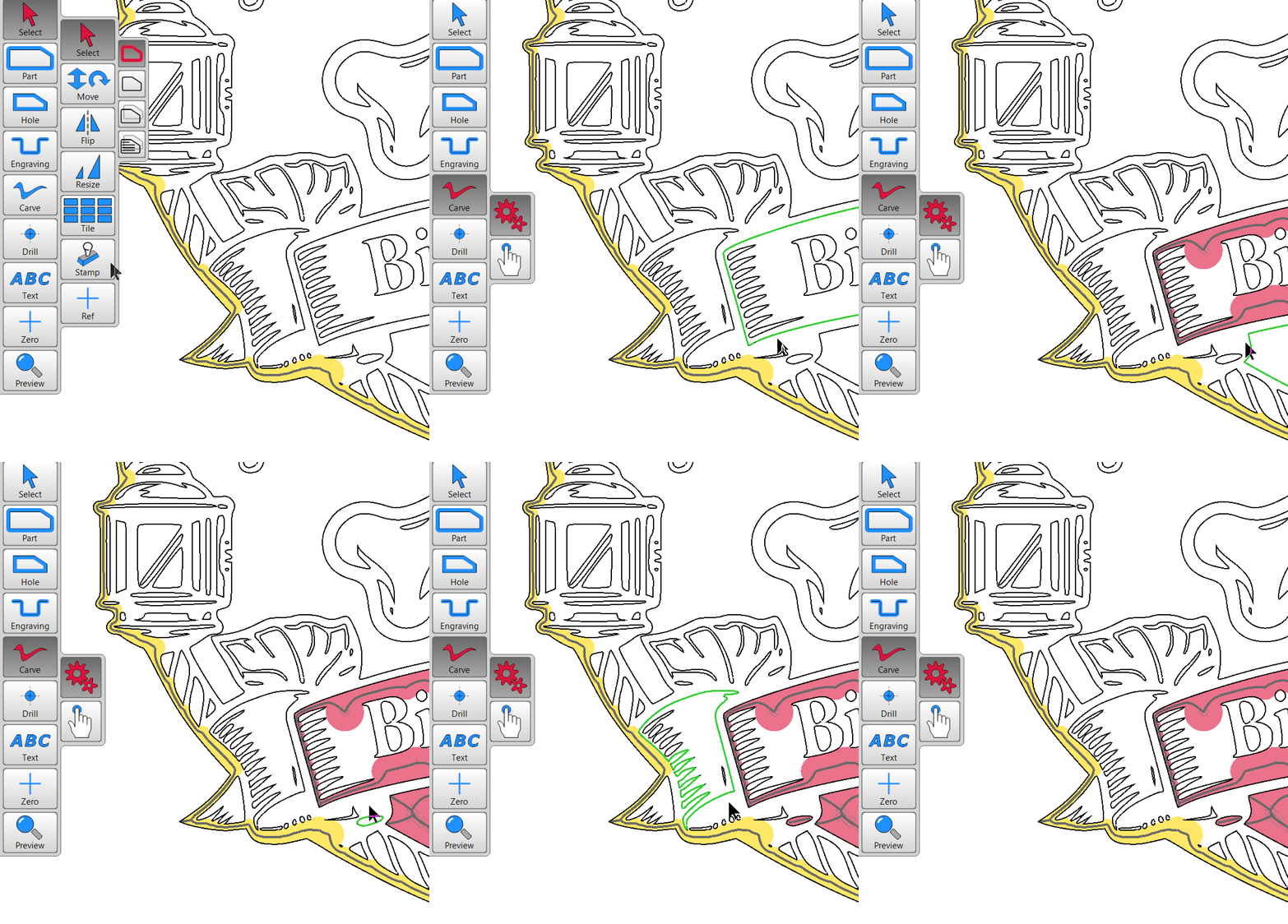
I am trying to engrave a pirate sign for my son, but EstlCam doesn’t ask me which side to carve.
After some testing it seems to only ask the carve side when I have an open segment.
I am using 13.004D
Right click and left click since V12 when having sekected carve, no more dragging arrows. 
omg that worked so easy, once you know. I was afraid it was in the help that I didn’t see but it isn’t. 
The v12 closed shape Left/in Right/out clicking (no more zooming in to get the arrows pointing the desired direction) is covered in the Carve (vs gears) icon help pane (which also has a link to a helpful, even though it’s German, video).
V12 also has an improved Automatic > Create objects/paths function. While v12 is much better than v11 at setting all closed shape Carve paths, it can be really slow and canceling/changing the selection from Carve inside to outside may not work/require restarting Estlcam. The selection can be hit or miss (e.g. ‘outside’ may be appropriate for inside carves with a part perimeter), but it usually doesn’t take long to tell if a selection will/won’t do what you want.