Estlcam uses the “System.IO.Ports.Serialport” namespace of the .NET 4.8 Framework for serial communication and handles the programming itself (which is very easy and straightforward - absolutely no black magic involved).
It surprises me that this part seems to be the roadblock.
The whole application relies on .NET 4.8 and such a basic and old school core functionality like serial port communication feels strange to be missing. If Estlcam crashes the functions may really just not be implemented. If it were a permissions issue I’d expect “Port.Open()” to just fail and return which Estlcam would catch a few moments later by verifying “Port.IsOpen” and seeing that it is still closed.
Also no Win32 or other external function calls around this part of the code - it is all within the usual .NET Framework functionality. The only potential issue I’d have imagined would be after sucessufully connecting to the programmed controller where a “kernel32.SetThreadExecutionState” call tries to elevate Estlcams process priority. Something a strict system like Linux may refuse without admin privileges - but this function is not called during programming and it also wouldn’t be too much of an issue if the priority elevation is just refused and the function returns otherwise normally - it would only add some lag if the computer is doing a lot of other things at the same time.
If someone is able to pinpoint the exact function where everything hangs up I might be able to find a workaround.
Thank you, Christian. This all sounds pretty much like Greek to me… hopefully some more knowledgeable folks will speak up and offer ideas. And someone who uses Estlcam regularly will also hopefully try this and verify that all the CAM functionality is as good as hoped; i.e. I haven’t used Estlcam more than a couple of times… and years ago.
Is this with an arduino that has already been programmed outside of bottles? If only the programming is the problem, then that might be useful info for Christian.
It’s really hard to guess. Bottles is remapping all of those calls to other functionality. Most of it has been mapped correctly, but obviously not everything.
Would Estlcam handle it if that function threw an exception instead of just quietly failing? Is there any way for David to get a log or trace of Estlcam while it’s crashing?
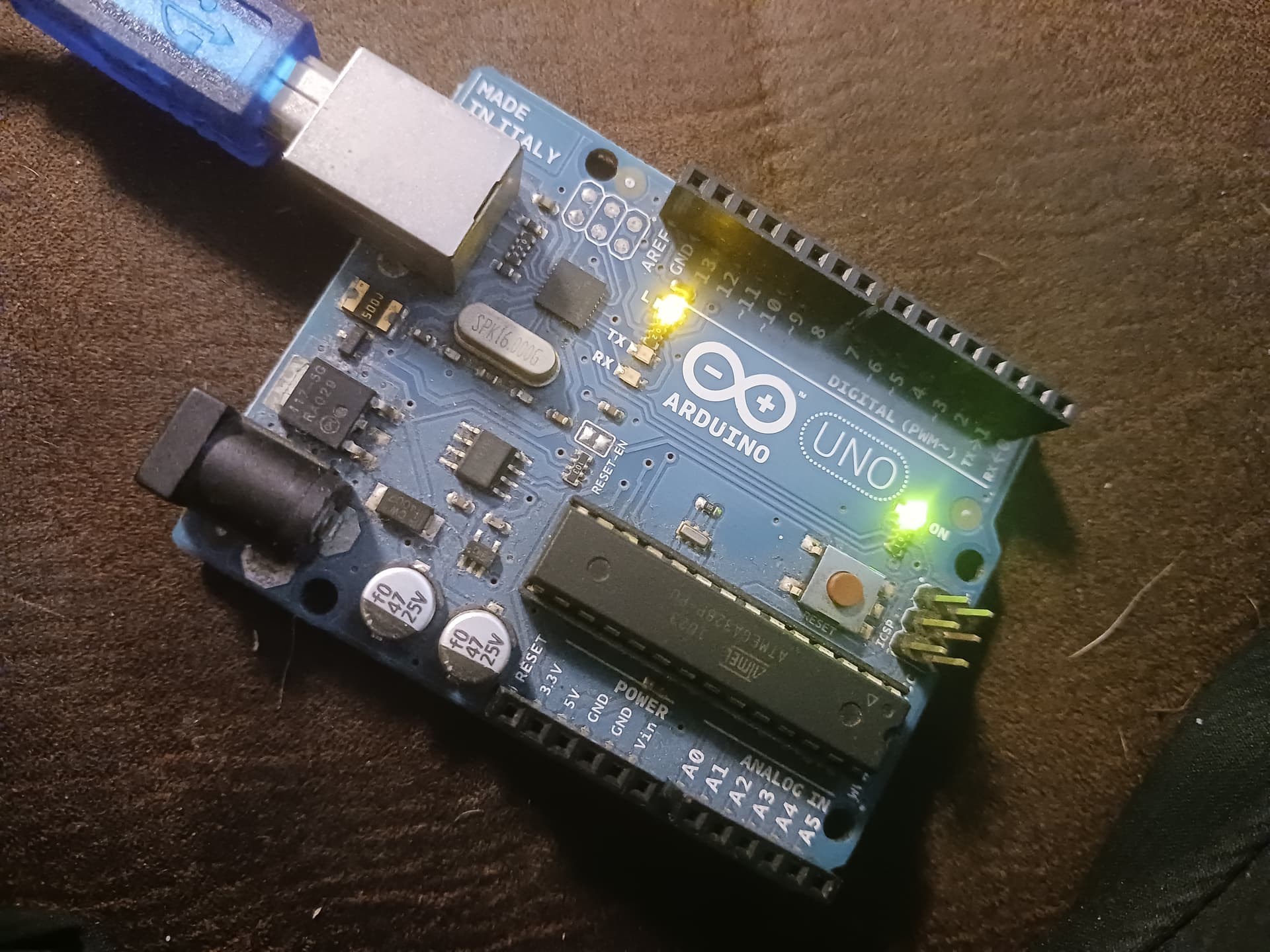
It’s just an old original UNO that I pulled out of the junkbox. It’s been programmed numerous times but not through Bottles until these tests. It had “blink” already on it when I picked it to play with. Please ignore the dog hair…
I’m also trying to get ESTLCAM working under bottles, unfortunately without a dog on my lap.
I managed to find the following: com35 is linked to /dev/ttyUSB0, that’s where my estlcam controller is connected to. When I configure the software to use this port estlcam crashes with the following message:
Exception: the method or operation is not implemented
Source: estlcam12
I get the same error message when I choose another comport (that is linked to another device IE com1 is linked to /dev/ttyS0)
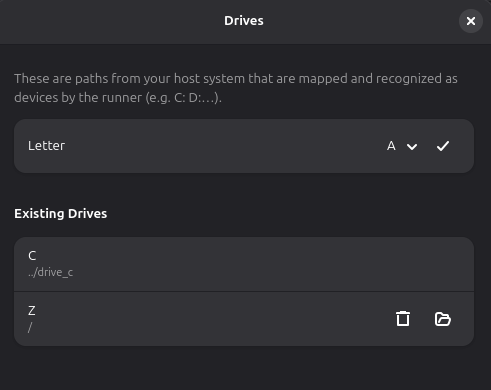
You can see what port is linked to which device in /home/USERNAME/.var/app/com.usebottles.bottles/data/bottles/bottles/Estlcam/dosdevices/
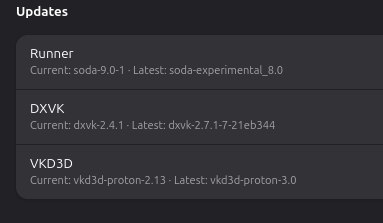
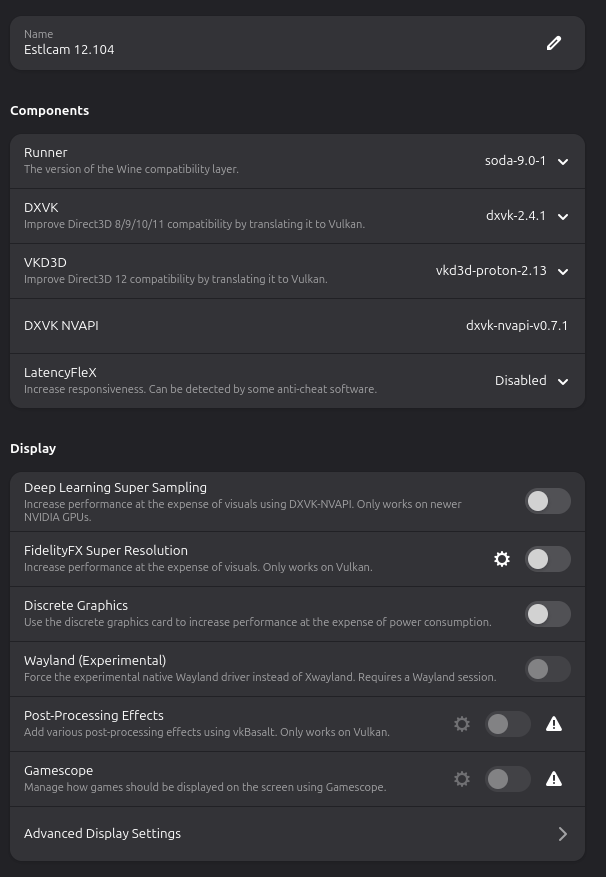
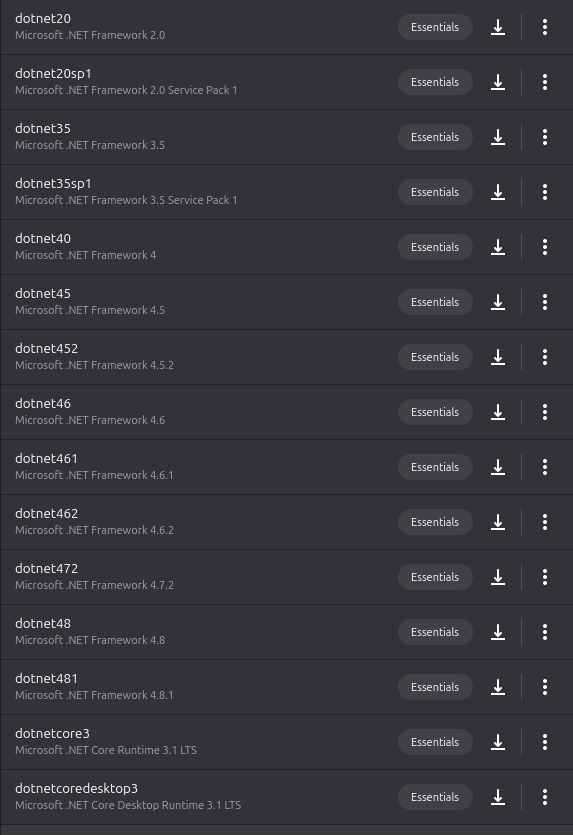
I did the same yesterday. I figured out that the crash is related to mono. I got a wine prefix working with dotnet 4 & 4.8 instead of mono.
When setting up a comport to /dev/ttyUSB0 estlcam won’t crash anymore when I try to flash the klemmadapter controller.
I tried to somehow debug what is happening, but did not find anything useful yet.
@christian-knuell is there a way to get some verbose output from estlcam to see what is happening there?
Also I tried to recreate that with bottles. When I set up dotnet instead of mono, the program wouldn’t start anymore. I have no clue why it works with “plain” wine and not with bottles.
Another observation: in “plain wine” the font in estlcam is the correct one, in bottles it is replaced with an alternative. Both environments have the same fonts installed.
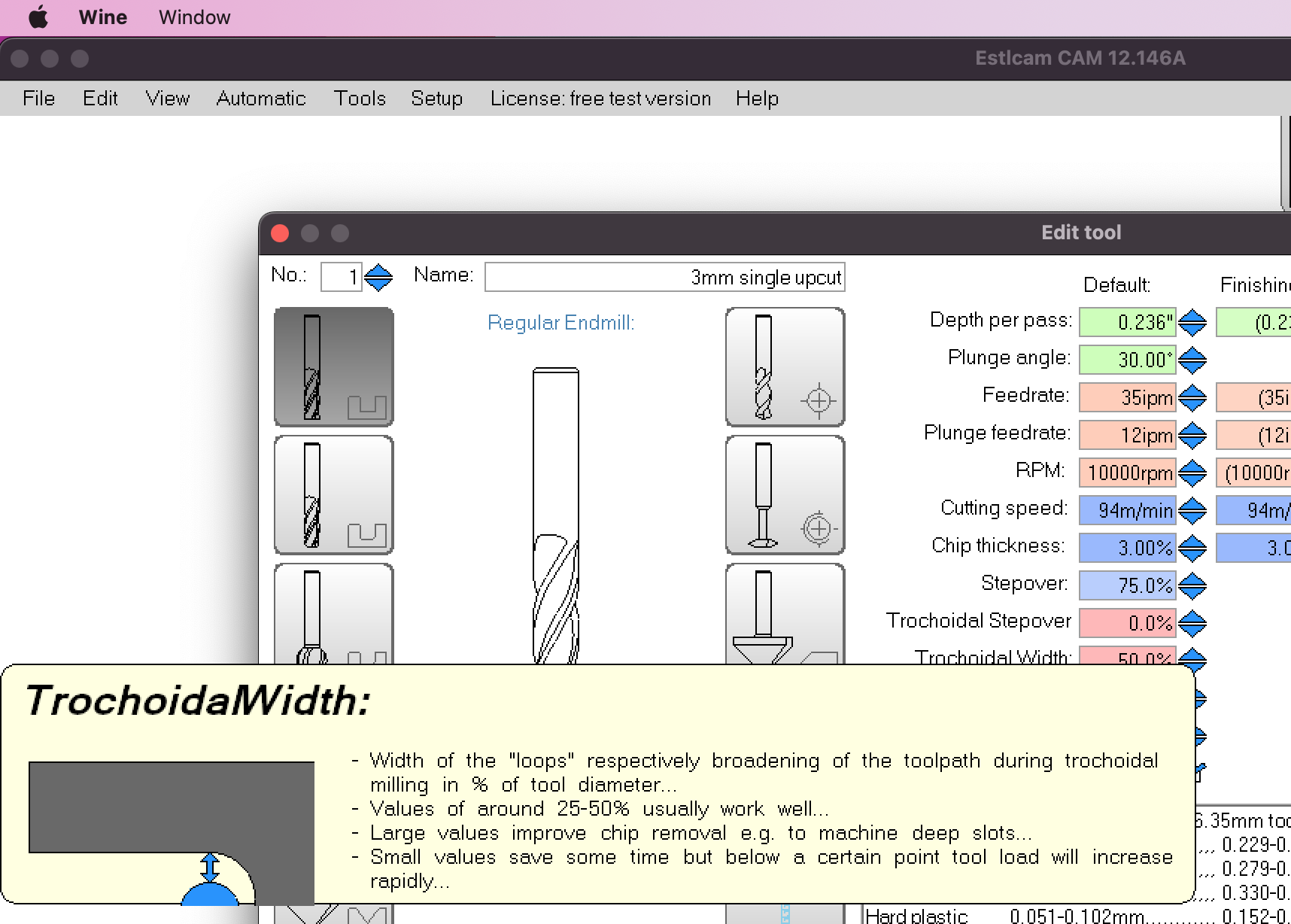
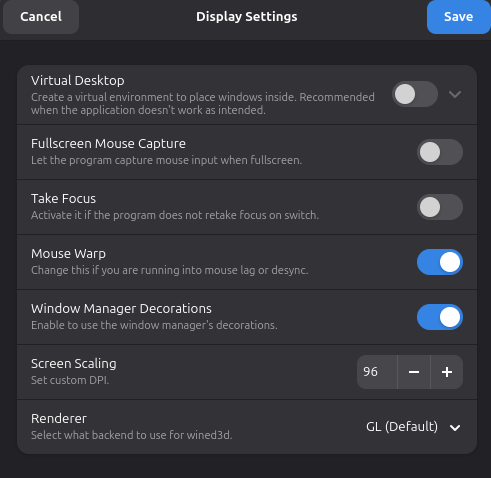
Running EstlCAM on MacOS via WINE gives me a problem where the text/font in the tooltips is enormous and makes a lot of the tooltips unreadable. It’s not a Mac resolution problem because the tooltips are just fine running it in Parallels instead of WINE.
Just adding it to the convo as a data point in case it is helpful
I am running windows 11 on my cnc machine just for ESTLcam and I really would like to switch too Linux too, and I got into the same issues as people stating here with the COM ports.
Estlcam 11 crashes and 12 gets in a loop but finds nothing.
I installed Zorin OS 18 (Linux) and am running Estlcam 12 with almost no problems.
The one problem that I had was that when trying to open a file the file menu in Estlcam would disappear. I found that if you hold the shift key down while selecting the file menu, it works fine.
I use it on two different Macs and the behavior of EstlCAM via WINE is identical: a 2015 MBP (MacOS 12.7.6) and a 2023 MBA (whatever the latest MacOS is)
I have two main issues:
“Tool tip text”: Text from tool tips get messed up, they are too large and the spaces between letters and words get mashed together, or the body of the tool tip is cut off. Conversely, some tool tips are just fine, so it’s really odd/inconsistent behavior. Screenshot example further down.
“Over-zooming”: Zooming in and out via the trackpad on the laptops is wildly inconsistent. For example a small two finger scroll could make the zoom level just “nudge” like you’d want it to, and then you do your two finger scroll just a little bit further, and the zoom takes the hell off (in or out, same over-zooming behavior). I have a couple work arounds for this (see below), but it does reach a point where if you zoom too much, the application will lock up and you have to force quit :(. This only happens with the touchpad, using a mouse and scroll wheel behaves normally.
Solutions/Work arounds:
RE: “Tool tip text”, I do not have any work arounds for this, but it’s more of an annoyance than a game-breaking bug. Screenshot example below, the diagram of the tool and the remaining text is cut off:
RE: “Over-zooming”, I discovered last night (hence this post), that double clicking in the work area will zoom back to the default level. Alternatively, if you create at least one tool path, you can click the “Preview” button and when you exit out of the preview, you’ll be brought back to the default zoom level. These do not save you if you zoom in too much and cause the program to lock up, however. Again if you use a mouse and scroll wheel, you don’t have this problem. Since it’s a trackpad gesture issue, I’m thinking there has to be some setting either in system settings or a config in WINE to make it behave better? Haven’t done any research into this though, so if anyone has ideas, please share
Hmm I have EstlCAM working in Linux Mint under Bottles. But not as controller just CAM. I tried to look through the threads but not sure exactly what the issues are. IIRC the biggest problem I had was the menus needing super quick clicks or they go away. Popups seem fine for me.
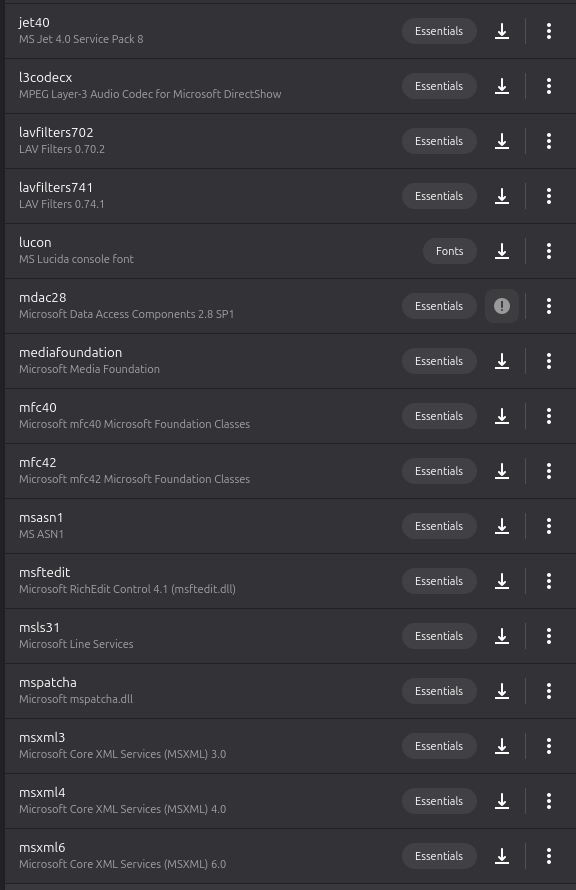
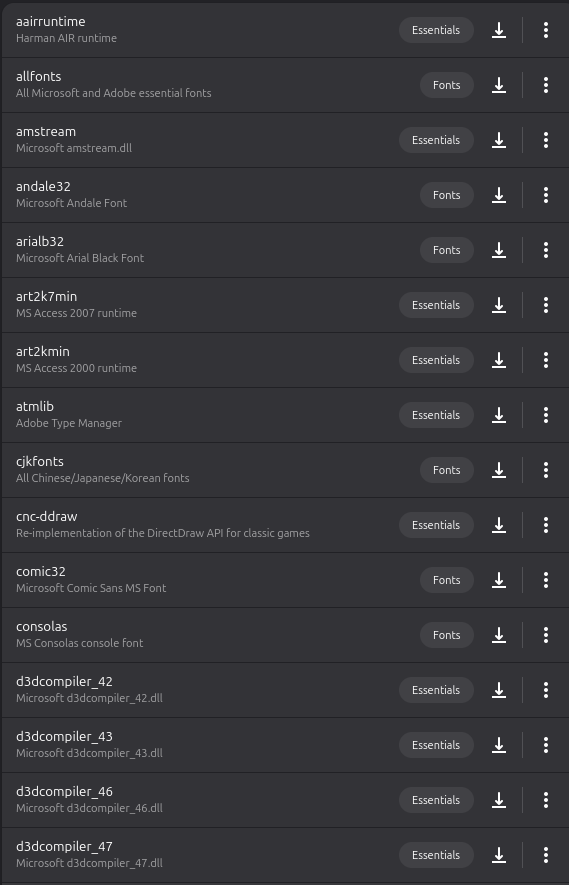
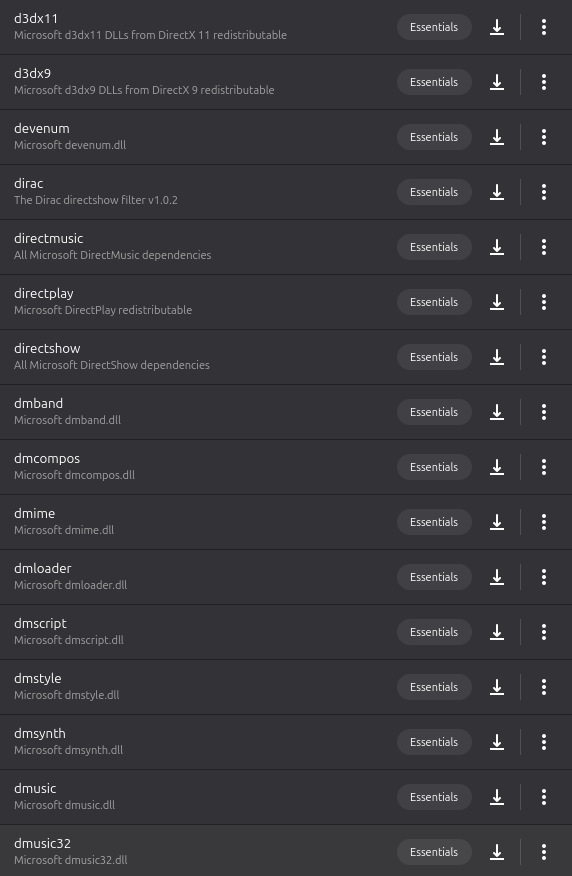
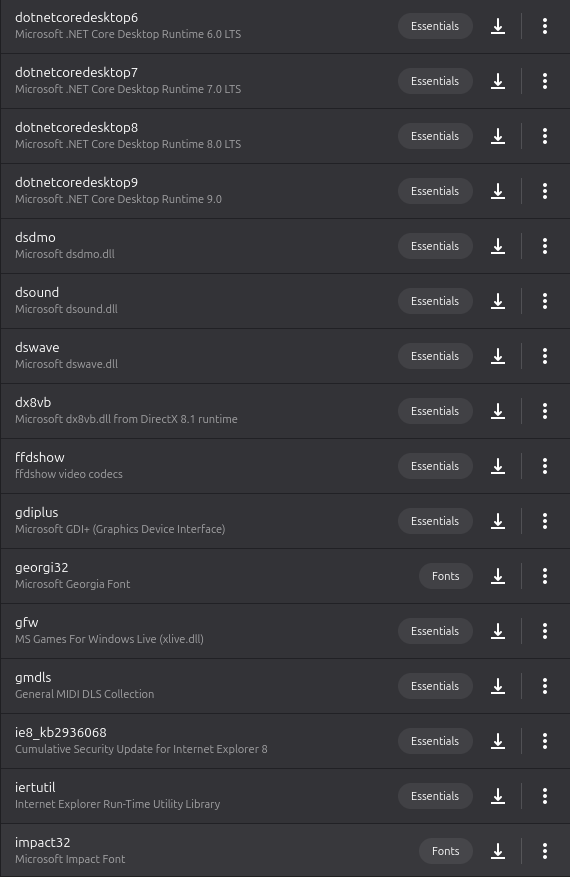
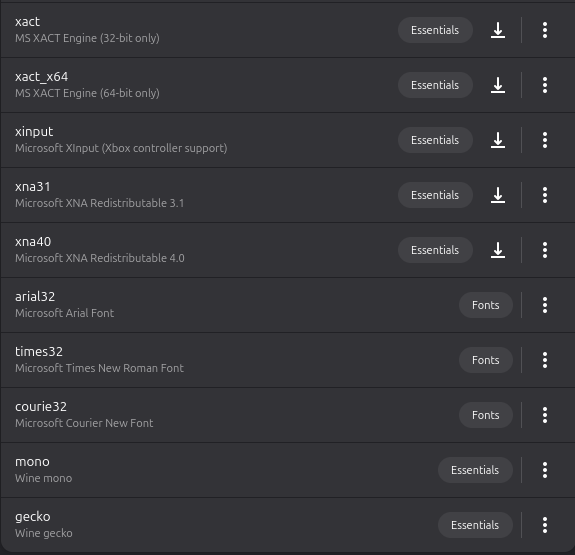
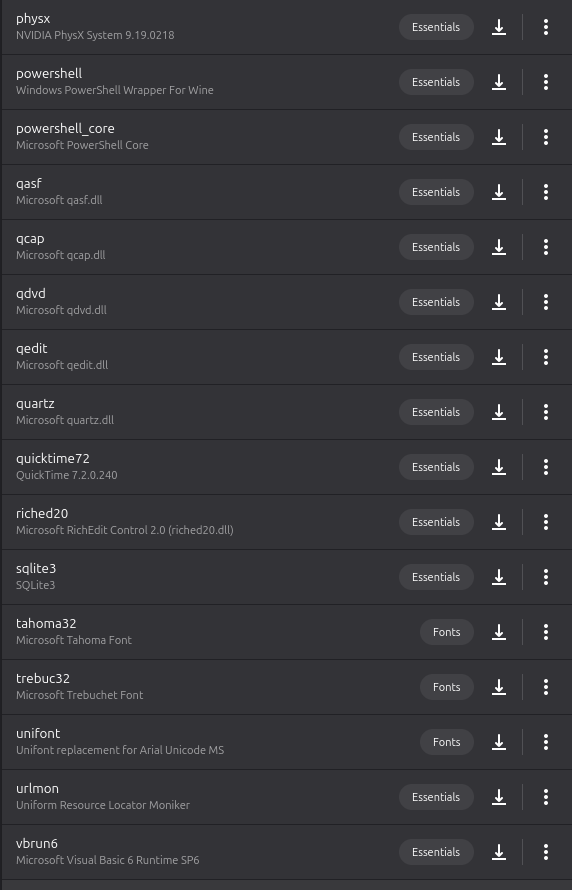
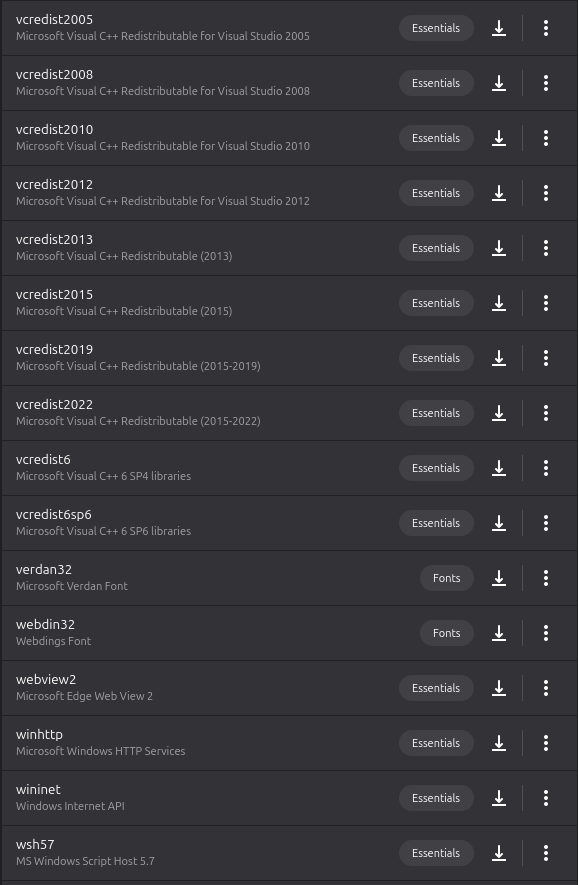
For the .NET stuff, you can make sure the right ones are included in the Bottles setup. I can try to remember…
IIRC I had to install the PLatunum one that exists and look at the settings of what is included the first time but I dont remember doing that the last time.
Mono font is required but that seems to be included now.
Dependencies are the most likely issues… ill make follow up posts since I can only add 5@time
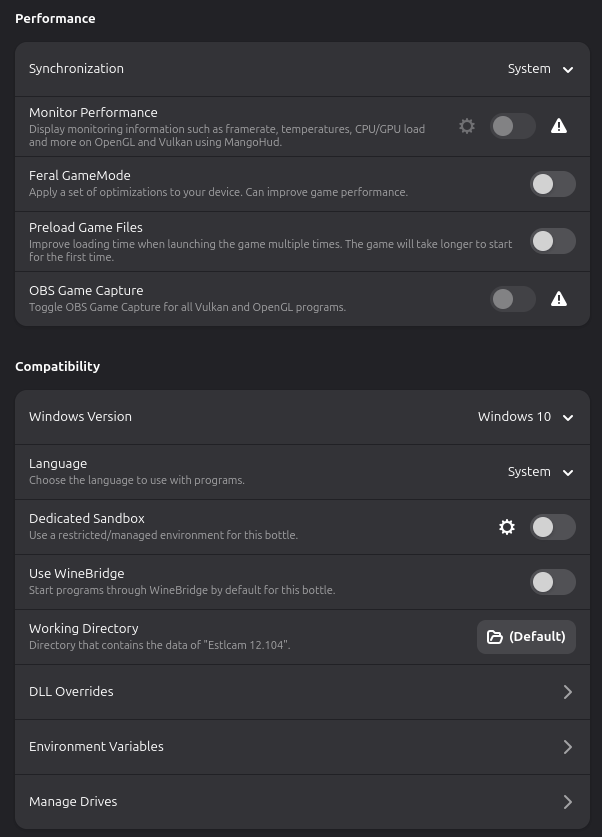
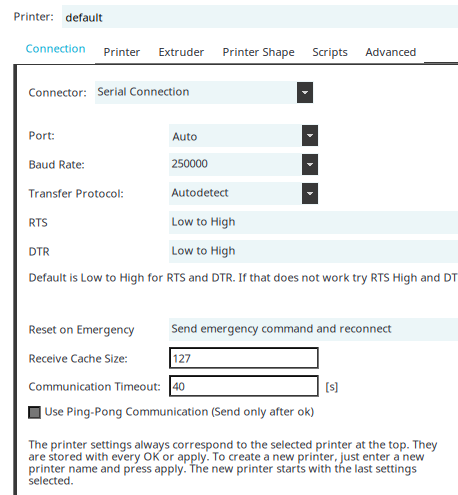
I do remember setting up COM ports being a pain. If I remember correctly it was setting the baud rate and com port took a while to figure out. No that was for Repetier. My notes suggest the dialout fix
DONT FORGET -a!!!
Sudo usermod -a -G dialout doc
Sudo usermod -a -G tty doc Reboot
I’m trying to get Estlcam to launch in Bottles and it simply does nothing - I create a new bottle, go to Programs → Install Programs, locate Estlcam, click on the Save icon, agree to the prompt to start installation, then I go to the bottle and click Play next to Estlcam. It goes to a stop button then instantly back to a Play button.