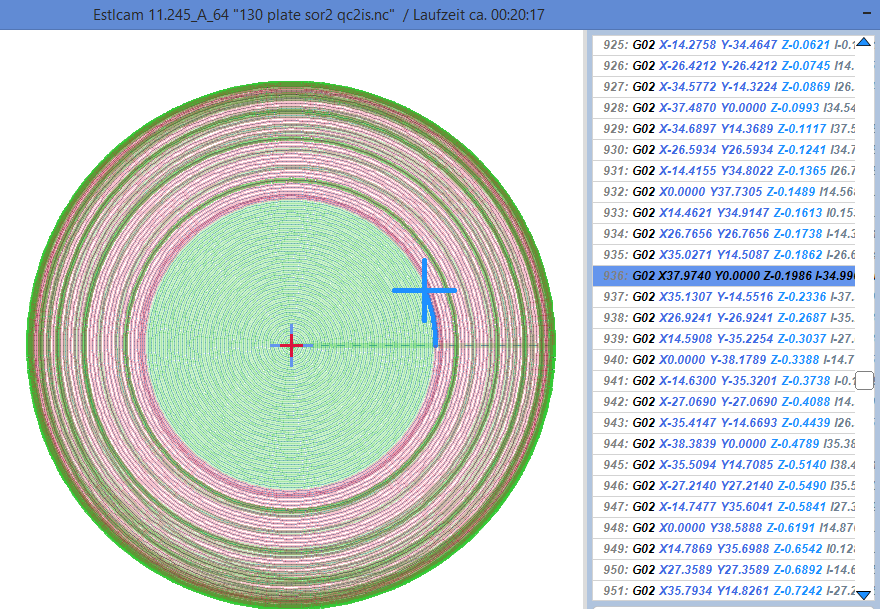
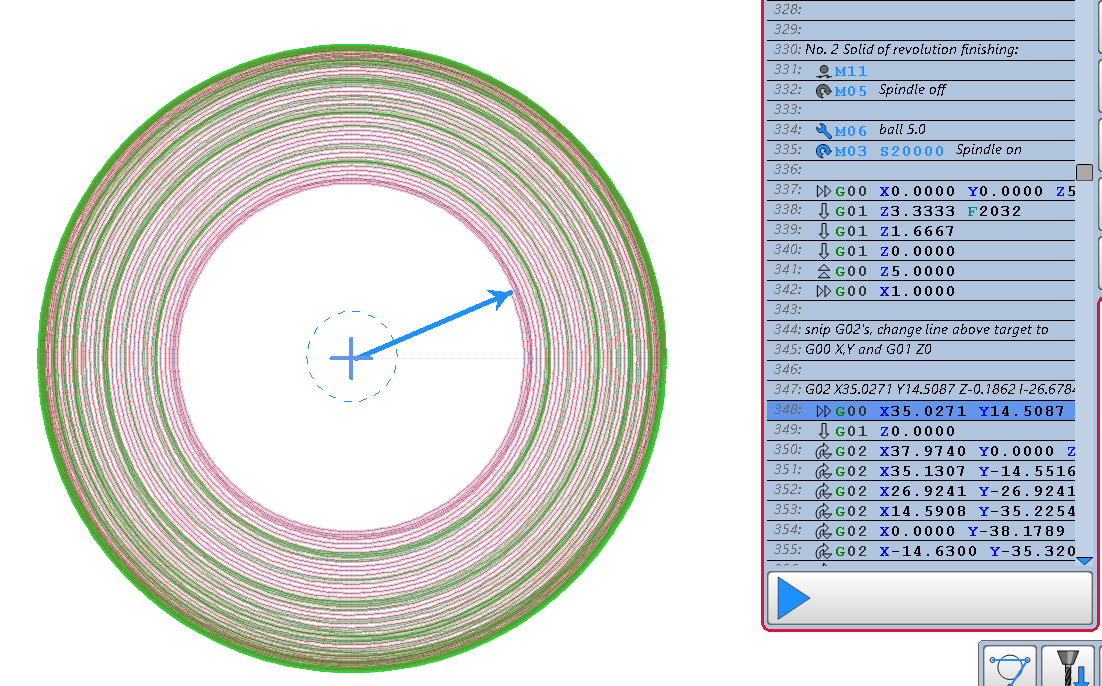
The two latest topics have me wondering if the Estlcam G-code viewer is an easy option for folks using non Estlcam controllers. With Estlcam the G-code can be searched with a command line go(to)/v12(11) entry or by Shift + left/path or right/segment clicking on the paths preview. I find the path/segment (+ = start point) highlighting (VS NCViewer tool position) of the later to be indispensable.
A bare Nano (clone, probably more than a few bucks these days) hooked up to a USB port is all it takes. Setup is as simple as setting Controller hardware to Arduino Nano and then clicking Program Controller (assuming the appropriate FTDI or WCH serial diver is installed).
Custom Post processing settings for a non Estlcam controller should be fine when using v11 (they are silently ignored). I’m not sure if v12 complaining about them will get in the way or not (swapping saved ‘ my controller.pp’ and ‘Estlcam preset.pp’ files is an option). One advantage of v12 is that it will also complain if something is wrong with manually edited G-code, something that was useful when working out the best way to remove flats from Solid of Revolution G-code (the example images).