A glutton for punishment I am… but having fun anyhow.
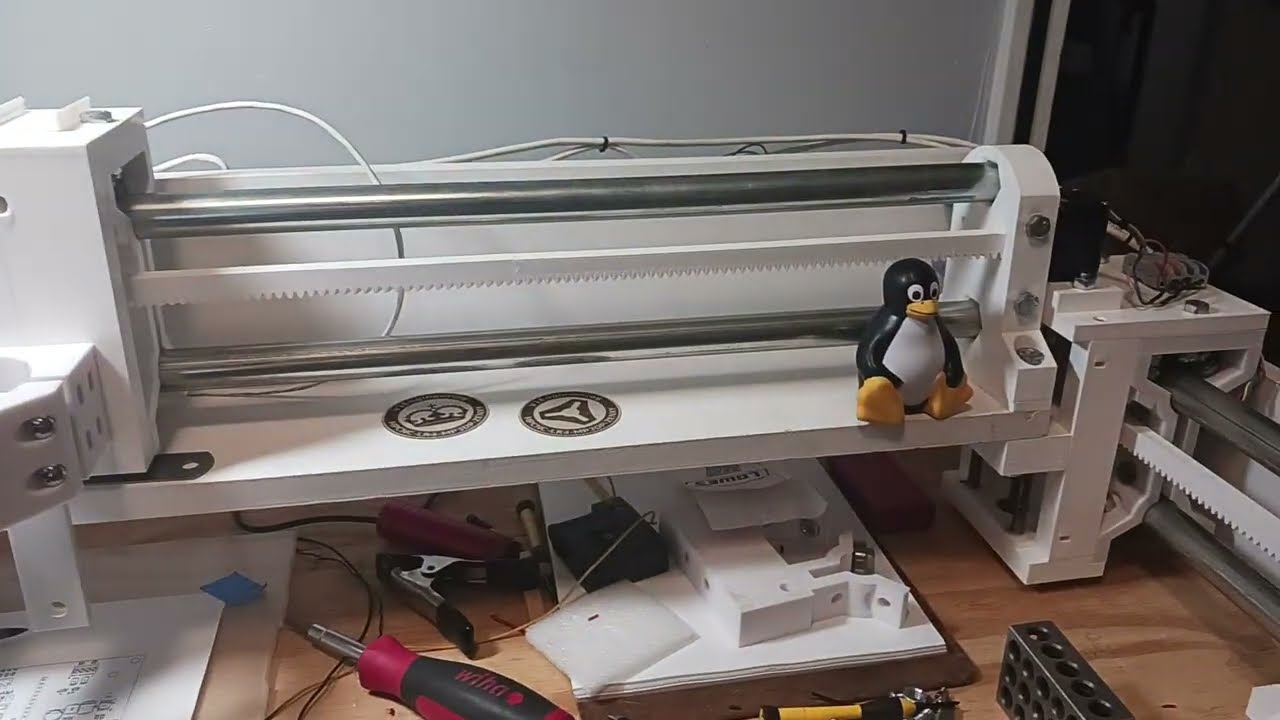
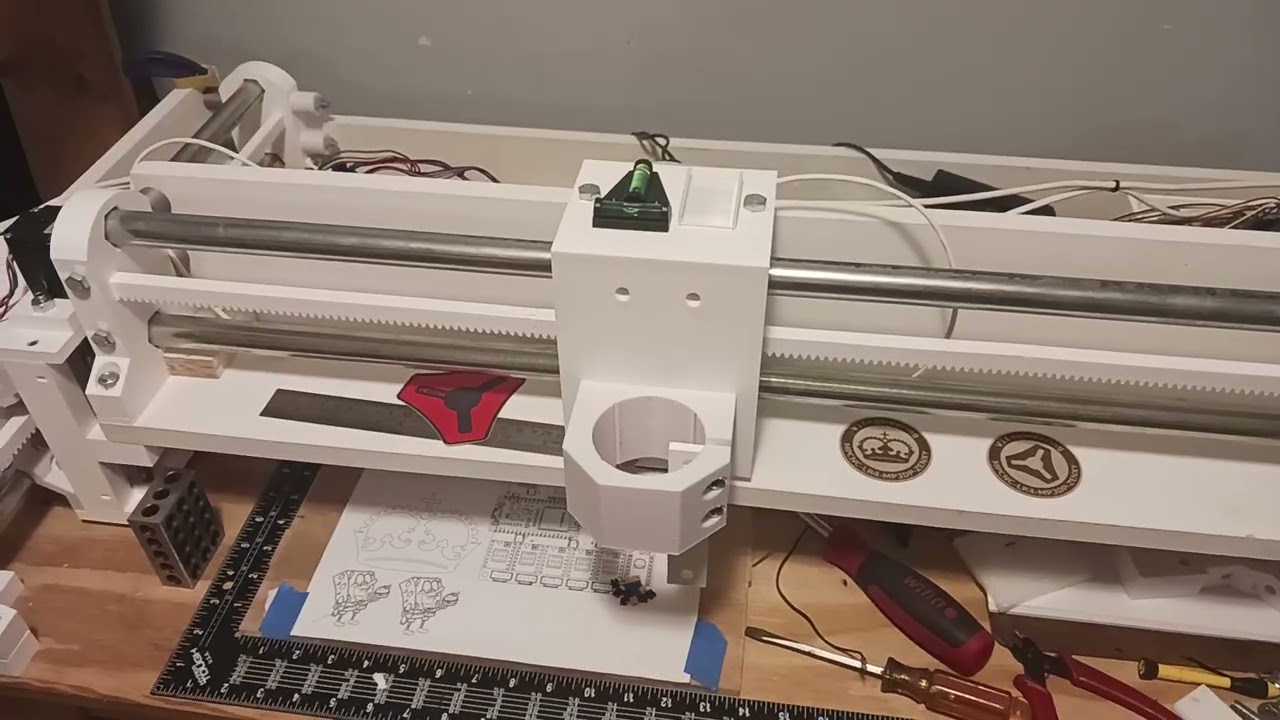
While trying to familiarize myself with ESP32 and FluidNC, I’ve successfully switched MPR&P over to a Jackpot V1 and FluidNC from a simple 8-bit GRBL controller. I had purchased a couple of Jackpot boards from Ryan and they work great. But I still didn’t quite understand the configuration and firmware for ESP32 so I started buying a few ESP32 bits to play with… in hopes of learning more about FluidNC. I also want to check out GrblHAL and continue playing with my first love, LinuxCNC.
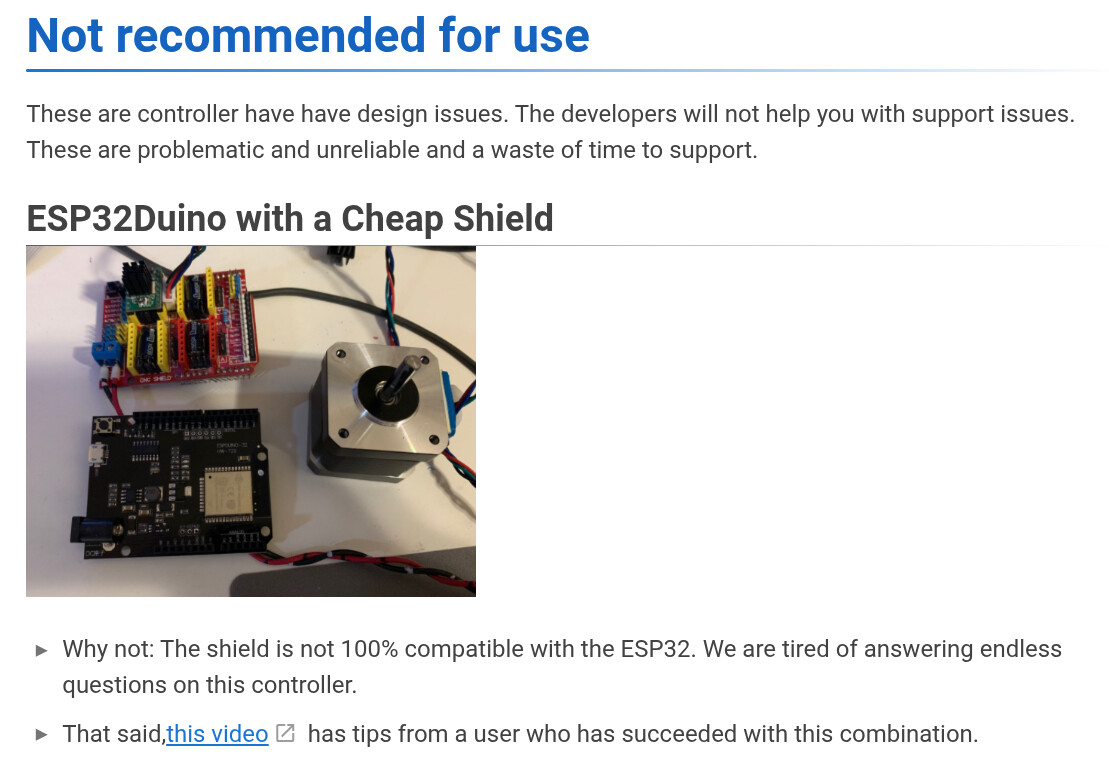
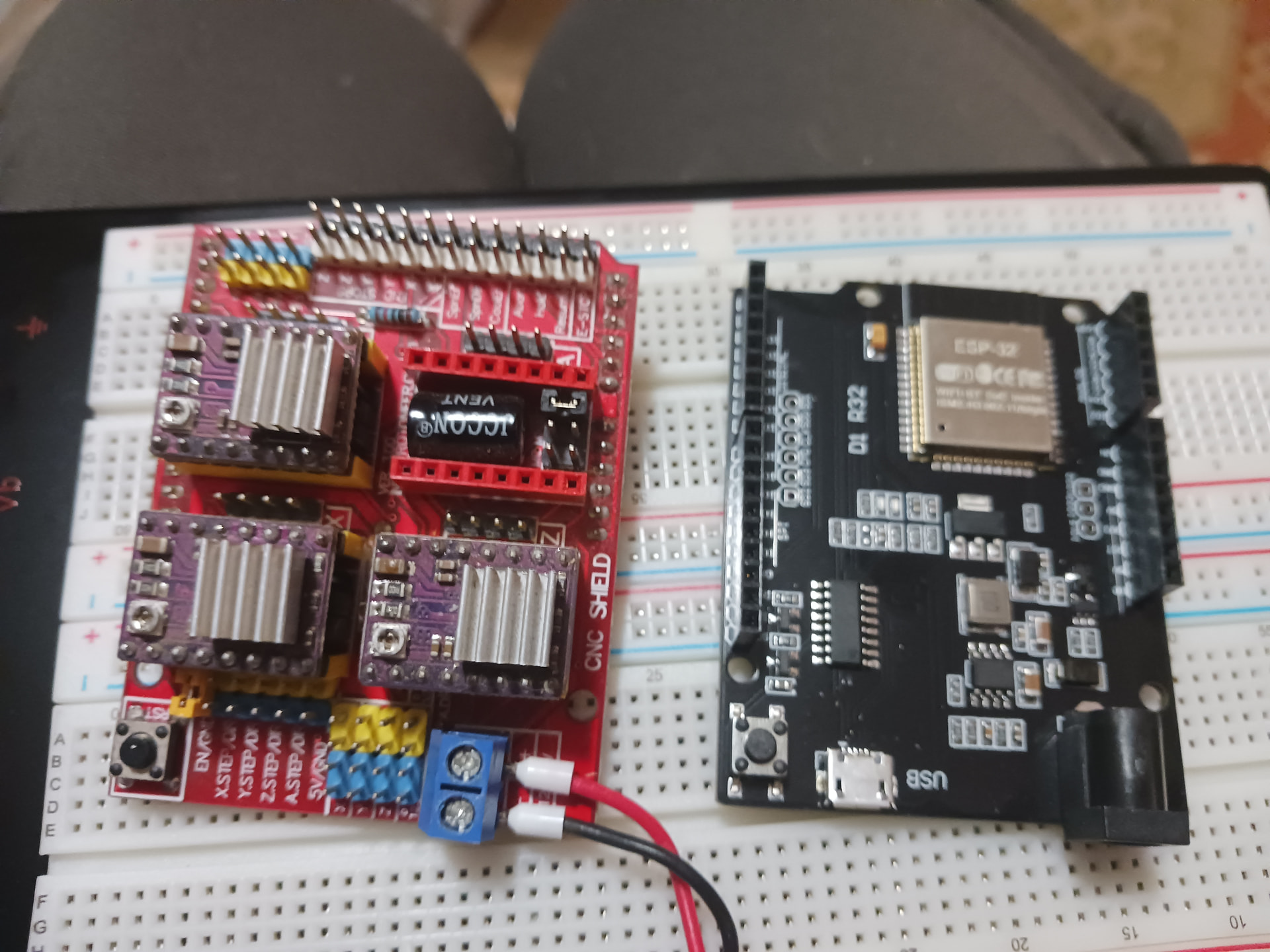
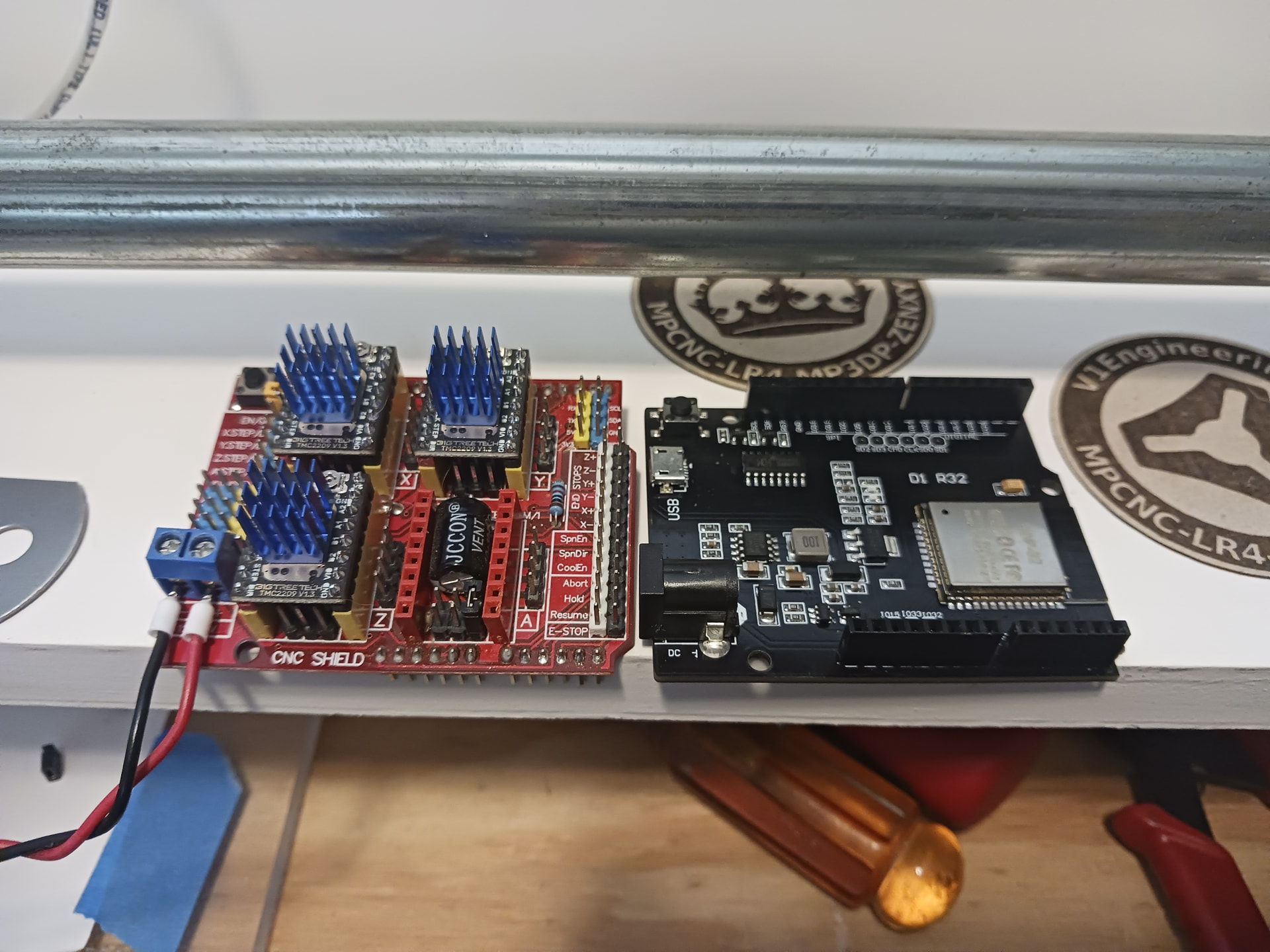
Among the ESP32 bits I purchased were these Arduino-like WEMOS D1 R32 boards… three boards for $17 seemed too good a deal to pass up. I’ve played with Arduinos and CNC shields for years and built numerous Grbl-based machines… so immediately wondered if it would be possible to marry the CNC shield to one of these ESP32 boards. As I began looking into this, I found this in the FluidNC wiki…
Bummed but not broken… all I saw was the last line “… a user who has succeeded…” and that’s all I needed.
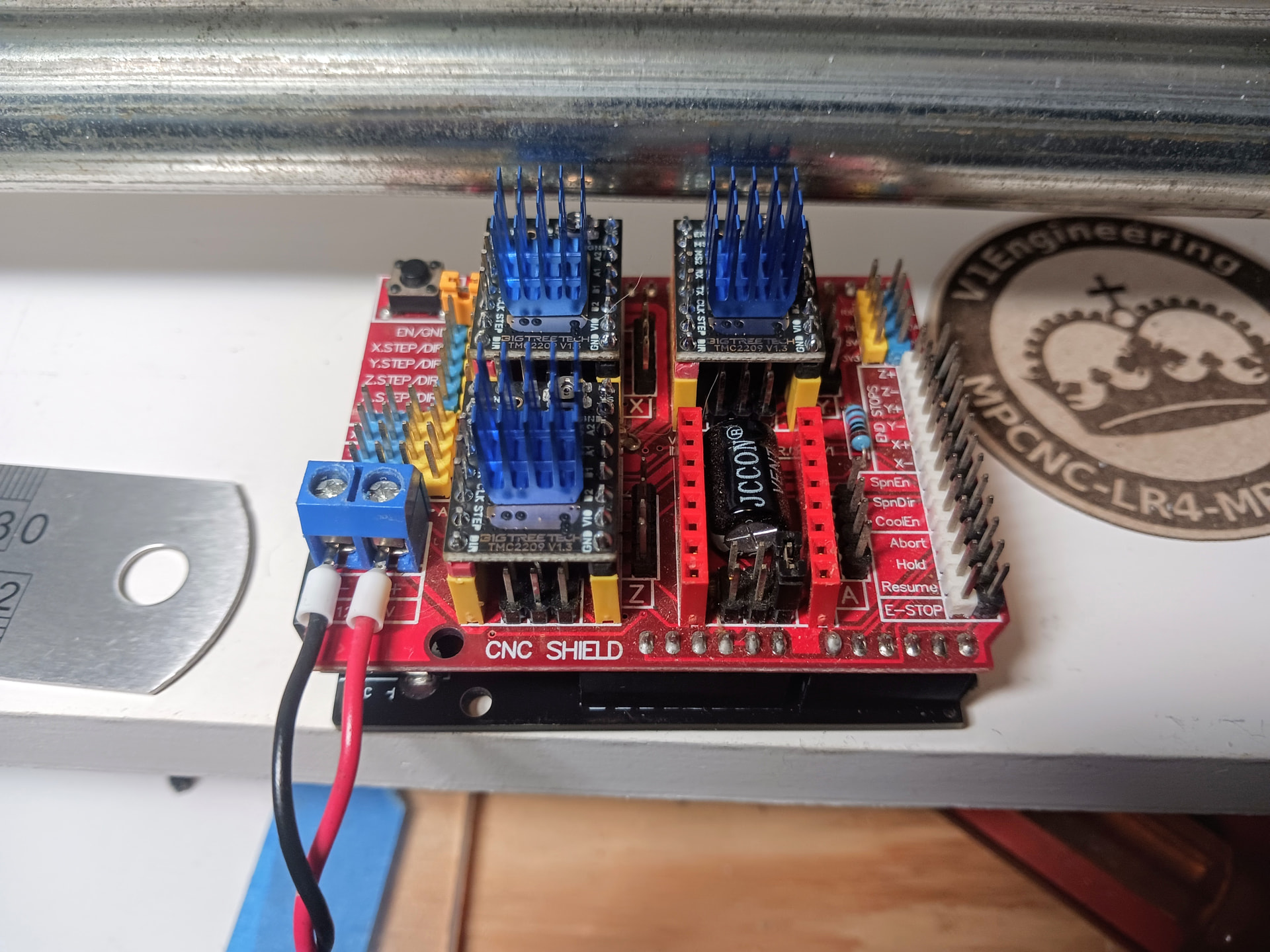
Following the video guy’s lead, I watched his video and took the same basic approach he did. While there may be some “incompatibilities” between the Arduino UNO and these ESP32 boards… they’re also similar enough that this application might be possible. I was able to load FluidNC onto the board and used the video guy’s config.yaml to start with. The ESPduino form factor is fine and the CNC shield plugs in without letting any smoke out, so first I tested it with DRV8825 driver modules…
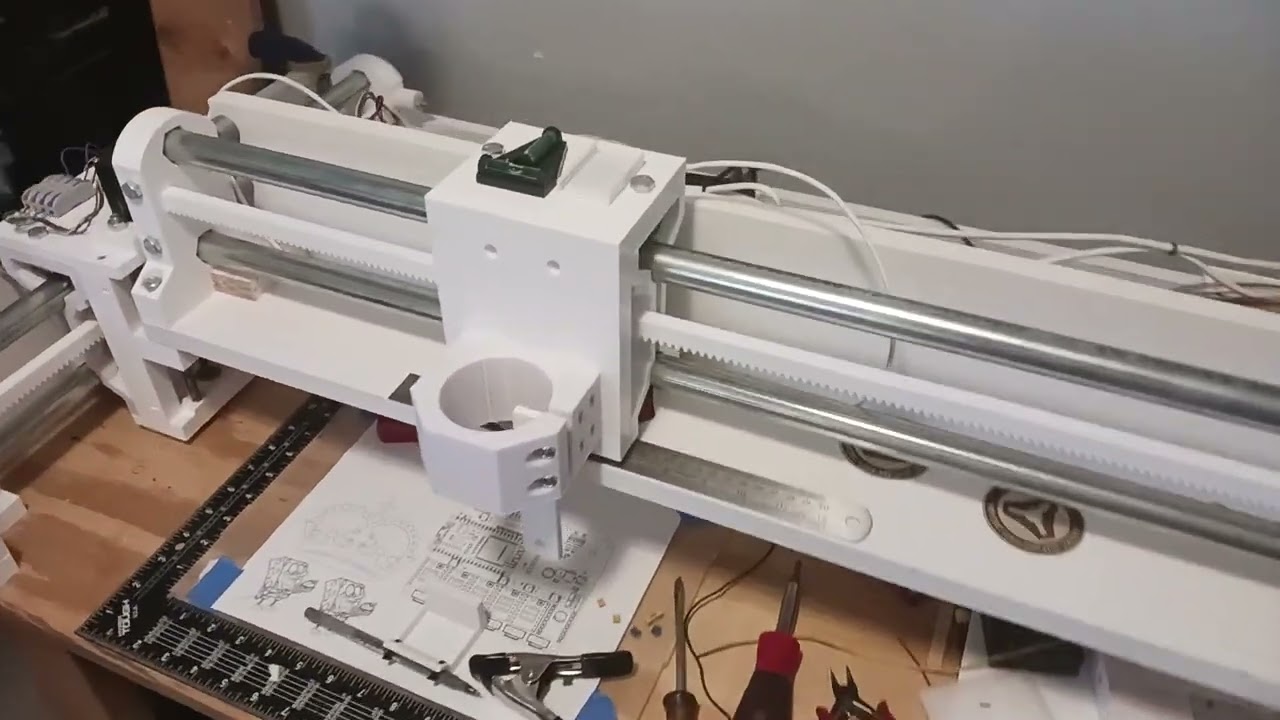
and got it to work with MPR&P, albeit quite loudly.
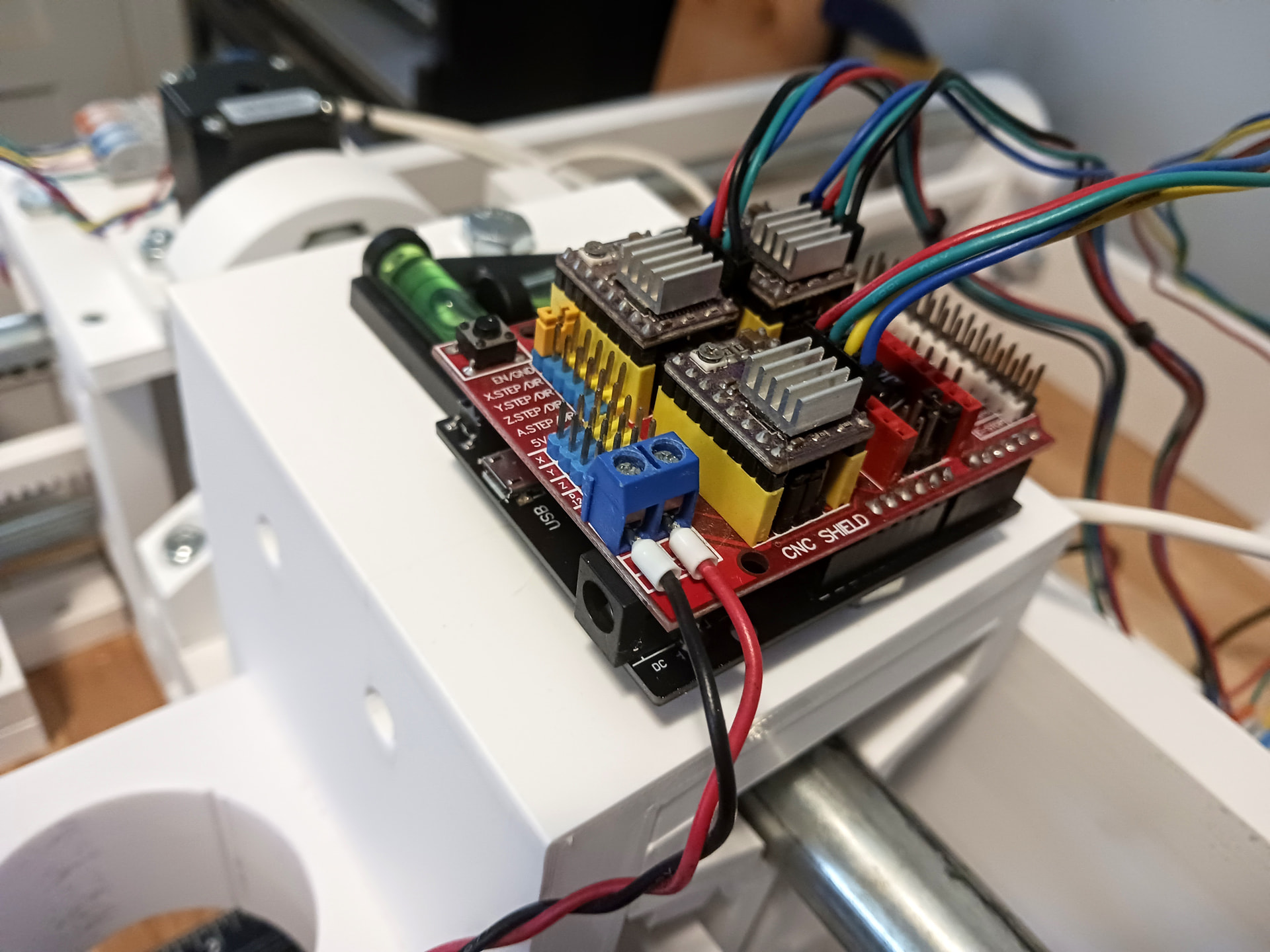
Then I swapped out the DRV8825 devices for some TMC2209 devices that I had purchased. The video guy did a bit of “electronic hackery” to get his ESP32 to boot properly with the TMC devices installed… but I wasn’t convinced that was needed. So, I chugged on ahead, following my nose, and finally managed to get the ESP32 booted and MPR&P moving on all three axis… though all three went the wrong direction. A config.yaml file edit and soon I had it moving in the right direction…
A disclaimer: this is just me playing around and I don’t recommend it for anybody that doesn’t like to tinker with this stuff. I have a number of these CNC shields in my junk box and I just wanted to see if I could make this particular combination work… more so since it seemed to have a “cloud” over it. The real value of this activity was in my learning a bit more about ESP32 firmware and the config.yaml file. If all you are needing is a FluidNC controller to run your machine… please buy a Jackpot from Ryan.
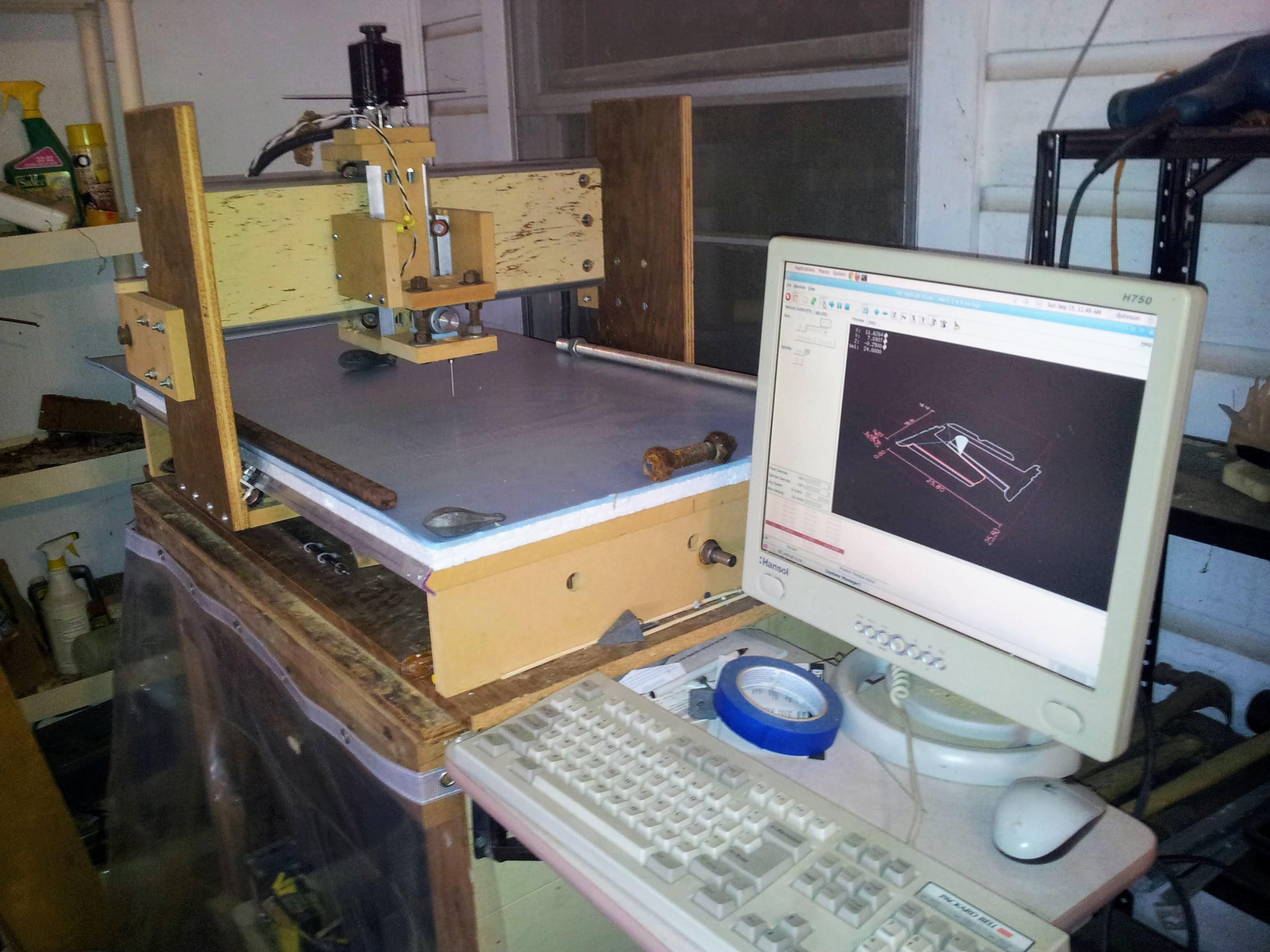
A secondary goal for me was to get the CNC shield V3 running with TMC2209 devices… as I want to take another run at my “inexpensive LinuxCNC interface”. I’ve already got a Pi4 and a Pi5 running with LinuxCNC and this CNC shield should allow me to get MPR&P running with LinuxCNC as well. I’ve learned a bit more about HAL files since I last played with LinuxCNC so would like to complete the trip back to where I started in this CNC game…
Wow, Just a week or so ago I was cleaning up my electronics box and found one of those boards I bought forever ago as a solder it yourself kit. That was the plan for the MPCNC, but my previous job had called me up and handed me down a bunch of old Ramps boards. So I made the MPCNC with ramps instead.
I held onto that board this whole time and just tossed it out. Now I wish I would have kept it on the shelf or something.
So cool to see you got one working, and with FluidNC. WOW
that will require to hack W5500 ethernet module to the spi pins and some code changes
if that works then we potentially can add SPI pins header in the new revision of the board
i did a play with Copilot and i think it did the code change required. the problem is testing as usual.
i may need to order another jackpot to do the testing
Woke up this morning wondering if grblHAL would run on the little Arduino-like ESPDUINO (WEMOS D1 R32) boards I bought. At less than $6 a board , these are just too fun and handy if they can be used for basic three- or four-axis machines. I’m not sure why there’s an “incompatibility cloud” over this little board yet… maybe I’m just not using enough of the I/O pins to have run into issues.
Sure enough… it can! I used the grblHAL Web Builder to build the WEMOS D1 R32 board’s .bin images (bootloader, partitions, and firmware) and esptool.py to flash them onto the board. It took a few tries to get wifi working in STA mode but Gemini helped troubleshoot and walk me through discovering how to get connected on the network. I don’t have a WebUI running yet… but TBH I’ll be using UGS on a miniPC to run MPR&P anyway.
I’ve used Grbl’s $ settings enough that I’m confortable setting in values from the gcode sender’s console… and I find it easier and quicker than editing a config.yaml and then uploading it. GrblHAL seems very much like the 8-bit Grbl I’ve always used… just bigger and faster.
I’m just about ready to swap this grblHAL board out with the MPR&P’s ESPDUINO running FluidNC from yesterday… and start testing it with the same TMC2209-based CNC shield. It think it’s really neat to be able to run different CNC firmwares using the same little board.
Since I’ve got two of the three boards now programmed with FluidNC and grblHAL – and the CNC shield running with TMC2209 drivers… I’ve already put in an order for three more of these neat little boards. I always said you can’t have too many Arduinos… er, Arduino UNO-like boards to play around with.
I’ll update later after I get a chance to play with this a bit more…
Okay, that didn’t go as smoothly as I thought it would. The grblHAL version of the unaltered ESPDUINO and CNC shield is finally running now and air-milling the same lengthy job I’ve been using with each iteration of controller… but I ran into some of the “incompatibility” problems that folks have been talking about. Gemini was a great help in working through all the confusion… and I’d have never figured it out on my own.
Turns out that I was fortunate to start with the FluidNC version of this board combo. The .yaml file that I downloaded from the “video guy” defined all the pins I needed to control the steppers in XYZ and mimicked the same footprint that the real Arduino Uno uses with the CNC V3 shield. But, according to Gemini, it is “non-standard” in that it defines what could be any old user-defined set of pins explicitly in the config.yaml file.; i.e. so it is a “custom” configuration file. When I asked what was “non-standard” about a working configuration… it appears the “standard” is what grblHAL says about the internal GPIO pin to board edge pin wiring of the official WEMOS D1 R32 board that gets compiled into the firmware images (no config.yaml file) from grblHAL WebBuilder. Apparently, some/all the ESPDUINO board vendors didn’t get the memo, however, and took a few liberties with the GPIO pin assignments. And, ultimately, when I specified the “WEMOS D1 R32” board in WebBuilder for use with the CNC V3 shield… it didn’t work. So I downloaded the WEMOS board.map (a *.h header file) and Gemini pointed out the pin discrepancies. Sadly you’re not allowed to just edit it and upload it back to be compiled in… apparently for the compiler and server’s safety/integrity sake.
Anyway, I then noticed there is a ESP32 “Protoneer v3” board selection in WebBuilder… so I downloaded it and asked Gemini to compare the pin definitions in it to the .yaml file that worked with FluidNC. Sure enough, the pin definitions were an exact match and when I selected “Protoneer v3” rather than the “WEMOS D1 R32” board… WebBuilder provided me with firmware image files that mapped the GPIO pins to the WEMOS board edges properly. At the time “Protoneer v3” didn’t register with me… but, in hindsight, the CNC V3.0 shield is version 3 of a Protoneer product. Who’d a thunk you shouldn’t use the actual board name?
Anyway, the grblHAL combo runs beautifully… and pretty much the same as the FluidNC combo does. It did trip over a T1M6 gcode in the first line of my test file and wouldn’t go on until I deleted it… and IIRC FluidNC had no problem with it.
So, now I’m ready for new adventures. I’ve got grblHAL running on a Pi Pico W already and am making up a board set with discrete wiring that incorporates the same TMC2209-based CNC shield. Then it’ll be LinuxCNC’s turn.
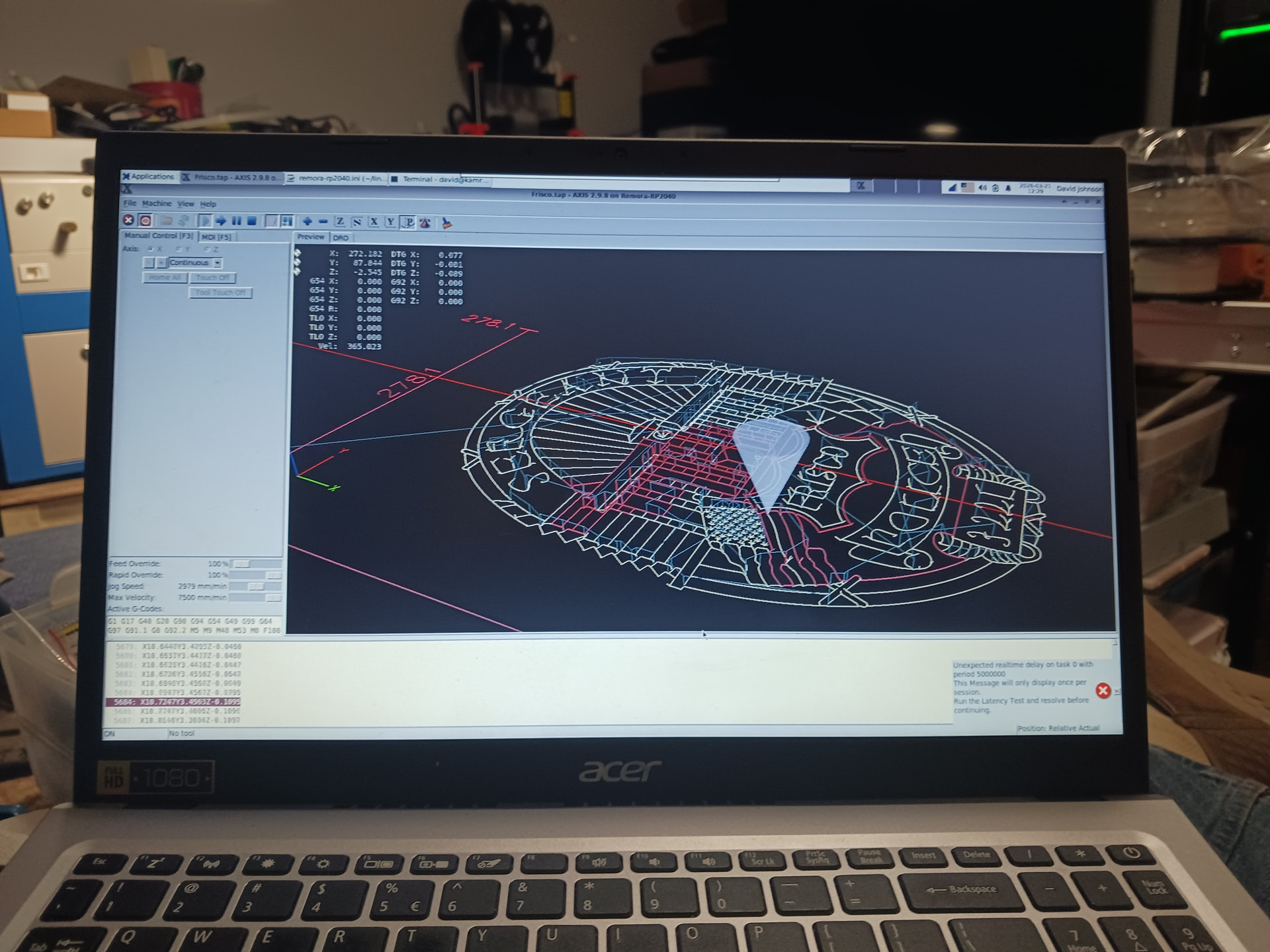
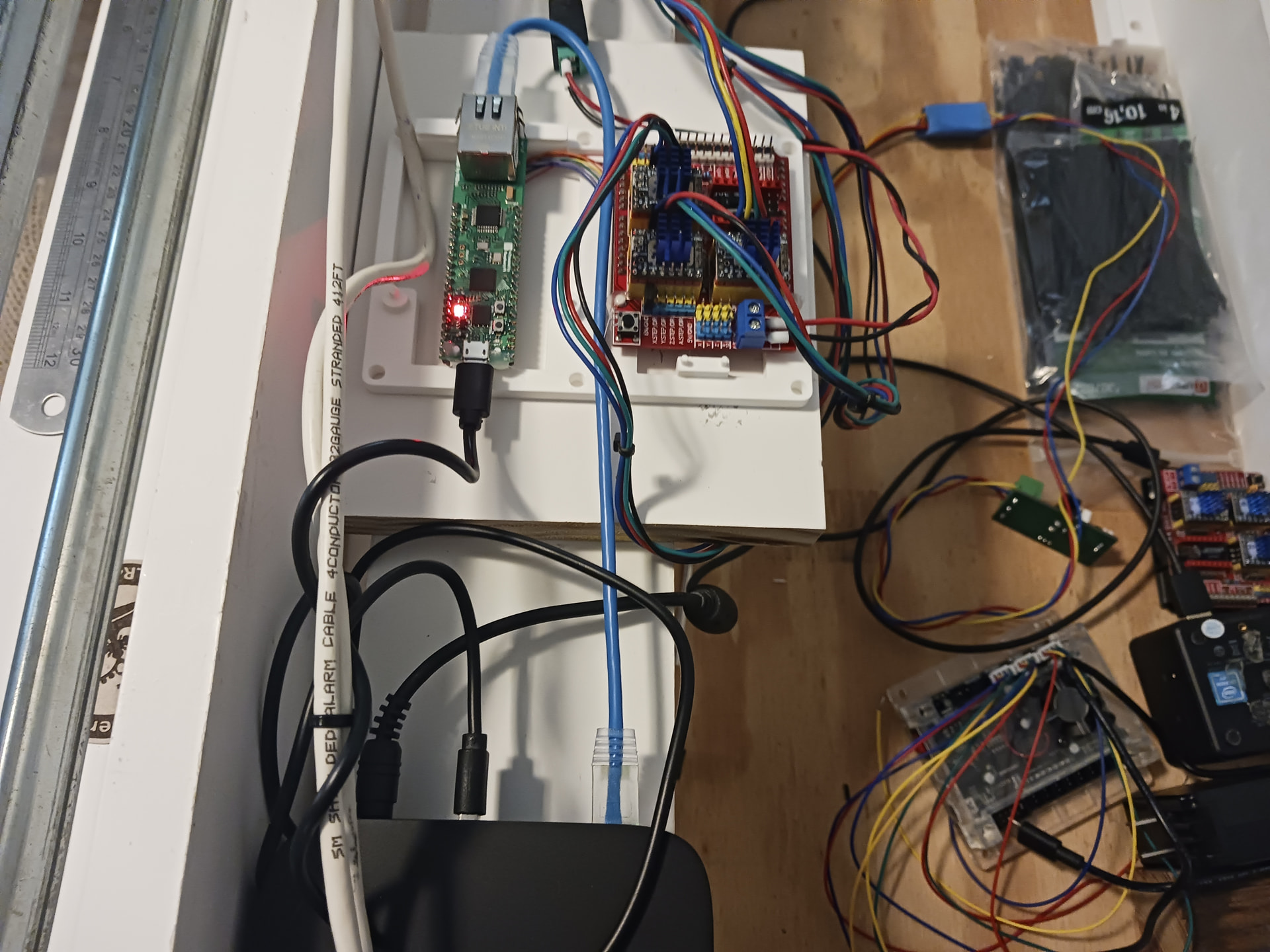
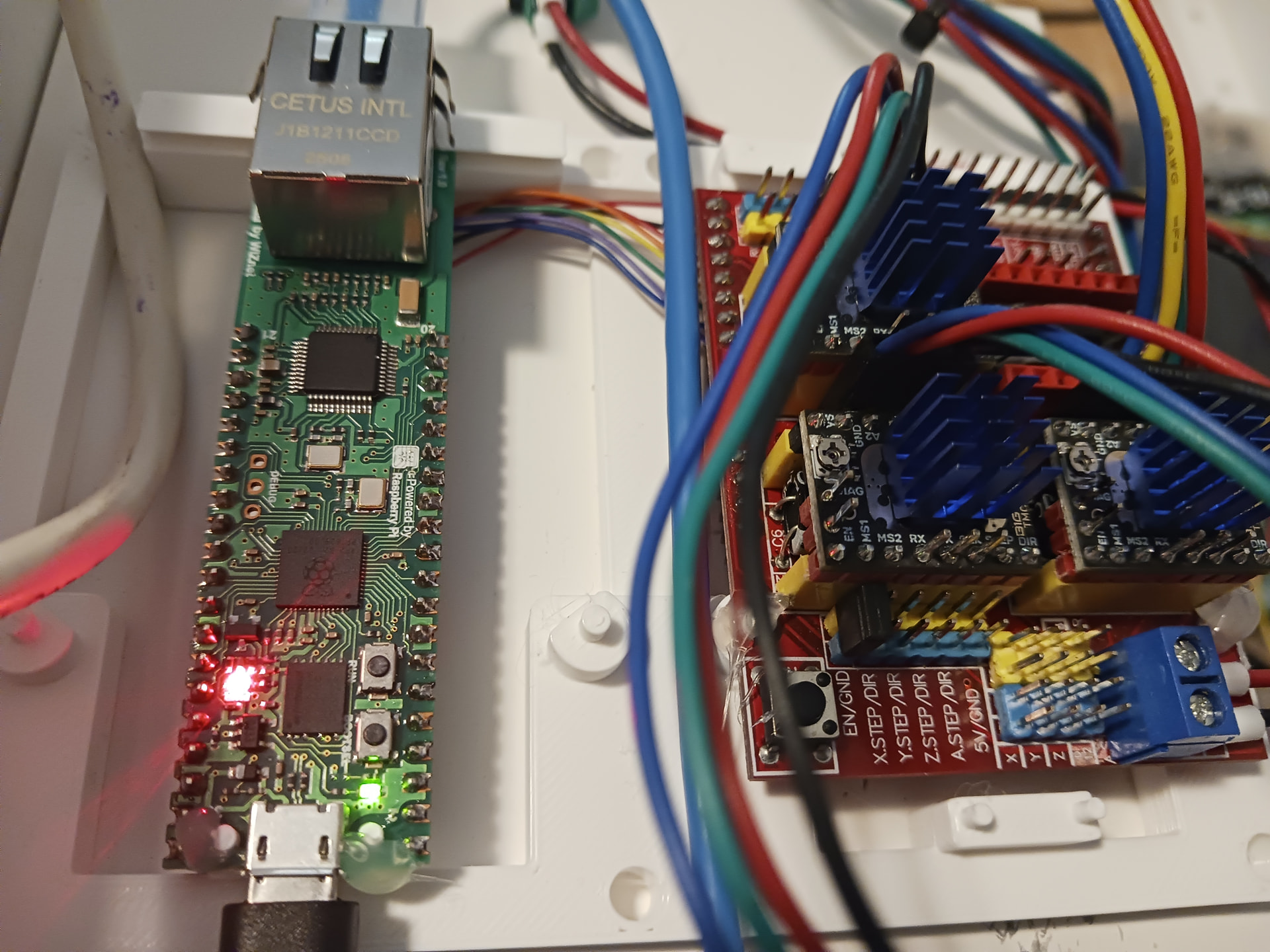
However, while I initially figured I would simply revisit my previous “inexpensive LinuxCNC interface” that used a RPi5 and GPIO to provide step and direction signals to my CNC shield and TMC2209 stepstick driver modules… I eventually wound up at @scottalford75’s Remora-RP2040-W5500 project out on github. Rather than GPIO control and the RPi5 (or miniPC in this case) doing all the high-speed step pulse and I/O timing… this project offloads the RPi5/miniPC and uses a Pico RP2040 microcontroller to do all the high-speed step generation and I/O while communicating with UDP packets across ethernet to the RPi5/miniPC that is actually running LinuxCNC. Kinda a poor man’s Mesa setup that is the standard in industry, I’m led to believe… I have no personal Mesa experience. And don’t ask me to describe in terribly great detail what all the ethernet acronyms and protocols are… I depended heavily on Gemini and Grok to provide guidance. But it does seem to work.
The little board set is sitting in a 3d-printed frame and I’ve gone “old-school” wire-wrap to provide XYZ step and direction signals and 5 VDC logic power between the Pico and CNC shield’s TMC2209’s. This is the same CNC shield setup I used with the ESPduino board running both FluidNC and grblHAL.
I won’t go into a lot of detail about the other rabbit holes I went down before arriving at Remora-ethernet project. I’ve ordered and played with various ESP32 and Pico/RP2040 micro-controller devices while trying to follow various projects out on github. I even took a look at (and may now revisit) LiteX-CNC which promises “to make a generic CNC firmware and driver for FPGA cards which are supported by LiteX. Configuration of the board and driver is done using json-files. The supported boards are the Colorlight boards 5A-75B and 5A-75E, as these are fully supported with the open source toolchain.” I bought the Colorlight 5A-75B board to play with… and, being FPGA-based, is supposed to provide near Mesa-like performance with a $35 card.
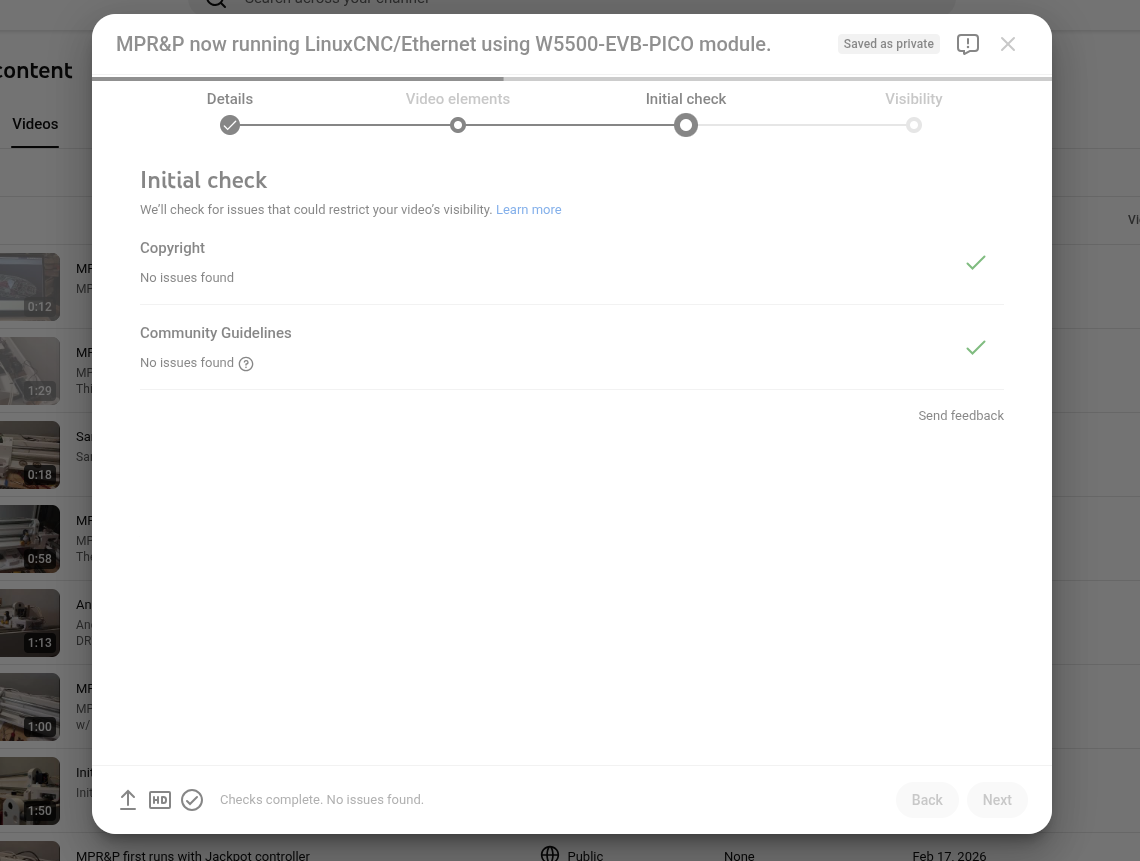
Regarding my LinuxCNC-controlled MPR&P, I’ve uploaded a couple of videos to YT but am having trouble getting YT to finish processing them so that I can make them public. They say all the checks are complete and no issues were found but it won’t finish that step and allow me to go on and make them public.