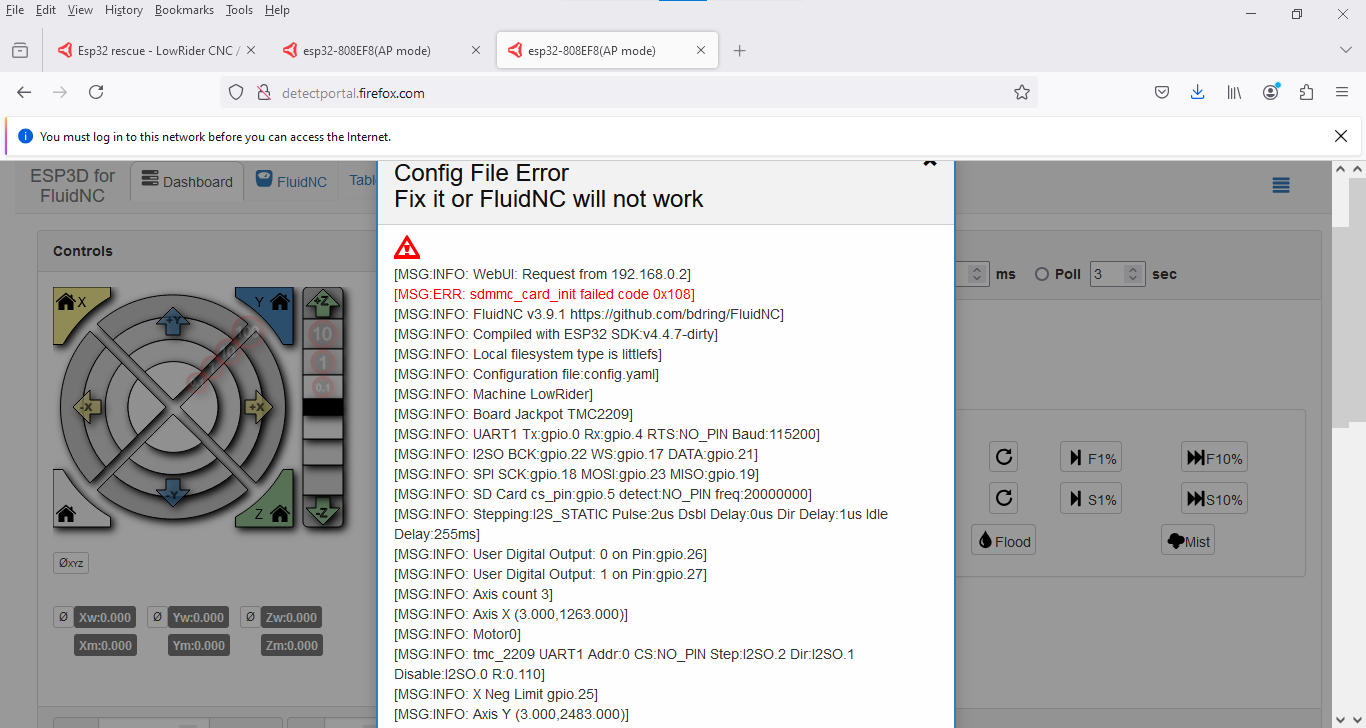
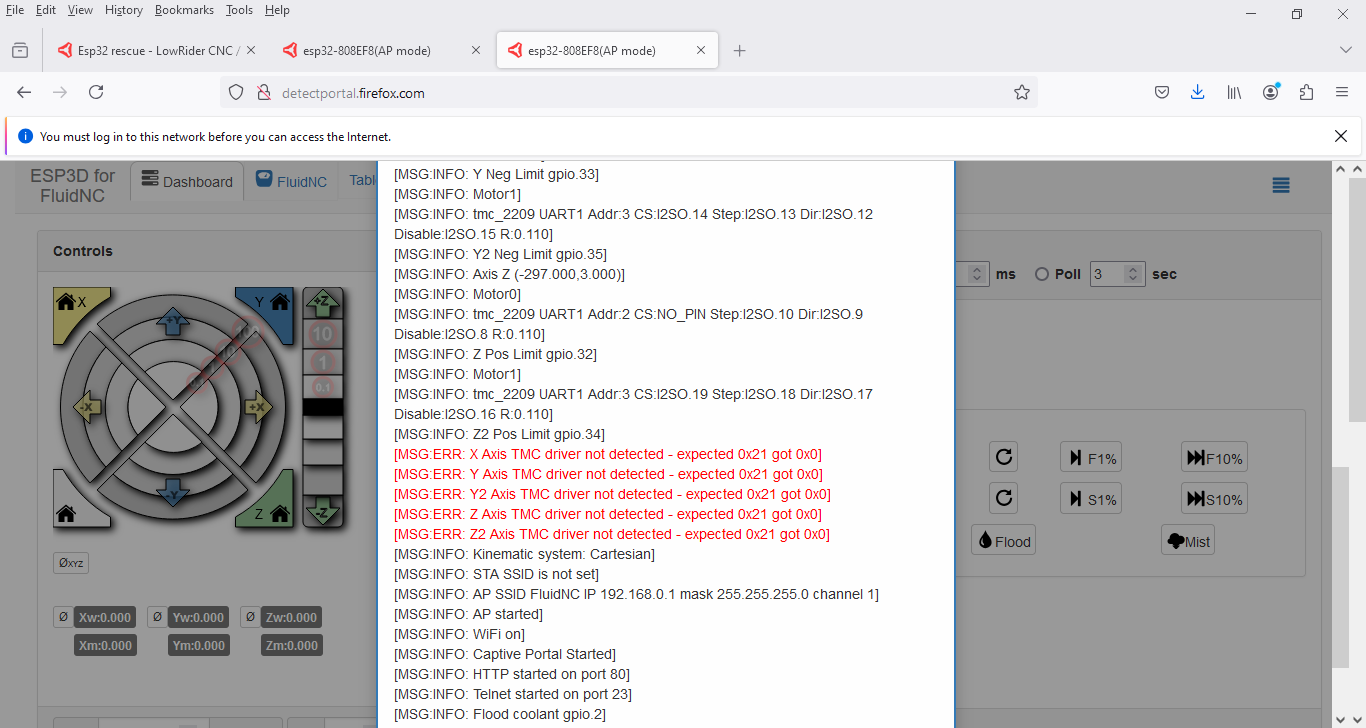
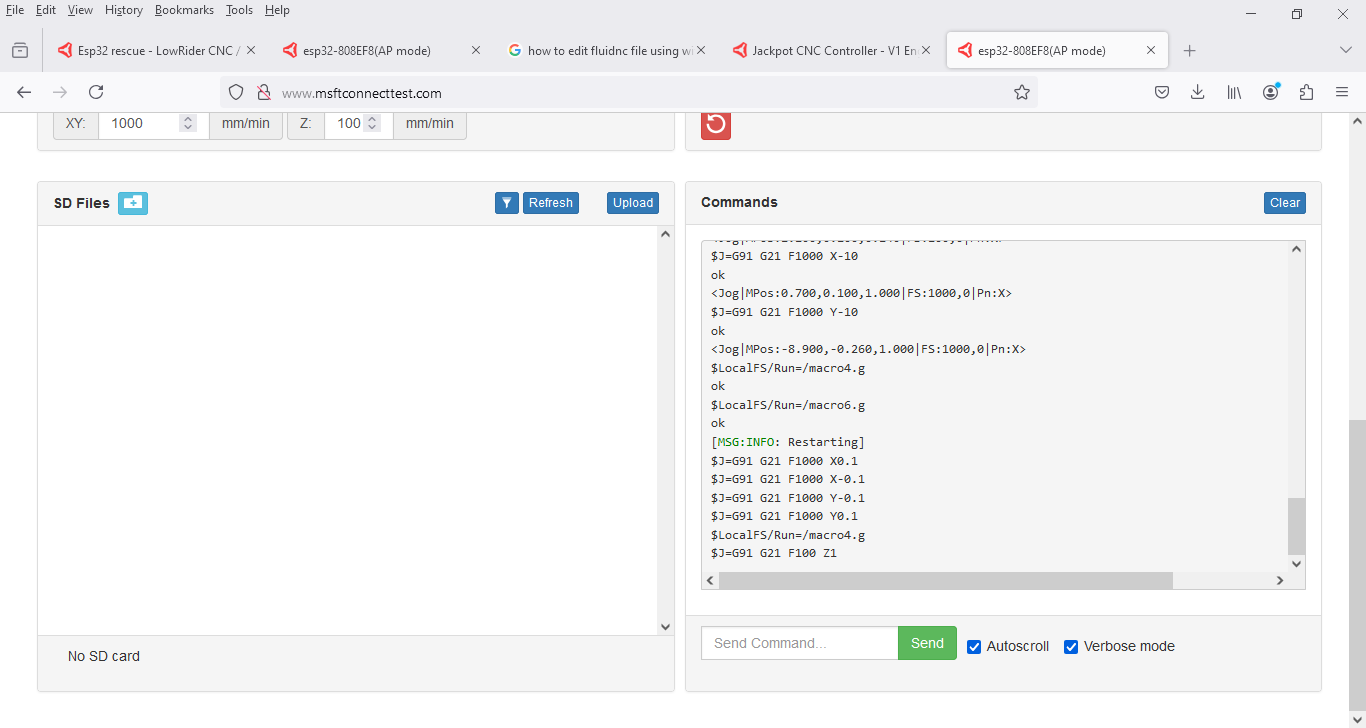
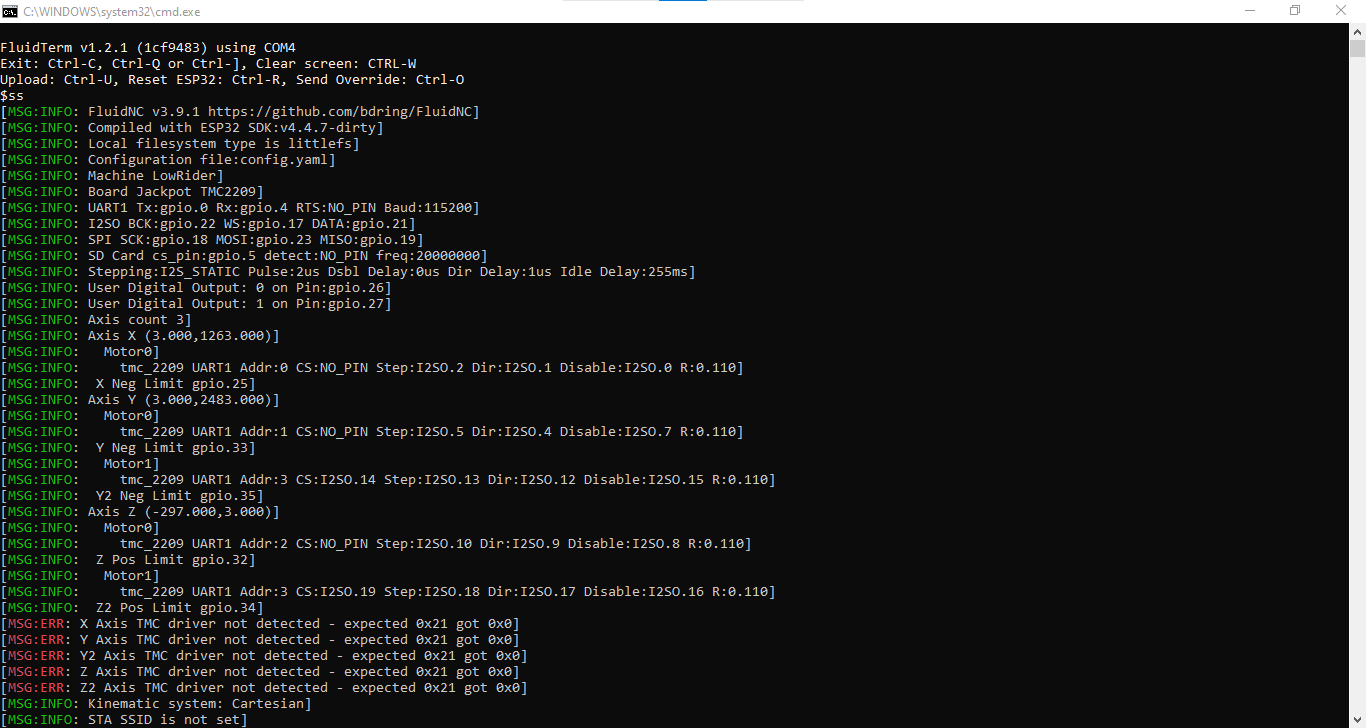
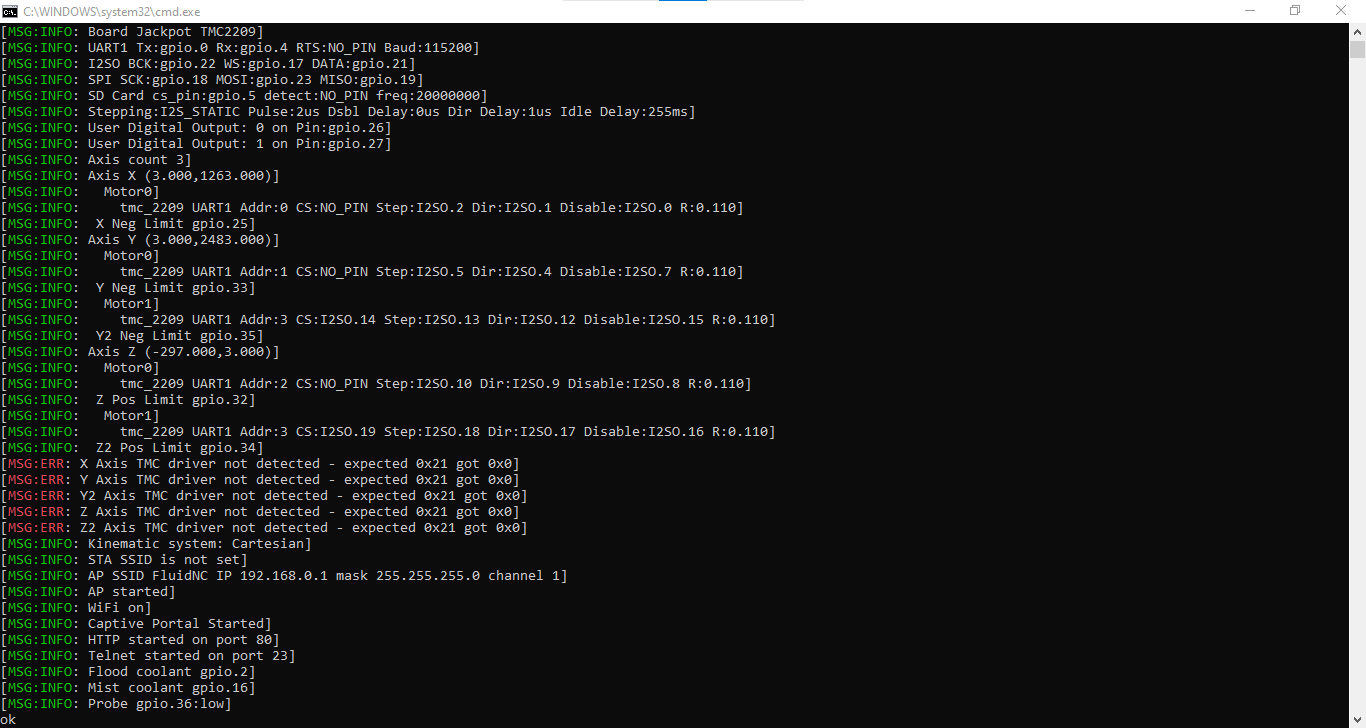
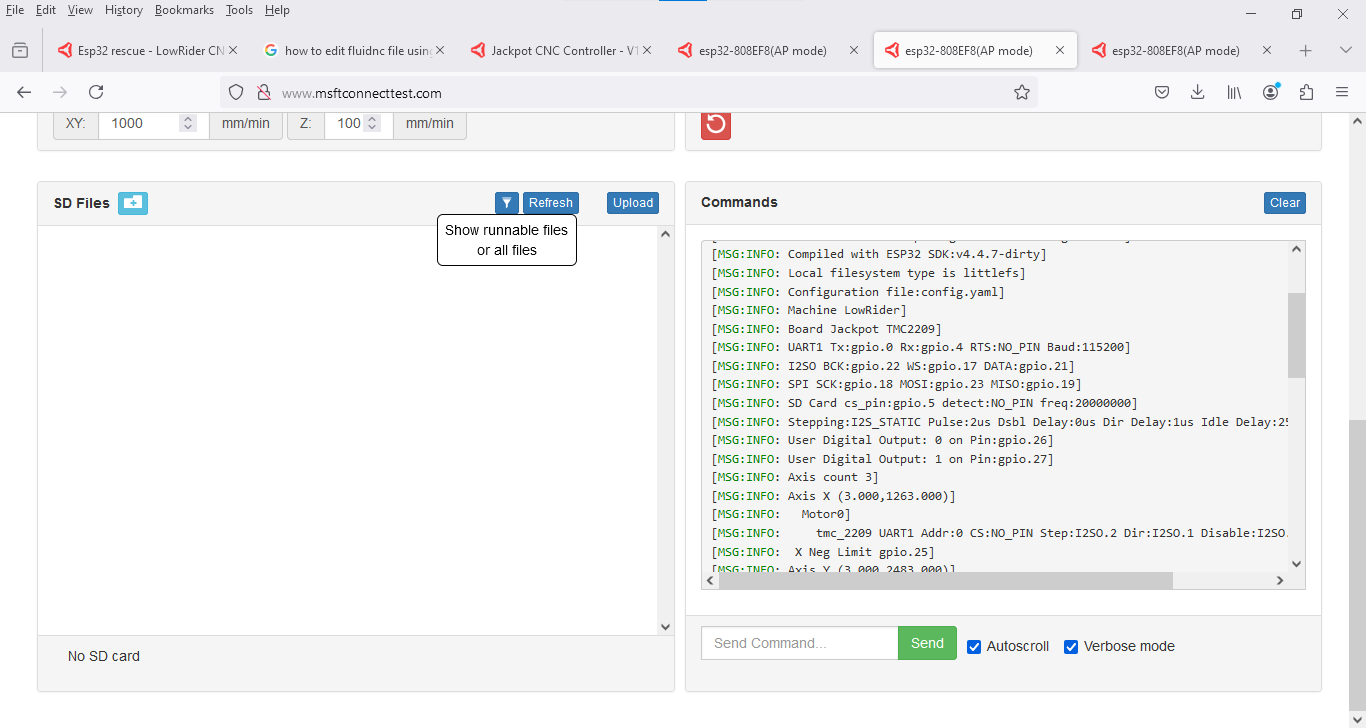
First lets verify you are starting up with no errors.
Can you get the startup log on a successful boot and paste it here?
First lets verify you are starting up with no errors.
Can you get the startup log on a successful boot and paste it here?
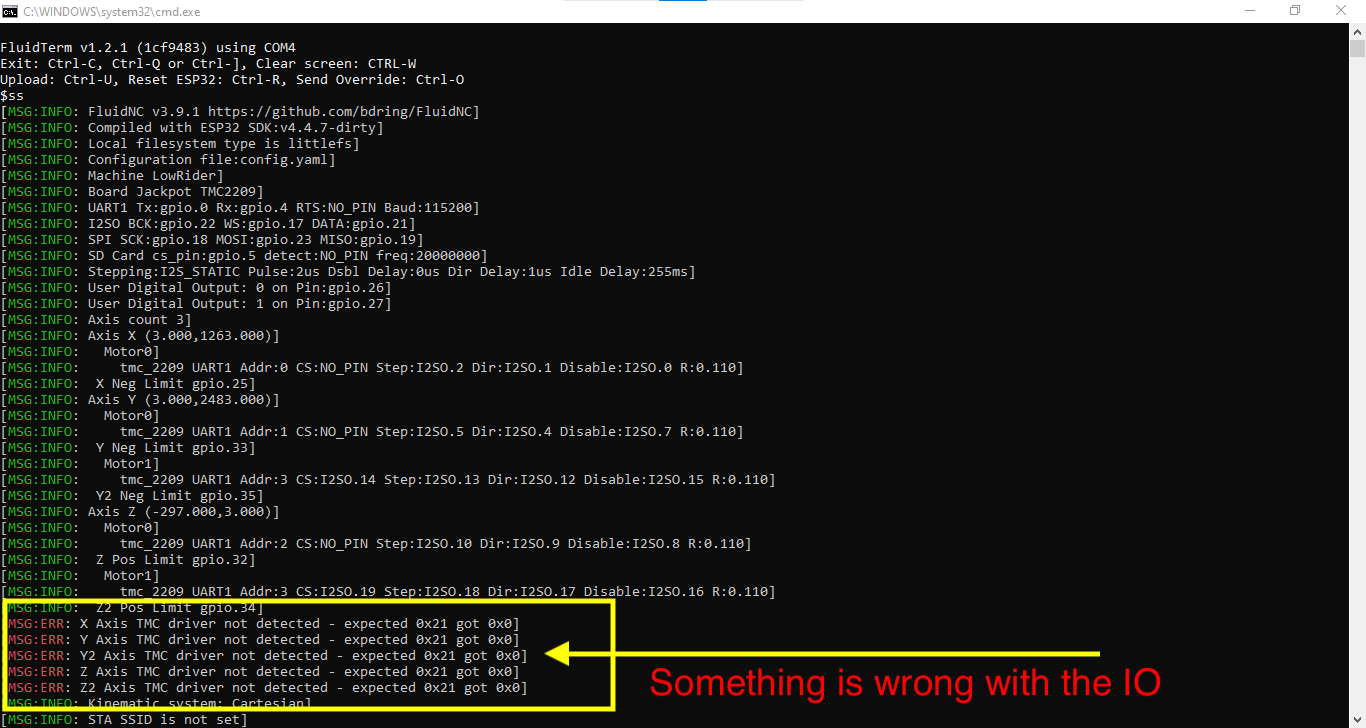
That looks as expected for an ESP32 not plugged into the Jackpot.
You guys are great. I was willing to just give up. But you just kept pushing me through. You have to have a lot of patience to keep me going. Thank you oh so much. I’ll get it back into the board later this week and see if I can start cutting things.
Sweet, nice work everyone!
This is how community support works. When you have made it through the learning process then perhaps you can help the next person along. We were all learning as we went at some point.
In any event, we also learn from each time someone has a problem, so you’re also helping us understand how to better help that next person.
Agreed. I get feedback to tweak the docs and hopefully someone excited to help the next person with a similar issue, or any issue really. If enough people have the same issue something gets changed.
Well I tried and put the esp back on the board today. But not a one of the motors will move. I haven’t modified the config folder or anything.The software says it moved. But none of the motors will move. What am I doing wrong now? Even if I have a motor plugged into the wrong port one of them should move. Right?
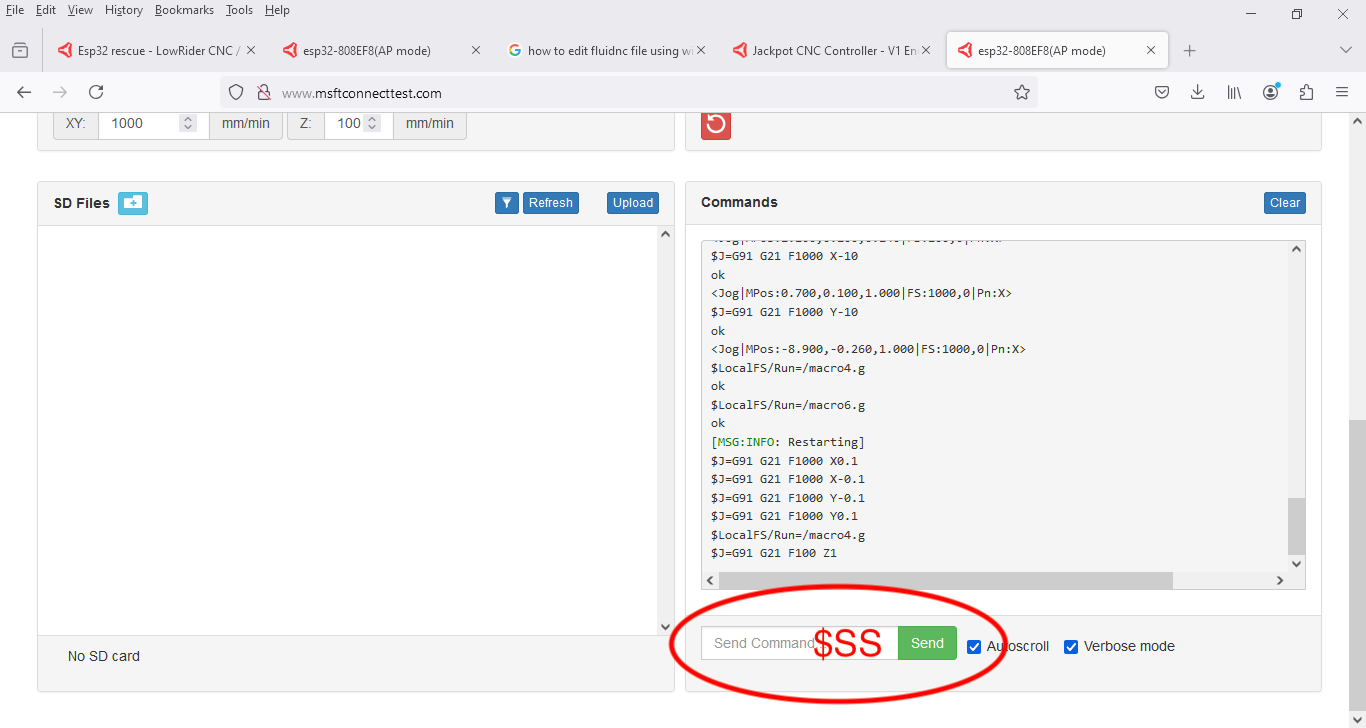
Can you put up what you get from $SS That will show if everything is initializing correctly.
I’m not really sure where to find that.
You can’t get diags while jackpot board power is off. Since the Jackpot is not powered, all of the electronics on the jackpot are not there, so FluidNC can’t see them or move.
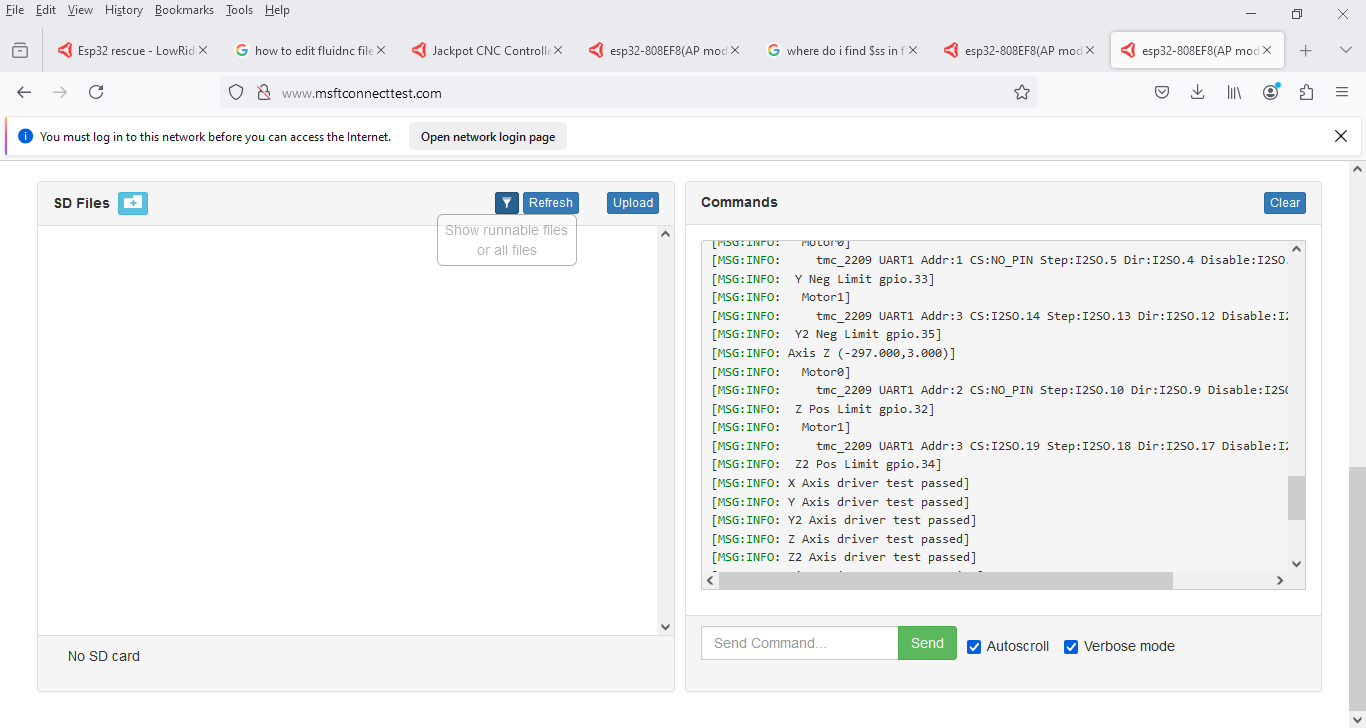
Edit- you can connect FluidTerm while the jackpot is on, but it’s way easier to just use the WebUI terminal as marked up above.
Yes, but cut and paste the text.
A screenshot of just part of it is insufficient. We need the whole output from $SS.
$ss
[MSG:INFO: FluidNC v3.9.1 GitHub - bdring/FluidNC: The next generation of motion control firmware]
[MSG:INFO: Compiled with ESP32 SDK:v4.4.7-dirty]
[MSG:INFO: Local filesystem type is littlefs]
[MSG:INFO: Configuration file:config.yaml]
[MSG:INFO: Machine LowRider]
[MSG:INFO: Board Jackpot TMC2209]
[MSG:INFO: UART1 Tx:gpio.0 Rx:gpio.4 RTS:NO_PIN Baud:115200]
[MSG:INFO: I2SO BCK:gpio.22 WS:gpio.17 DATA:gpio.21]
[MSG:INFO: SPI SCK:gpio.18 MOSI:gpio.23 MISO:gpio.19]
[MSG:INFO: SD Card cs_pin:gpio.5 detect:NO_PIN freq:20000000]
[MSG:INFO: Stepping:I2S_STATIC Pulse:2us Dsbl Delay:0us Dir Delay:1us Idle Delay:255ms]
[MSG:INFO: User Digital Output: 0 on Pin:gpio.26]
[MSG:INFO: User Digital Output: 1 on Pin:gpio.27]
[MSG:INFO: Axis count 3]
[MSG:INFO: Axis X (3.000,1263.000)]
[MSG:INFO: Motor0]
[MSG:INFO: tmc_2209 UART1 Addr:0 CS:NO_PIN Step:I2SO.2 Dir:I2SO.1 Disable:I2SO.0 R:0.110]
[MSG:INFO: X Neg Limit gpio.25]
[MSG:INFO: Axis Y (3.000,2483.000)]
[MSG:INFO: Motor0]
[MSG:INFO: tmc_2209 UART1 Addr:1 CS:NO_PIN Step:I2SO.5 Dir:I2SO.4 Disable:I2SO.7 R:0.110]
[MSG:INFO: Y Neg Limit gpio.33]
[MSG:INFO: Motor1]
[MSG:INFO: tmc_2209 UART1 Addr:3 CS:I2SO.14 Step:I2SO.13 Dir:I2SO.12 Disable:I2SO.15 R:0.110]
[MSG:INFO: Y2 Neg Limit gpio.35]
[MSG:INFO: Axis Z (-297.000,3.000)]
[MSG:INFO: Motor0]
[MSG:INFO: tmc_2209 UART1 Addr:2 CS:NO_PIN Step:I2SO.10 Dir:I2SO.9 Disable:I2SO.8 R:0.110]
[MSG:INFO: Z Pos Limit gpio.32]
[MSG:INFO: Motor1]
[MSG:INFO: tmc_2209 UART1 Addr:3 CS:I2SO.19 Step:I2SO.18 Dir:I2SO.17 Disable:I2SO.16 R:0.110]
[MSG:INFO: Z2 Pos Limit gpio.34]
[MSG:INFO: X Axis driver test passed]
[MSG:INFO: Y Axis driver test passed]
[MSG:INFO: Y2 Axis driver test passed]
[MSG:INFO: Z Axis driver test passed]
[MSG:INFO: Z2 Axis driver test passed]
[MSG:INFO: Kinematic system: Cartesian]
[MSG:INFO: STA SSID is not set]
[MSG:INFO: AP SSID FluidNC IP 192.168.0.1 mask 255.255.255.0 channel 1]
[MSG:INFO: AP started]
[MSG:INFO: WiFi on]
[MSG:INFO: Captive Portal Started]
[MSG:INFO: HTTP started on port 80]
[MSG:INFO: Telnet started on port 23]
[MSG:INFO: Flood coolant gpio.2]
[MSG:INFO: Mist coolant gpio.16]
[MSG:INFO: Probe gpio.36:low]
ok
This should move.
Make sure to power on without a USB cable plugged in or the boot order can get messed up.
That’s what i did with the text i sent. I don’t know why things aren’t moving when i power it up.
Lets see a picture of your wired up board.
What exactly are you doing to try and move the steppers?