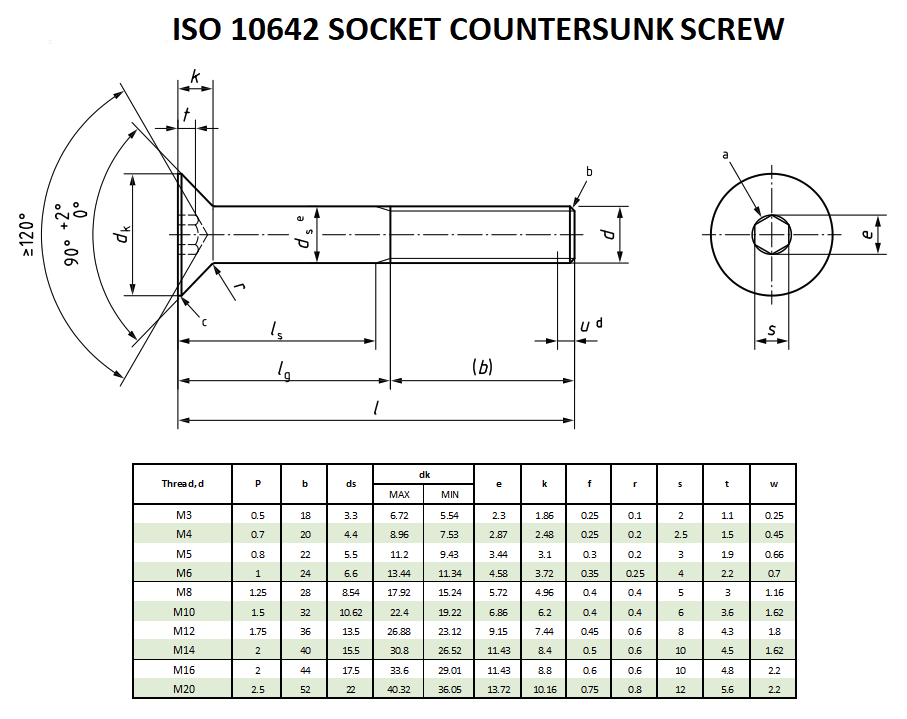
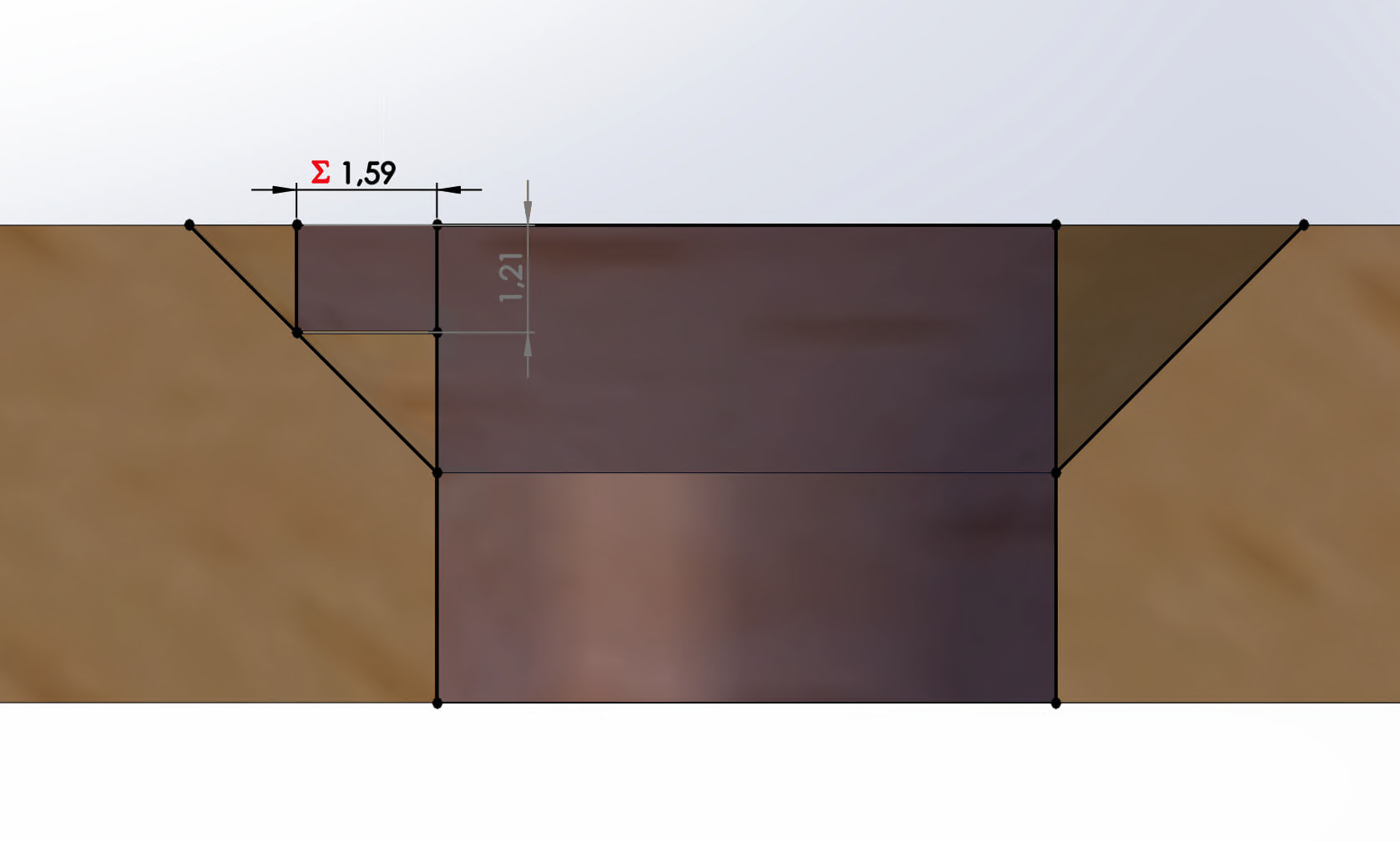
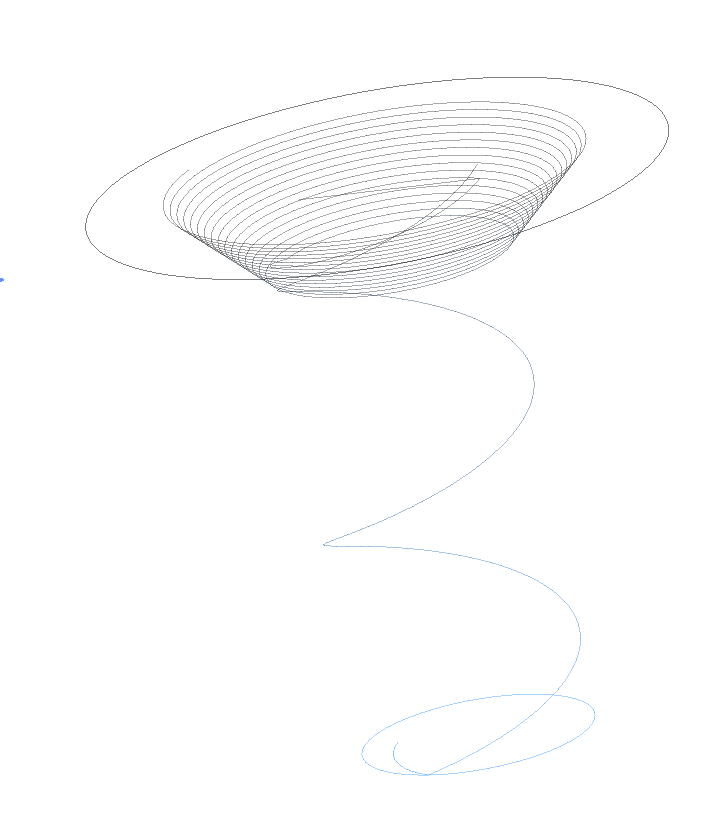
I am making some things where I am using countersunk holes and I currently do this by hand.
I was thinking about doing it on the machine, but that would be involve a tool-change. Also I only have metal countrsunk bits that don’t seem to work that well.
I was thinking that it might be possible to use a spiral operation with a small endmill.
Maybe ideal would be to do a spiral operation and a finishing operation by hand or with a countersunk bit.
Does anyone has some tips or trick on how to do this in ESTLcam?
A 1/8" flat endmill should be able to get you pretty close to countersunk holes. It may not be perfectly smooth on the angled section, but the screw will compress the wood there anyway, so it should be okay.
I was thinking about designing the countersunk hole in Fusion, (you can model the hole with a countersink (defining angle, OD, ID, etc) in the Design section), but I’m not sure if Fusion post-processor will output the gcode to do that.
I don’t think that you can do it in EstlCAM using 2D milling. You MAY be able to accomplish it with carving.
I’ll let someone that knows what they are talking about take it from here…
I’m not at the pc to check, but for me this sounds like a carve operation. If you put a circle in the drawing with the size of the screw head or larger, I suppose you can do a carving inside of the circle with the v-bit. In Estlcam you can specify the depth of the carve as well.
I believe it’s in an old Estlcam video and IIRC adding just a chamfer width (no tool), to the hole path properties, will do it (…make a finely stepped chamfer with the hole tool)… If you want to do it with a V-bit add that as the chamfer tool.
…It looks like only helical drilled holes can be chamfered/countersunk with a flat tool.