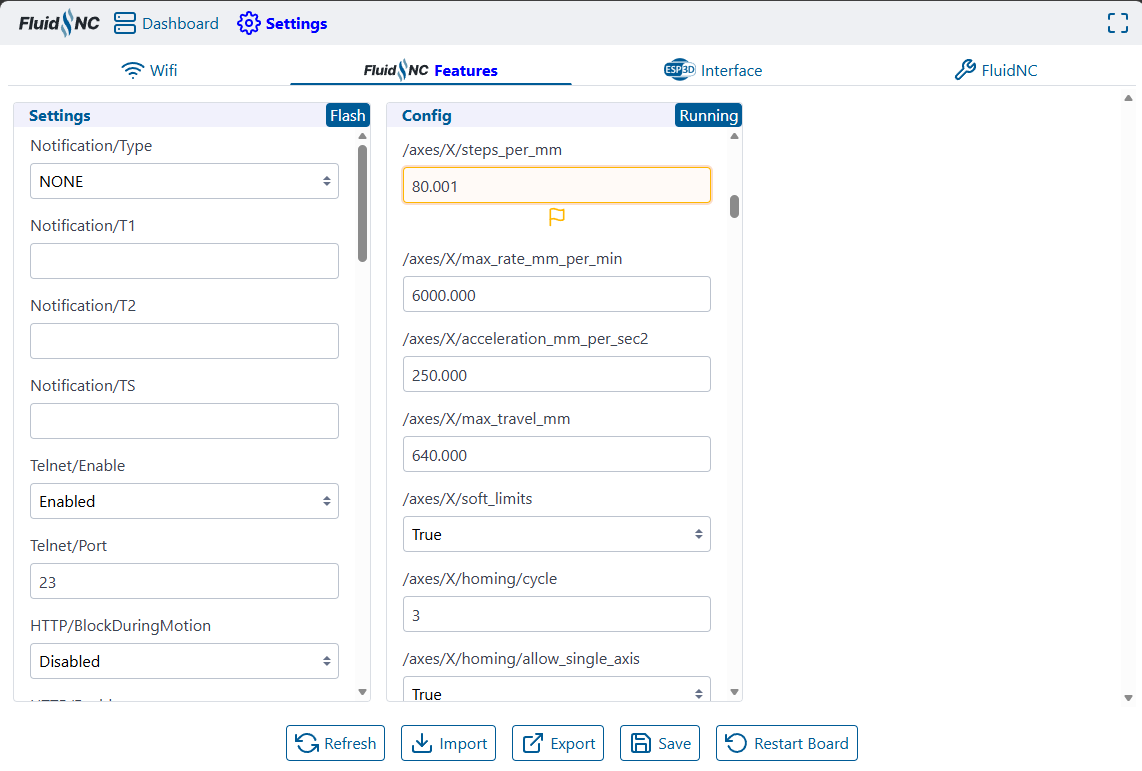
You’re updating it on the FluidNC tab instead of the FluidNC Features tab (I agree that’s confusing). The FluidNC tab shows the readonly GRBL equivalents that FluidNC supports so it works with GRBL senders.
You’re looking for the /axes/X/steps_per_mm and /axes/Y/steps_per_mm settings. When you change that, a Save button will appear at the bottom. Click that which will activate those settings. Then use the Save macro which will persist the current settings to the config.yaml file.