Im now at the process of calibrating the belt, squaring and so on. Ive been trying to get the Web UI to save my changes in the config.yaml but I havent managed and I dont know what Im doing wrong.
Im using version 3.9.9 and webui 3
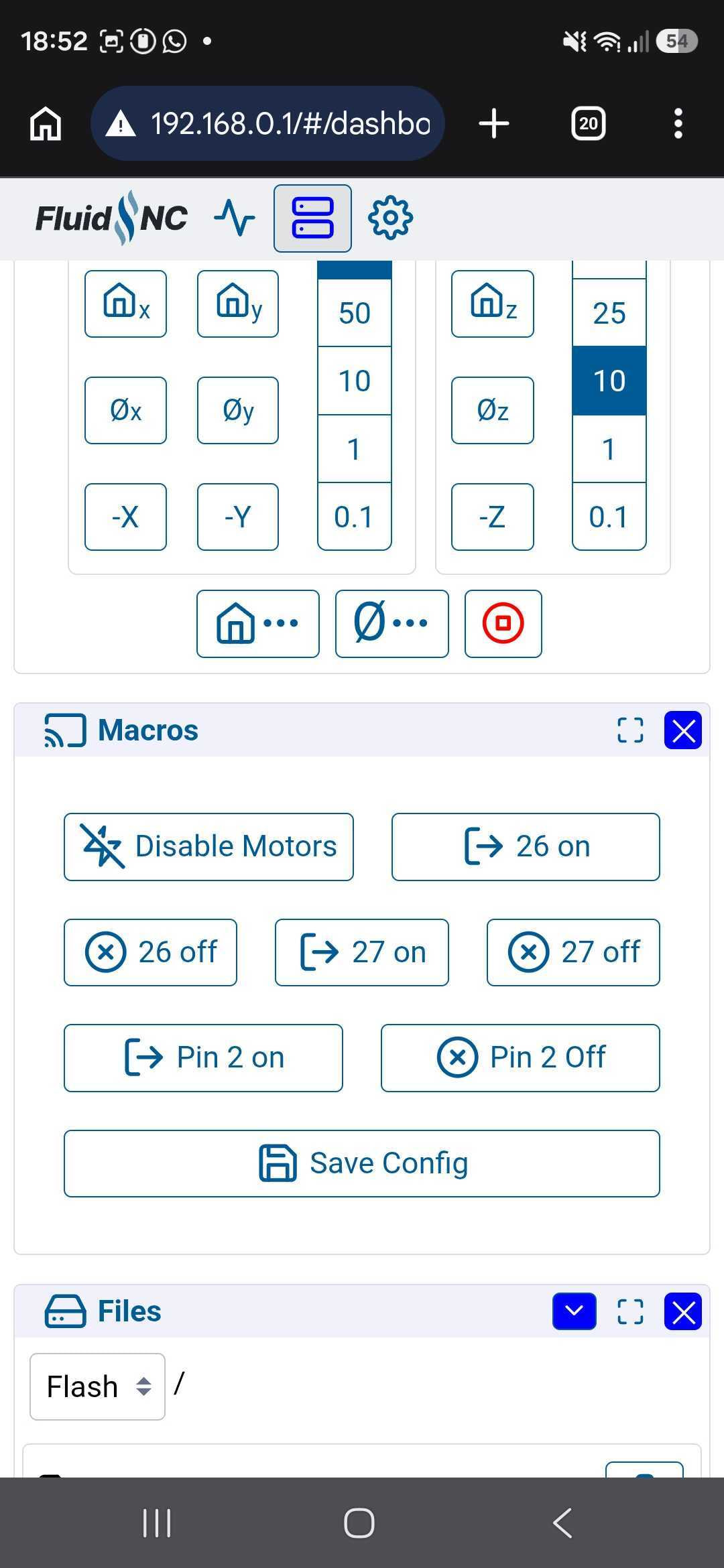
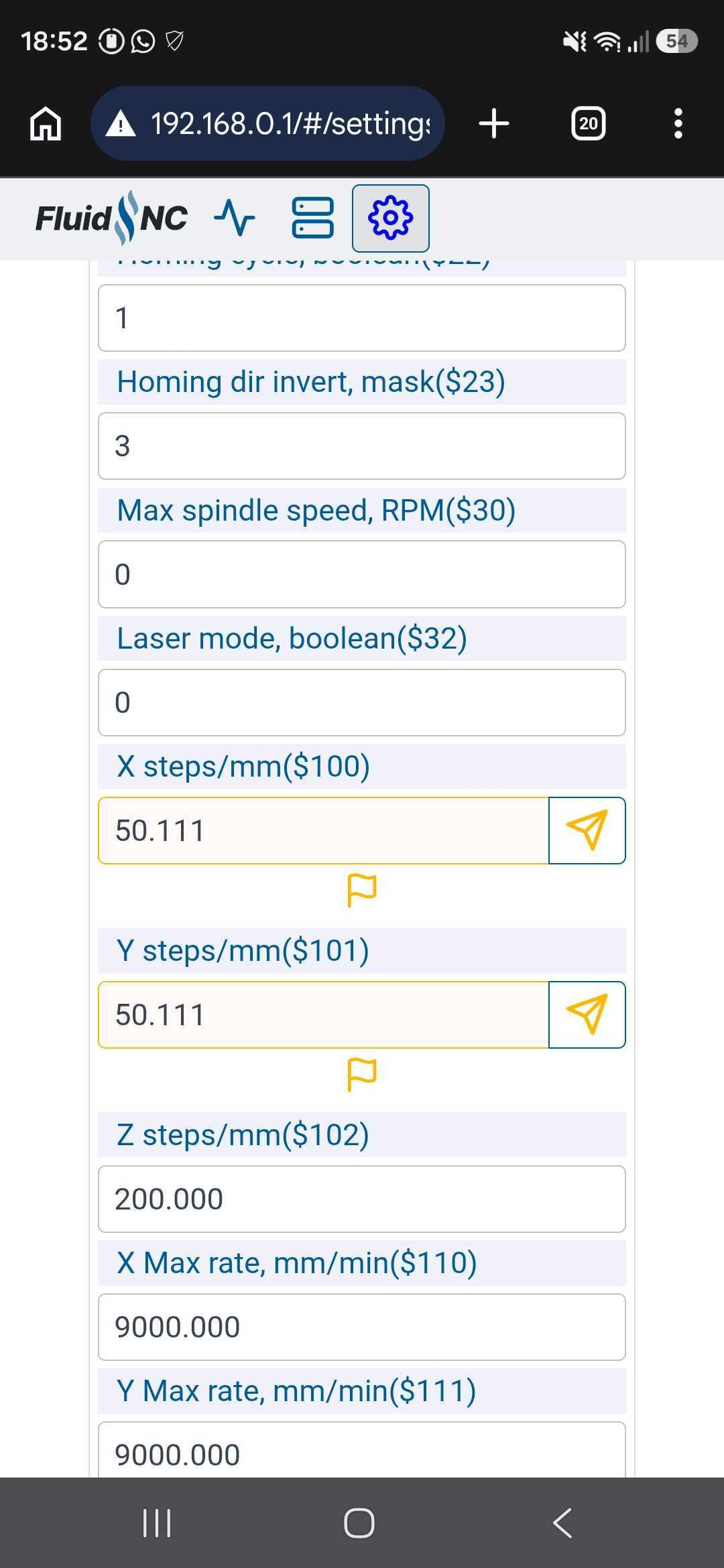
If I go to the settings page and change teh steps per mm the field changes to orange color and a Send button appears next to the value. I guess to update. But when I press the button I get an error 162, which in the console states that the value is read only. In theory the save macro button according to the v1 web should be at the bottom of the page but I can only find a refresh button there. I need to go back to the main section and in there I find the macro box and the save macro button on it. If I click it I see that in the console the $CD=config.yaml command is sent. But when i disconnect the board and then connect back the values havent havent changed at all.
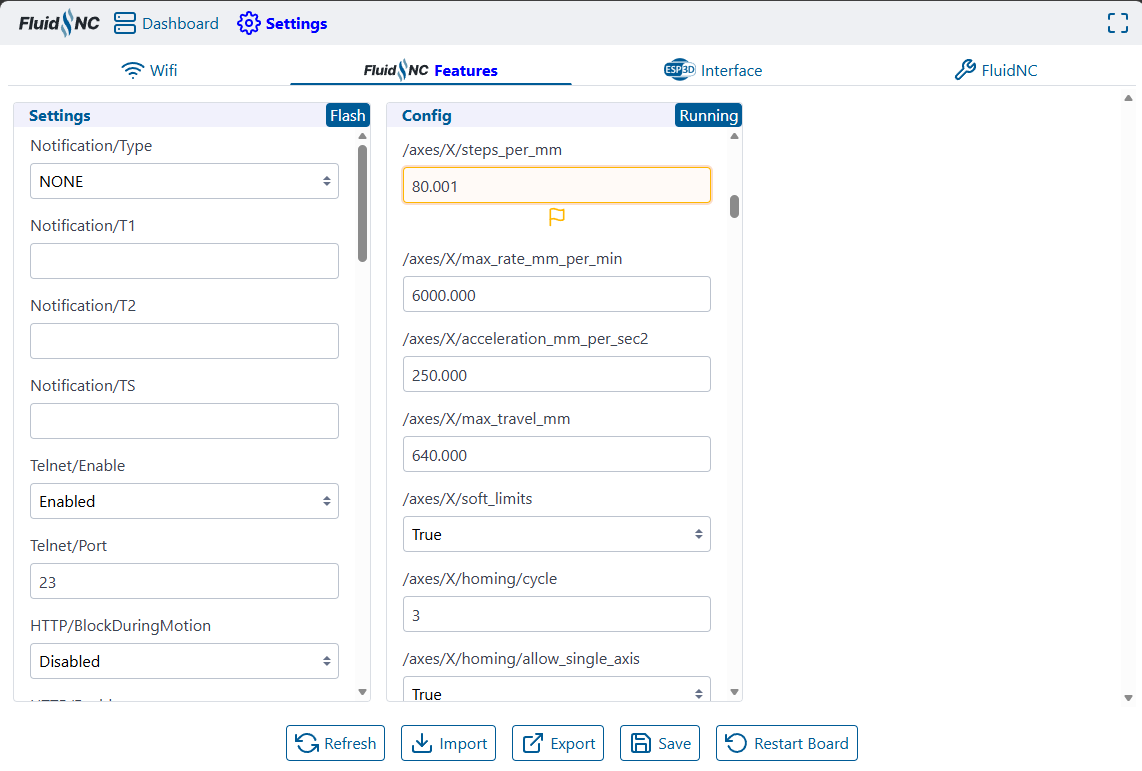
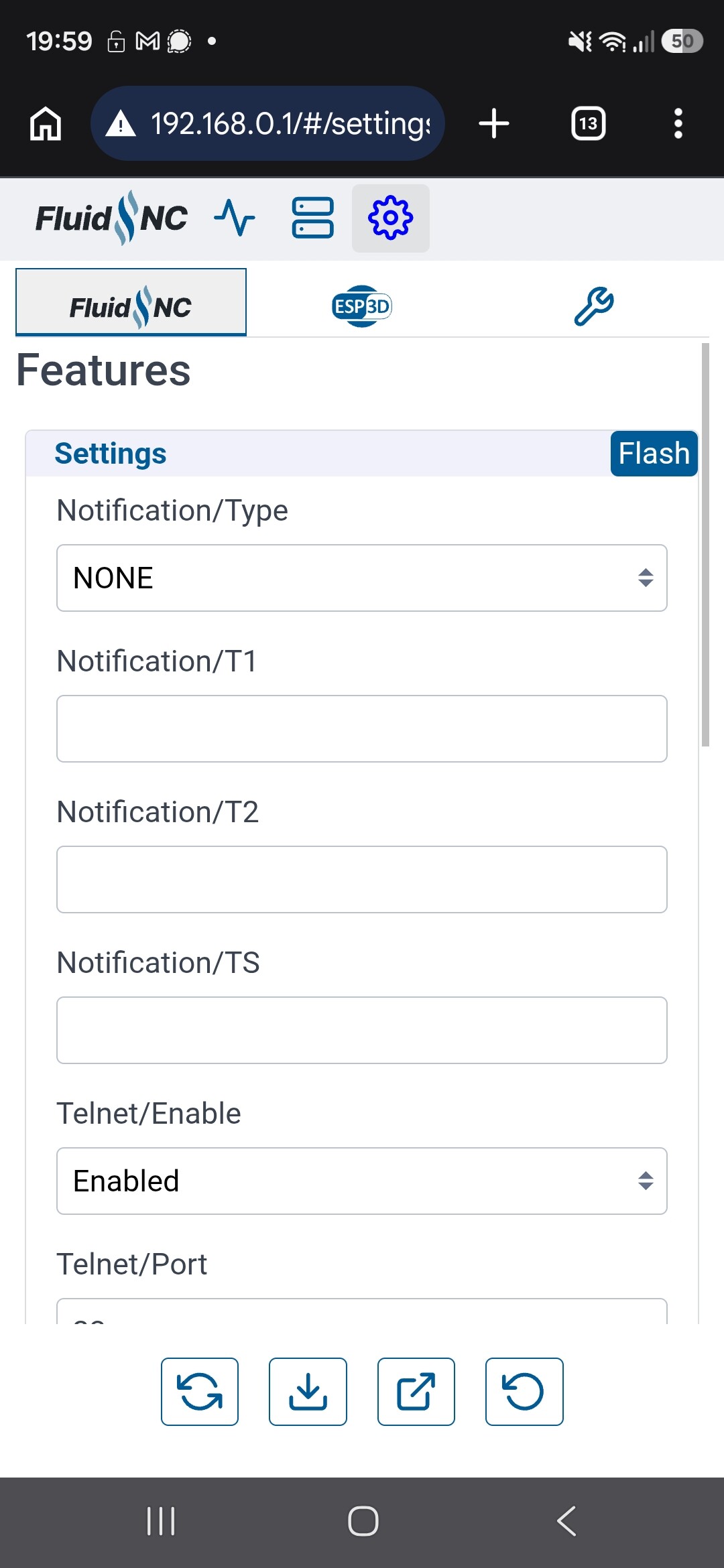
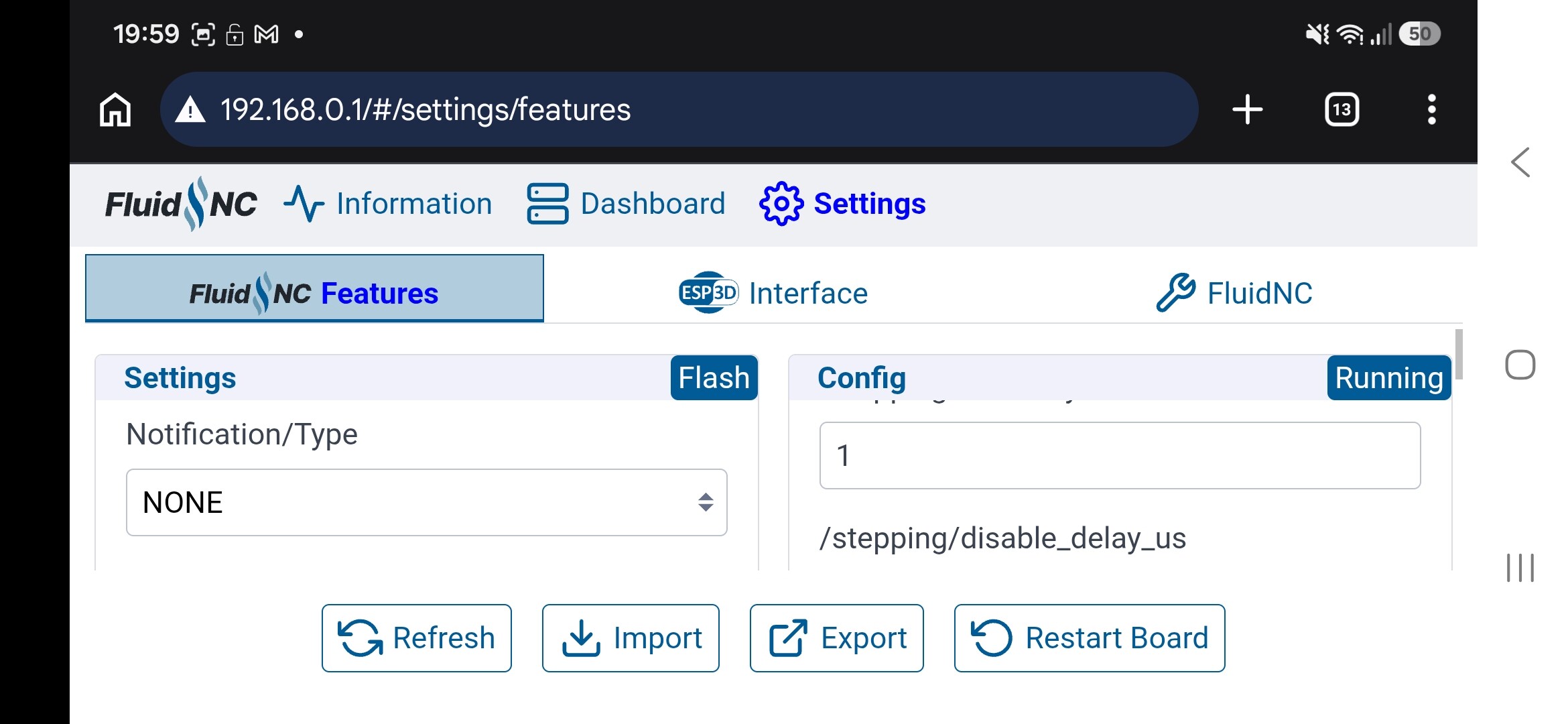
You’re updating it on the FluidNC tab instead of the FluidNC Features tab (I agree that’s confusing). The FluidNC tab shows the readonly GRBL equivalents that FluidNC supports so it works with GRBL senders.
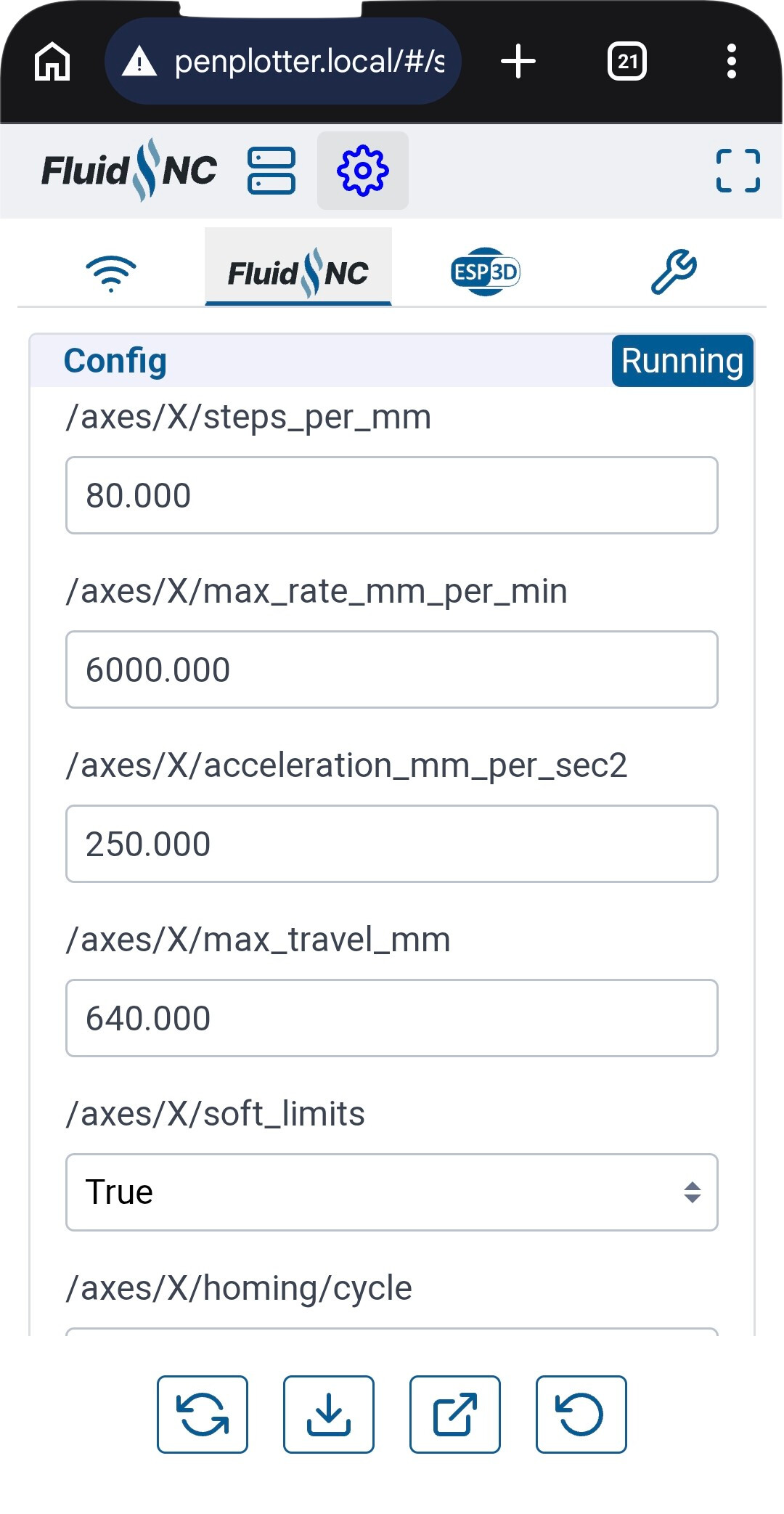
You’re looking for the /axes/X/steps_per_mm and /axes/Y/steps_per_mm settings. When you change that, a Save button will appear at the bottom. Click that which will activate those settings. Then use the Save macro which will persist the current settings to the config.yaml file.