So i managed to calibrate the steps per mm, its was about 20% off so you were right. Thank you.
I then re cut the strut plates, which turned out well.
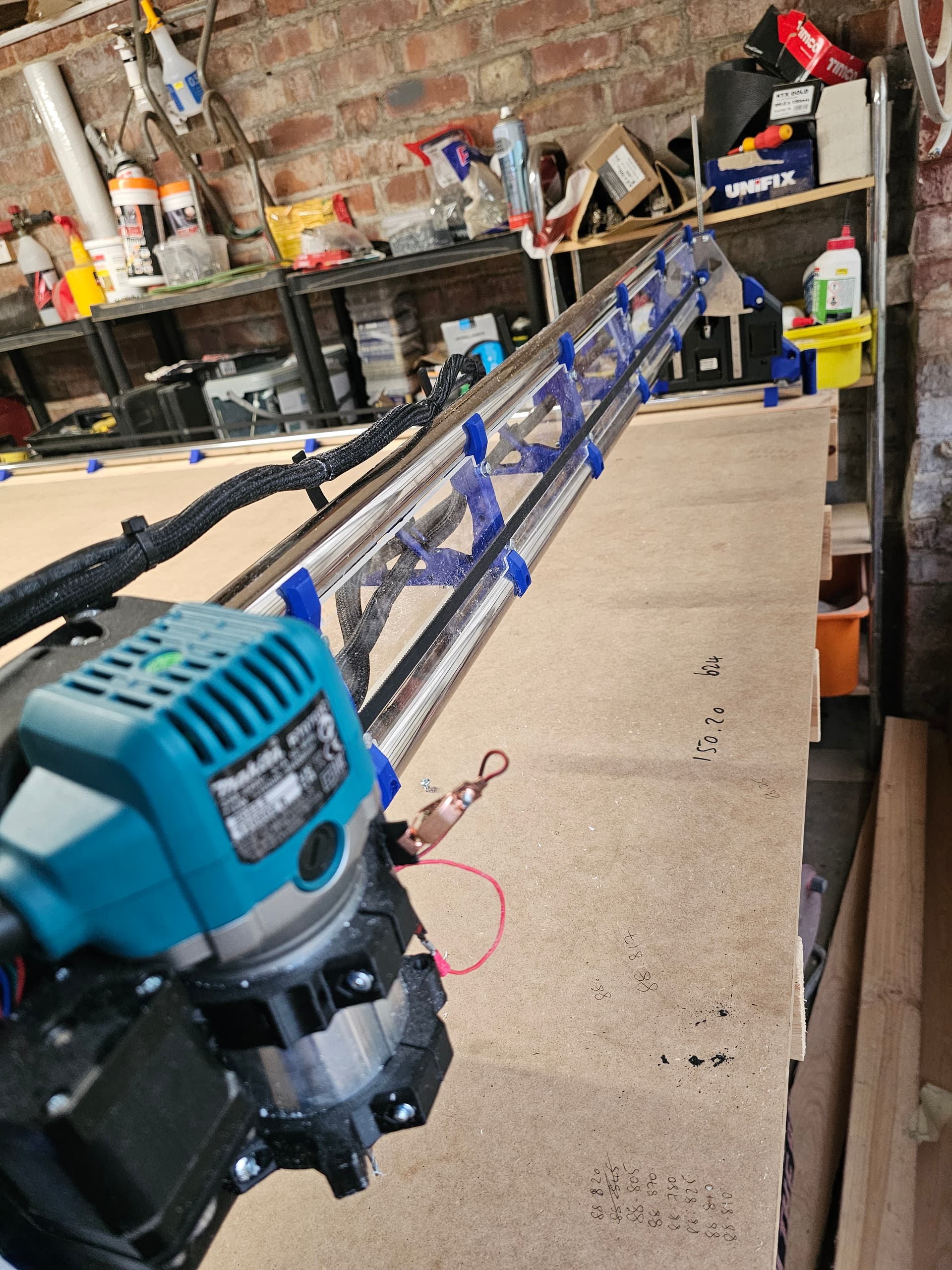
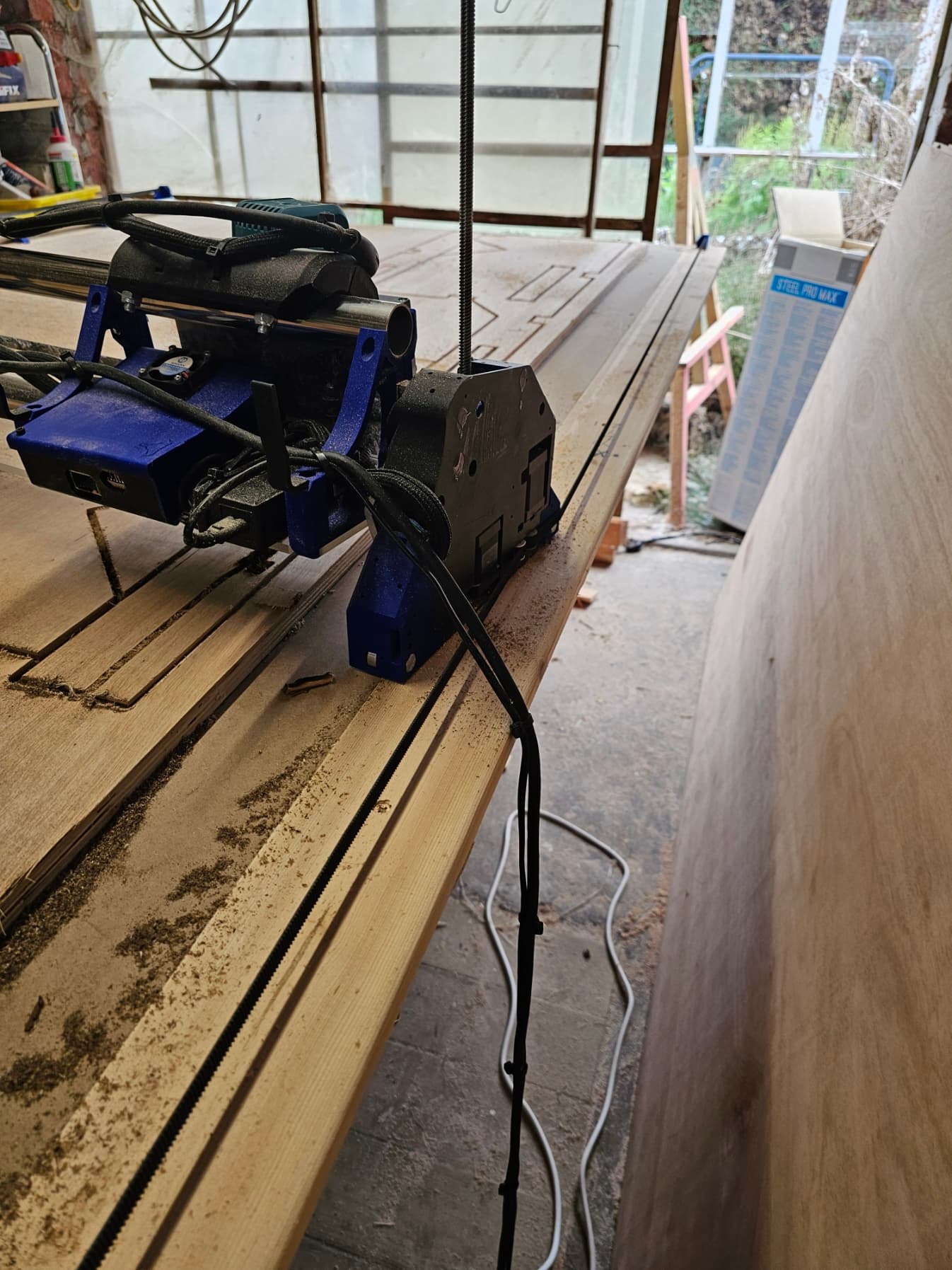
Stripped the machine down installed the new struts plates and then reassembled whilst sorting the cable management out and installed a fan on the board box.
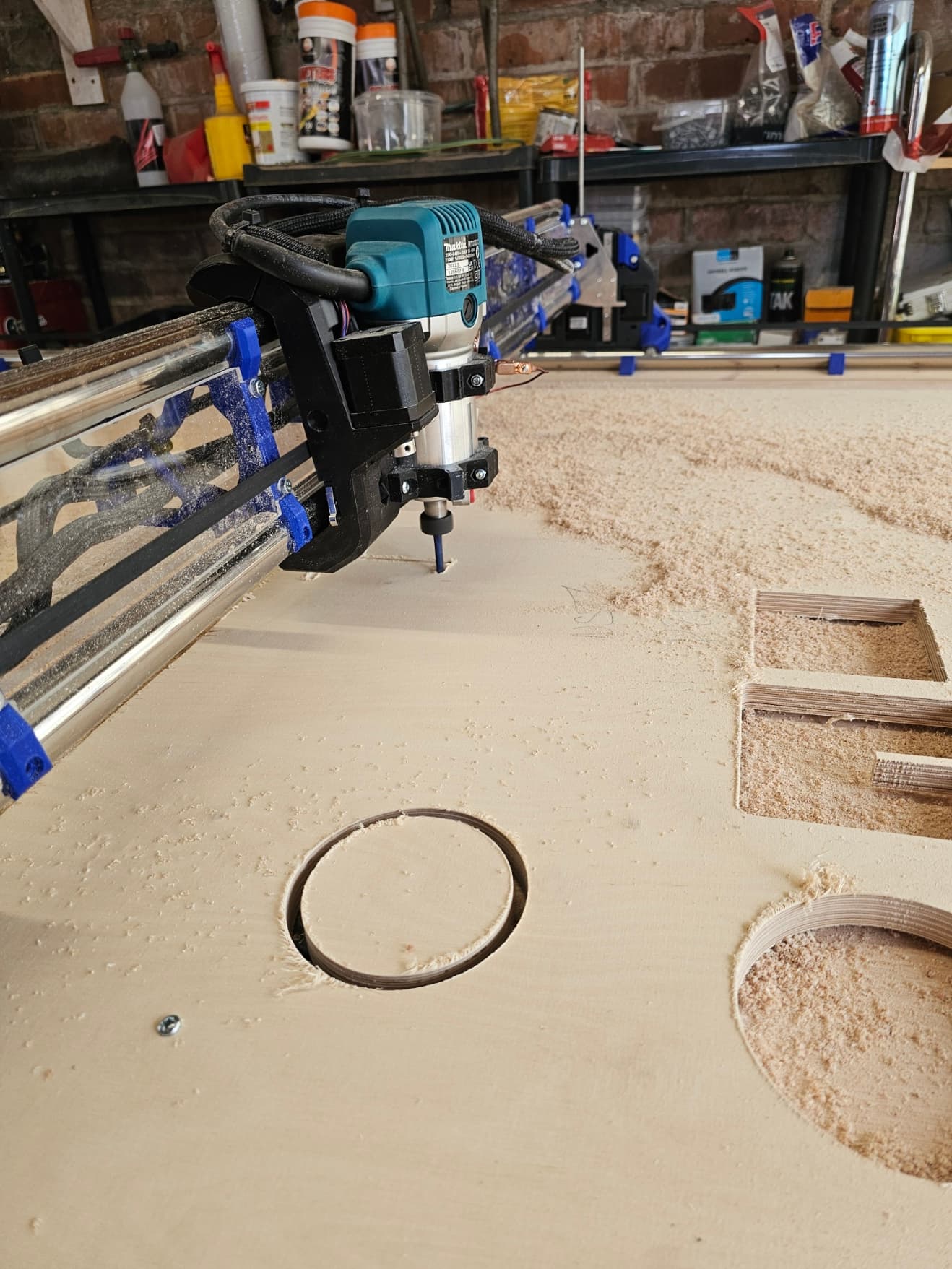
so ive spent today doing some test cuts, specifically 100mm squares and circles, cutting one of each on the outside of the line and one of each on the inside of the line. once completed checking for squareness, checking dimesions with the calipers and then seeing how snug they are with each other.
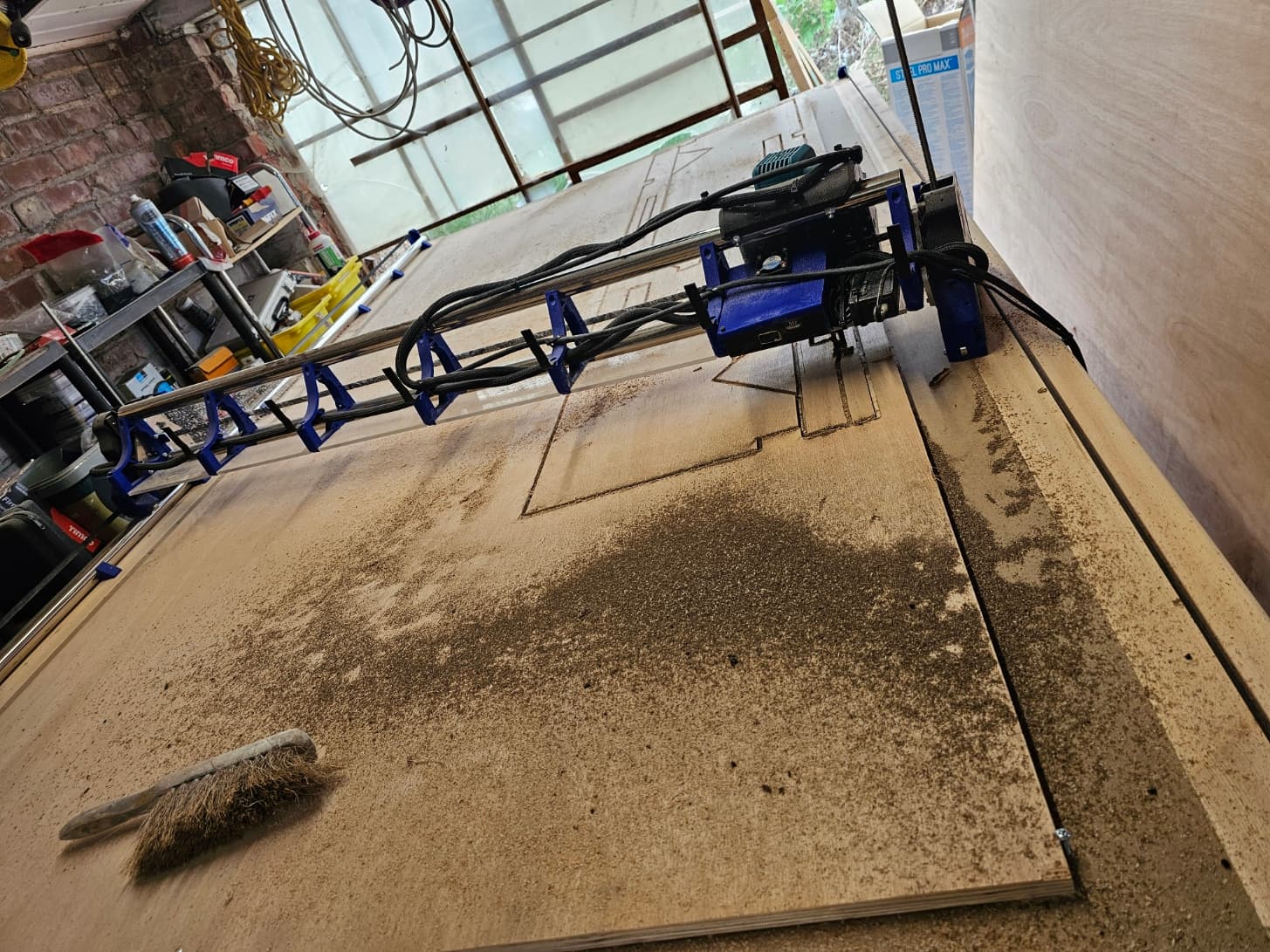
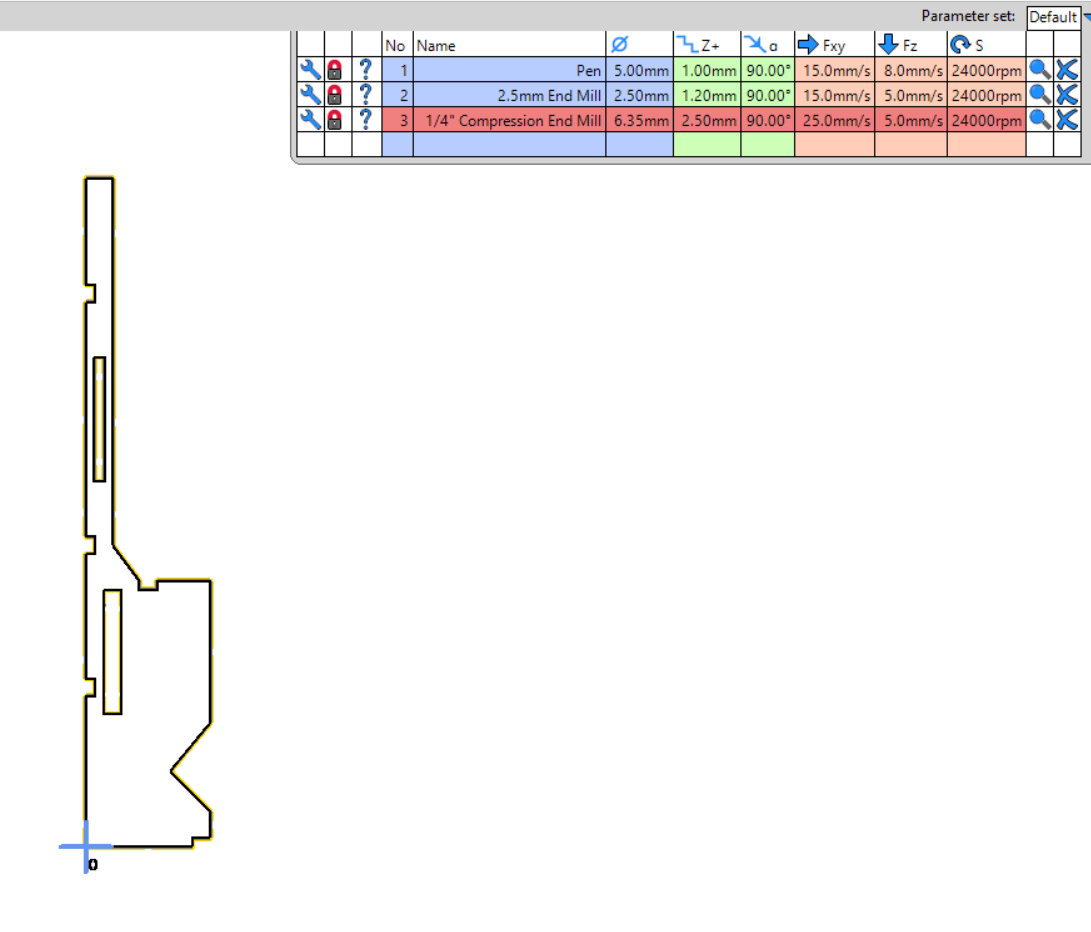
i had no issues whilst doing any of that. anyway, then went to cut a shape out of 18mm ply that ive plotted in auto cad.
all seemed to be going great and about a 25mins in i just ploughed into the work piece.
i checked everything, i.e belt tension, and everything running freely, i found one of the bearings on YZ Min plate tough to rotated cause it was clogged with dust, swapped it out, sent the machine up and down the table a couple of times and across to to the other side of the gantry and back and all seemed to be fine.
checked the file on estlecam and whatched the preview, all was fine.
decided to regenerate the file and run another cut next to the failed one. uploaded it, started it and all was well for approx. 20mins then it ploughs into the piece again.
If its just one side going down I would check for loose/damaged wiring. Likely an extension cable connection that is vibrating just right to lose connection and drop the motor.
If its both sides going down I have seen some weird things from static build up in the dust hose before if its not grounded. Usually it just makes the board stop and freeze but I don’t see why it wouldn’t cause it to go down either.
Also you can upload your gcode file here for us to look over and make sure its not something crazy in there.
Well now that you added the pics I see you don’t have a dust hose yet. So that wont be the problem.
watch it and make sure your wires going to the core aren’t dropping down and getting in the way of the bearings on the core. I had this happen during the beta and it will stop the core and make it skip steps. When that happens it will think its its in the right place but end up plunging into the work piece.
From a closer look at your pics I believe you are skipping steps on X. So when its changing directions it thinks it has finished the X move, but in reality it skipped steps and didn’t make it.
That could be a few reasons.
Your core wiring is getting in the way of the bearings.
Your core is too tight or too loose. Most of the time on a new machine its too lose. After the first few cuts the bolts “set” into the core and it makes them a touch loose. Lightly see if the core rocks at all. If you feel any bearings coming off the pipe and back to it you need to very lightly tighten the top 2 bolts. About 1/16th of a turn at a time just until the rocking goes away.
Your CAM is wrong. Usually either too fast or too much DOC. If you didn’t have any issues with your other cuts then I would assume this would be ok, also assuming you kept the same settings.
Your bit is toast. If you are running the router too fast and making dust instead of chips, the bit will dull much faster and can cause a lot of problems.
Your settings look good. I run mine a little faster and deeper than that, so no reason you should have any issues at those settings. Check your core real good. That would be my first place to look.
Compression bits can be a lot harder to get the settings right for. I don’t think your settings are bad. But if you are running the router real fast then there is a good chance that bit is toast and part of your skipping steps issue.
There is more to it than just RPM. It comes down to chip load. What feed rate do they recommend for that RPM? Most of the time we cant hit the recommended feed rate for the higher RPMs which is why we slow the router down.
A single flute upcut bit you can get away with the higher RPM, but a 2 flute you generally cant.
Take a close look at your chips. Are they good large chips or are they mostly dust? Dust doesn’t remove heat from the bit.
I can tell you that when I run a 1/4" compression bit I run closer to 40 mm/s and setting 2 on my router (kobalt) and get good chips and no skipped steps. But each build is different and experience level is different as well. I think your feed rate is good but your RPMs that high are going to eat up bits quickly.
I probably did a crappy job of explaining this, but hopefully it made some kind of sense. And hopefully someone smarter than me will come along and explain it much better.