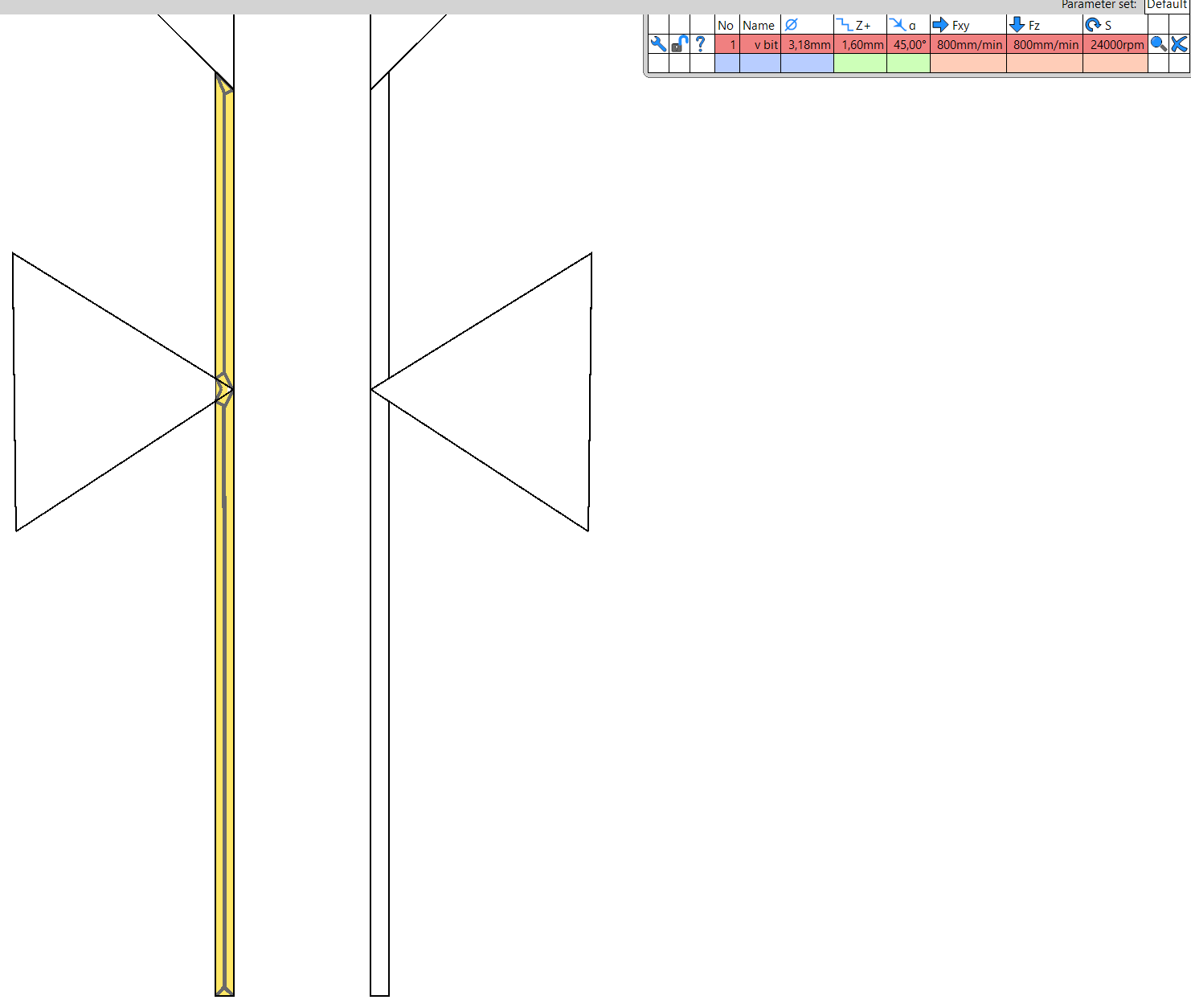
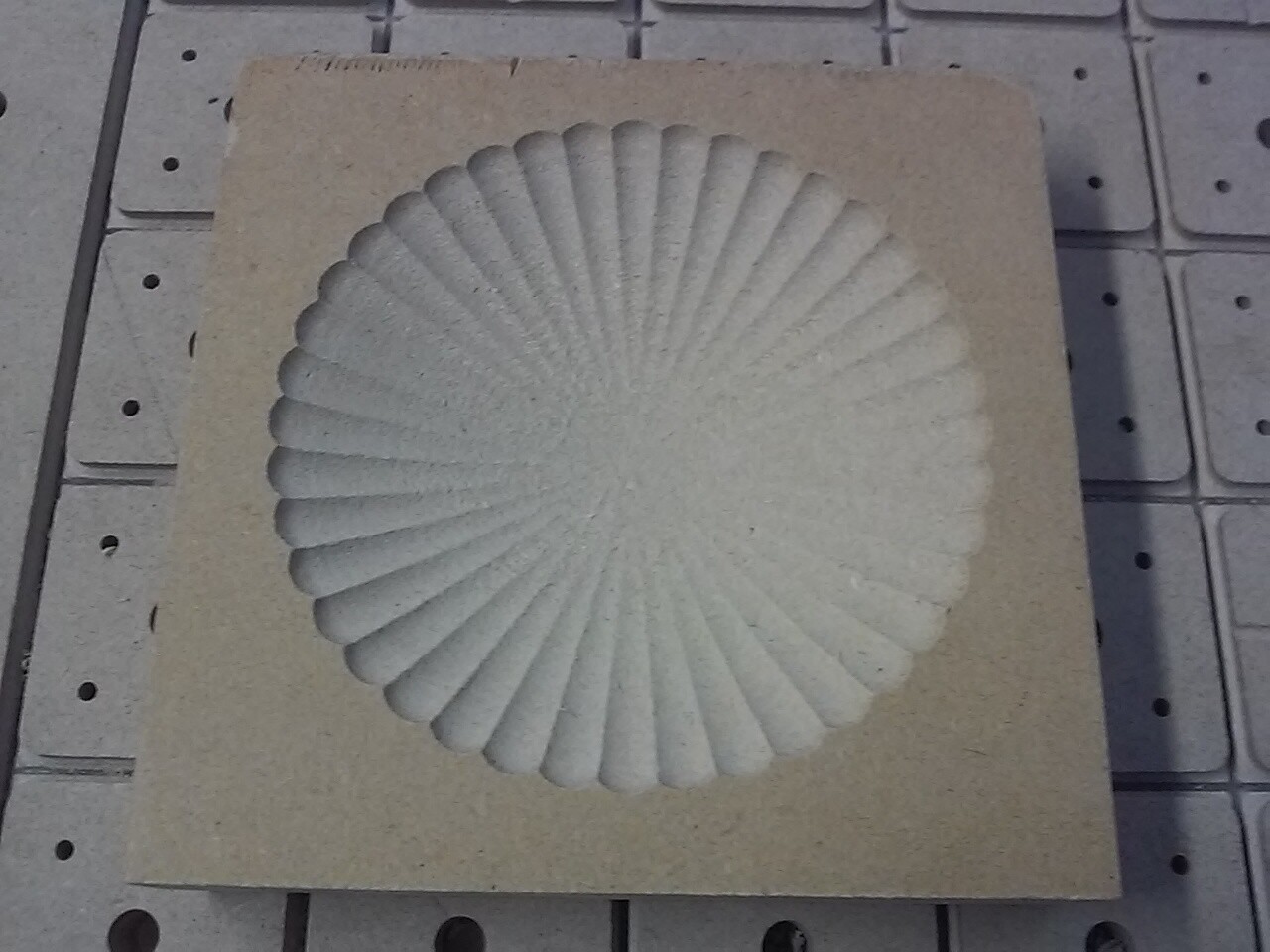
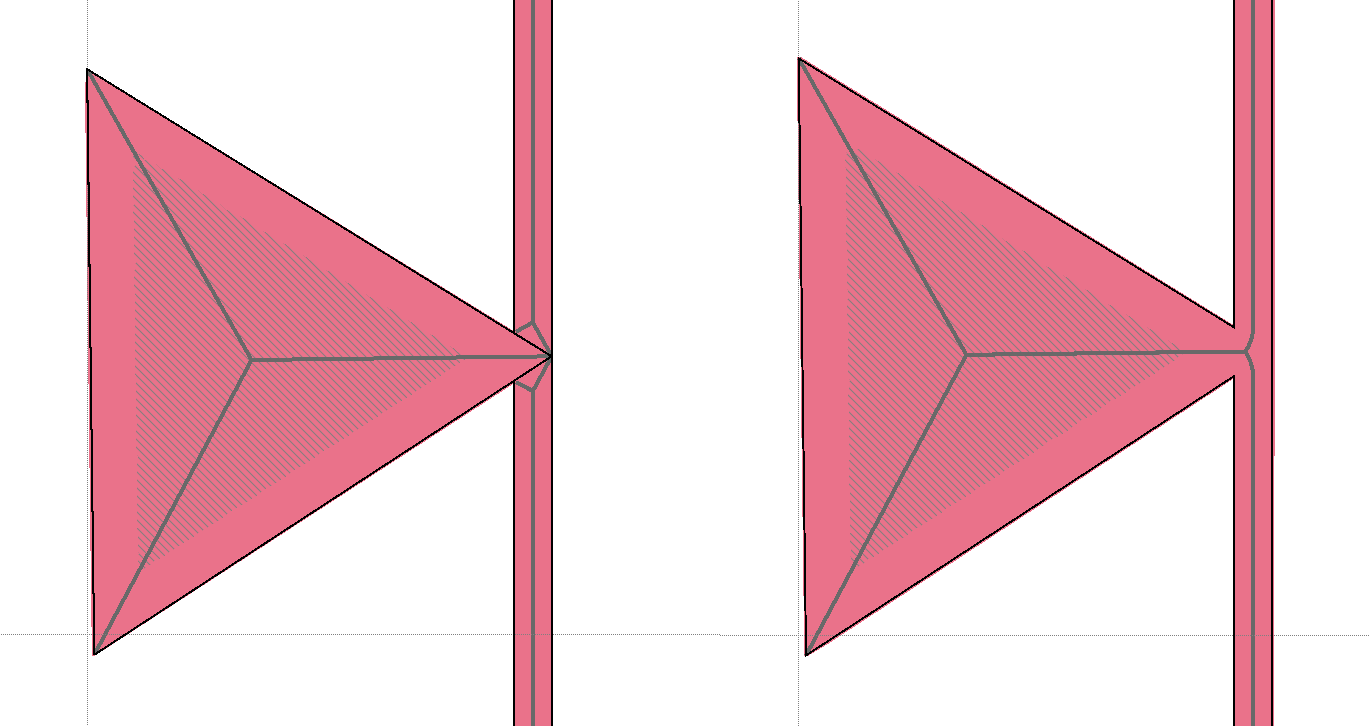
I’m trying to CAM a carve/engraving, and I’m running into an issue with estlCAM, both version 11 and 12. When I want to carve a shape, the carve is influenced by the underlying DXF, no matter how I do it. I can change the svf/dxf so that the shape is different, but it’ll give me issues with the triangle instead.
When I create the carve path, the corner from the triangle makes the path bend along with it. I want the yellow toolpath to be a straight line, but it’s impossible! I tried to freehand the carve, and avoid any point snapping. The underlying shape still influences the path. I could make several vector files, and make several cutting files - but that seems like a hassle. Is there any way to solve this with the current shape? Either by changing the vector file, or doing some estlcam magic?
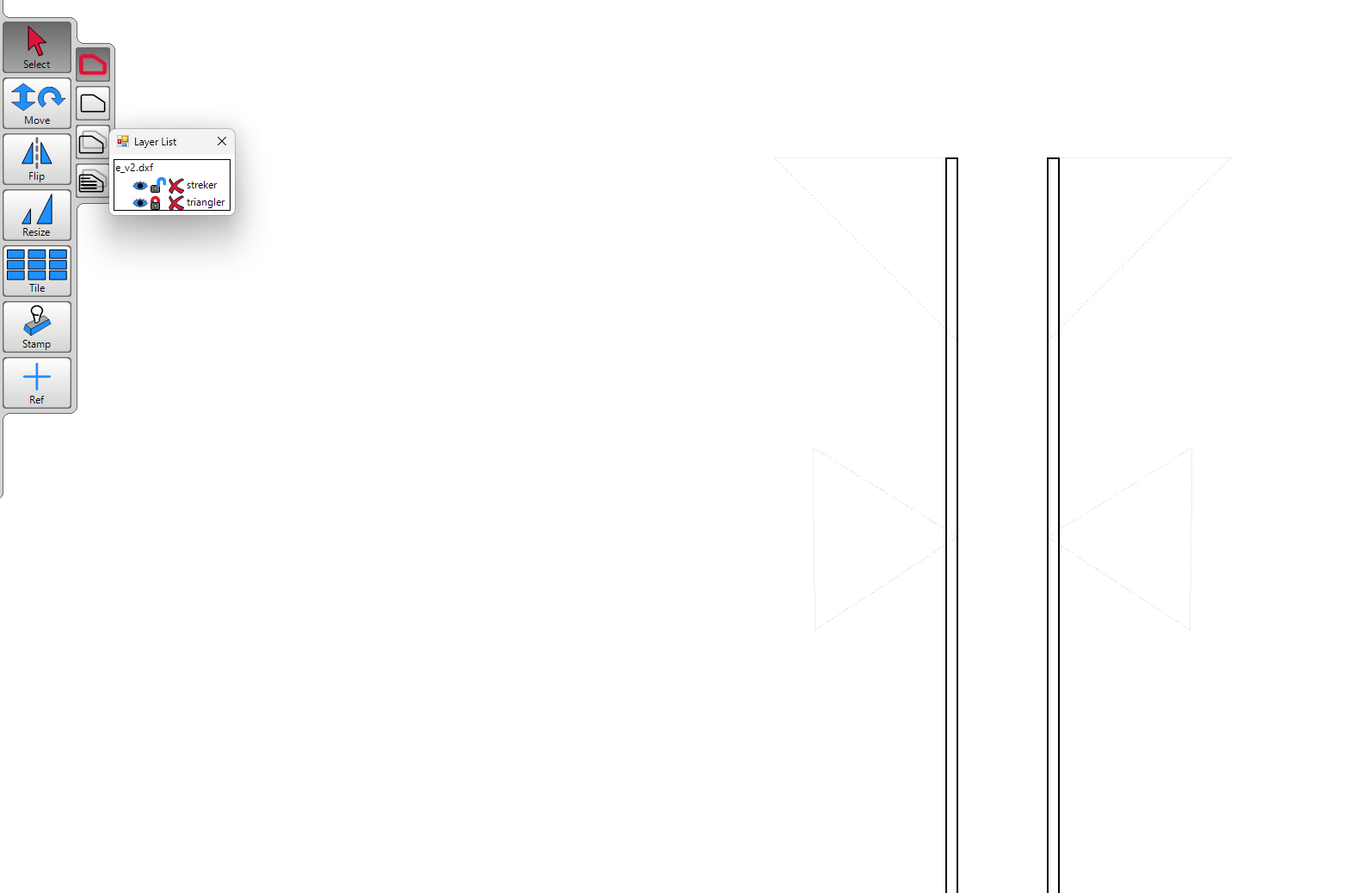
Edit: a quick comment. When working in the vector file as dxf and saving several times, the layers disappears from estlcam. You have to work on it as svg and use “save as” dxf.
While opening/editing/saving files in the drawing program native file format (e.g. Inkscape SVG and AutoSketch SKF) before saving as DXF for Estlcam is a good idea (mandatory in some cases), the only layer related issues I know of are that Estlcam doesn’t see SVG layers and that all files opened for editing using the File > Edit drawing function will have a single layer (details). With layered drawings it’s easiest to open the drawing program directly and then use the File > Update drawing function.
Flock is a company that sells these automatic license plate readers and a lot of Colorado municipalities have stuck them up all over the major areas where you can switch highways. There has been one near our house for years. A Software Engineer in Boulder made a map where you can self report them:
It isn’t anything you couldn’t do if you employed a police officer on every corner. But these cameras make it a lot easier. I appreciate when they are used in Amber Alerts (kidnapping cases). But not free for all.
The cameras in parking lots seem less intrusive to me. Unless they are intentionally aiding ICE. My guess is they are mostly a detterent to theft.
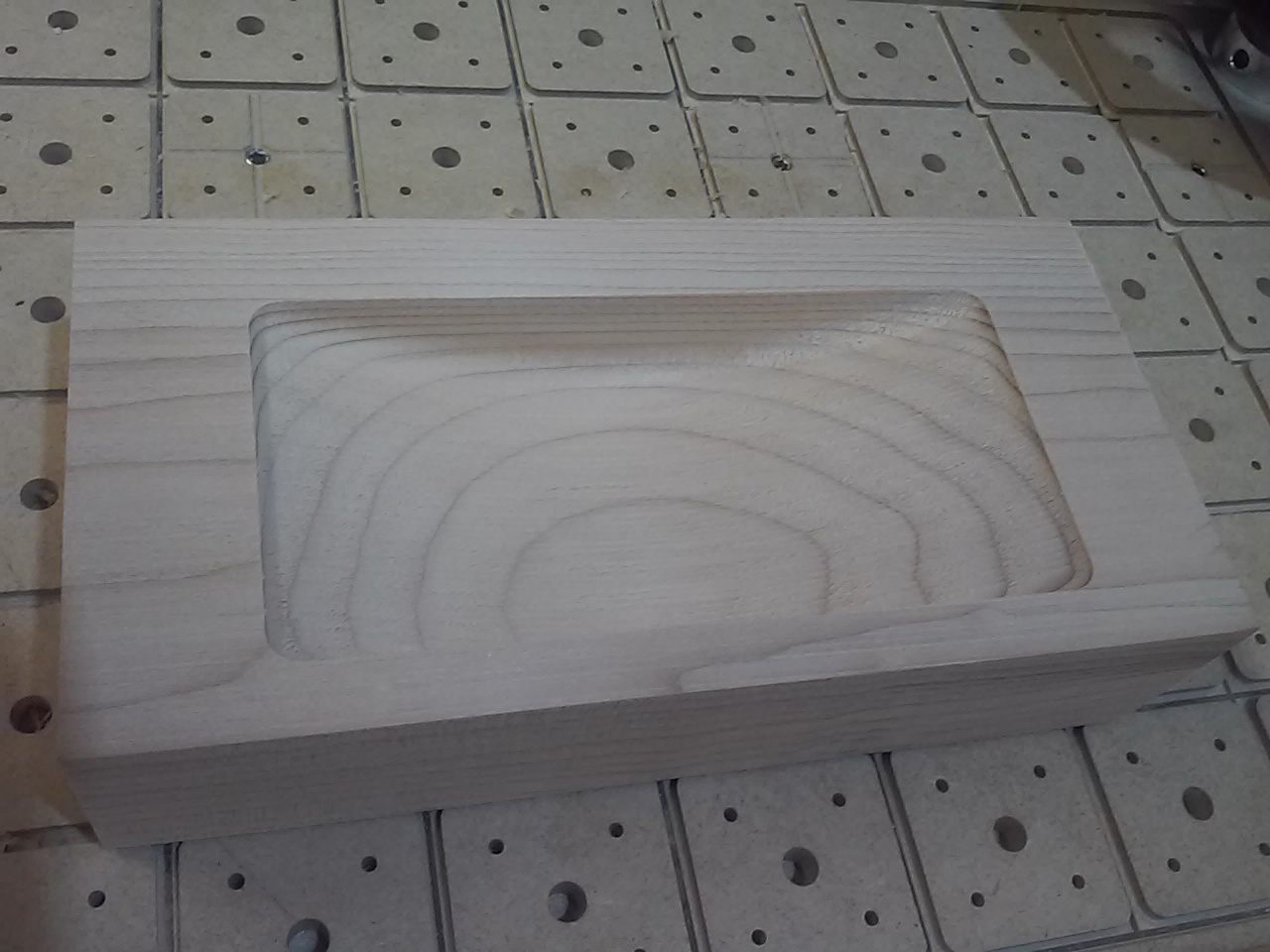
Another estlCAM issue here… I’m trying to make the bottom of the pattern “disappear” out of the wood. I want the z height to gradually go up to zero. So that the bottom edges ramps “out” of the material. I can make many cuts in short sections, but that would make the ramp uneven. GPT suggest using start depth and cutting depth, but I’m not sure that’ll work well, at least not with the parts that are carved, rather than engraved. Right now I’m considering two options: giving up the whole possibility, or the other is to physically tilt the material, so that the mill actually ends up in the air…
Any ideas?
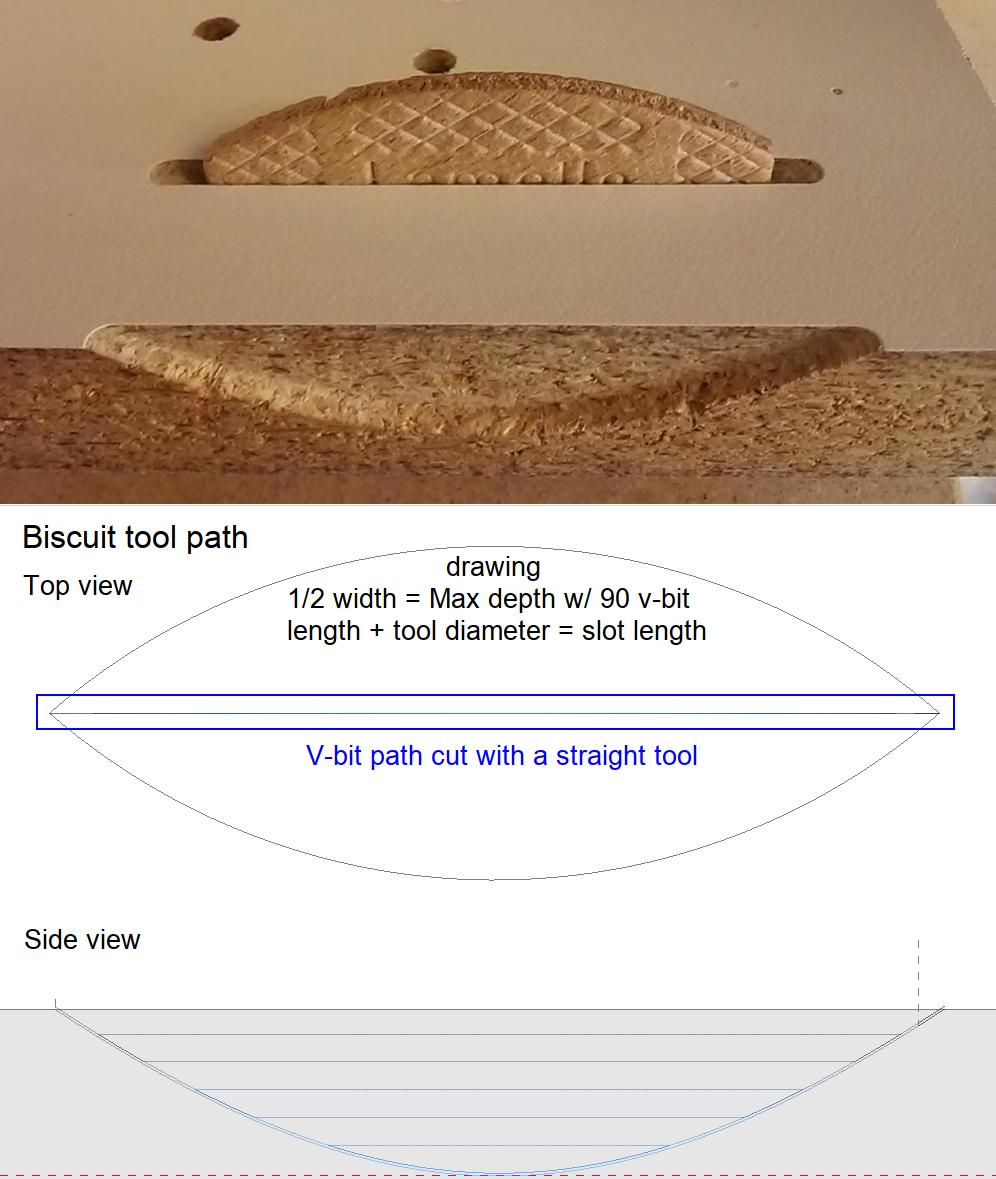
I don’t know whether it’s possible, but this madman here (ZenziWerken | Wallclock „StraightCarve“) cheated the program to do ramps with a straight endmill and a 2D-program. Maybe you can figure out some kind of solution based on this madness (which I haven’t understood yet though I thought about it at least twice).
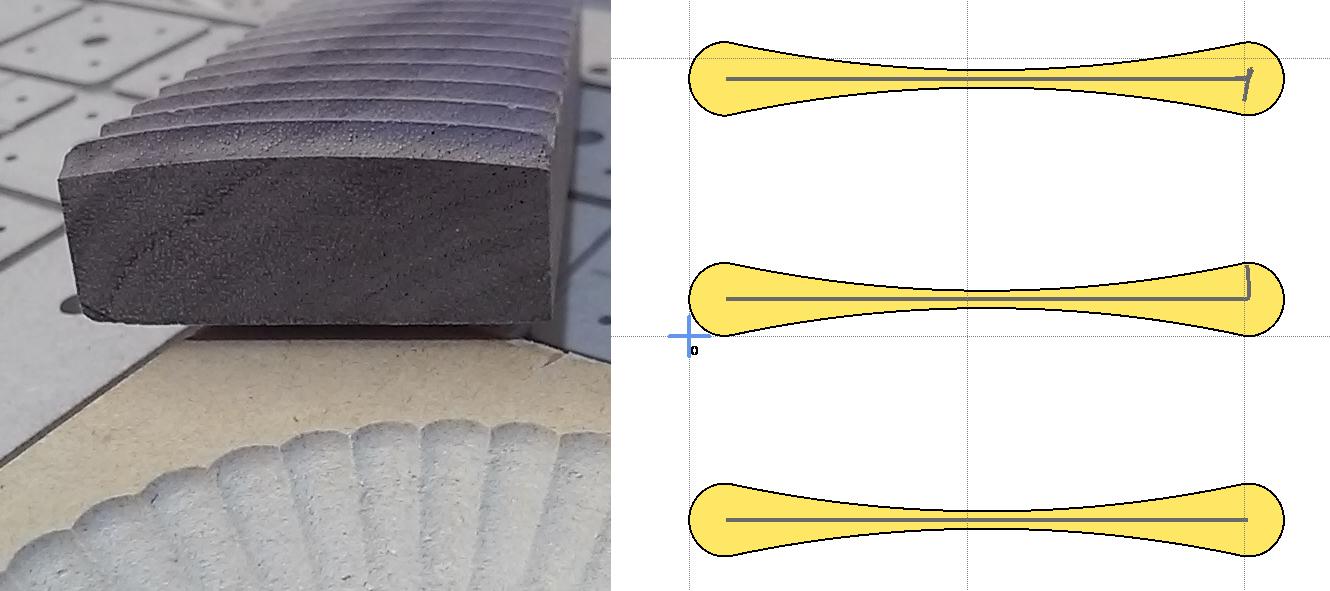
American football shapes can be used to cut concave slots and bow tie shapes can be used to cut convex slots. The bowls are basically tiled slots - 9deg circular and .5mm vertical. Getting a single straight path on a bow tie shape can be tricky.
…I’m not sure how layers help, a single drawing object/carve (right) seems to make more sense. The posted SVG can only be used to autoselect/carve the two closed shapes (left).