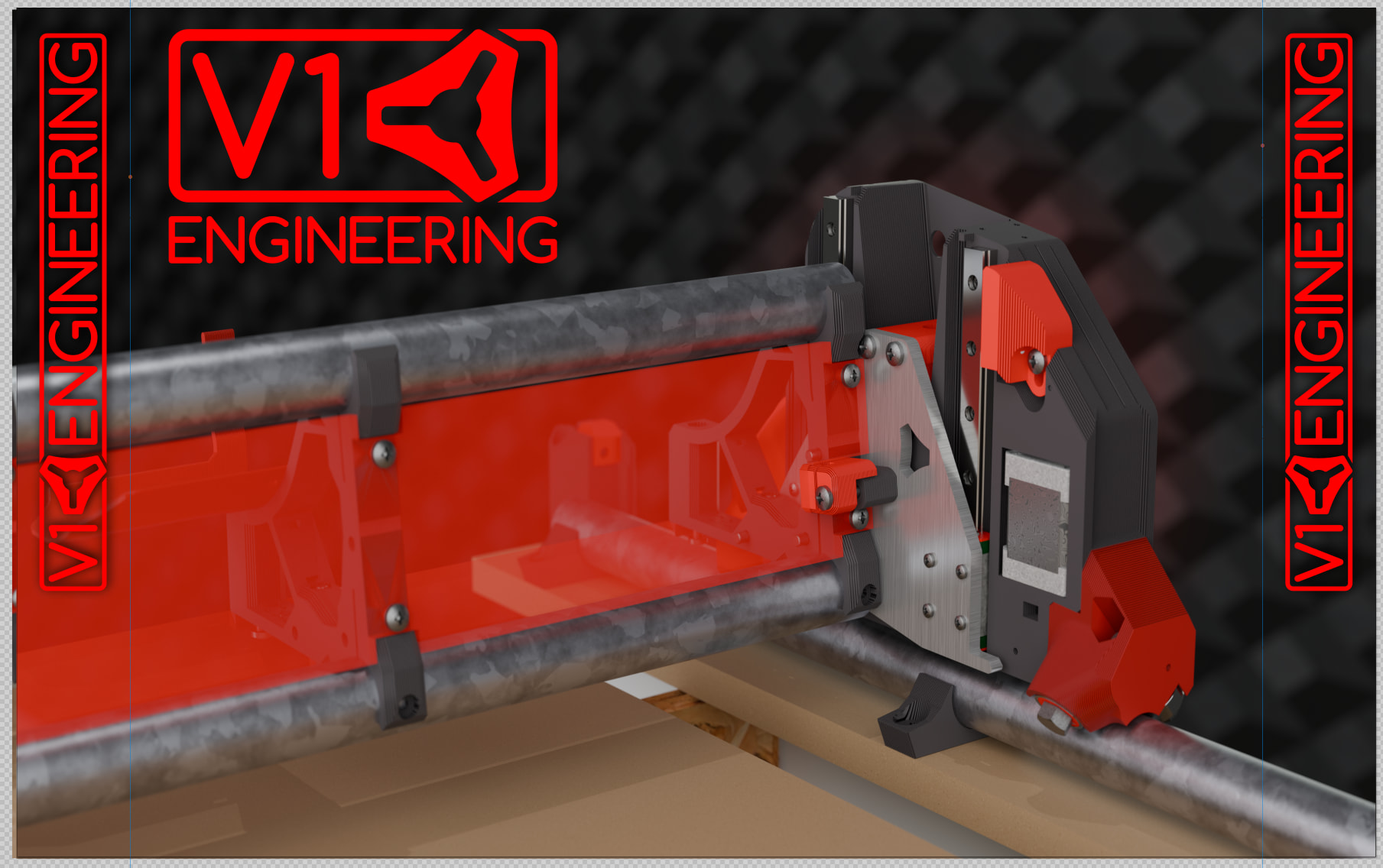
I need to adjust the render size but more full of the LR.
4 Likes
you need your website on it!!! v1e.com
4 Likes
You think so? We have stickers, QR codes, hopefully some flyers, maker coins. All that stuff has the website. This is the first result for v1 engineering if you search.
I am fighting the overkill with logos and stuff.
Not sure about the other background yet, I think it should have the jackpot on it. If we do a collage, the best pics we have are all super low resolution. A collage is the coolest thing though because it would be everyone’s projects!!!
1 Like
up 2 u, v1e.com is easy to remember. That is all. Nothing more.
1 Like
How did you ever manage to get a domain that short? That’s amazing. I would be putting it everywhere. 
2 Likes
$$$$
2 Likes
honestly, like u said stickers, etc., if someone is interested they will remember.
1 Like
Well I wanted to add some bullet points or something but it is hard to make that look good, and also what to put up there.
1 Like
Here is the blender 5 file if anyone want to try and make it look better. I need to order these things soon though. Dropbox
1 Like
My only suggestion would be to try to lighten the background a little - the subject is getting a little lost in it I think. Otherwise - cool!
I would 1000% lose the left most instance of the logo. You can’t get much more overkill than abutting two logo versions side by side.
I would also put Lowrider 4 text on the strut plate. I think people (that don’t pick up your swag) would be more likely to remember “lowrider” than “b1e” or “v2 rocket” or whatever it was.
1 Like
I think it would look cool if you did it like a CAD drawing. Something like this with the outlines. With the text details at the bottom like a blueprint?
I keep thinking like an Ironman blueprint:
Ironman Mark III Suit - (deep Navy Blue) Blueprint DIGITAL POSTER (size - 24x18") - Etsy
2 Likes
I think your layer height on your prints look a bit too big
Looks like a 0.5 or 0.6 layer height
I didn’t have a lot of time to play with it tonight…
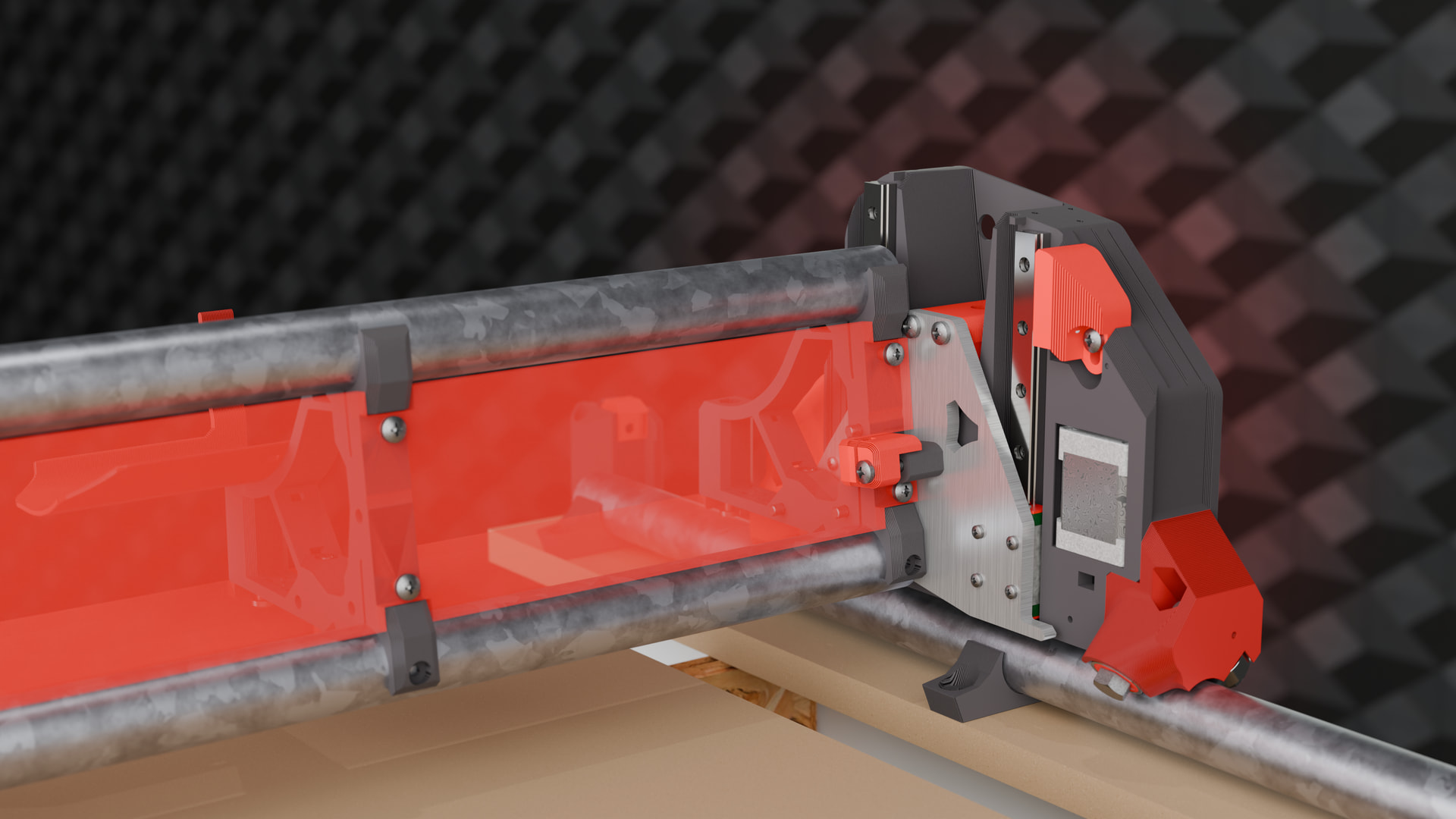
Mostly just lowered the line height on the printed parts a bit (scale 650 instead of 400)
I also increased the power of your main light to 300
Widened and added some power to your backdrop light to give a little more glow and separate the two black colors a bit more.
Not saying mine looks any better… but there’s something about the lighting that just feels a bit off
2 Likes
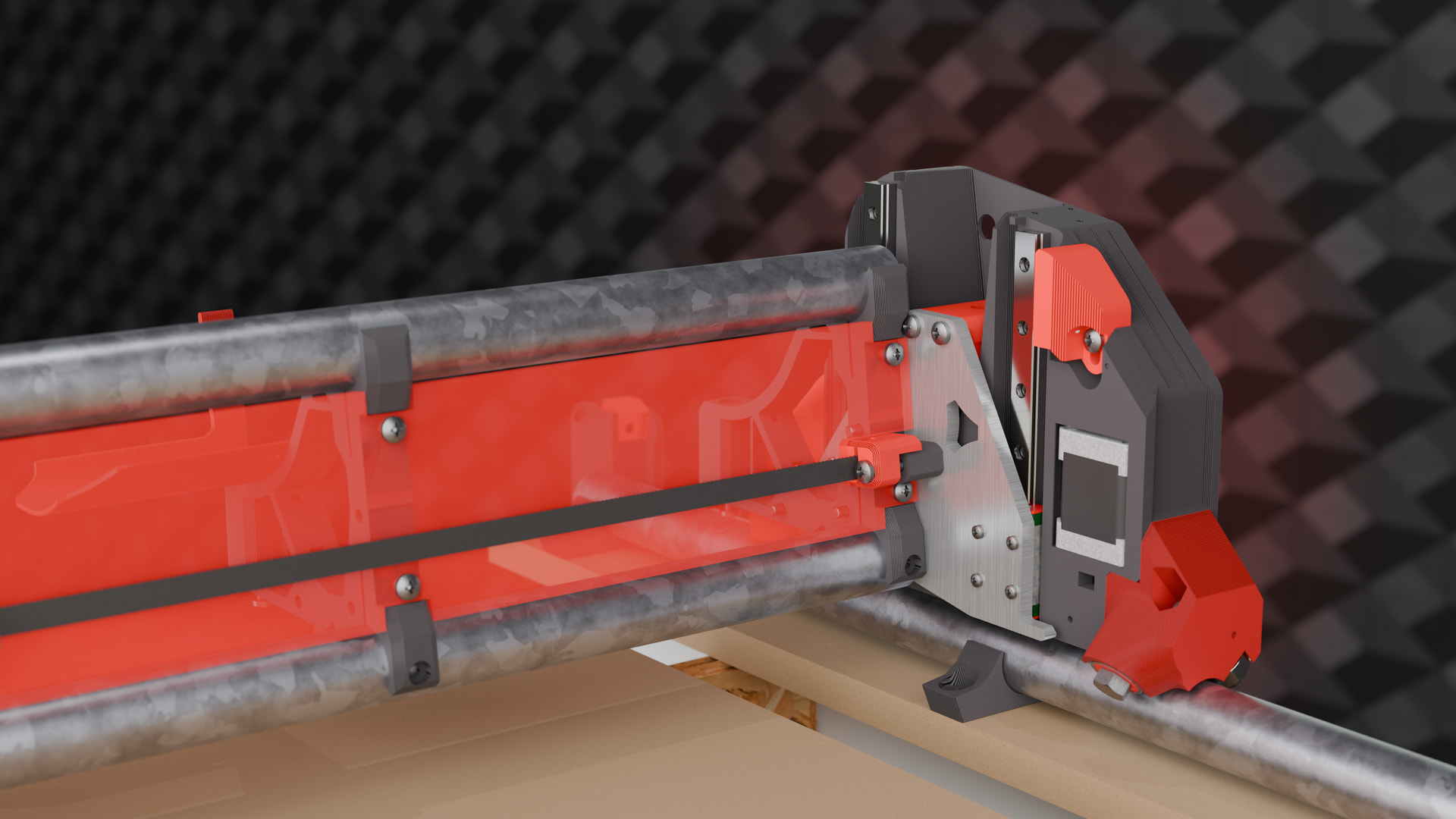
I like that. I hate modeling belts, I really should more often, it would help a lot of mistakes.
I pulled it from my printer model.
I just modeled one little section, then use an array modifier and have it follow a bezier curve
Model a small part, duplicate with an array modifier?
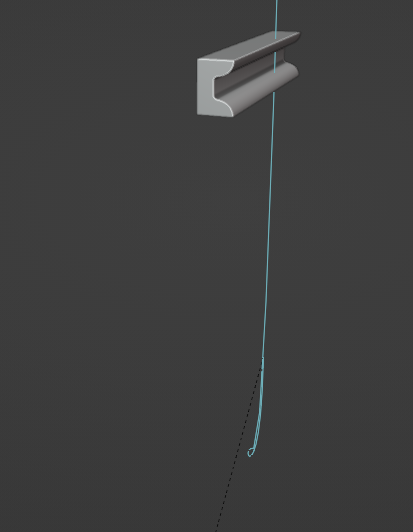
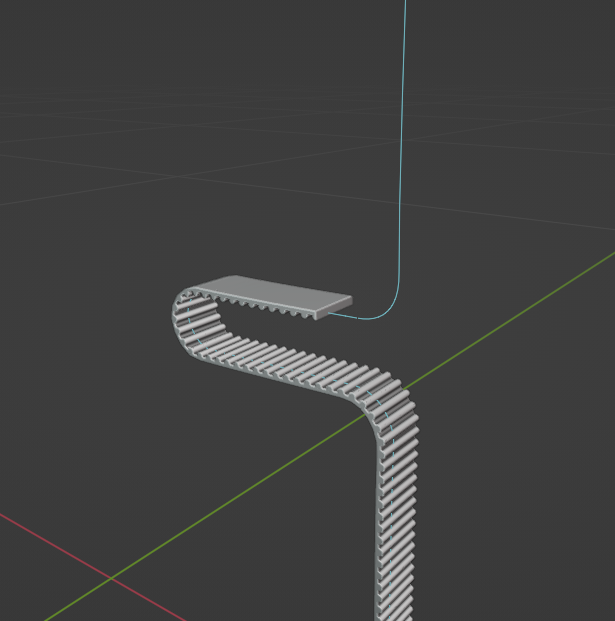
Then I parent the belt to the curve so I select the curve only and they move together.
This lets you easily animate the array count too so you make build animations that show threading the belt. maybe I sent one to you before… can’t remember now
6 Likes
What about the Y belt???