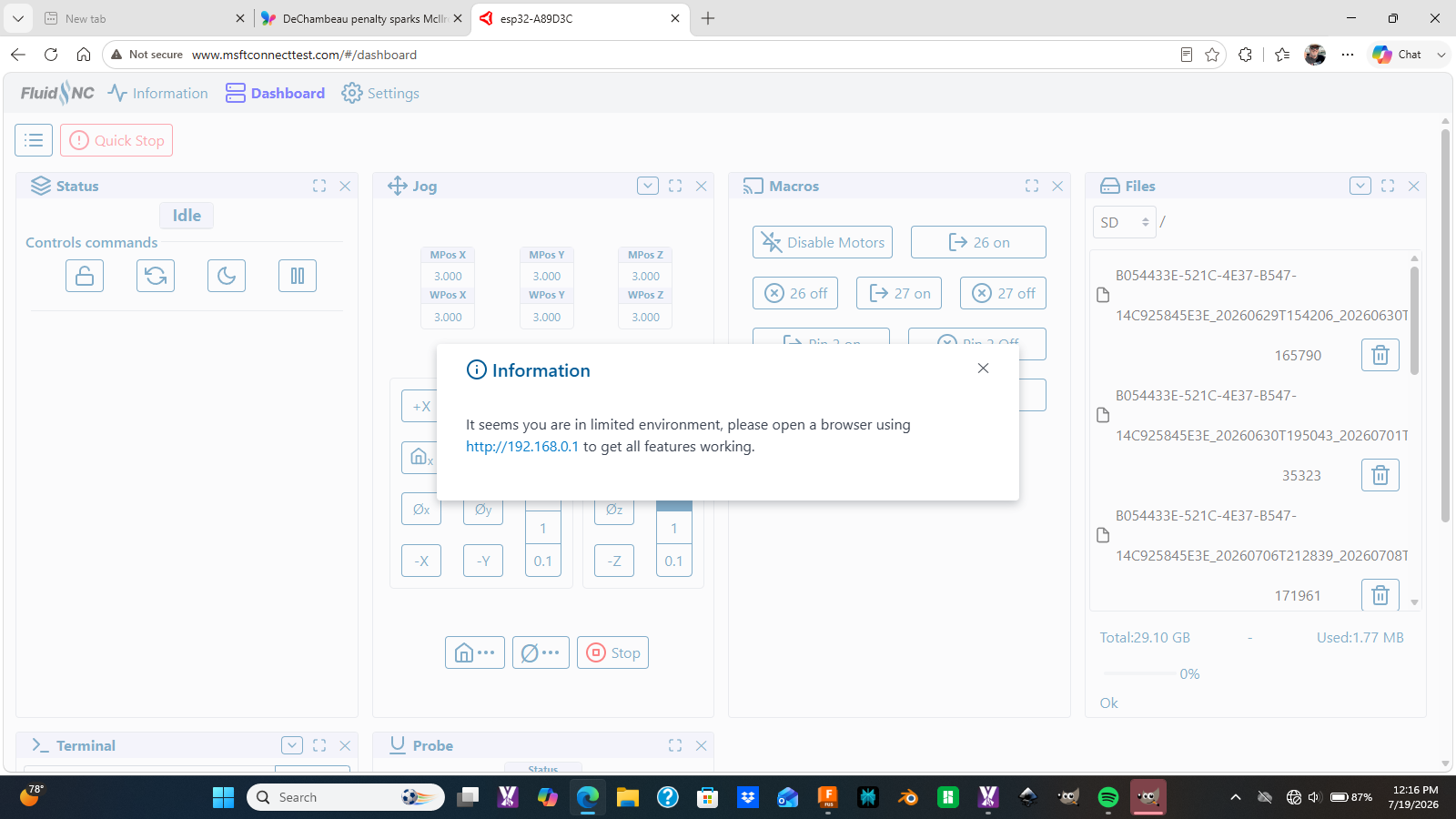
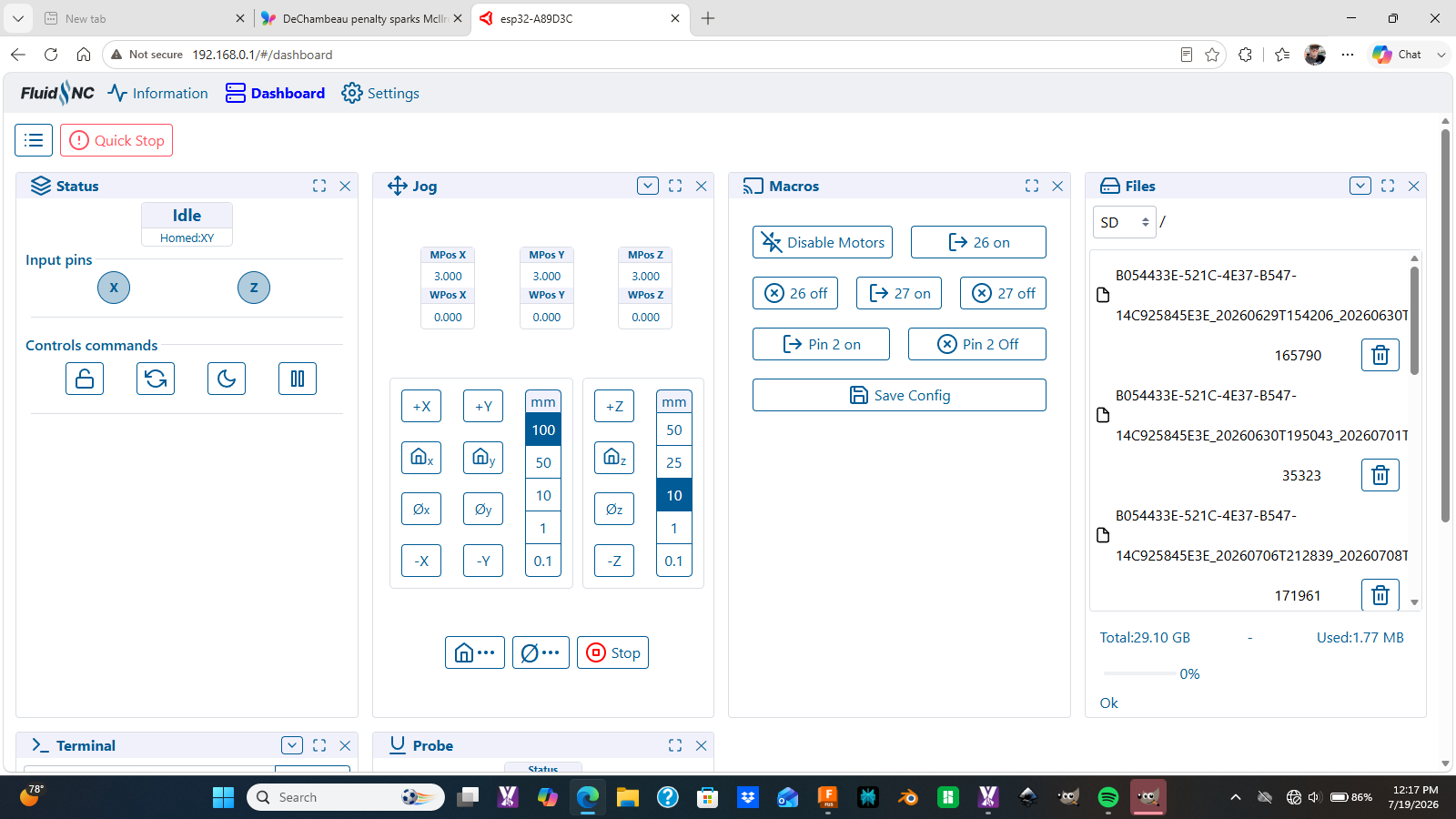
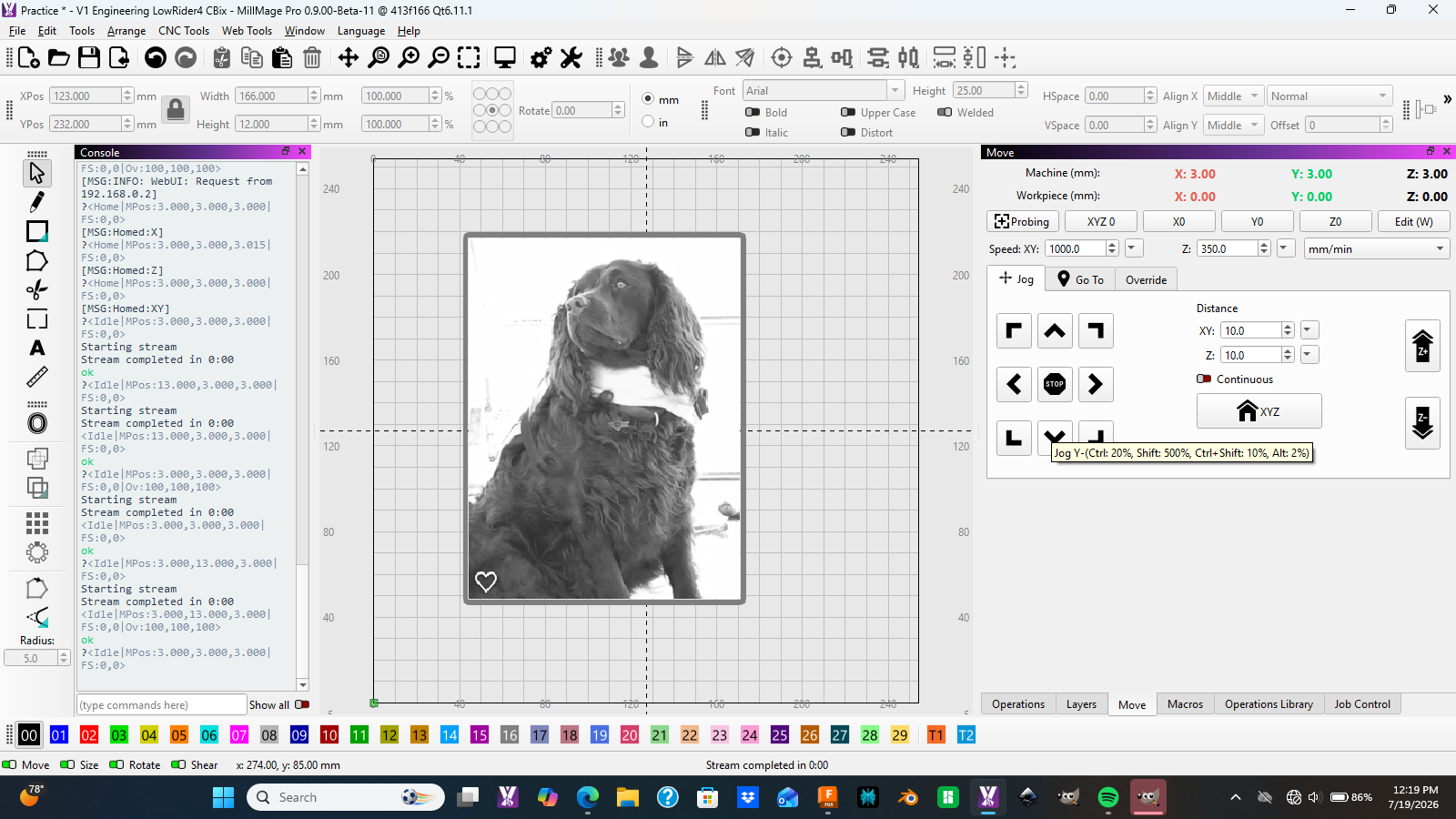
Please I thought I solved but as I said previously I really don’t understand how the FluidNC software works for connection to my Jackpot controller. I recently switched to a new Jackpot 3.
Step 1: I connect to FluidNC SSID:
So at this point I take over and take control. Re-home to verify.
Then I start a job and chances are after a few minutes of running I randomly loose connection! Frustrating!!
Not sure what setting I need to change?
Note: I keep the browser active and connected to the FluidNC. I’ve also closed out once connected but not sure what is correct.
I have uploaded the gcode to the SD card and can run but really want to run and control via MillMage which I am really loving.
If you are connecting MillMage over wifi, you shouldn’t have your browser connected to Fluidnc also. Use one or the other because they can conflict with each other while running a job.
I use USB to connect to MillMage. If you do that you can have your browser connected too.
You are using FluidNC in Acces Point mode. This way, Windows connects directly to the WiFi of the esp. Since it doesn’t have internet access, Windows might be dropping the connection at some point.
If you have WiFi router at your shop, follow these instructions to connect the controller to the existing WiFi:
I tried connecting in MillMage over the hostname fluidnc.local, but there seems to be an issue that I’ll investigate.
However, using the IP address of the controller does work.
Your WiFi router might give the controller a different IP at some point. It’s a good idea to set up a static IP in the router’s admin panel.
Thanks for the feedback Aaron I see you are part of the Lightburn group. Nice group and I am liking MillMage.
I have Xfinity gateway router about 15 feet from my Lowrider CNC. I also have a Google Mesh network for the rest of the house. They both have separate SSID’s so I can keep rack which network I am connected to.
I will investigate further your links and also re-review Ryan’s info.
Do you agree that once I establish the MillMage connection I should close out of the browser if I am using the AP method?
Need to just go experiment with when I get some time. Also curious on old school USB hardwire form @Britt mentioned.
AP mode should not be used, except for setup and recovery. In the link above, the FluidNC devs specifically say that it does not work well for day to day usage.
Connect the controller to your xFinity router’s WiFi and you should be golden. (If you have separate network SSIDs for 2.4 and 5GHz, the 2.4GHz network is usually more stable)
To ensure that the the router doesn’t assign a different IP at some point, log in to your xFinity modem and look for “DHCP” settings.
I concur with Ryan, that using the WebUI while streaming a job from MillMage can have averse effects. Either way, pretty much all of the WebUI’s features can be used in MillMage. You can create macros for frequently used commands.
A high quality USB cable is still the best solution, if the computer is close enough.
10 feet is rather long for a USB 2 cable. Especially in a workshop with spindles, motors, and power supplies, a cable that isn’t properly shielded can cause connection problems.
That’s the biggest drawback of Estlcam as the controller as well. A 3m cable has to be properly shielded and ideally have ferrite cores on the ends. I went through a few cables before finding the right one.
You can also enter the SSID and password of your xFinity on the WebUi.
(The controller will receive a different IP from the router. Update this in MillMage)
I run lengthy jobs over “wifi” all the time and have no problem with wifi drop-outs. To do that I essentially replace my laptop with a headless Raspberry Pi or miniPC that can sit next to the Jackpot controller, run whatever gcode sender I choose, and connect to the Jackpot with a very short and reliable USB connection. I then use my “real” laptop to do your design work and gcode generation and then simply send ALL the gcode across wifi to the Pi or miniPC and let it take over actually running the job.
This way you are not trying to send gcode over wifi to actually run the job in real time… you actually send ALL the gcode over to the Pi or miniPC and then, without it no longer needing a wifi connection, it feeds the gcode to the Jackpot over a short and reliable USB connection.
The key, of course, is setting up the Pi or miniPC to run headlessly… without the need for keyboard, monitor, or mouse. I have multiple machines (laser engravers, MPR&P, Prusa MK3S, etc) set up this way and never have to leave my recliner to control a machine. Jeff’s (@jeffeb3) V1Pi image can be used to remotely control a Pi 3/4 with Octoprint or CNC.js (I used that for years)… or, you can install an actual Debian-based Pi OS and install and run almost any/all gcode senders you choose using a remote connection to your laptop using xRDP or VNC. A modest miniPC can be set up the same way… and is now my preference. They typically have more RAM and storage, can have multiple senders, Lightburn, etc. installed and available at any time… and are faster and more responsive than a Pi.
I know the Jackpot has wifi capability and WebUI can be used to directly control the Jackpot… but I really don’t see it as nearly a flexible way to actually run jobs as what I’ve set out above.
I got the info from the Jackpot3 wiki.
Here’s a direct link to the Windows version of the driver
This is only needed when connecting over USB.
(Sidenote: Many USB-C devices only work when using a USB-A to C cable. I don’t have a JP3 to test this, but if the board doesn’t show up in the Windows Device Manager after installing the driver, you might need to try another cable)
I’m probably missing an important point (wasn’t aware of the V1Pi image), but I don’t see the advantage of using a Raspberry Pi in this setup.
GCode can also be sent to the controller board’s SD card and started from the WebUI.
Starting with FluidNC version 4, WebDAV can also be used for this. This involves mounting the controller’s SD card as a network drive on the main computer. I haven’t been able to test WebDAV, but it sounds interesting and practical.
Very good feedback and I’ve followed you through the years. But you lost me a “headless raspberry pi”
Was not aware I could behead my apple, strawberry, raspberry pies??
Of course Im being an ass a just joking. I did by a PI started setup but just never dove that deep.
I think you some good ideas I am sure of but ny first step is just trying to connect a USB cable to myJackpot 3 with my HP laptop.
I am struggling with some side issues so have limited time. My wife recovering from serious foot surgery and id basically limited to our first floor in a rented hospital bed and wheelchair (fun fun) then by beloved dog of over 12 years develop cancer brutally an we had to say goodbye as he was in so much pain.
SO …going to my LR4 and messing around is a great distraction for short moments.
Sorry to hear about the life issues, Craig. Wives and dogs are a big part of life… and I know it’s a big burden to carry right now. I lost my wife right at 10 years ago to pancreatic cancer and I’m pulling for you and your wife’s recovery.
I know you’re talking to the right folks about the technical issues. I’ve offered up how I network all my machines a number of times – and it’s been around since long before FluidNC, Jackpots, etc. – but does require a bit of knowledge and effort to pull off.
Again, I’m praying for you… and hoping you get more time to mess with your LR4.