Hi, I’m Adam, CTO of LightBurn software - our support manager pointed out this thread and seemed like a good opportunity to answer some questions:
First off: We are very close to launch. Our dev team is literally working around the clock (it helps we span from California to Brisbane ) to get everything buttoned up and squash any remaining bugs. And basically everyone else in the company is in their shop every day, using the software so they can report anything that needs attention. Keep an eye on our website and socials, there will be more news soon.
Also, for those talking about more complex tool paths like V-Carving: This IS coming and we are already working on it, just not in the initial release. We wanted to focus on the core functionality first but still work on getting things like V-Carving exactly right in the background. The official launch announcement will have more details on all of this.
Yup - I meant to have one out earlier this week but then we found a few things that we really needed to fix first. We’ve actually had other CNC software makers in the industry tell us we were crazy to do not just design and CAM but full control as well. They were right, but that has never stopped us. Full control of as many devices we plan to support is hard but we are determined to do it right.
@Britt are you willing to share that project file? I would love to figure out what the difference is - it’s probably just a matter of settings. But it’s entirely possible something with the path planning changed and caused an issue.
What would you prefer it do? We can’t make the tool go where it won’t fit.
Can you explain more what you mean that it doesn’t match fill in LightBurn?
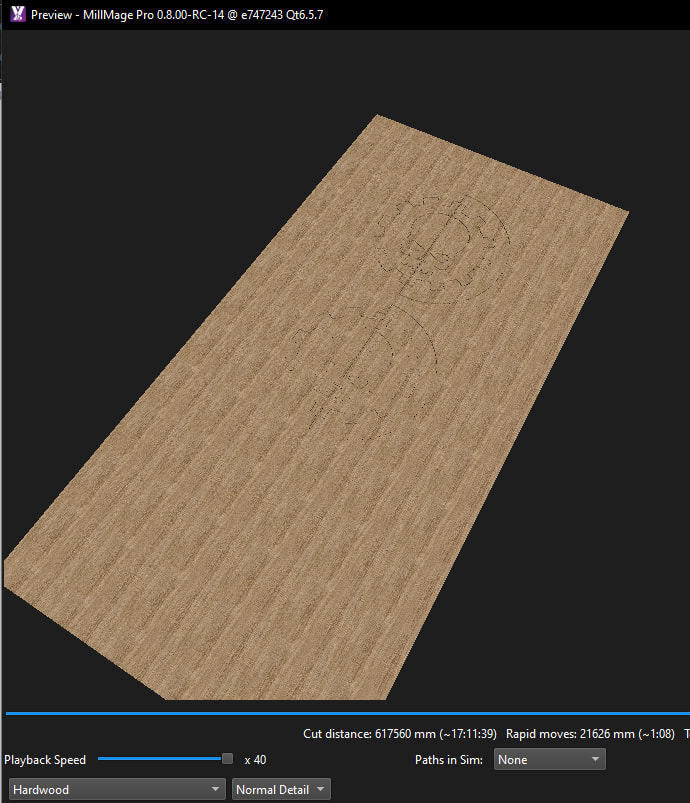
Ice Cream and Fur have been in there since nearly the beginning. It was a joke added when showing it off at a conference and we never removed it. Any textures you would like to see us add?
We do plan to allow locking the 2 preview views together, but it requires rewriting a bit of how all that functions.
I think either skip ‘islands’ or possibly an option to select and remove individual parts of the toolpath - you could almost certainly do it manually in the gcode by looking for the Z height changes assuming absolute coordinates are being used.
Actually what would be really useful in the left pane of the preview window would be the scolling gcode, so I could drag the timeline to that point, find the gcode and delete it (probably just the Z height changes to make it easier)
No problem:
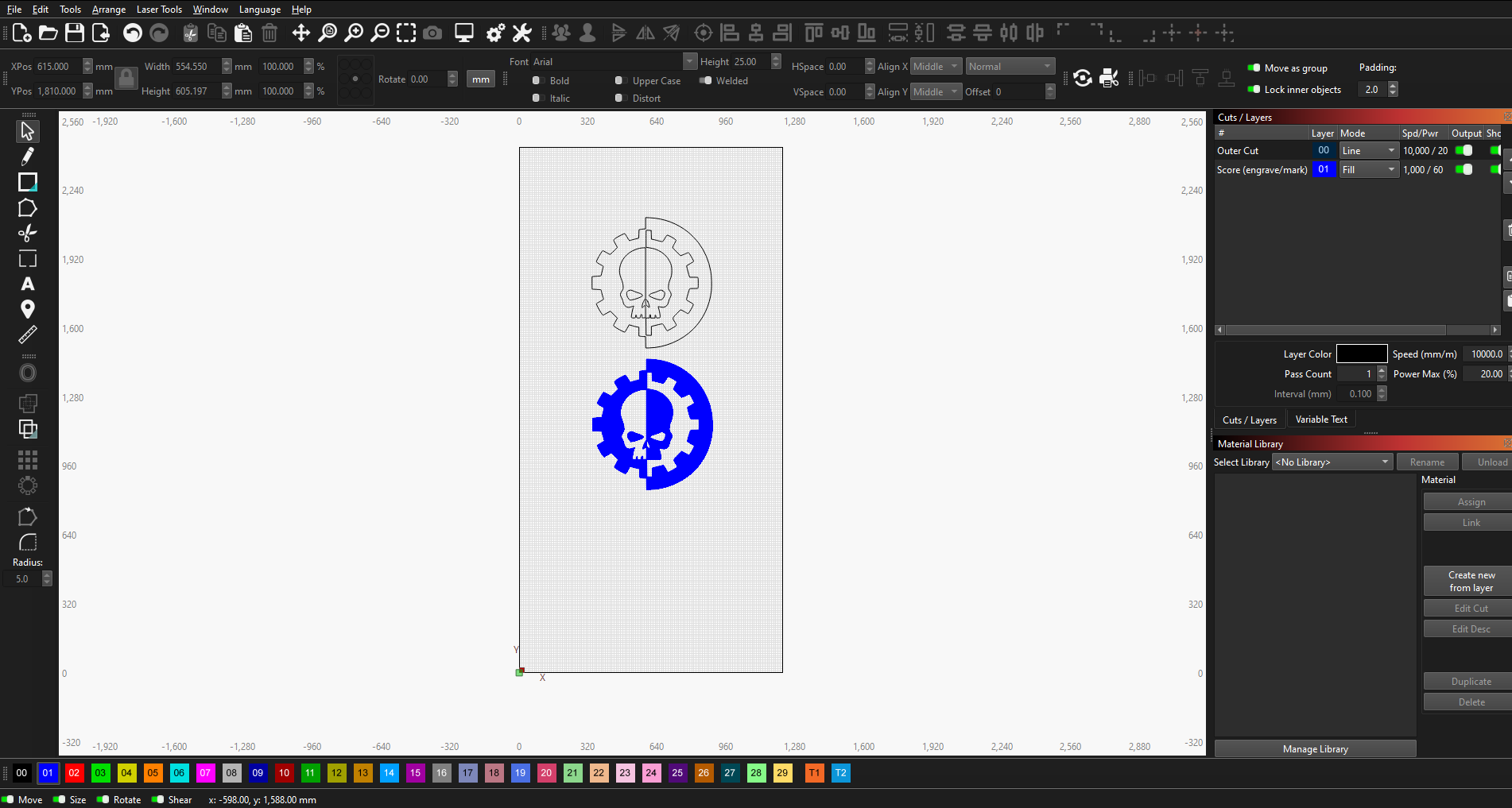
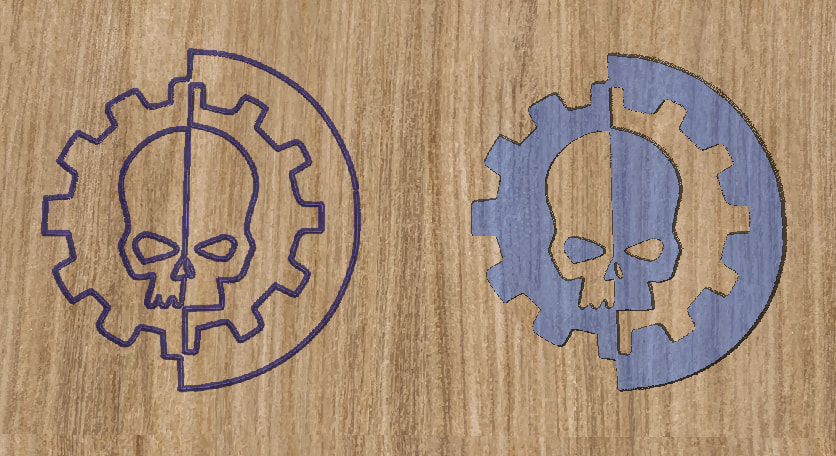
This is lightburn, same paths, one is a line operation, one is a fill - which is which?
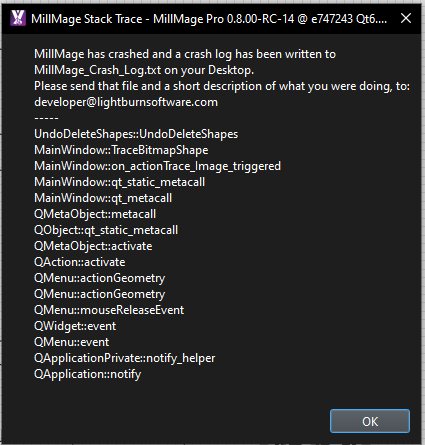
Fun fact - i tried to do the same import operation in millmage I did in Lightburn, import jpg, trace with delete image after trace ticked and it crashed so I had to use the dxf exported from Lightburn
Honestly I’d prefer the option to completely hide the left pane.
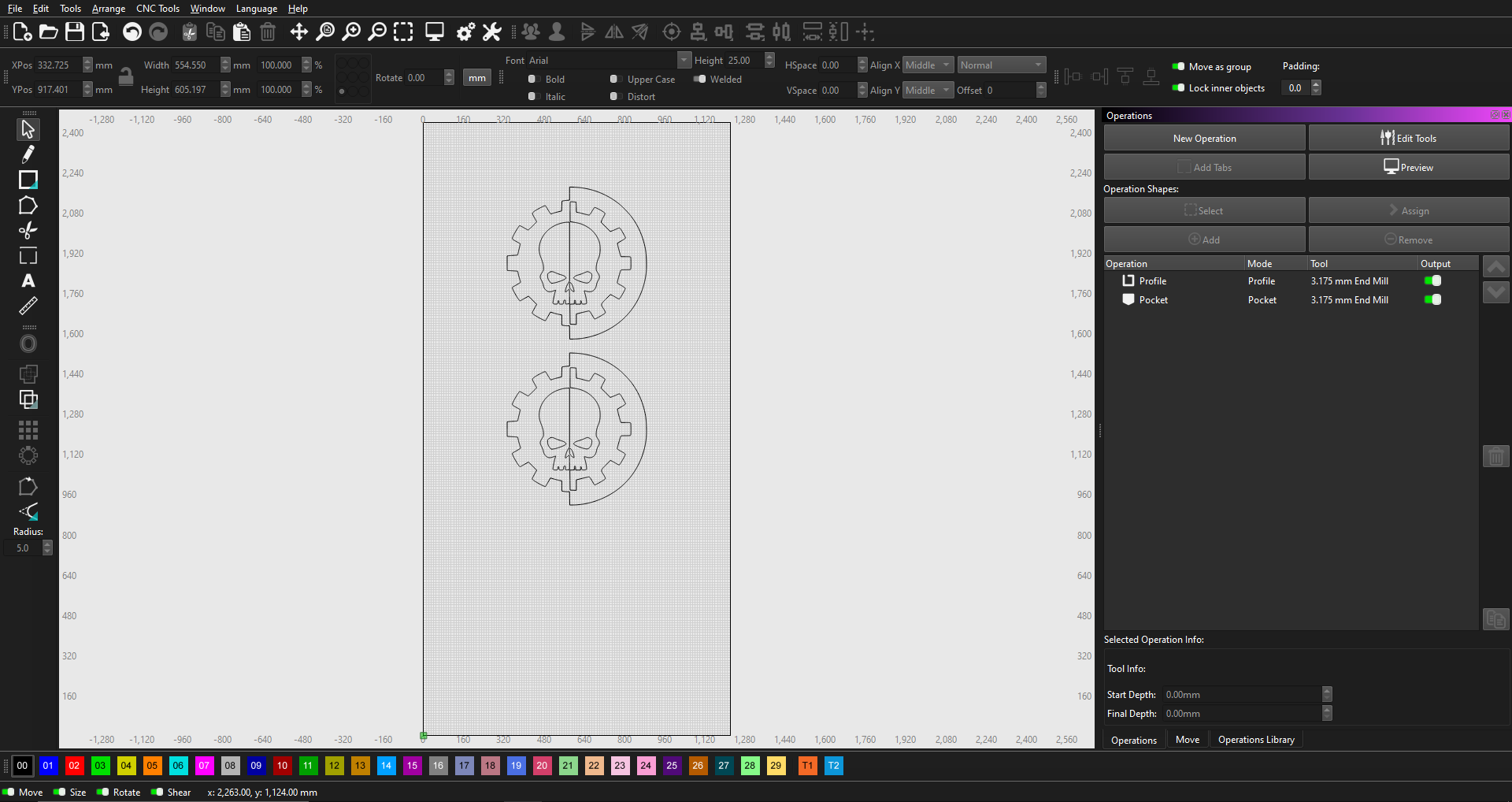
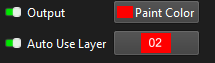
In the millmage project when I created the operations I have
enabled, red for one, blue for the other - yet both are black in the main window.
If I use the palette along the bottom to apply an operation the path DOES change colour.
If I select a shape and an operation and ‘Add’ it DOESN’T change colour.
Its also not obvious what the paint colour is for at all.
This is by design. We removed filled rendering entirely in MM because you could have both a profile op and a pocket op assigned to the same shape. In LB shapes can only ever be one type.
Auto use layer just adds shapes of that color/layer automatically to the op. But you can have shapes of ANY color on any op. So no, adding a shape to an op will not change it’s color. That’s not how it works.
Colors in MM are basically for your own organization and not much else other than the “Auto Use Layer” functionality. But if you want shapes to auto add to an op you must manually make them the color you selected for Auto Use Layer.
We do not expect most of our users for MillMage will be familiar with LightBurn, and existing CNC software does not use layer color mapping to assign shapes. It’s much more common in CNC software to have shapes in multiple operations, and we wanted to allow for that. Having the ability to auto-assign by color allows people used to that to work that way, without preventing the more standard way of assigning manually.
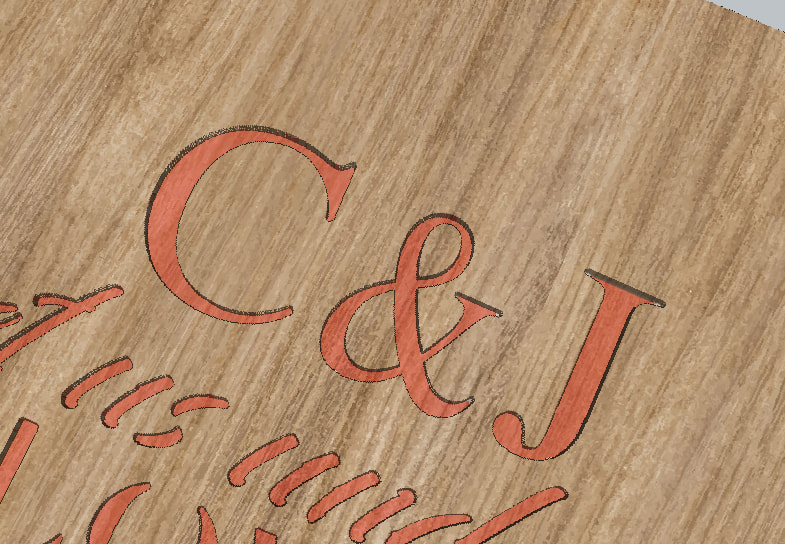
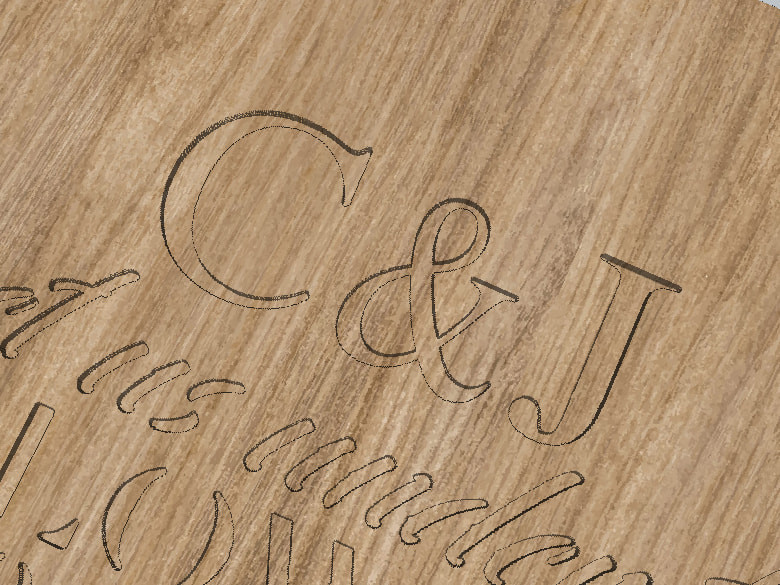
Paint color is to simulate painting the tool paths, and it’s shown in the preview when enabled. Masking and paint filling is a really common thing in signage.
We actually discussed keeping the “per layer” operation setup like LightBurn. Turns out it’s an awful workflow if you have shapes with more than two ops, which is really common if you go beyond the basics.
If you are ever curious what that workflow is like, checkout SheetCam.
I can’t tell if you’re joking so I will post a link…
There is actually a ton of stuff I like about sheetcam. I just don’t think layers/colors per op is the best for more complex projects, which is not sheetcams goal, so it’s fine.
I should also point out that my current goto software, Estlcam, also clearly communicates pocket operations in the main window using a visual fill and it too can assign more than one operation to the same shape.
I want millmage to be to CNC what lightburn is to laser, powerful and accessible, that’s why I’m so disappointed that the basics don’t feel right to me.
At the moment, when you select an operation, we highlight the shapes in that op. It would be reasonable for us, in that case, to show those shapes filled if the selected op was a pocket. That will take some figuring, but it’s doable.
So, with Estlcam, you’re saying that if there’s any operation assigned to a shape that creates a pocket, that the shape is always drawn filled?
The pocketed area yes. And if you click on a shape with multiple operations assigned to it you see a list popup and can choose which operation to edit. Not necessary in your case as the operations window can show the operations.
I think you will find the exact opposite, ESPECIALLY here! We almost all use LightBurn, it goes hand in hand with Cnc. A lot of the things I do I laser after I cut! I was sooo excited in the Mrrf in Indiana because of what lightburn is.
That can’t be true. I’m not sure what percentage here even have a laser. I don’t.
It makes sense to me that Lightburn and Millmage can’t work the same way in many cases. A single laser vs a whole collection of different bits make it quite a different beast.
 ) to get everything buttoned up and squash any remaining bugs. And basically everyone else in the company is in their shop every day, using the software so they can report anything that needs attention. Keep an eye on our website and socials, there will be more news soon.
 hard but we are determined to do it right.