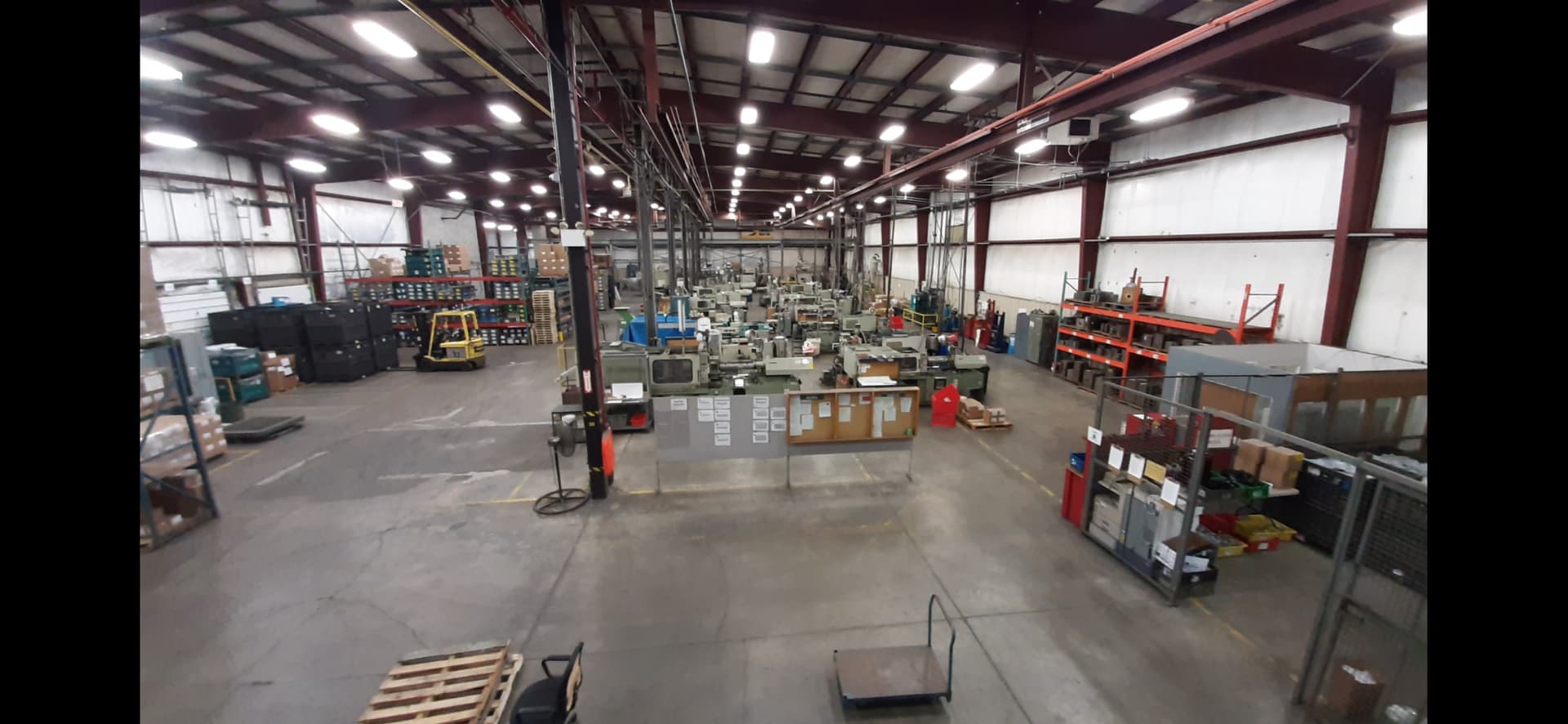
Amazing what you can get done with a forklift and a pallet.
Sketch upon Sketch.
Next you’ll tell me you stood on a box at the top. Like I did on top of the scaffolding changing house lights at the high school auditorium as a young pup. At least I didn’t jump over to the balcony when it got wobbly like my best bud did.
Honestly, I have almost no idea how I survived being 15-25 years old.

That’s pretty funny I didn’t think I would see 35 I was pretty wild. Now I keep seeing this 53 year old guy in the mirror.
I have never been scared of heights just very respectful of them.
Definitely something I would have done.
Put a 55 gal barrel on the pallet to get that extra 4 ft.
Welp. My router’s WAN port seems to be misbehaving. I thought it was the modem or something on xfinitys end because all the connection to the router/AP and the web interface are very snappy.
But when I plugged the modem straight into my computer, it works.
After closer inspection, the WAN port is getting an IP address from the modem. It just can’t ping anything (even 1.1.1.1). So something seems weird with either the firmware or more likely, the WAN port on this router. I’m restoring and flashing it to the latest and greatest now. But I’m not sure I can bring it back.
@vicious1, what hardware did you end up with? Is it available for overnight delivery to my house?
I believe he got the same TP Link Deco setup that both @Michael_Melancon and I run.
Yeah I got the deco xe75, my only complaint is the app has all the settings not the webui. in the end it is fine I just hate needing apps for everything when the webui would surely have been easier.
wired backhaul and it is kinda nice to have a few extra wired ports on each one so hard wiring things is pretty easy.
100% recommend, much better than my older asus. Thanks again JJ and Mike.
They can give you the same wired connection at the Mesh Nodes without the wired backhaul as well. Even better if you don’t need wifi6 for any devices as it will use that just for the backhaul. Wired is always better IMO for backhaul, but wanted to throw that out there anyways.
I only use the wireless backhaul and then plug from the router into the computer at each spot.
My download speeds on the remote computer are nearly the same as on the main router.
Almost no speed drop
Shifting threads has my mind lagging i was thinking variable spindle speed not internet it’s been a long day 

Heh, that reminded me of this video.

It’s all in German, but you’ll get the idea🤣

Man, this was such a hit 20 years or so ago. I had a mate who was working in a warehouse and they showed him this the first day of forklift training. 
I don’t see that in the list of supported openwrt routers. I ended up ordering the flick 2. I will install openwrt this morning and hope it fixes everything.
I vaguely remember the WAN port failing on my other Archer router. So now I have two APs and a new dhcp server.
This router is working great. I am sure it isn’t as fast as some of the newer wifi 7 ones. But it’s plenty fast for me. The interface and setup seems snappy too.
I ended up comparing the backups to make sure everything made it over. It took me a while. But the older A7 is like 10 years old now. So it’s surprising it works like that at all.