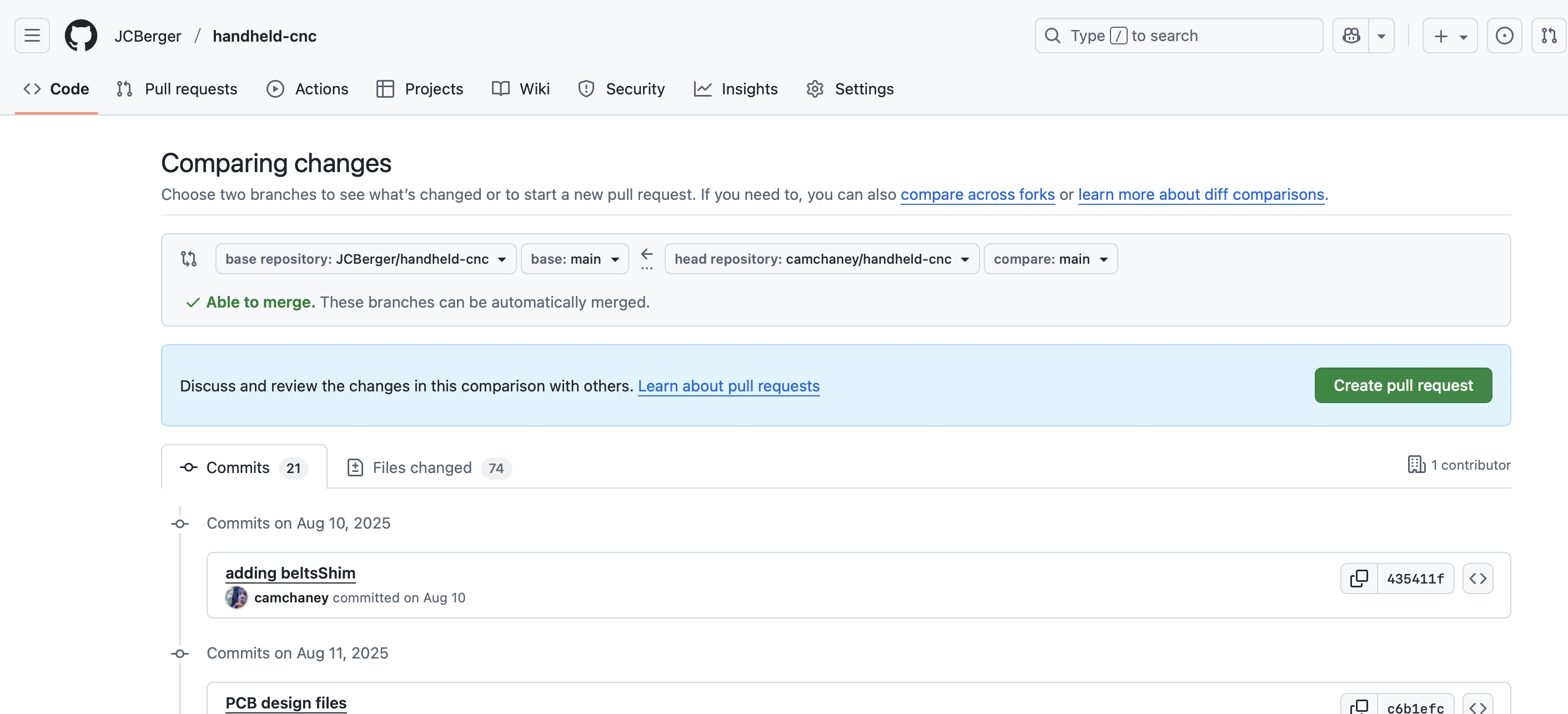
how find out what are realy new on the Files on GitHub?
What i mean, i’m in the moment on the “3D printing” part.
I startet last week and i collect all the files.
Now I’m back from a short holiday, i found out that 10 files changed.
The zKnob.stl are GONE
the zKnob_01.stl are NEW
zCarriage.stl
frameUILeft.stl
frameUIRight.stl
idlerMountLeft.stl
idlerMountLeftRight.stl
mainFrame.stl
xStagePlate.stl
zCarriage.stl
and this
baseStage.stl
And the last one i have printed them last Week.
It is a peace that i need two times.
And what are now NEW on the new Parts?
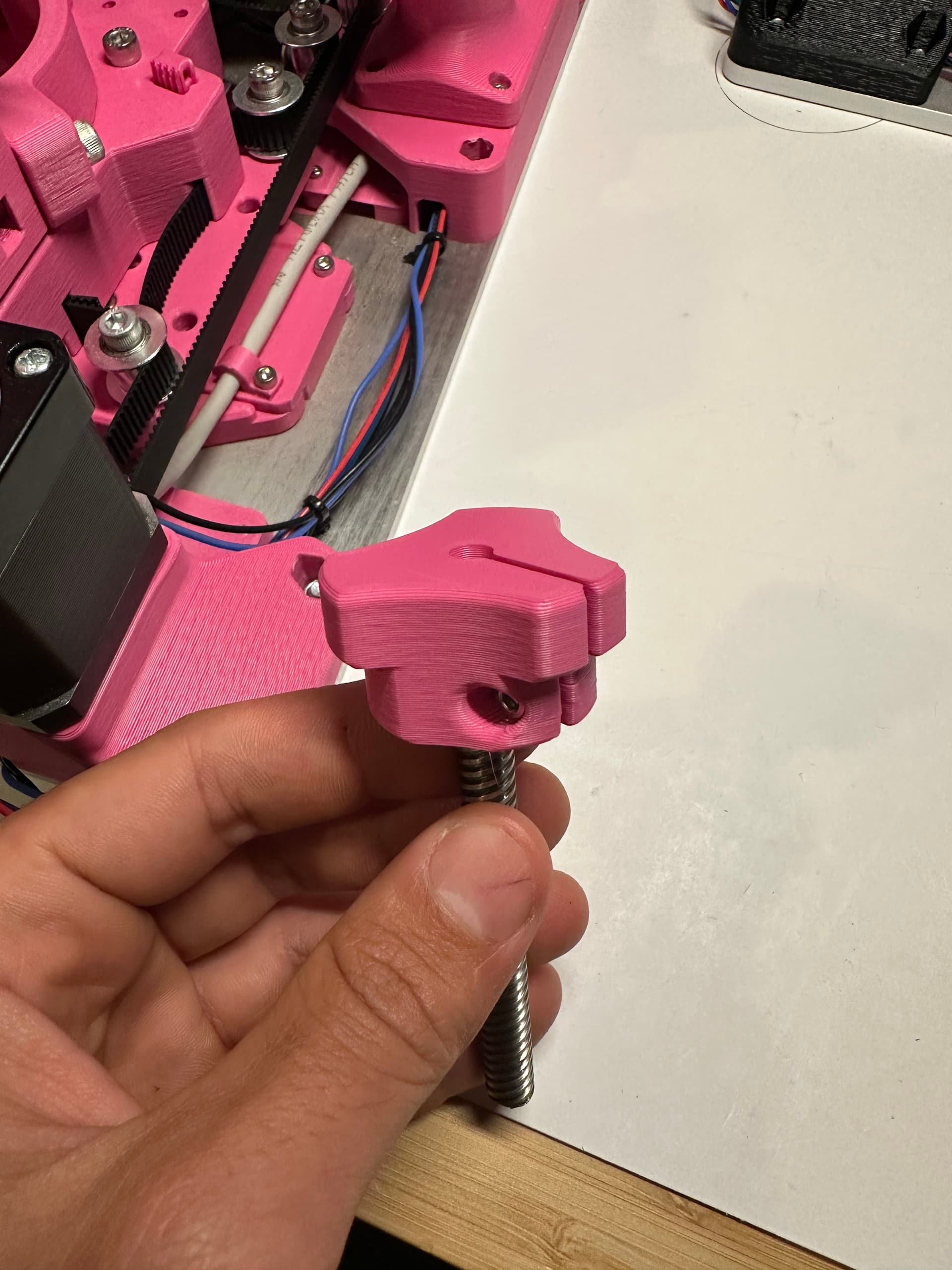
the zKnob_01.stl i found the new hole for a screw and the slot who can clamp it.
But what are new on the other parts?
Is it necessary to PRINT the baseStage.stl AGAIN ?
When we have a new AREA here in the Forum
CAD
cha
fdm
change log
shm
or
Files on GitHub
Updates and News
Or how can i found the news and modifications ???
Best regards
Hey @Alexa3D , you’re totally right I should have included a change log for these. I’m still getting used to maintaining a GitHub repo, and just Git in general, so I’m figuring out a lot of this as we go. I appreciate the patience!
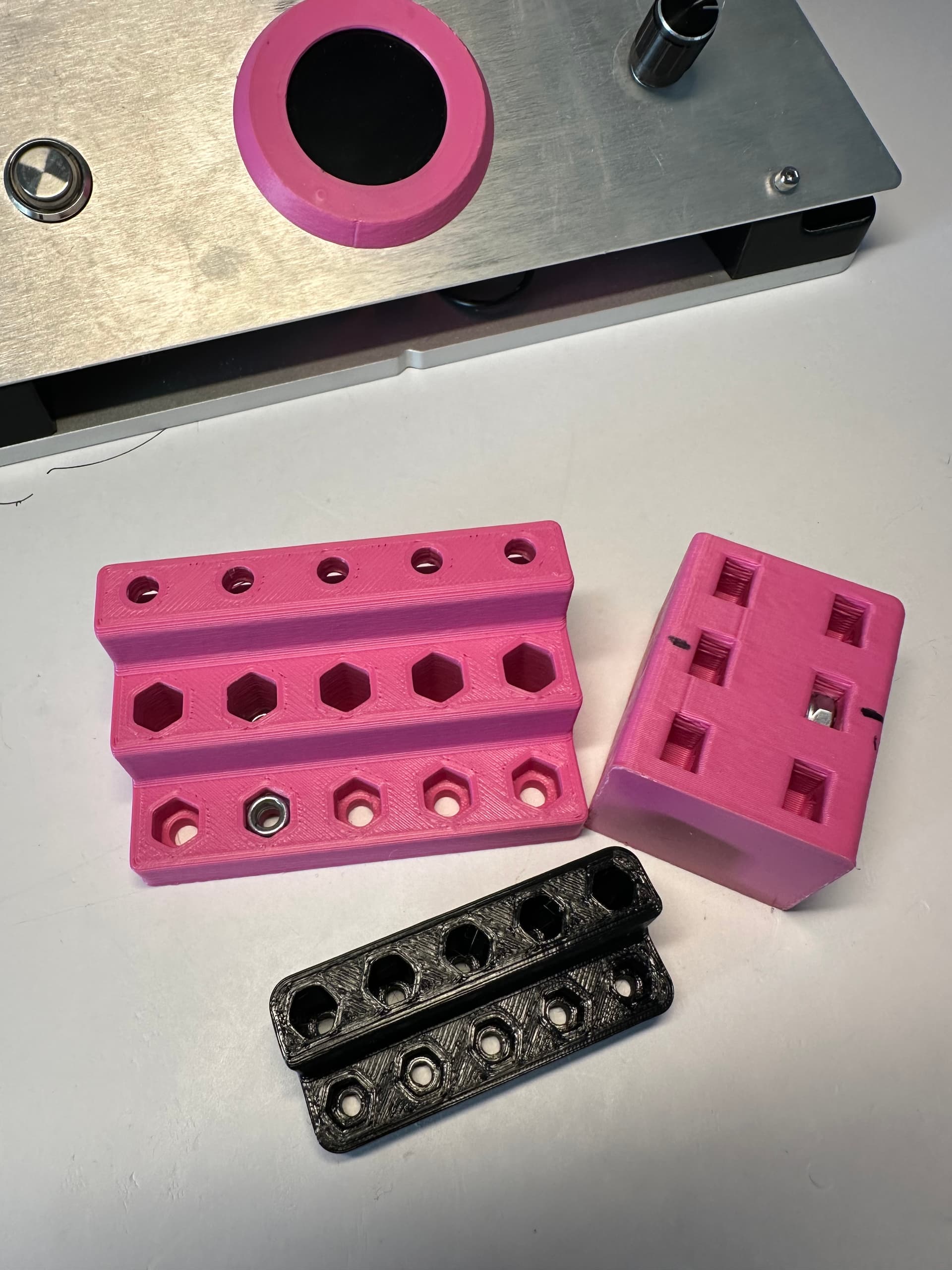
Long story short, if you have already printed those files, you don’t need to re-print them. The only thing that changed for those files (except for the zKnob) was improving the nut pocket sizing (for the M3 and M5 locknuts). Some people were having issues with the pockets stripping or being too tight to insert hardware easily. I printed these tests test parts to hone in on the optimal dims:
If you’re careful and have some patience seating the locknuts, the old files will work just fine. But obviously if you haven’t printed them yet, go with the new ones
For the zKnob part, people were having issues with the original design, so I changed the cinching mechanism to clamp instead of using set screws. The new zKnob_01 part works a lot better and is a fast print, so I’d recommend it.
The thing that I did that I think will help keep things clear for me on what changes are happening is to fork the repository when you download the parts to start printing. That way Github can provide you with the changes. As you update the parts, then start accepting commits, which I think will help keep you up to date. The other thing I would recommend is adding the date you downloaded files or folders on your computer.
The Problem is not to FIND the new Files and download it.
The thing was,
what is the modification on the printing parts?
What was modified?
A new hole? More space for screws?
Or something else.
Cam make it here in the second post.
That is what i search for.
This parts are a never version, and then you can see, what is new.
Need it and print it? Or i hold my ols parts on the machine.
Yeah, I agree for .stl and other binary file commits, it is worthwhile to have a little more than just the git commit message. I will start writing more in depth descriptions for those commits. Thanks for the feedback.
Generally, the git commit messages are for developers. I use them to remind me what is going on in the commits. Then I use the release feature when I get to a complete set of changes that can be considered “done”. Then I peruse the commit messages to remind myself what changed and make the release notes include information formatted for users.
New releases should be set to tags. Then someone can know they downloaded v0.18.0 and always easily go back to that, and compare the differences between that and v0.19.0 or whatever. Having users track a moving main branch can be hard for them.
How much energy to put into releases can depend on how often you make them. If they are 6 months or more between them, then put some effort into making them clear, and attractive. Screenshots or short videos really help build understanding and excitement. If they are every two weeks, then just the facts are good enough (but a few emojis don’t hurt).