Does anyone have videos showing the use of the web ui for the LRv4 with jackpot 3? I’m trying to understand everything before I buy the kit from Ryan, and I can’t find any videos on YouTube showing it all from start up to probing to running a file. Doug came close on a couple but didn’t exactly show every button push. After reading one of builds post ( of several that I’ve read ) it became even more confusing. A video from start to finish would ease my brain. I’m probably over thinking everything but…
Kind of… What’s the first project you would like to make? Cut out some shape(s), or carve some text/shape(s) to make a sign?
Would a walk through making your own beverage coaster help give you a good sense of what’s involved?
Ryan created this couple years ago, but a “click by click” refresh based on latest web ui might be helpful…
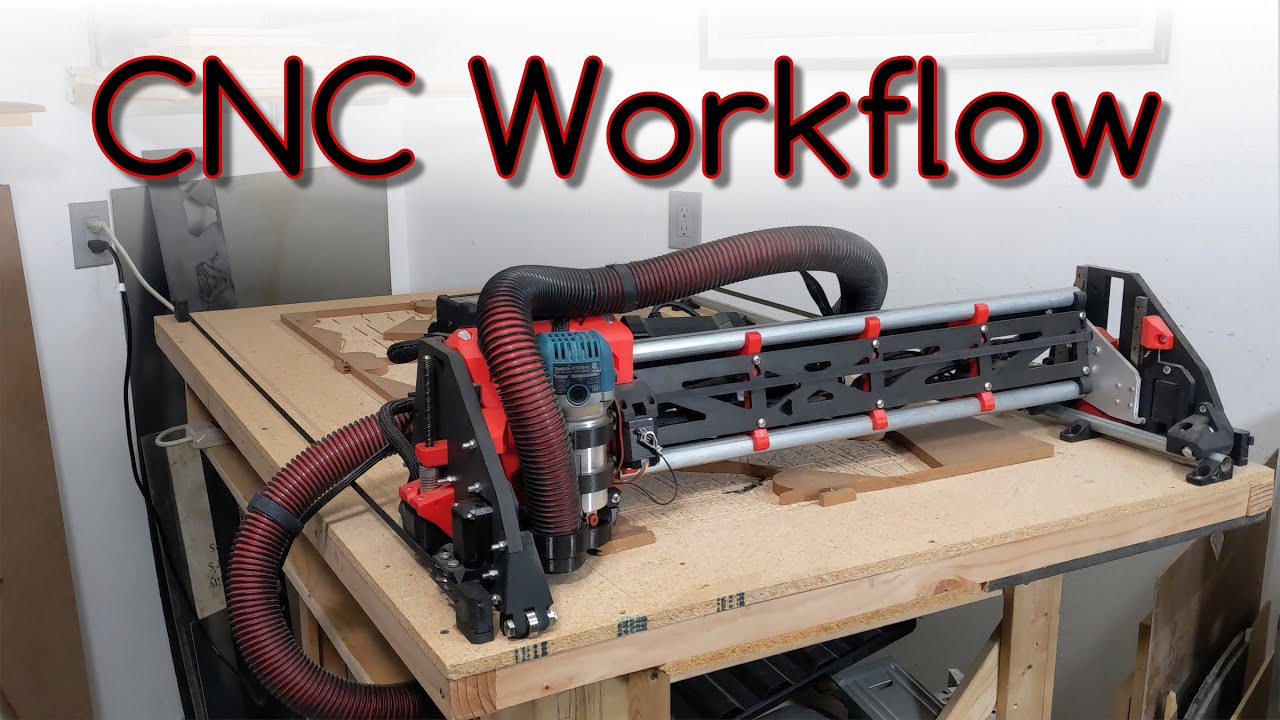
Yes, probably. The thing you don’t realize is how little you actually need the UI. For normal usage, you need to:
- Home the machine - there are buttons per axis and one to do them all.
- Jog to the starting position of a cut - There are direction buttons +/- per axis
- File browser - you can upload files and run them
There are other optional features like:
- Zero axes to set the zero position - this is normally done in gcode
- Probe - again normally done in gcode
- Macros - custom gcode commands
1 Like
Thanks. My confusion began in a person’s build comments. There was a reference about a pause when starting , then then hitting play button, and the z plunges into the spoil board. We’ll that through a monkey wrench into the gears of brain. I just worry I won’t be able to figure this stuff out. The build is straight forward enough. I have a small cnc now so I understand some things.
This video started my confusion a couple of weeks ago because I seen him playing with a display ( but never see it ). Then found out that it’s a tablet or phone now with web ui.
You’re raising some good points, I appreciate new Crew members like yourself, who are getting started sharing their perspective/experience. How are you planning to interact with your CNC.
Tablet, Phone or something else?
(random aside: sorry if my language is off, had ER visit for vertigo 2days ago, PITA, everything’s still tilted/moving, but could be worse, knowing Epley maneuver would be helpful)
3 Likes
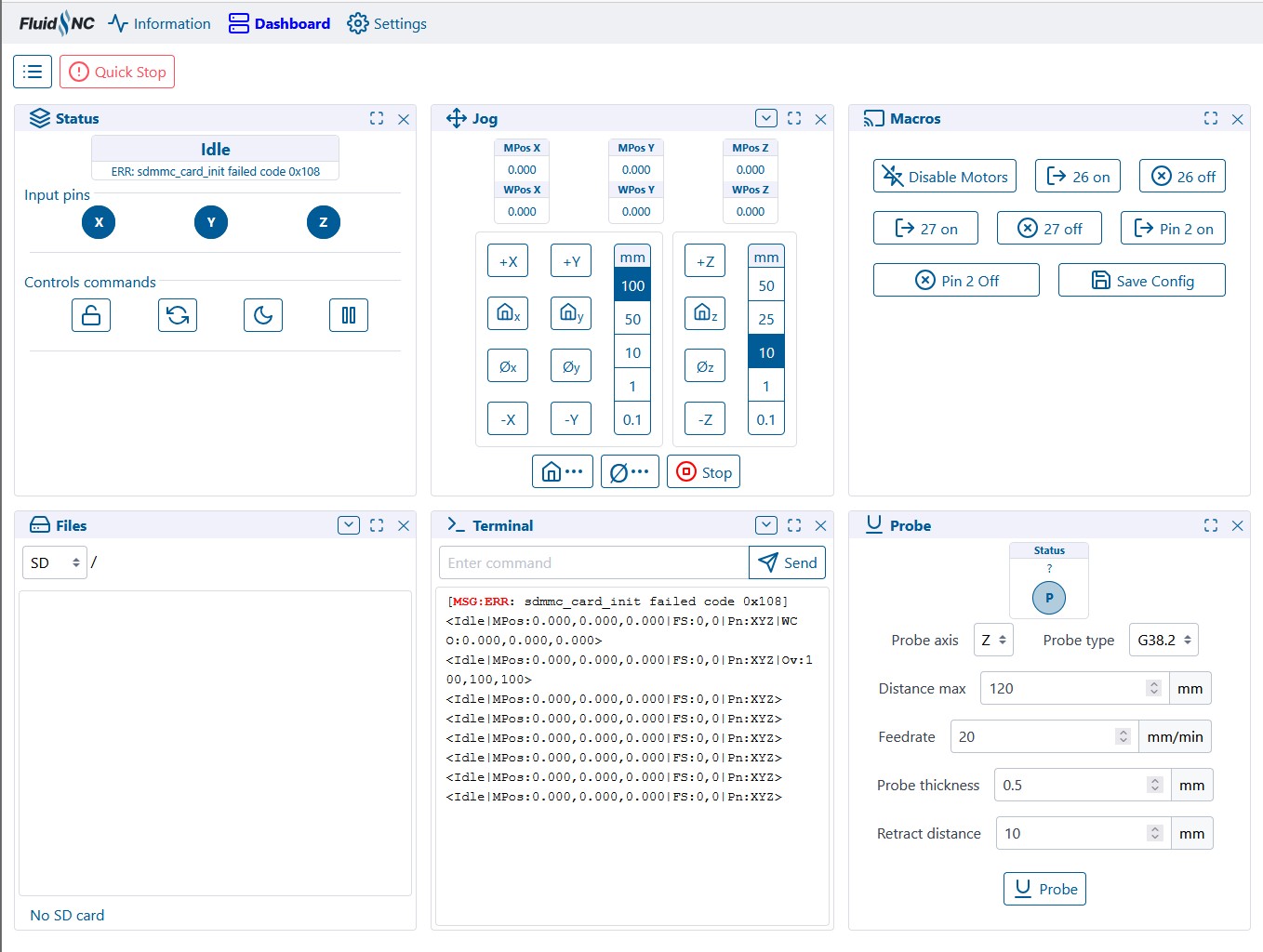
This is what it looks like. The 6 little boxes move around depending on your screen size.
The first box has that pause button in it now, it will change into a play button when needed.
Home is next to it, in the jog box.
macros are a few extra things that are used less often.
Files are there when you have a loaded microsd.
Oddly enough I never use the probe panel, most do it in the Gcode with each file.
Does that help make a few things more clear?
I can do some sort of video I guess if I can not find one. After your first use, it is really very straight forward. The video linked previously by AZA had a little screen that you had to click through a bunch of menus, this is just so much easier.
That actually clears things up, a few other questions I didn’t ask. Thanks for doing this. I don’t think I’ll need a video now.
I plan on using a tablet or laptop. And I apologize for all my future questions in advance lol
I use a cheap tablet with a big rubber case on it. I got a 10", I wish I would have gotten a 7".
It is 100% better to ask as many questions as you need to clear things up before spending any money.
1 Like