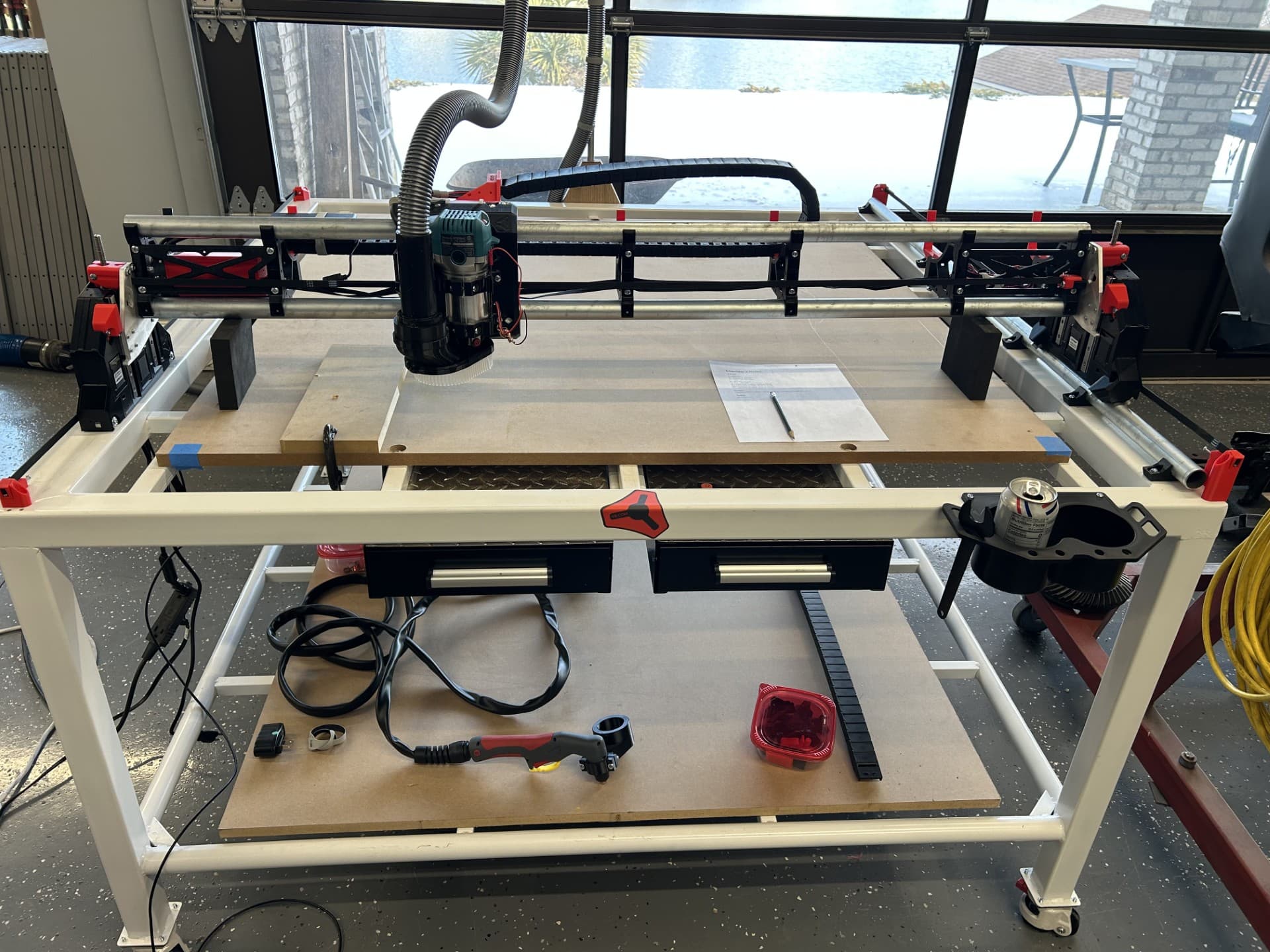
I’m struggling to get my first program to run, besides the crown program. The crown program runs fine. I made a simple program in VCarve pro, used the GRBL (millimeters) post, saved the toolpaths and loaded them to the Jackpot 3. When I run the program the first thing that happens is the Z axis goes all the way up and crashes into the endstops. I’ve learned how to quickly hit pause when I try different fixes.
Note that the G0Z1.0 was at 20 when I first uploaded it. I changed it to 1.0 and then .1 and nothing changed. I am changing this value in the lower left hand box on the FluidNC Tablet screen. There is no save button so I don’t know if it is actually taking these new values.
Other info. I jog the cutter to the top surface, bottom left corner of my workpiece. When there I execute these three commands.
G10 L2 P0 Z0
G10 L2 P0 X0
G10 L2 P0 Y0

Then I click start.
Is there a post processor specifically for LR4/Jackpot 3/FluidNC? In the Vectric software none of these are mentioned.
Any thoughts on what I’m doing wrong with this program? I’ve never done this before so I’m sure it is something of my own doing. I’m learning Gcode by Googling each line of the program to find out what it does, I’m starting to understand it now, but don’t have the skills to troubleshoot what is going wrong.
I have never used VCarve. Most people here use Estlcam. My suggestion would be to follow the docs and install Estlcam (its free to use) and see if you can get your program to run from that. Milling basics page will help you get that going.
I had to look up what G17(arcs in xy plane) and G10(local coordinate system) mean and if fluidnc supports them… It does.
G21 is mm units.
G90 is absolute position mode
I wonder if it is trying to get you to change tools. Does the crown have that T1 command at the start?
What is T1 trying to do when you change a tool? If you remove that line does it work?
That looks like what I get. where are you starting at material surface or machine bed? Thickness of stock, z zero? The 20 comes from material setup I. The toolpath settings on the left screen
No, that won’t save the changes. You would have to do that on a computer and re-upload. Not many people use the tablet view.
That shouldn’t matter.
Yes, open, edit, save, re-upload.
That T1 doesn’t need to be there, and unless you have an automatic tool changer, it probably shouldn’t be there.
I’m pretty sure you want L20 instead of L2. L2 sets the offset to 0 while L20 makes the work coordinate value 0. You should make sure the current work coordinate position is 0 before starting.
I’m weird. I feel like I could talk about gcode all day.
Update 1: I found a Marlin PP on Github that was mentions in the Docs for using with Vectric, it didn’t work at all, at least it didn’t crash.
Update 2: I edited the GRBL PP program in Notepad++ and took out the T1 command, it did the same thing, Z axis goes to max, I’m able to stop it before the crash
Answers: The program is based on the top surface of the part, not the spoil board. I start the program with the tool at the surface at the lower left corner after I have executed the zero commands for X, Y and Z.
Yep, pretty sure you need L20 instead of L2. Before you run the file, make sure the current Z position in work coordinates is 0. Normally, we just use a G92 X0 Y0 Z0 but technically G10 is more “correct”.