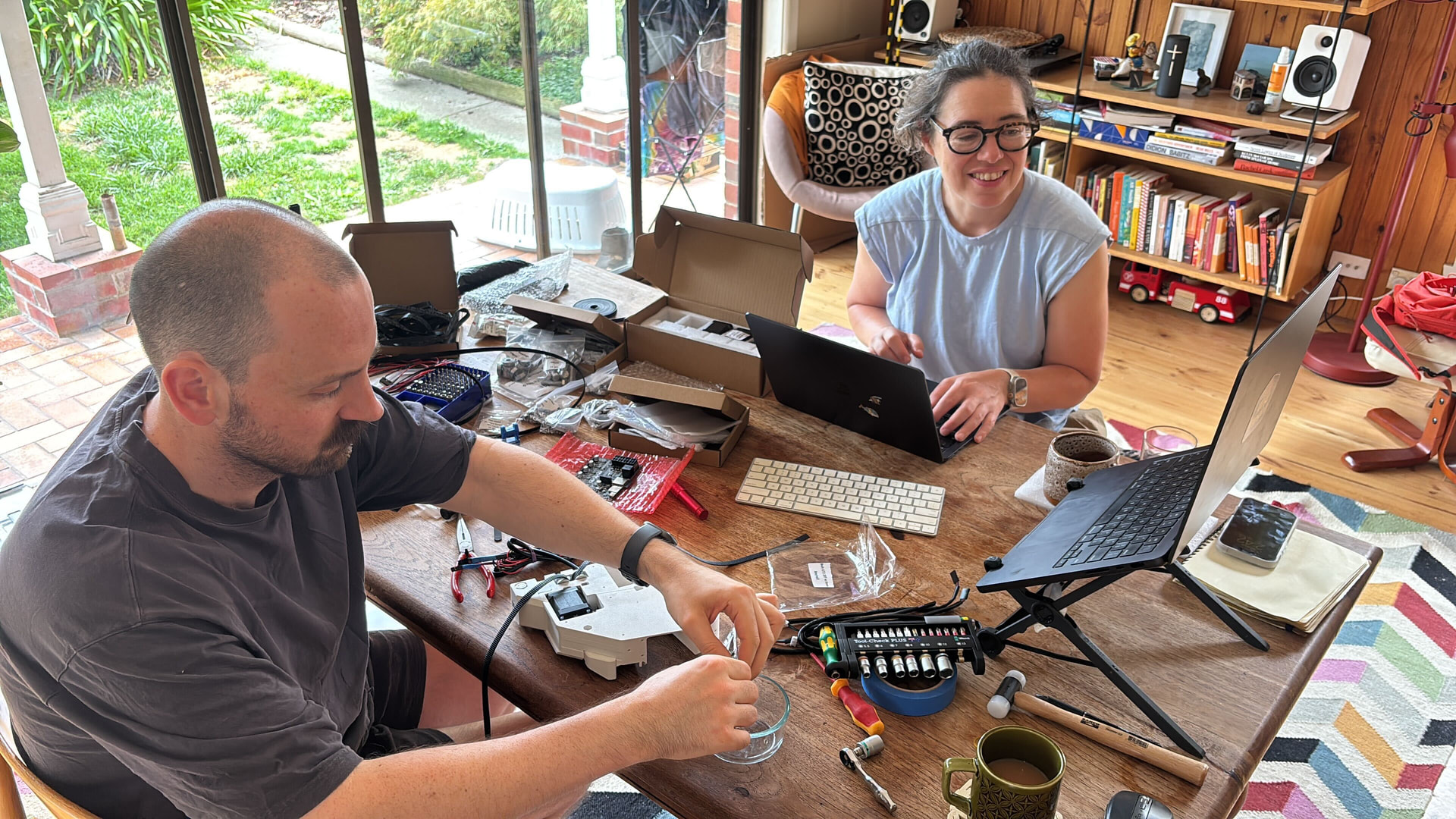
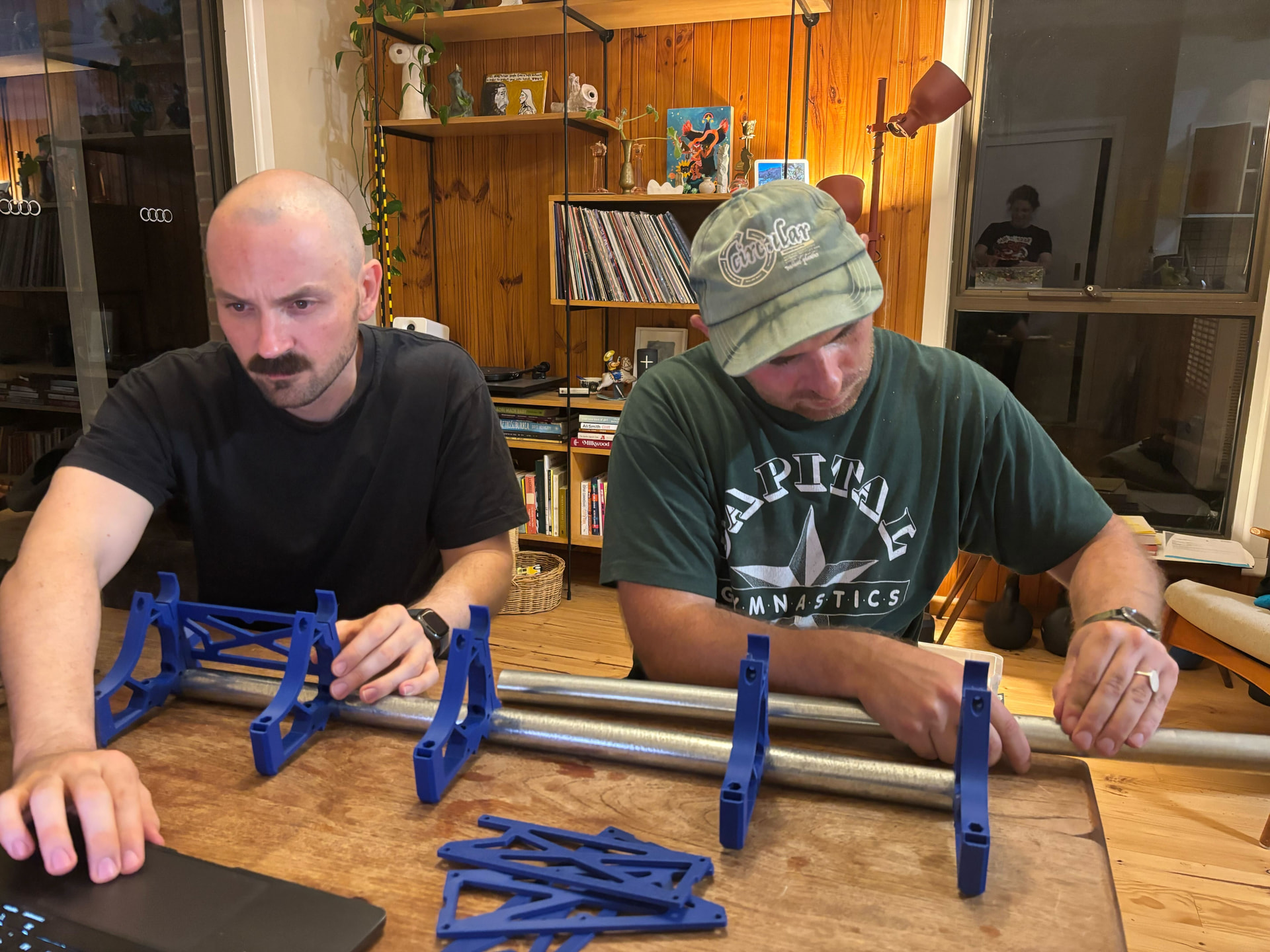
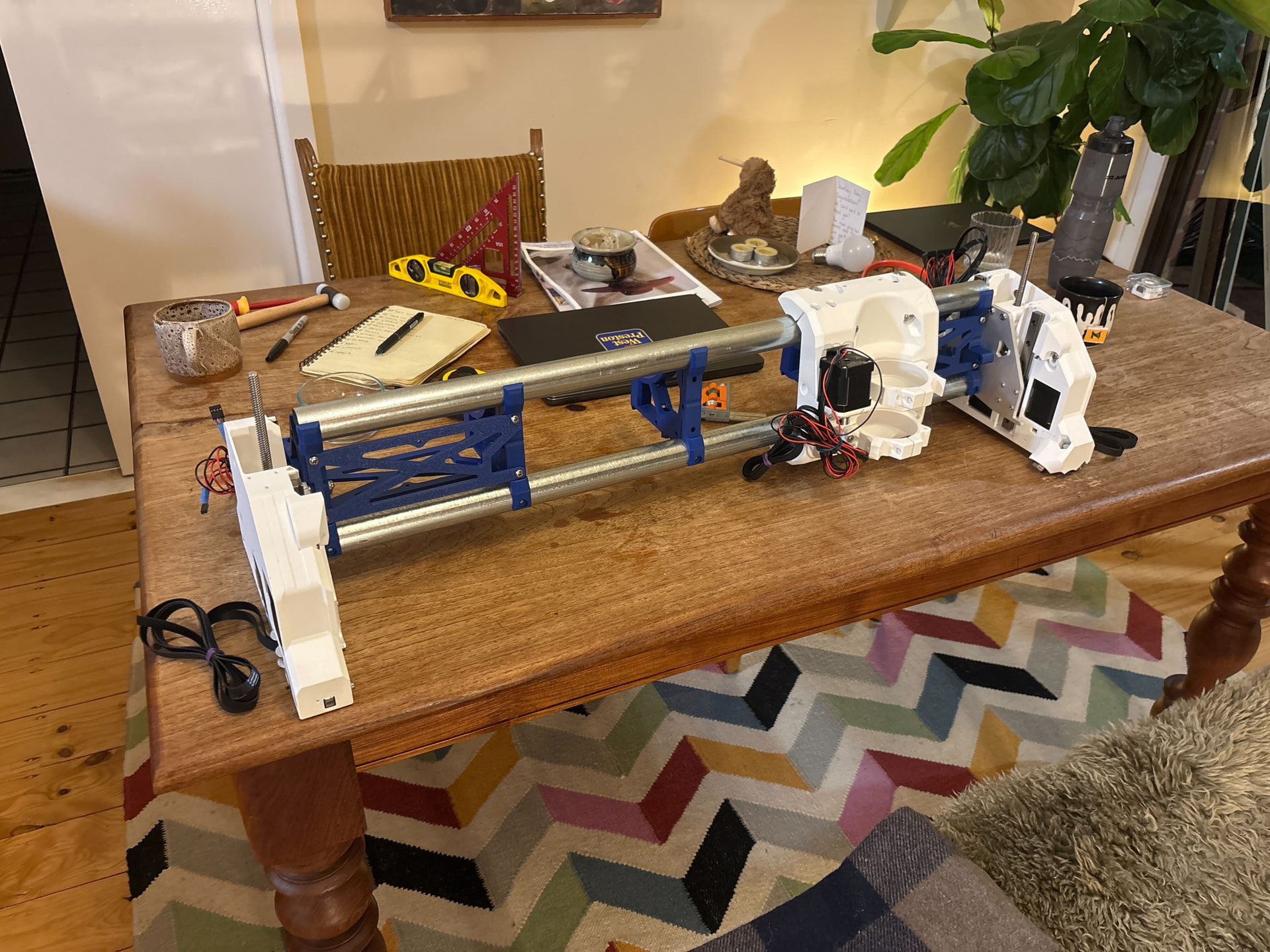
Hiya, Sam here from Melbourne, Australia.
Starting a build thread to document my journey of a small CNC for home joinery projects—I’m calling it the Little Ripper.
I’m completely new to both 3D printing and CNC so this should be an interesting journey—and maybe a helpful one for testing instructions for those coming in almost blind.
I opted for the hardware kit as a small way to thank Ryan for his incredible design—and the added difficulty of sourcing everything here in Australia. I did reach out to some local fabricators about the aluminium plates but it would have been more than Ryan charges for the plates for the set up cost alone.
I have however opted to print the parts myself since I’ve always wanted a 3d printer and it looks like they have finally matured enough to be mostly set and forget. I picked up a barely used (50hrs!) P1S from a local shop here for $499 AUD (~$350 USD) which I thought was a pretty good deal. My hardware kit arrived in about a week (thanks Ryan + DHL!) and I’m starting to print the parts today.
The first thing I did was to check the calibration of the machine using the Califlower calibration tool. I went for this one over the Calilantern since the P1S has no option for z skew anyway. My results were within .1 of a mm which I thought was good enough to not bother with any custom g-code since I am new to this and can see myself accidentally applying skew correction multiple times by accident.
I think I have the correct settings for the printer but I’m a little confused since:
- The instructions state: For newbies: the printer files downloaded from the links above should have these settings by default, but its best to verify.
- However, it looks like all the files are raw .stl files and don’t contain any settings by default
- The Open with Bambu Studio link doesn’t seem to work on Printables. At any rate this seems to just be a .stl file anyway
- It looks like the Lowrider 3 documentation talks about .3mf files so maybe this hint in the docs is out of date?
Anyway, I think I have I figured it out in Bambu Studio by manually setting:
- Layer height of 0.28 for the stock 0.4mm nozzle on the P1S
- Spares infill pattern to Rectilinear
- Sparse infill density to the Infill listed in the documentation (eg. 30% for the core)
- Wall loops to 3
Happy to share the profile if that’s useful to others or pointed in the direction of a preset file I might have missed.
Will update again once all parts are printed.
Cheers 
Sam