gcode works. save button doesn’t. What a world. But - I did run some stuff and I am squared and calibrated!
2 Likes
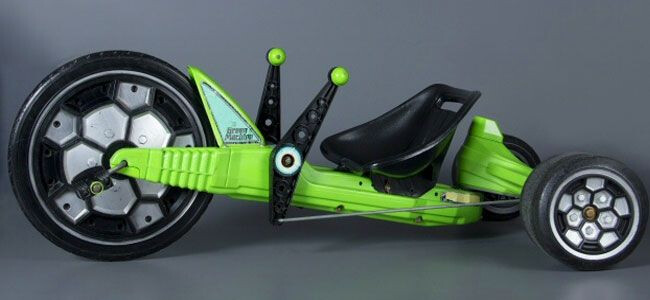
now that it is operational and it is time to add some bling… just curious if you will be adding steering handles to it?
3 Likes
Do you by chance have the config file set to something other than config.yaml? That’s the only way I can think of that the save macro wouldn’t work.
If that’s the case, running $Config/Filename would return something else.
Also, sometimes it can get confusing. If you upload a new config yaml file, you have to restart for it to take effect. If you upload a file and then before saving use the save macro, it will overwrite the file with the previous settings.
I will check tomorrow. right now it just seems like if I update one or the other they are independent and to get it to work they have to be in sync to stick. the save command Jon posted seemes to do the trick.
2 Likes
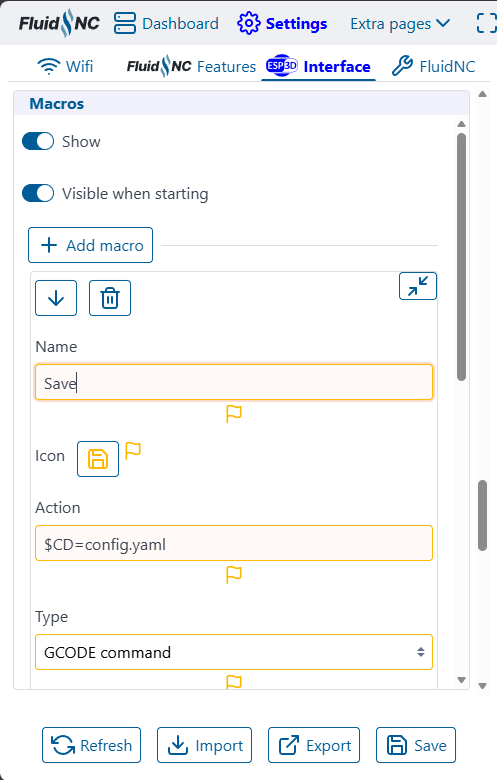
So was just going to build my own save macro. the wiki shows this as the option to do so

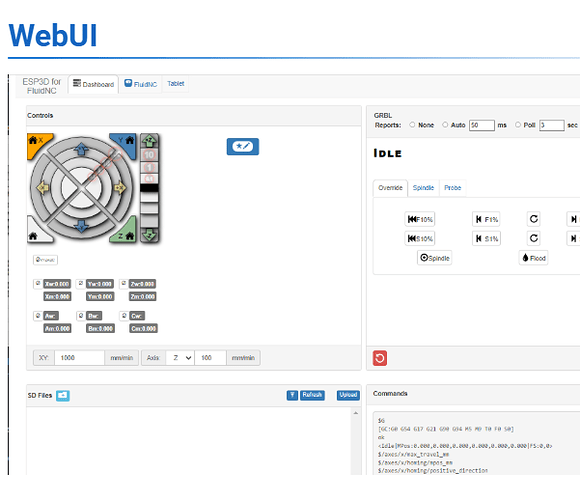
However my WebUI looks like this.
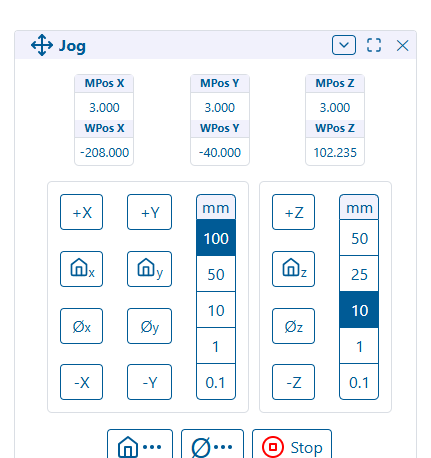
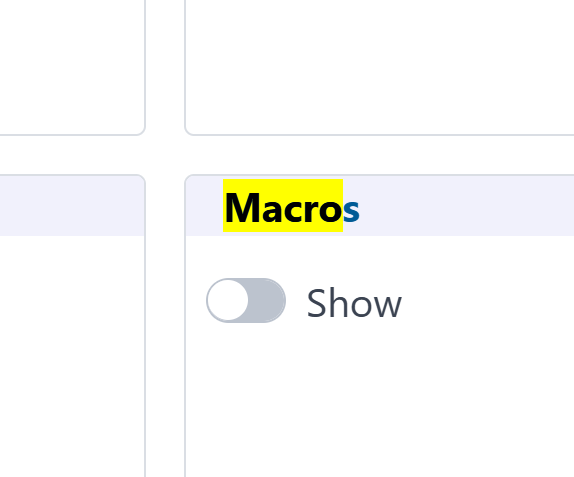
I’m not seeing any option to build a macro… someone point me in a direction?
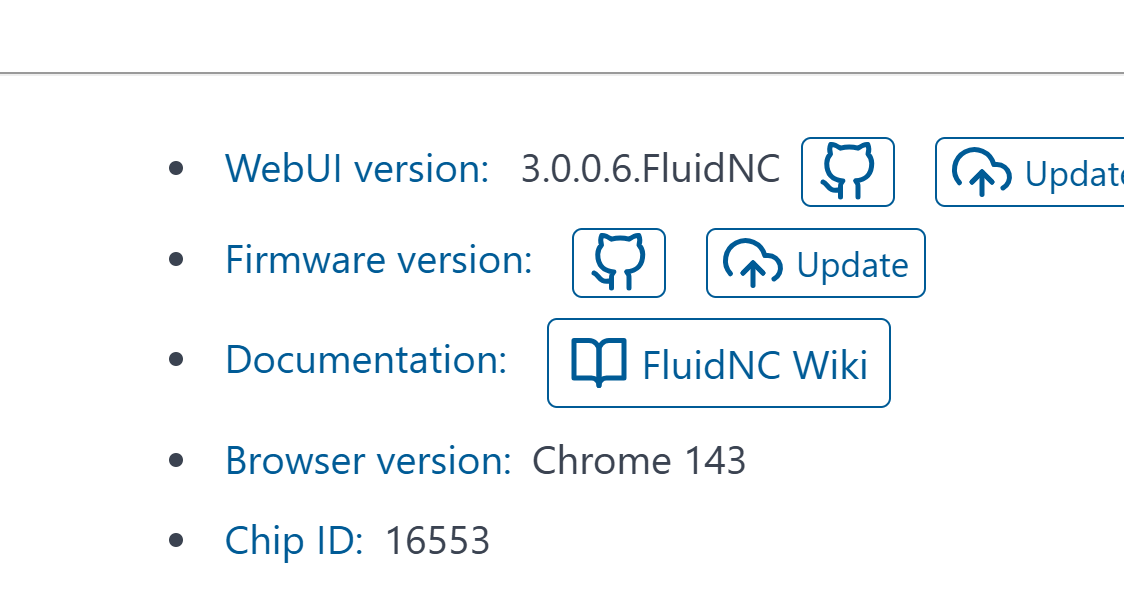
You have WebUI V3. It should have the save macro as well. Did you update your board since you got it or is it still the same flash that Ryan put on it? Assuming you got it from V1 and not Elecrow
I got it from V1. I have not updated anything. Figured it didnt need anything. The only save buttons I see are on the settings|features and interface tabs. I see no macros area at all.
1 Like
3 Likes
what are you trying to change? I was just looking for a way to create custom macros. Are you wanting to update your web ui?
noted - I understand now it is the WebUI-2 . Thanks
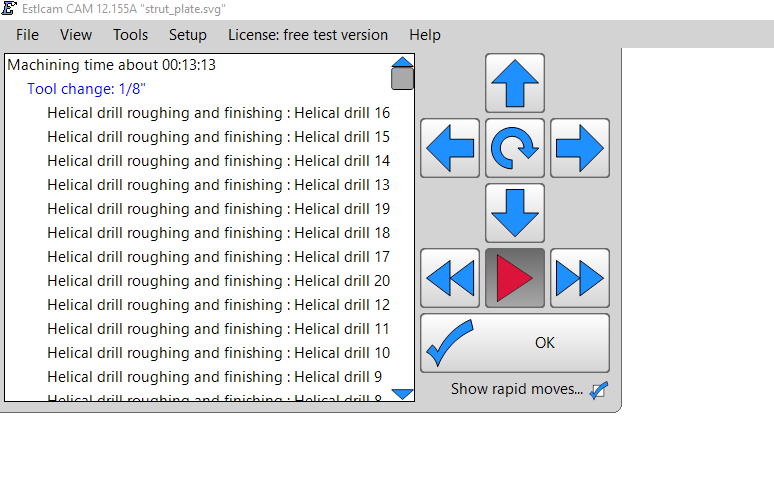
Oooooh I bet you guys missed me… So i’m going over the prerequisites for cutting the strut plates. got through the initial stuff in estlcam without much issue. The simulation in the CAM runs in about 15 minutes… I loaded the gcode to the machine and went to cut some air. The movement was almost impossible to see. Probably another “Hey look under your nose dummy” but I appreciate your time.
1 Like
What do you mean by that? Moving too slow/fast? Moving too long/short?
I’m guessing too slow? If so, show your settings under Tools → Basic settings. I have it setup with Feedrate units for Estlcam as Millimeters per second and CNC controller as Millimeters per minute. If you are entering mm/s values that are actually moving in mm/min, it’s going to be super slow.

Change this to millimeter per minute and regenerate the gcode.

This means it’s putting mm/s values in the gcode that it’s treating as mm/min. So, it’s 60x slower than it should be.
2 Likes
I think that makes sense? I’m about brained out for the day  . As always I appreciate you guys helping me out. I should mostly be out of your hair in a few more days.
4 Likes
We like having the community check in, as questions, show off projects, and exchange ideas. Keep checking in after you’ve up and running!
4 Likes
Hopefully I can brain enough brain to be able to assist.
1 Like
Stick around and one day (sooner than you think) you’ll be helping plenty. I have learned a ton from trying to help people.
1 Like