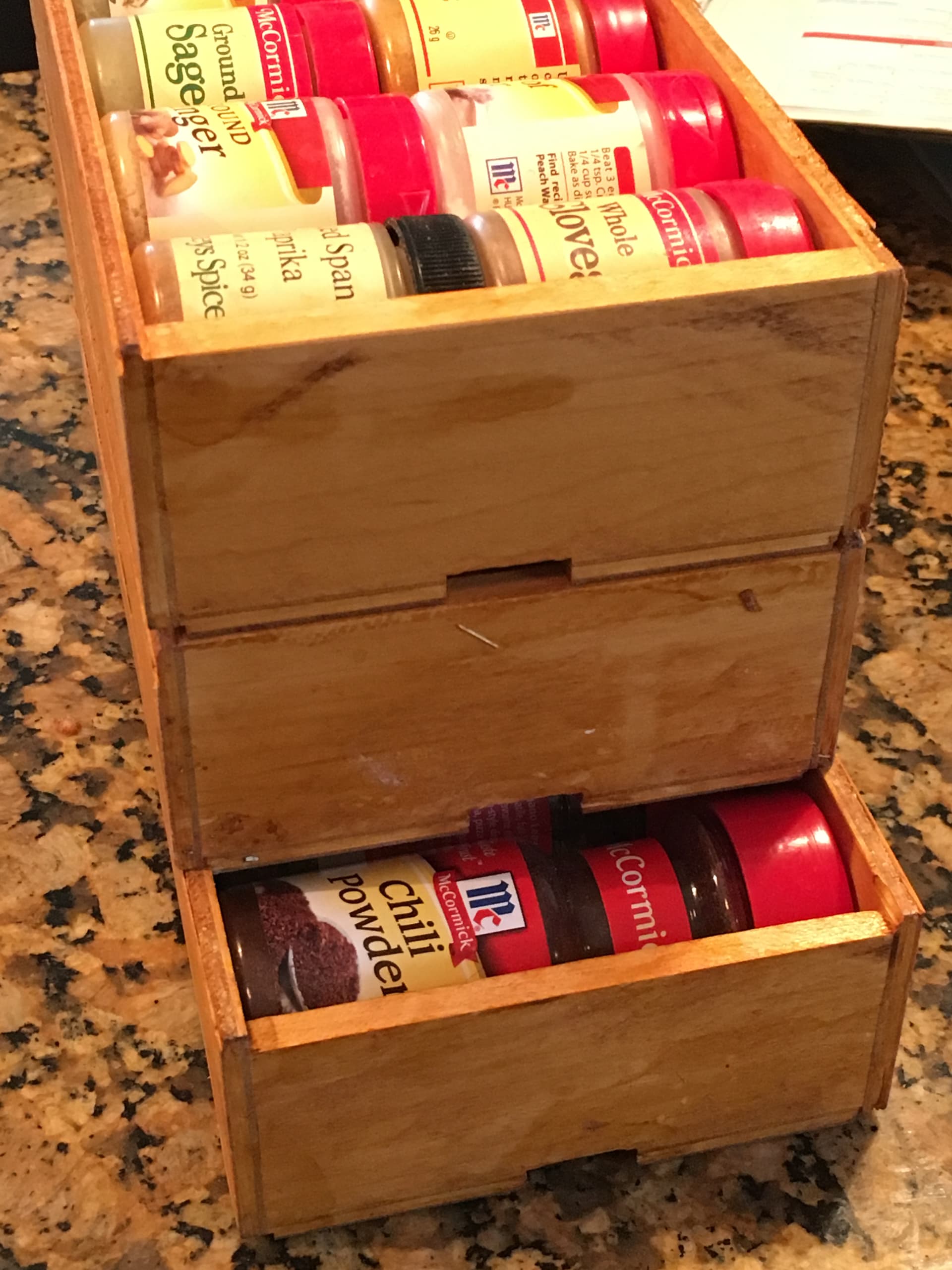
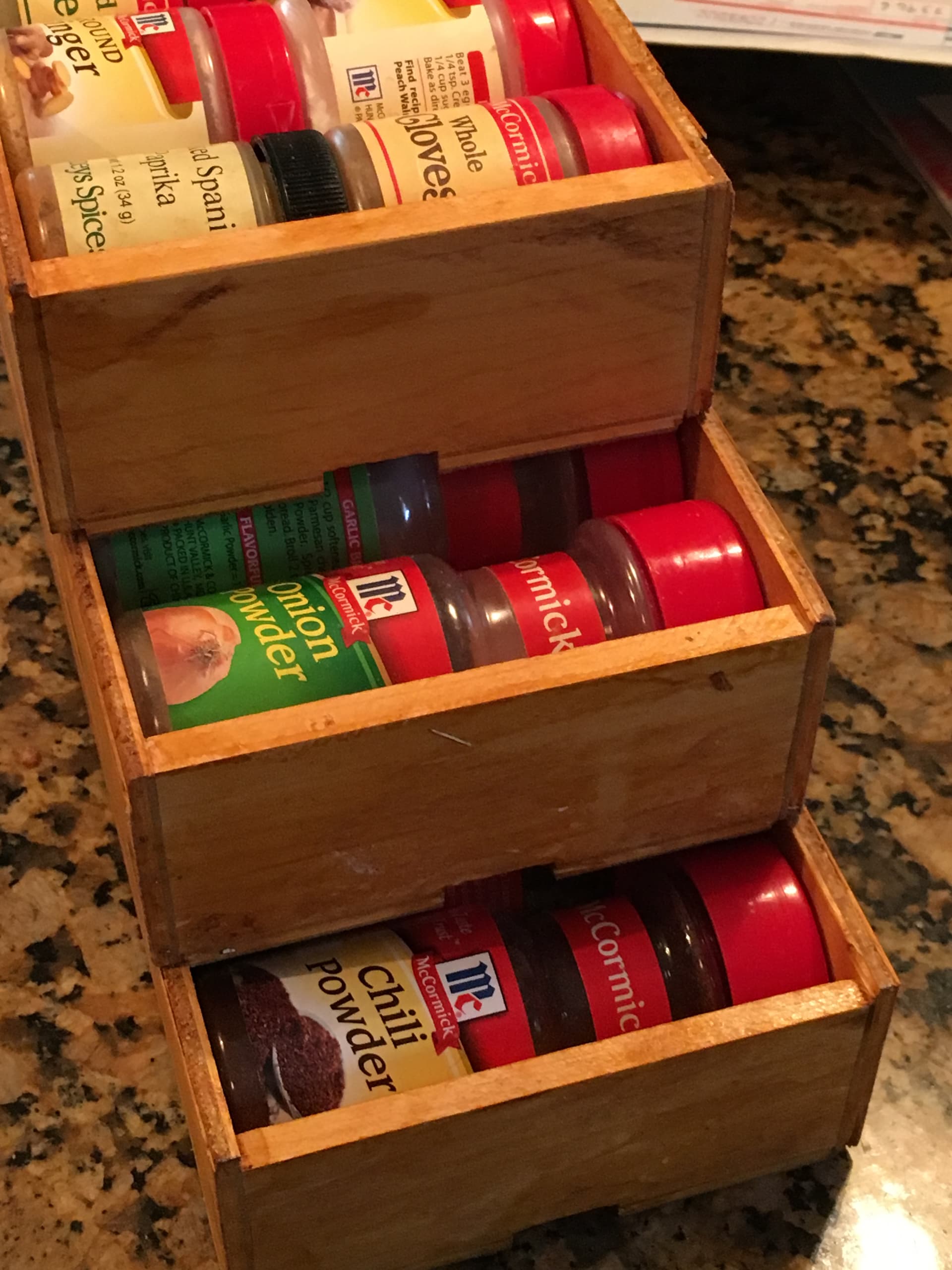
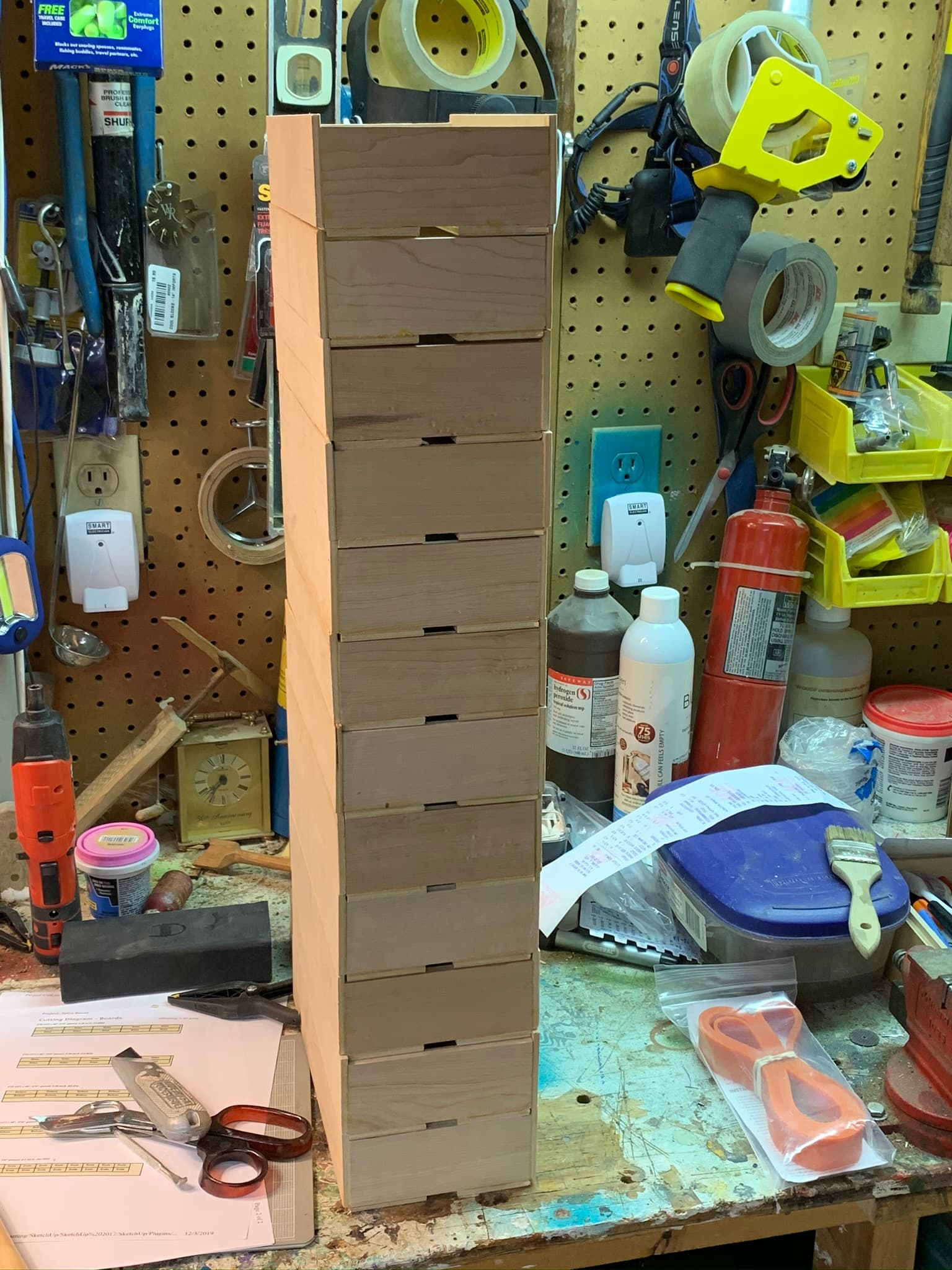
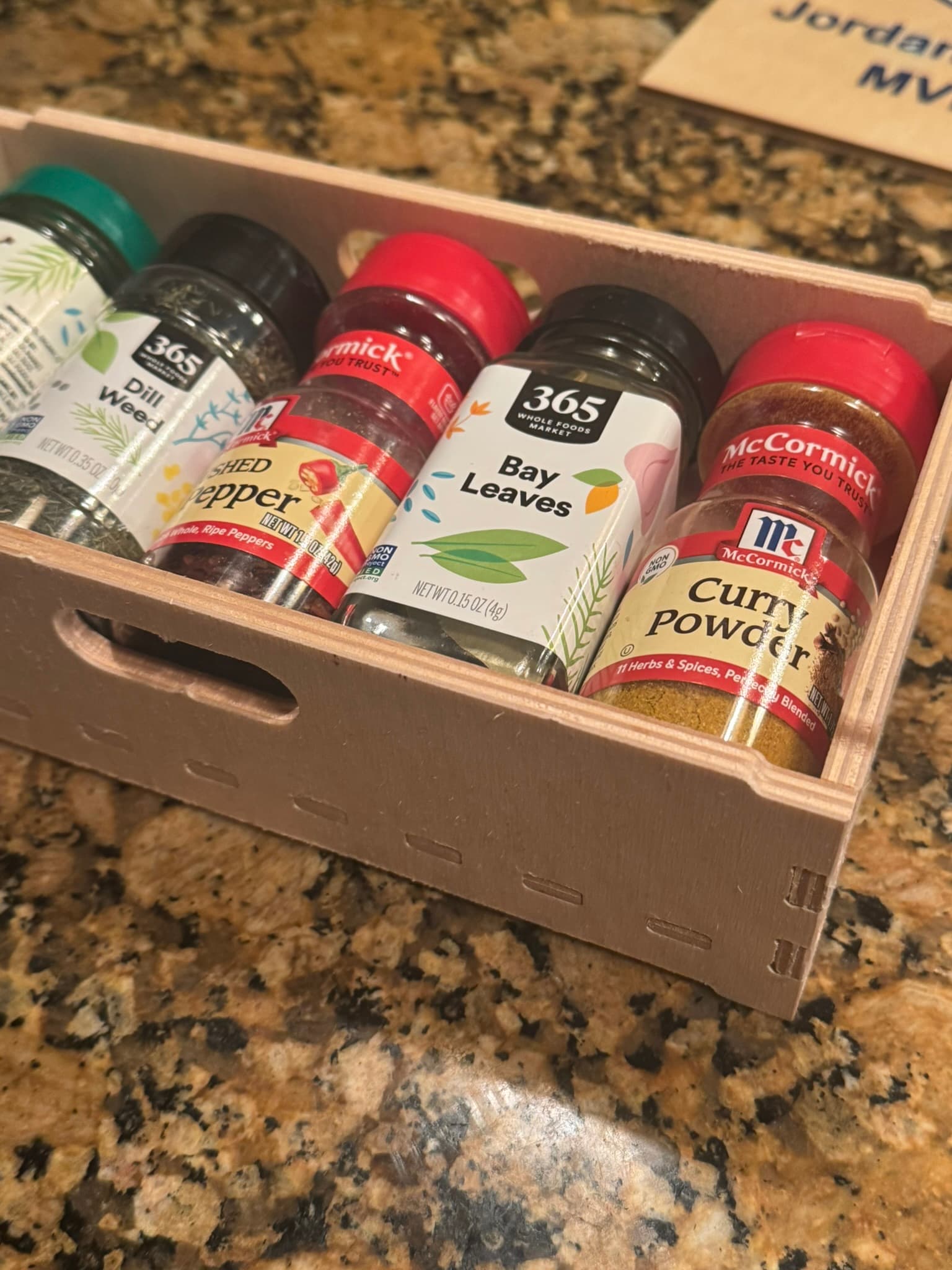
I made these few years ago as an attempt to maximize storage of spice bottles. Every solution I found commercially just does not maximize the storage volume while being easy to get to spices.
I made these for myself old shool way in my shop before I had a CNC, and then for my adult kids.
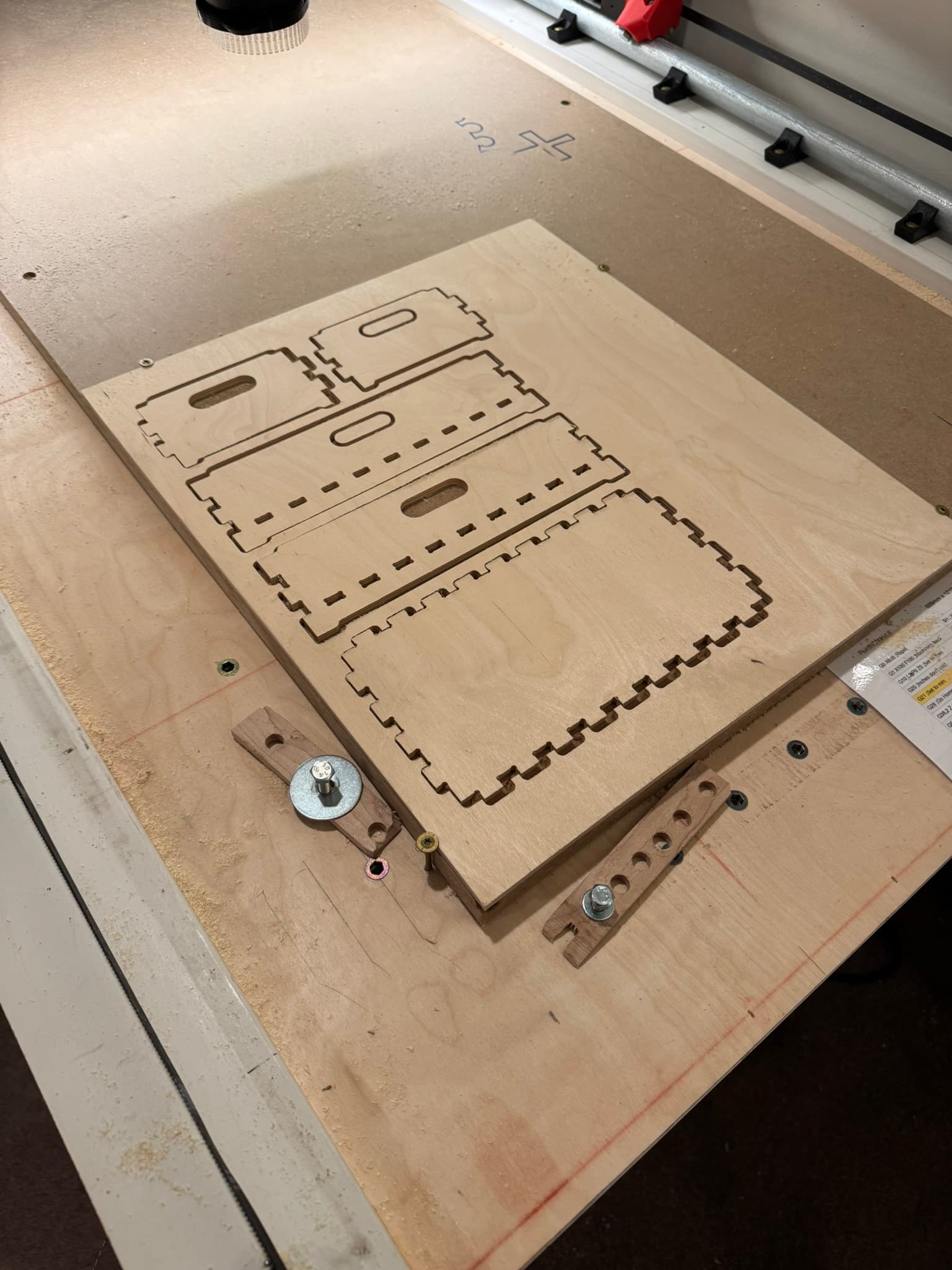
I modeled at zero laser clearance and brought the DXF into Fusion.
I use Estlecam V12.
I also use Ryans 1/8" cutter.
How do I add a little clearance, so I don’t have to sand/file?
I saw some ideas about “faking” the actual diameter in the tool setting? But I also see some ways in the “finish allowance”? Any help appreciated!!
And also, some suggested starting values?
I know I should just experiment but would like to save time with this knowledgeable group.
If you cheat the bit diameter a little smaller than it is in CAM, it will cut a little looser joints. Unfortunately it will do this to all edges so CAD is the “right” way to just loosen the joints.
For the joints, 0.125mm is where I would do the first test. I would guess that is a bit too loose.
Not sure if read this right but it appears in estlecam if you put in a negative finishing value on the parting operation it will cut undersize. I’ll try tomorrow but he tool path is shown to overcut.
I have access at the local library to a nice epilog Fusion Edge laser but that it is cheating
When I have a LR4!!!
You can do positive and negative to fine tune the fit as long as you don’t put in a different finishing tool that requires a tool change. I think the behavior does change a little if you put a different finishing tool in.
Yeah, that‘s the point: If you put a negative or positive value without a tool, it‘s not doing a finishing pass, it‘s just under- or oversizing the part! So you might be off again because you didn‘t have the finishing pass and deflection is not mitigated. Use with care.