Thanks! I’m pleased with it also. Although the corners aren’t nice and crisp like I’ve seen on “professional” cutters. Though I wonder how crisp they are on something like a cricut machine. I may need to look into tool path settings. Right now I’m using a 2d trace tool path in fusion.
I wonder if the angle of the knife makes a difference here. I can’t recall what angle they are that Ryan has on the v1 site.
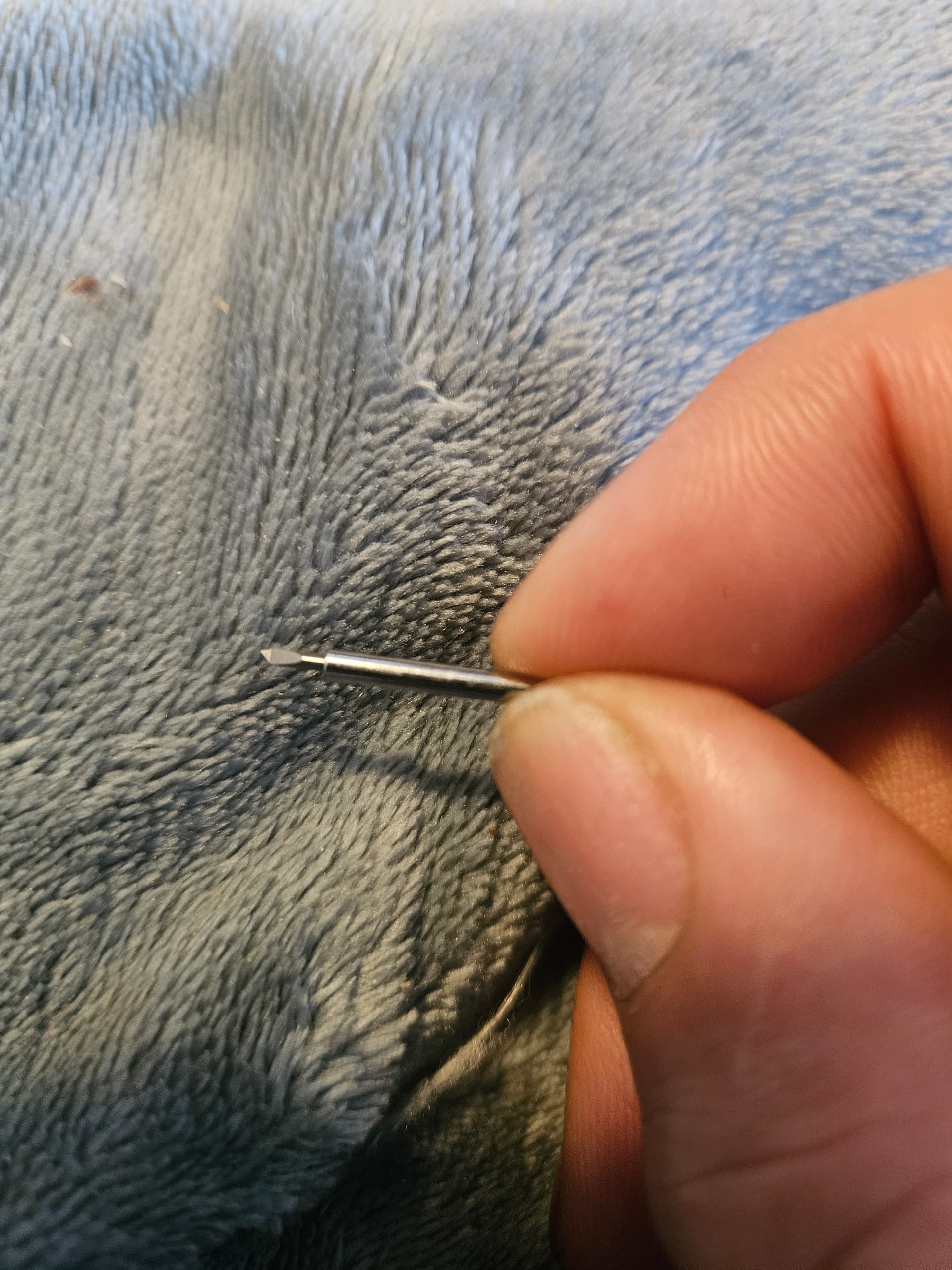
That is one of the drag knife blades Ryan sells. I think the corners really depend on how far off center the point of the knife is. It has to be some off center in order to function as a knife. That offset is what orients the knife as it is dragged. A smaller offset and less runout of the blade will produce sharper corners.
This one is maybe .5 - .6mm, pretty small. The corners are imperfect if you look really close. (Really close.) To avoid that, a tiny radius on the corners will hide imperfections. A slightly bigger issue is that the start and stop points on a line need to overlap by about 1mm in order to ensure that all shapes are completely cut out.
There were some tips for using Estlcam to have a “lead in” for shapes to ensure a complete cut out somewhere in the docs, but I can’t find it now. Well, I remember how anyway… I’m also not too averse to a bit of X-acto trimming while weeding the vinyl cut-out shapes, as long as it isn’t much.
good to know.
I suppose if I really want sharp corners I could break the shape apart into separate lines (at the corner) vs a continuous line. Would increase cut time, but what I’m using it for would be short cut times to begin with.