New build in Canada! I really enjoyed putting this thing together, but seem to have run into a snag.
Build Details:
- Lowrider 3 ~ 4x8 usable surface
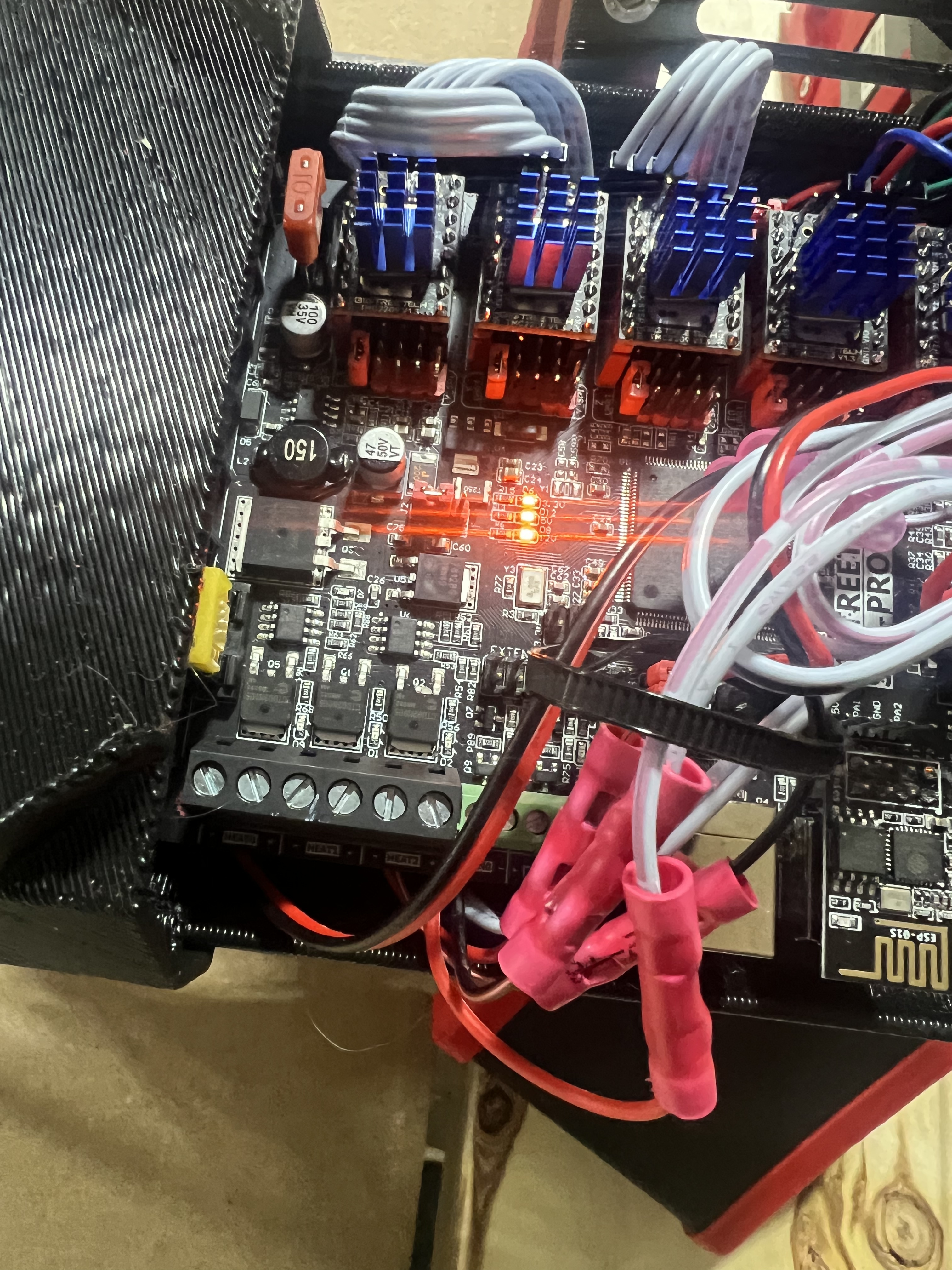
- SKR pro v 1.2 board TMC2209 drivers
- TFT 35 E3 V3
- V1 firmware successfully flashed on both screen and board
- All axes currently home with no issues through the touchscreen, probe also works.
- gcode commands affect the machine the way they are supposed to, again through the touchscreen.
My Problem:
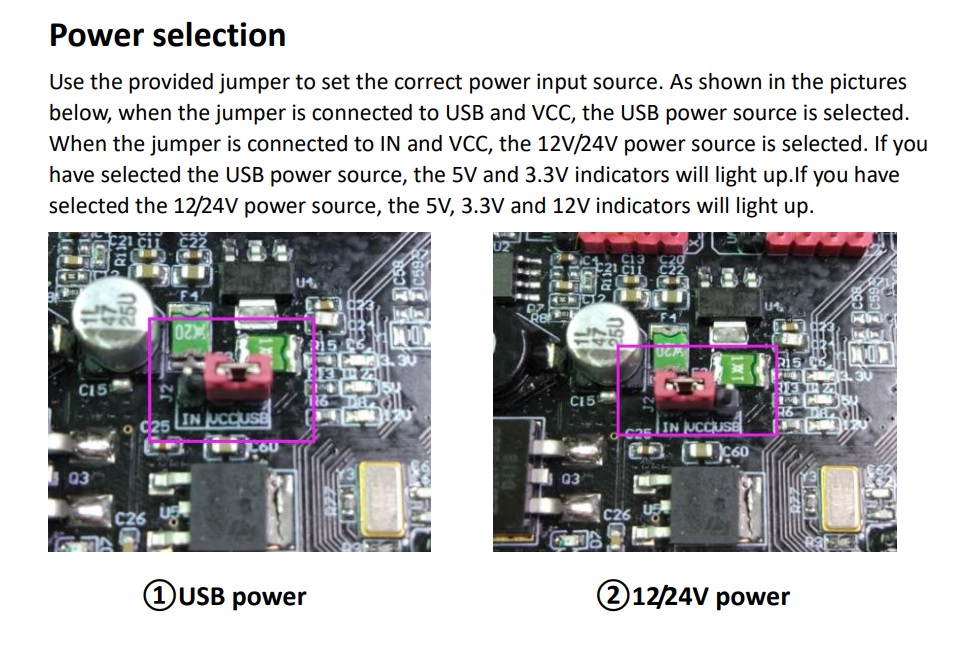
I cant get either repetier host or cnc.js to connect through the usb port in either the board or the screen.
What I have tried:
- Using my W11 laptop I loaded repetier host (not server), with usb connected, I cant connect to printer, no com port offered
- Using my W11 laptop I loaded cnc.js, with usb connected, I cant connect to printer, no com port offered
- Using my W11 Laptop with usb cable connected, I looked in device manager, all usb drivers are up-to-date, nothing shows as connected.
- Using Ubuntu 22.04 laptop with usb cable connected (because Windows…), lsusb shows nothing connected.
- Tried wife’s W11 Laptop - also nothing showing as connected
- Went to my 3d printer and connected usb to my W11 laptop and cnc.js picked it up immediately and offered com3 to connect.
I started this process with no hair already, so no problem there, but I would really like to figure out what the issue is. I feel that I have narrowed it down to something on the board/screen, but for the life of me, I cant figure out what it would be.
I appreciate any insight anyone might have!
dm
Editing to add that I tried every usb cable I own (14) to make sure it wasn’t the cable.