Pulled the trigger on an Elegoo Centauri Carbon II

So I (re)started with commercial 3D printers with the FlashForge A5M after @DougJoseph gave a glowing review to his. I had to admit that it was very convenient and better than the ones I had built. Cheaper, too.

That led to me buying a Centauri Carbon, which was supposed to have a future upgrade to multi-material. Well, that didn’t happen, but I knew that it would not before I actually received it.

So Elegoo.announced that the Carbon II would start.shipping this week, and I dithered over it a couple of days, but pulled the trigger on it, so it will be coming soon.


I’m looking forward to seeing how it all works. I certainly hope that I won’t need yet another slicer though. Im.using Prusa Slicer for my MP3DP printers and my own self-designed, Orca slicer for the FlashForge, and Elegoo slicer for the Carbon. Elegoo slicer is really close to the Orca slicer, maybe I can convince it to talk to the FF. Orca won’t deal with the Elegoo quite right though, so that’s my software tangle, and the main complaint I have with the commercial printers.

6 Likes

I have two printers right now and I use Bambu Studio for most of the printing I do, I sometimes use cura for my large print bed Ender 5 plus. I guess it’s good to try different things but I think it’s nicer to have one ecosystem.

The carbon II looks like a great deal and I like the 4 spool holders on the side.

1 Like

I use bambu studio for my fdm printers and lychee for the creality halot mage s, and anycubic Mono2 resin printer.My tronxy x5s I used slic3r and a raspberry pi 4+ loaded with repetier server pro. Im not sure if i can connect repetier server pro to the bambu labs P1S and include the start and end G-Code for bed leveling and filament unloading after the print. It would be nice to have just one slicer for all the different printers.


Siblings!

its going through self rest, first power on now.

Esit: big mess from unpacking. “Ready to print out of the box” my left foot…

4 Likes

Nice! Will look forward to your review.

1 Like

I had to go to Detroit for busines the last 4 days, (yeah all weekend) so I stopped a MicroCenter, I watched someone buying a printer, man they sold shit, Dessicant, pla, etc, etc, etc. The guy walked in for a printer and took out a cart!

3 Likes

I used to work computer sales in the late 90s. Had a person come in for a scanner and walk out with a whole new system.

2 Likes

Well, not off to a great start. The hotend is broken.

It started okay, but then it looked like it just popped the fan cover off, but it was more serious.

Support says it probably happened in shipping. The support contact page doesn’t list the Carbon 2 yet. The spec for the Carbon 2 seems different than the Carbon, so I don’t even know if I could just buy the hotend listed, or if it would be different.

The Canvas multi material system is pretty cool though. Too bad the RFID system for the spools seems proprietary, but the system for setting up the spools without is simple enough.

3 Likes

Hopefully they can ship you a new one fast.

This is something that all the manufactures have failed on in my opinion. This would have been so easy to create a standard for and everyone use the same thing. I get why they don’t from a business standpoint, but as a consumer it sucks.

Anyone having issues with the connectivity to the Elegoo slicer? When I connect to the slicer, it displays my SN instead of my IP address, and when I reset the wifi on my CC2, the IP address doesn’t change. Is that normal?

Bummer about the hot end :confused: I will say, anything local to the printer that I’ve tried so far has been really impressive. Running into more tech issues than print issues. Got it set up less than a week ago.

1 Like

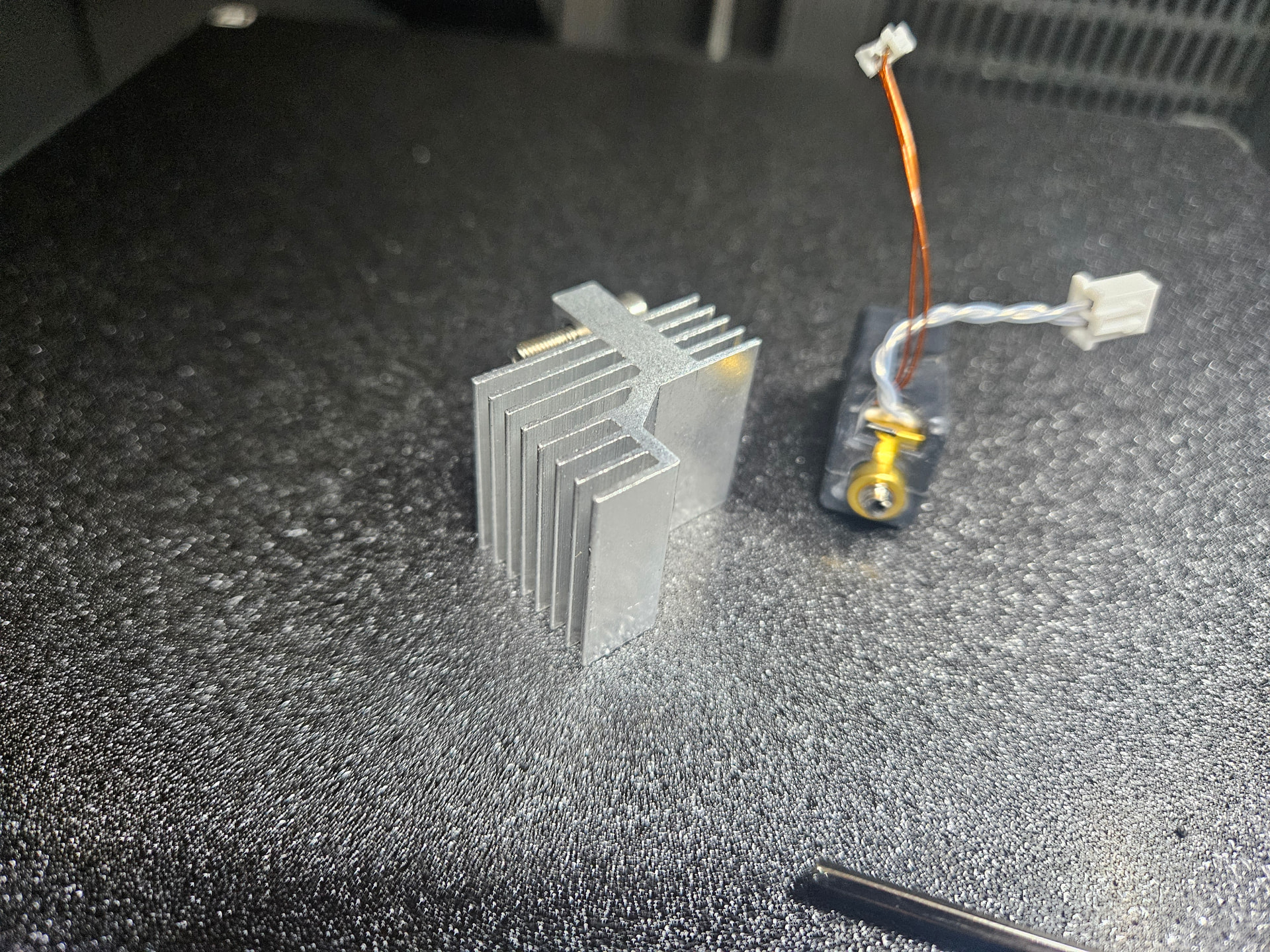
So they’re sending me a new hotend, Elegoo support has been quite responsive and helpful. Meanwhile they confirmed that the hotend is identical to the one from the Carbon 1, which I have a spare for, with the exception of the thermistor, which is different (And gives the higher temperature capabilities to the Carbon 2.) Since my thermistor is intact, I’ve implemented repairs by taking the thermistor from my spare hotend, and putting in the one from the broken hotend into it. I’m attempting my 2 colour print again now. So far it looks good. This is a pretty simple print with only 2 layers of white text inlaid into a black body, but I think that will be more than sufficient as a test… And they’re done.

Hopefully they look good!

3 Likes

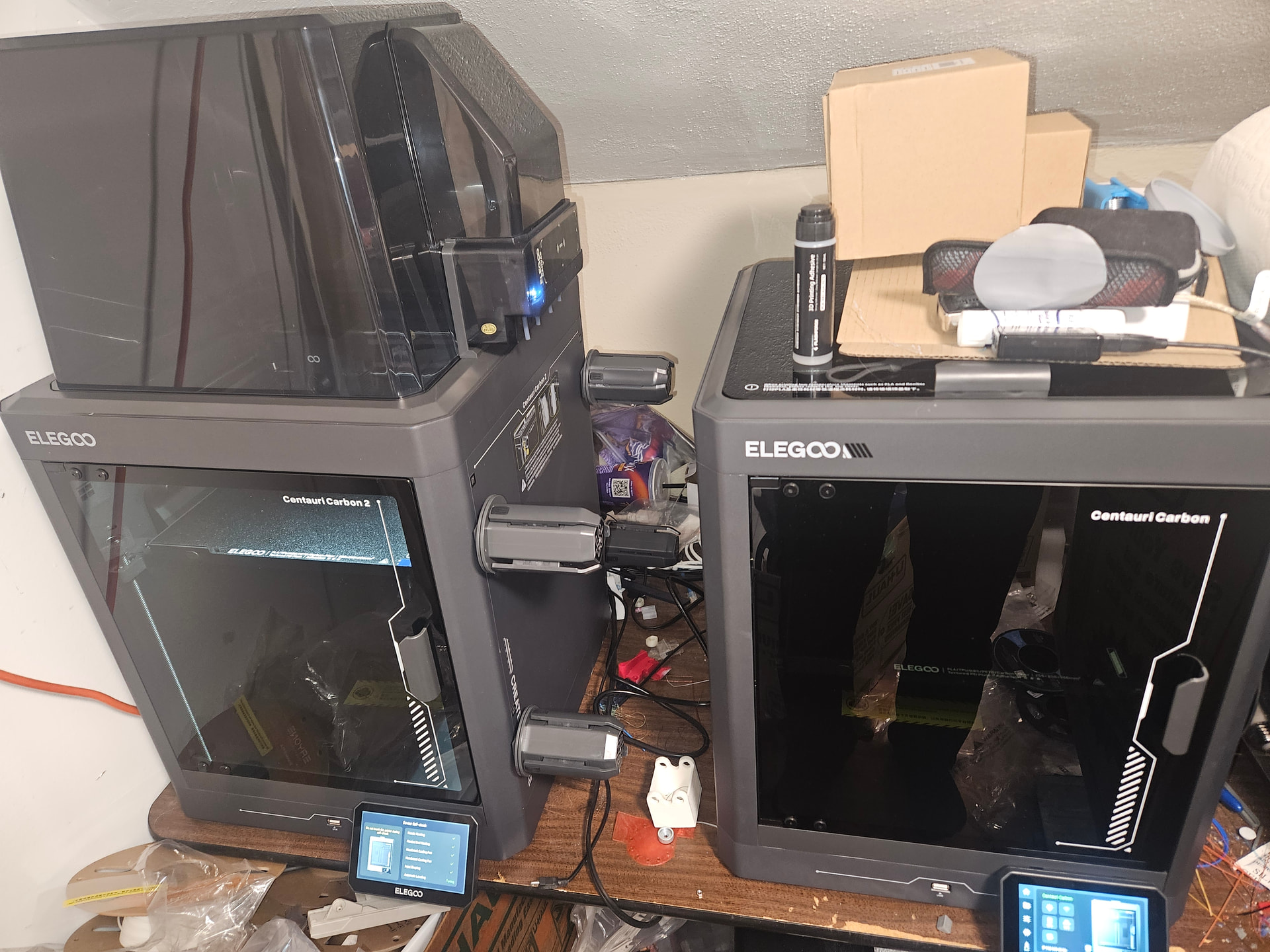
So I have confirmed the difference between the CC1 and CC2 hotends to be just the thermistor. The CC1 is limited to 320°C while the CC2 can reach 350°C (the CC1 gets hot enough for any filament I’ve used so far!) I Amazon Overnighted a hotend for the CC1, grabbed the thermistor from.the broken one and have printed some multicolor parts.

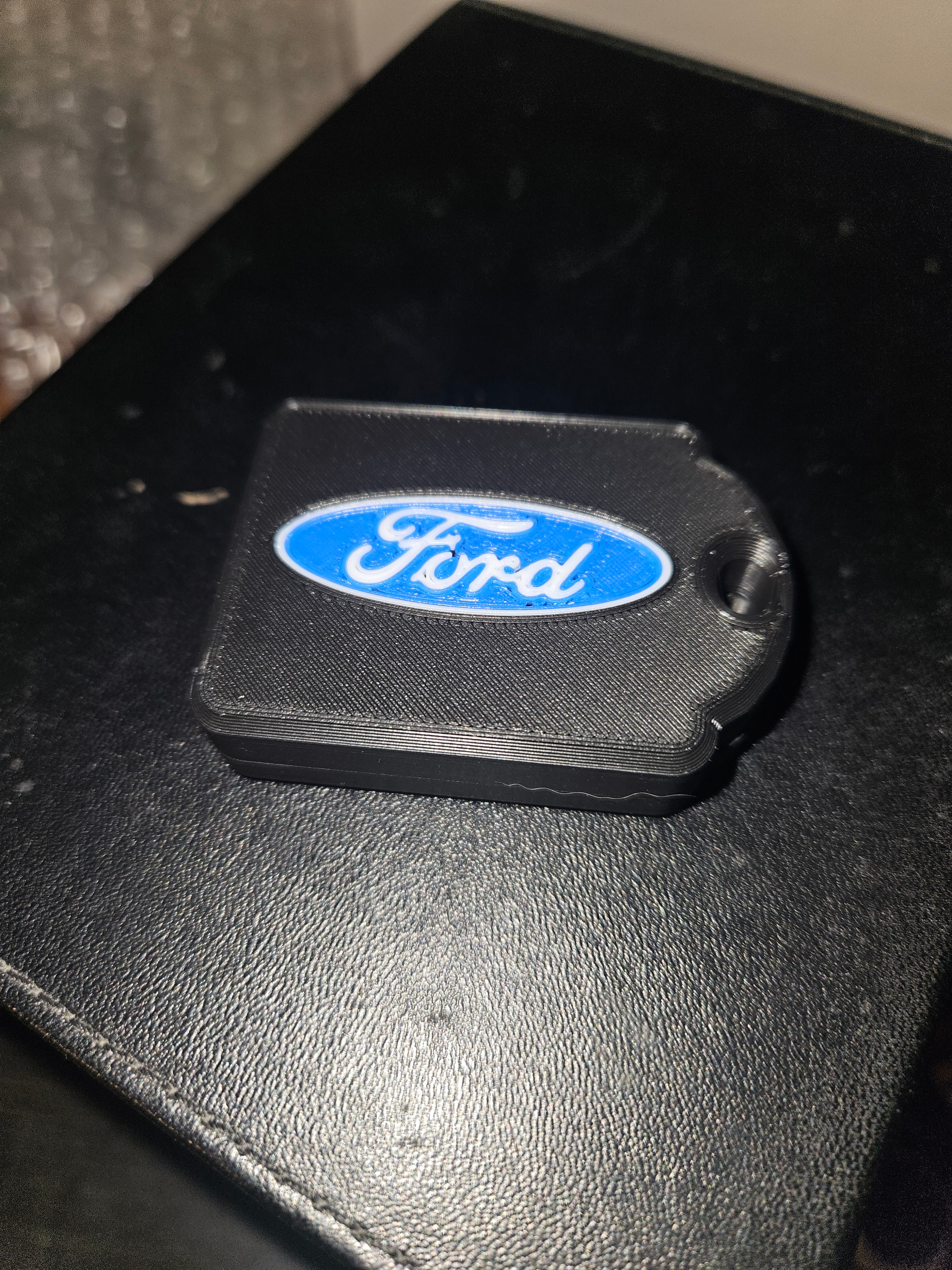
This is a key fob case I remixed for a friend. Obviously for a Ford car.

I have some complaints, mostly about how the slicer fits things together with “painted” surfaces. The Ford text and oval are separate bodies in a .step file, the blue is painted in. When on the bottom like thst, it works well, but if it’s bridged, the slicer does not bridge it at all, and prints the colour unsupported, which works about as well as you might think. I solved that but going back to CAD and making a slab slightly larger than the required grid, and having it made in the different colour. Then the bridging across the depression worked as expected.


Anyway, support.

My first query was answered right away, I put in the request in the evening, had an answer in the morning. I’m guessing support is in China given the time, but the English wasn’t bad. It took a while from “we will send you a new part” to “here is a tracking number” though. I got the tracking number this morning, and it’s coming from China, so I’d guess at least a week before I’ll have the part in hand.

Meanwhile, I got the CC1 hotend and have been working with the printer. Now I guess I can keep the spare CC1 thermistor and have a spare hotend ready for either printer on short notice, so ²pthe money wasn’t wasted.

The CC2 has some differences. The LCD turns itself off, while the CC1 doesn’t. The spool holders for the Canvas system have a spring retract, which is fine for the Elegoo cardboard spools, but they don’t hold/keep the plastic spools that much of my filament comes on. I designed and made adapters for the plastic spools with a 72.5mm ID for the one manufacturer thaf I’ve been buying for a while. The Canvas spool holders spring back to allow the Canvas to unload filament, without them going slack, so a tightish hold on the spool is required. One more way to lock you into their filaments, I guess.

Overall, I’m quite happy with the print quality. There is a lot of filament waste when using multi-colour, unless you do it by.layers, but reviews of other systems seems to indicate that it’s the same no matter the system. The slicer time estimate is a little optimistic, whereas it’s very accurate for the CC1. I think the difference is that the filament change takes.longer than the slicer thinks, since it’s on change layers where the gap increases between estimated time and actual.

After I had the printer off for a time the slicer started complaining that the printer didn’t match the slicer profile and claims the Gcode won’t work, and may damage the printer. It works fine though. The slicer profile.is.definjtely for the CC2, which the selected.printer is. I wonder if it’s getting confused because the “first” printer is the CC1.
2 Likes