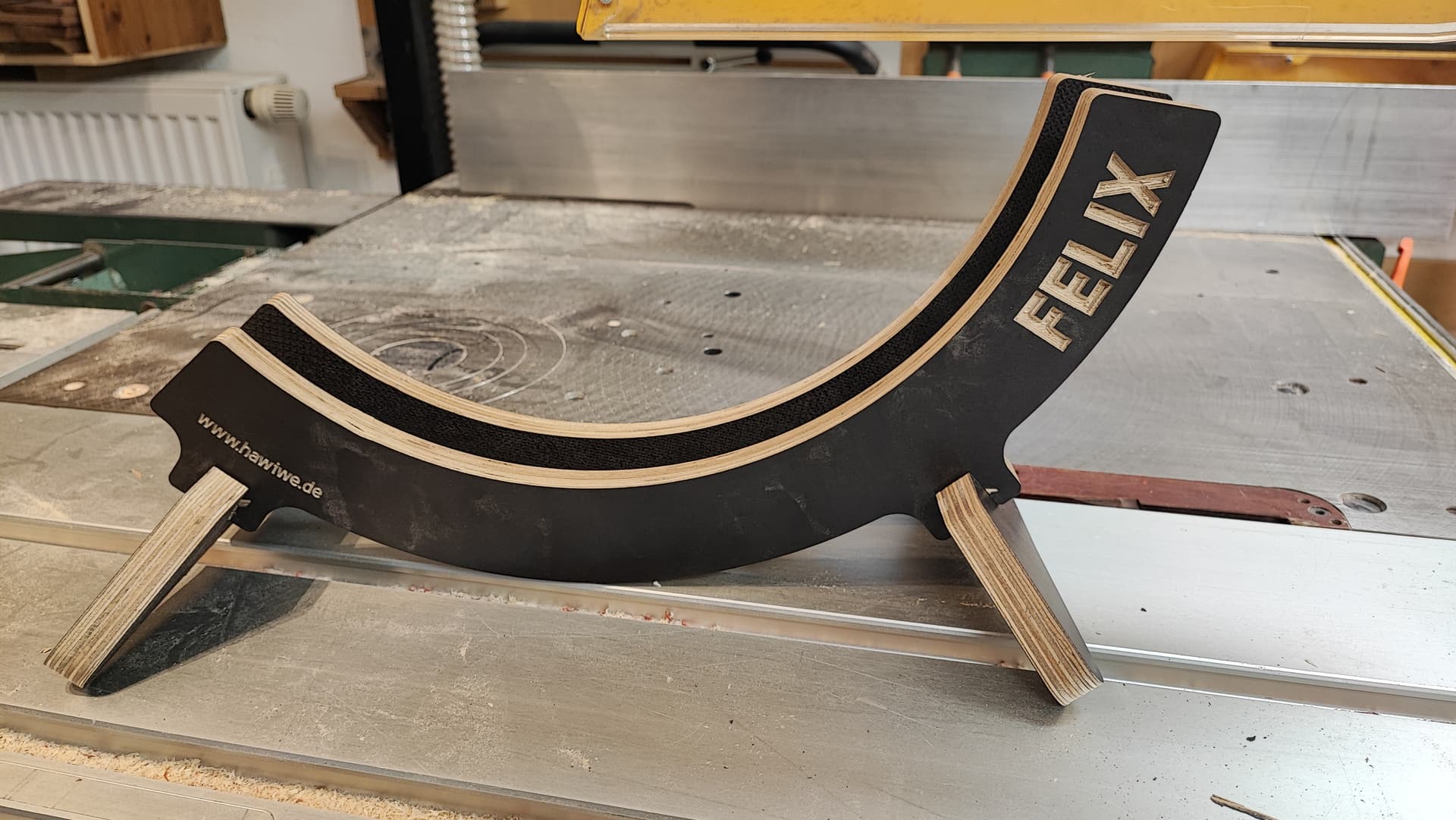
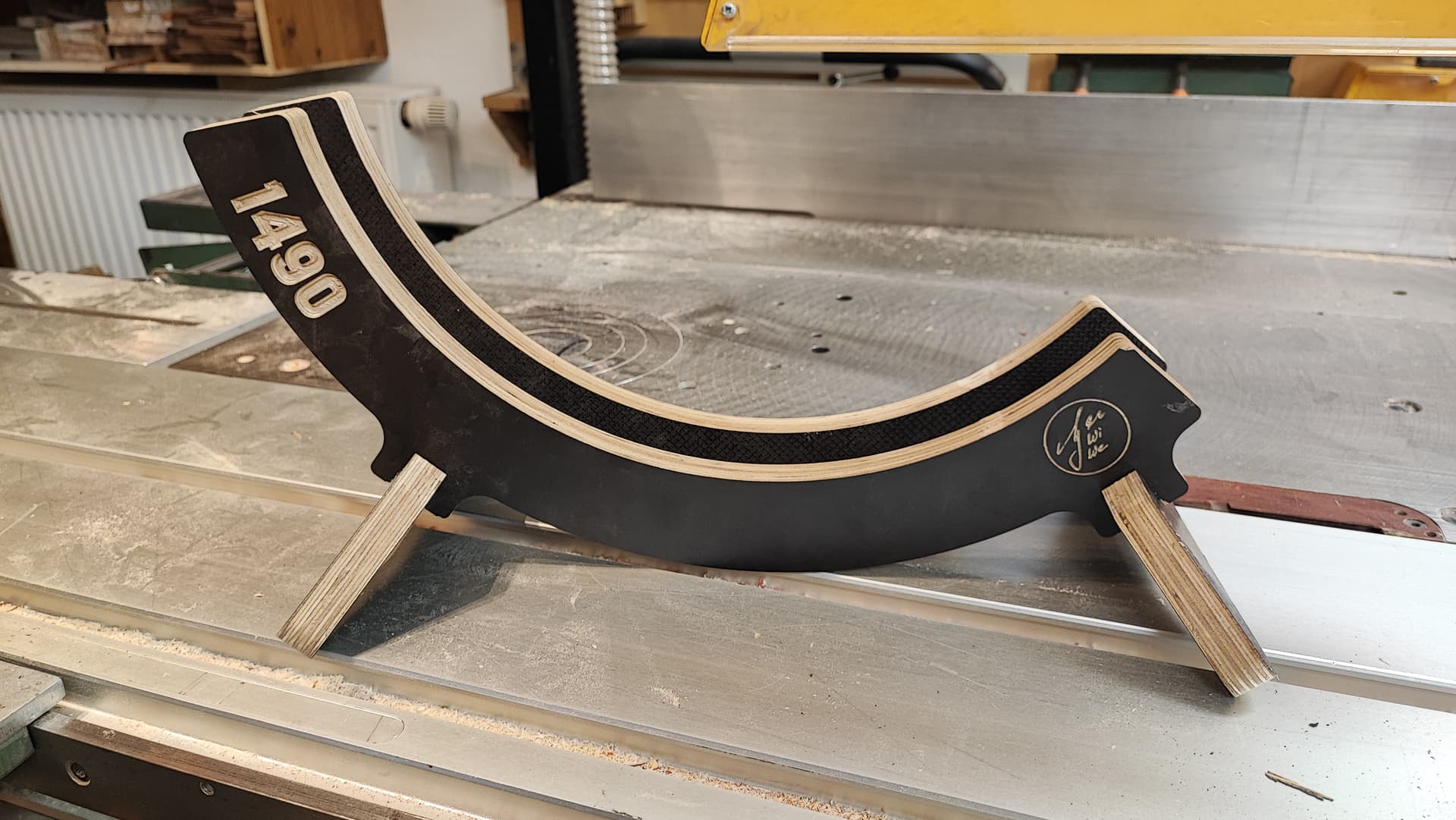
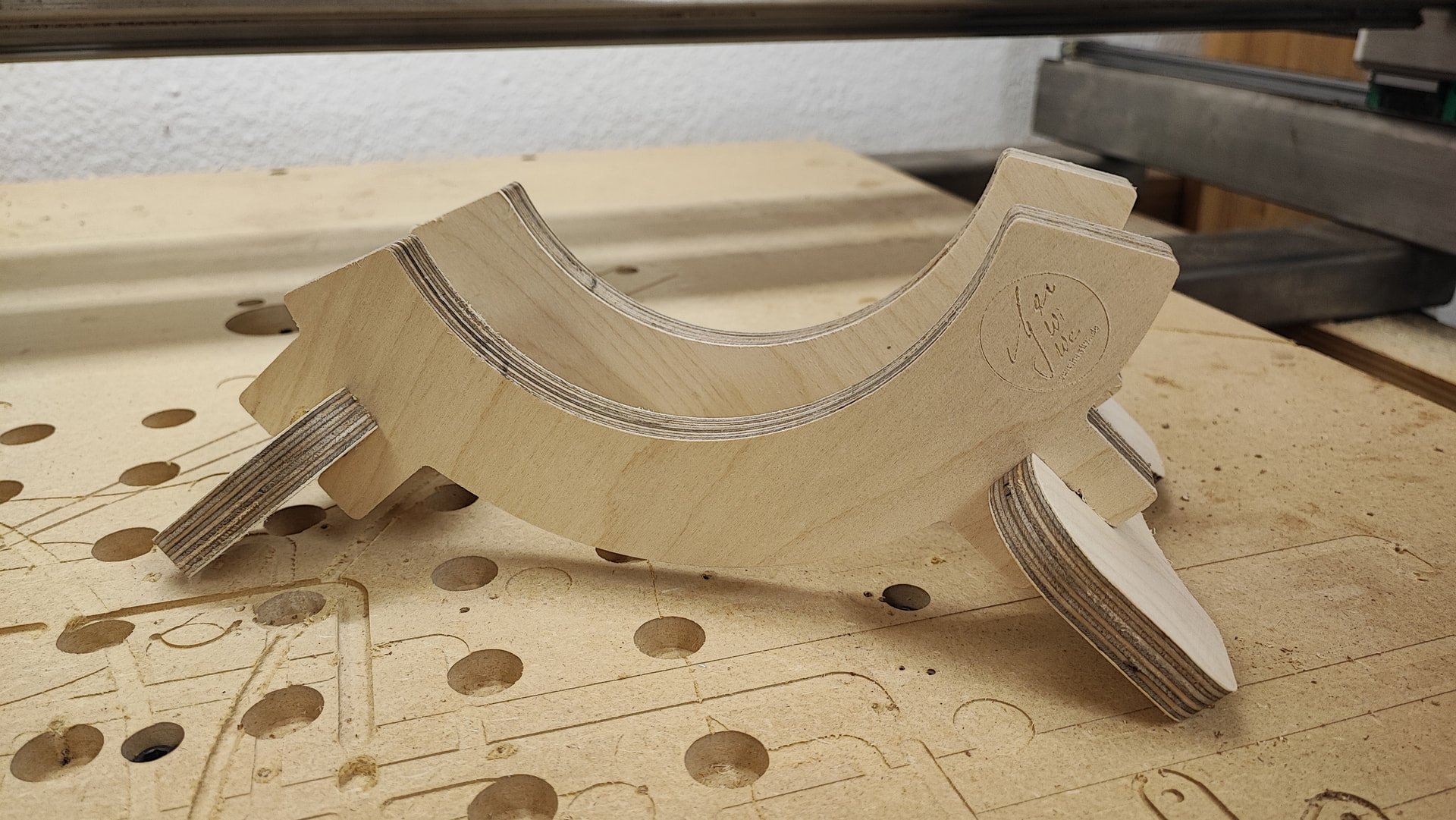
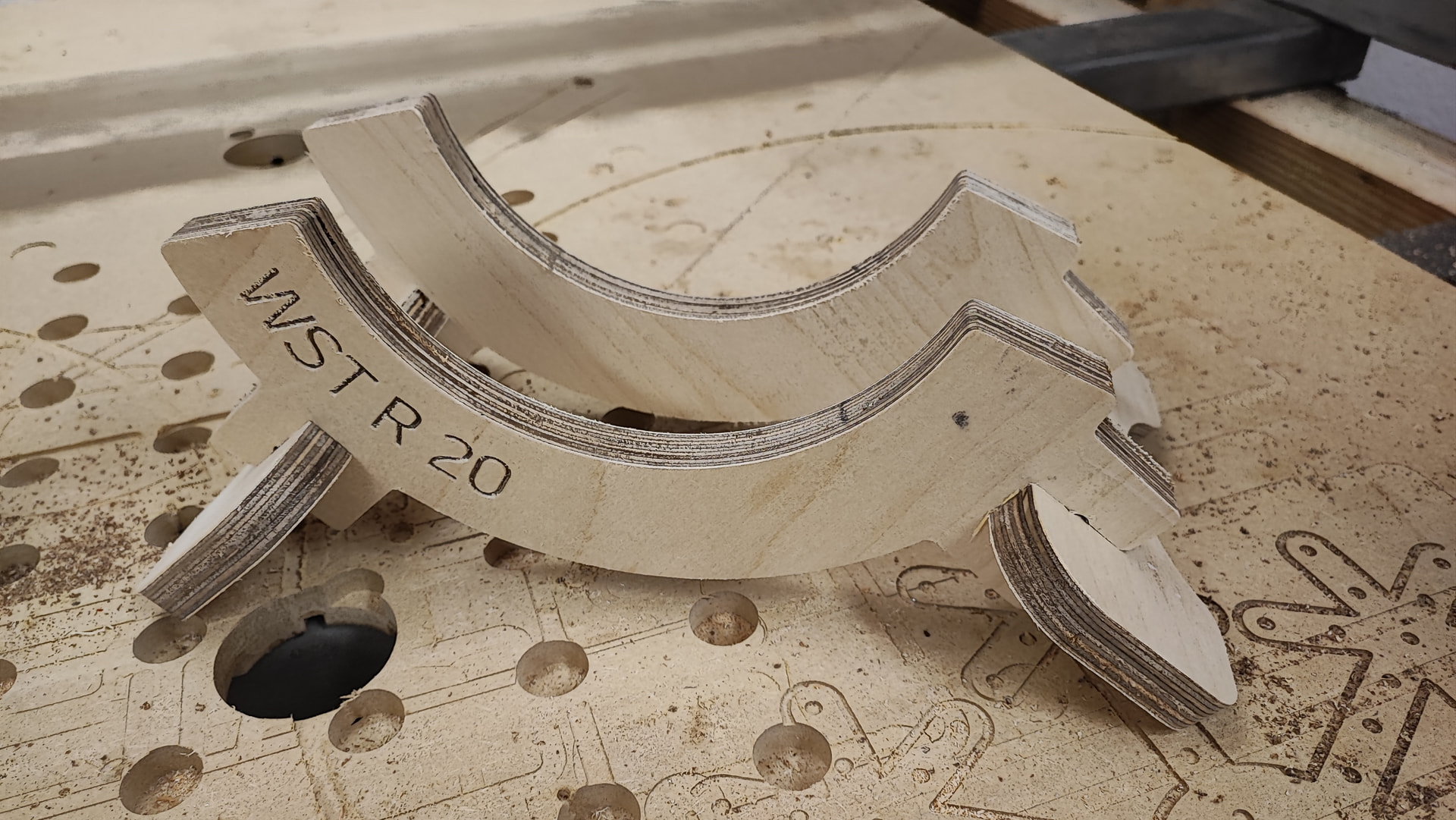
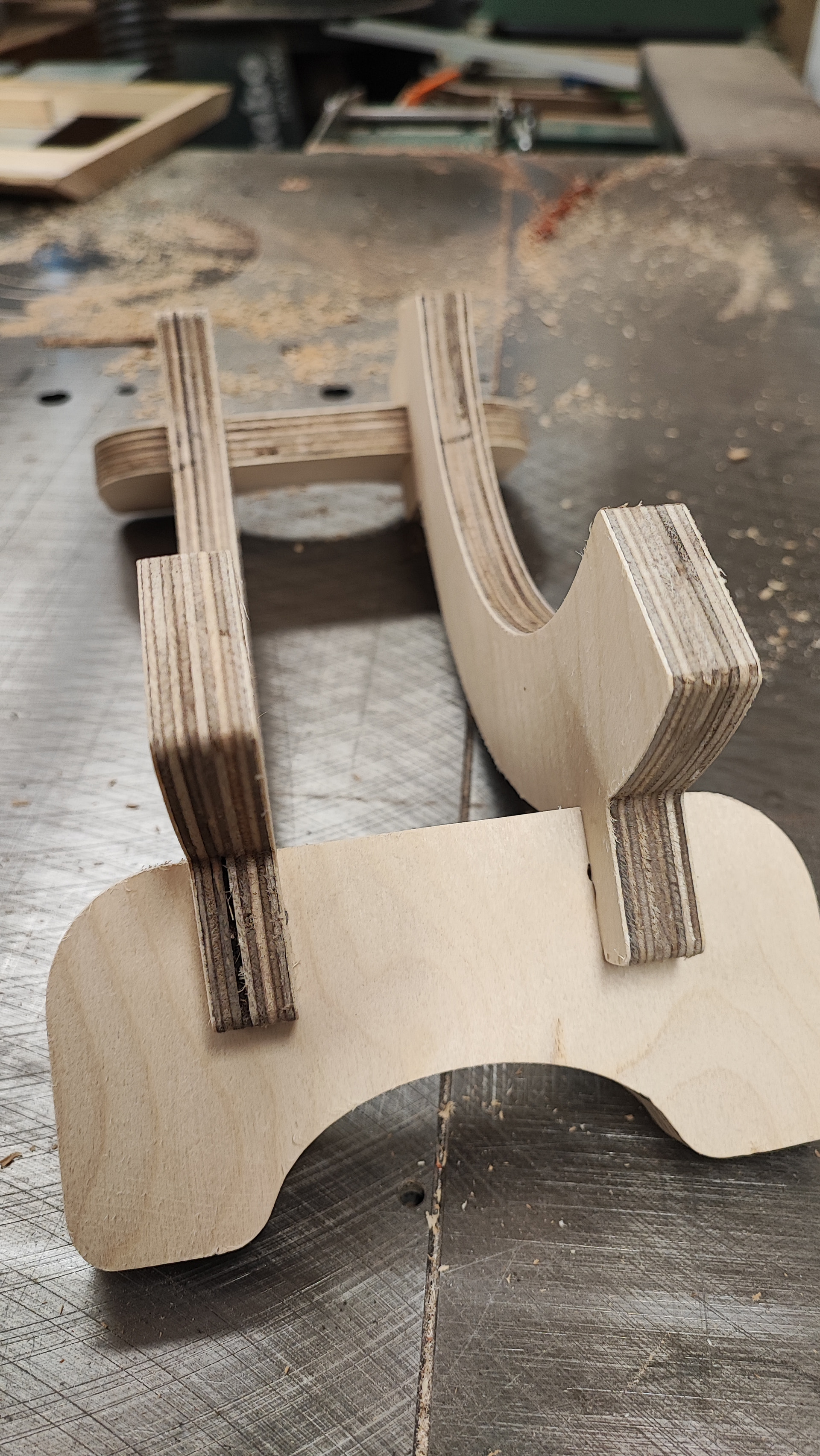
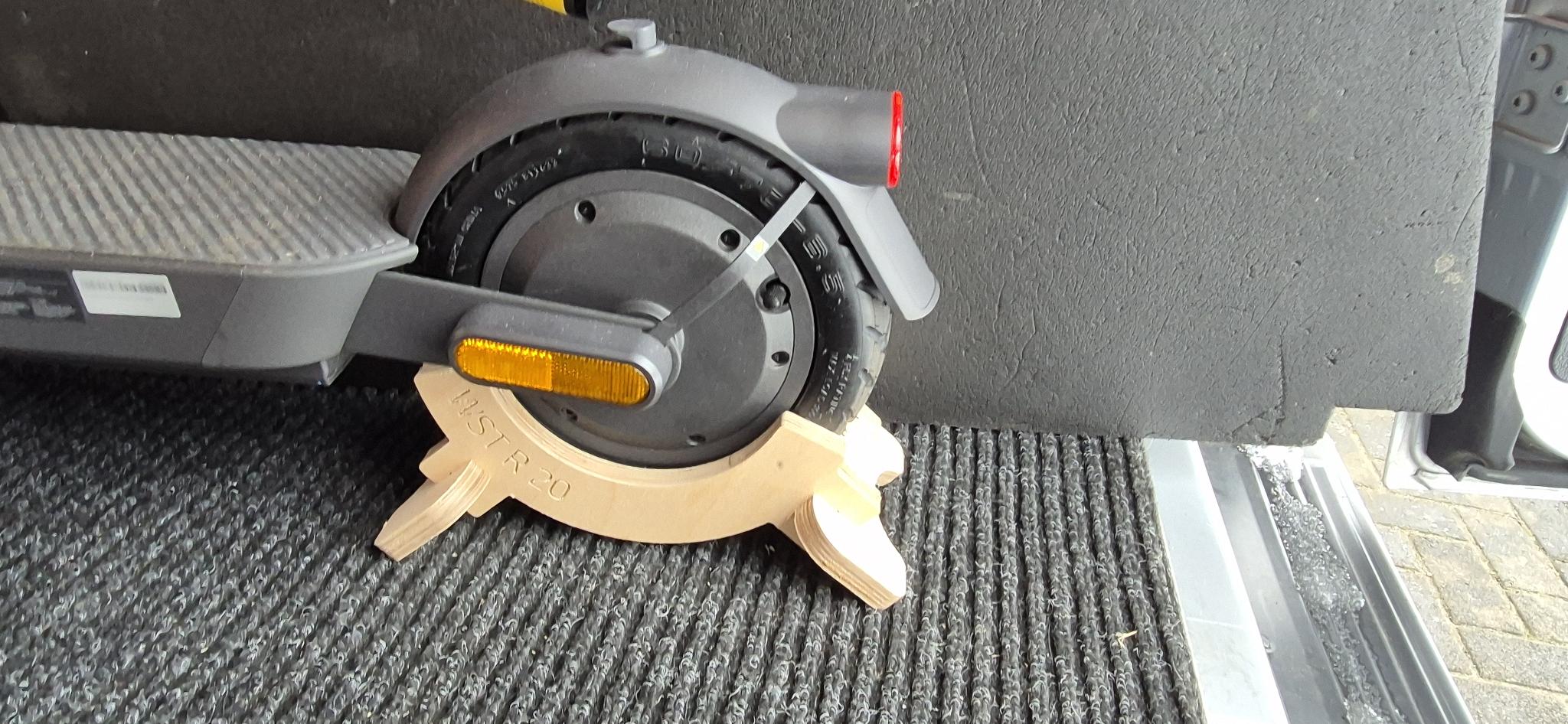
The son of a friend of mine goes to some bicycle races and my friend asked me whether I could do a stand for his bike. I mean, well, I could…
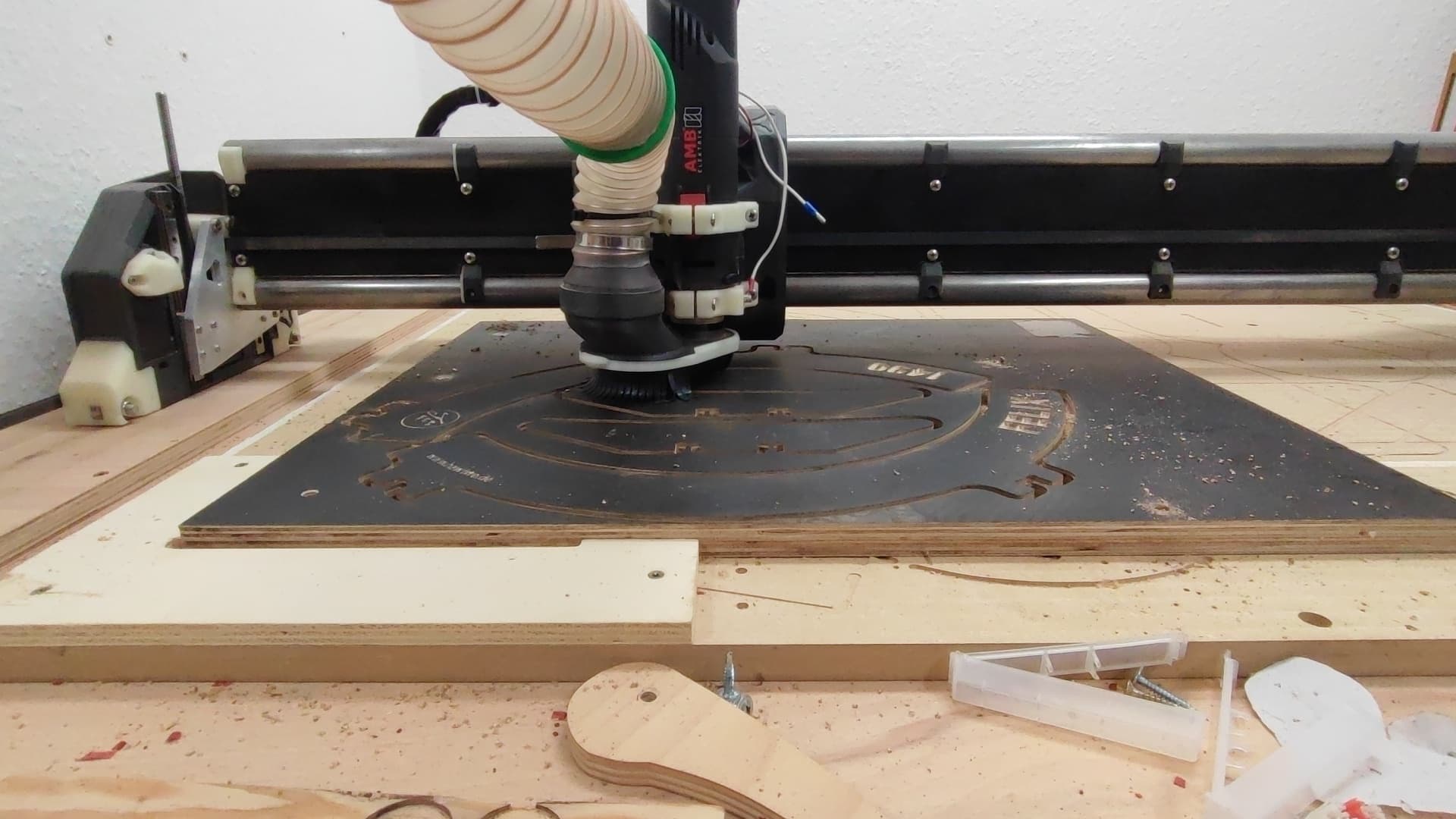
2400mm/min, 4.5mm DOC, 6mm 2-flute, 16 000 RPM. I later tried 3000mm/min and 20 000 RPM, works pretty great as well. I feel I have more room for speed but didn’t want to jinx it.
Also, the pics tell me I have to clean up the engraving of the name…
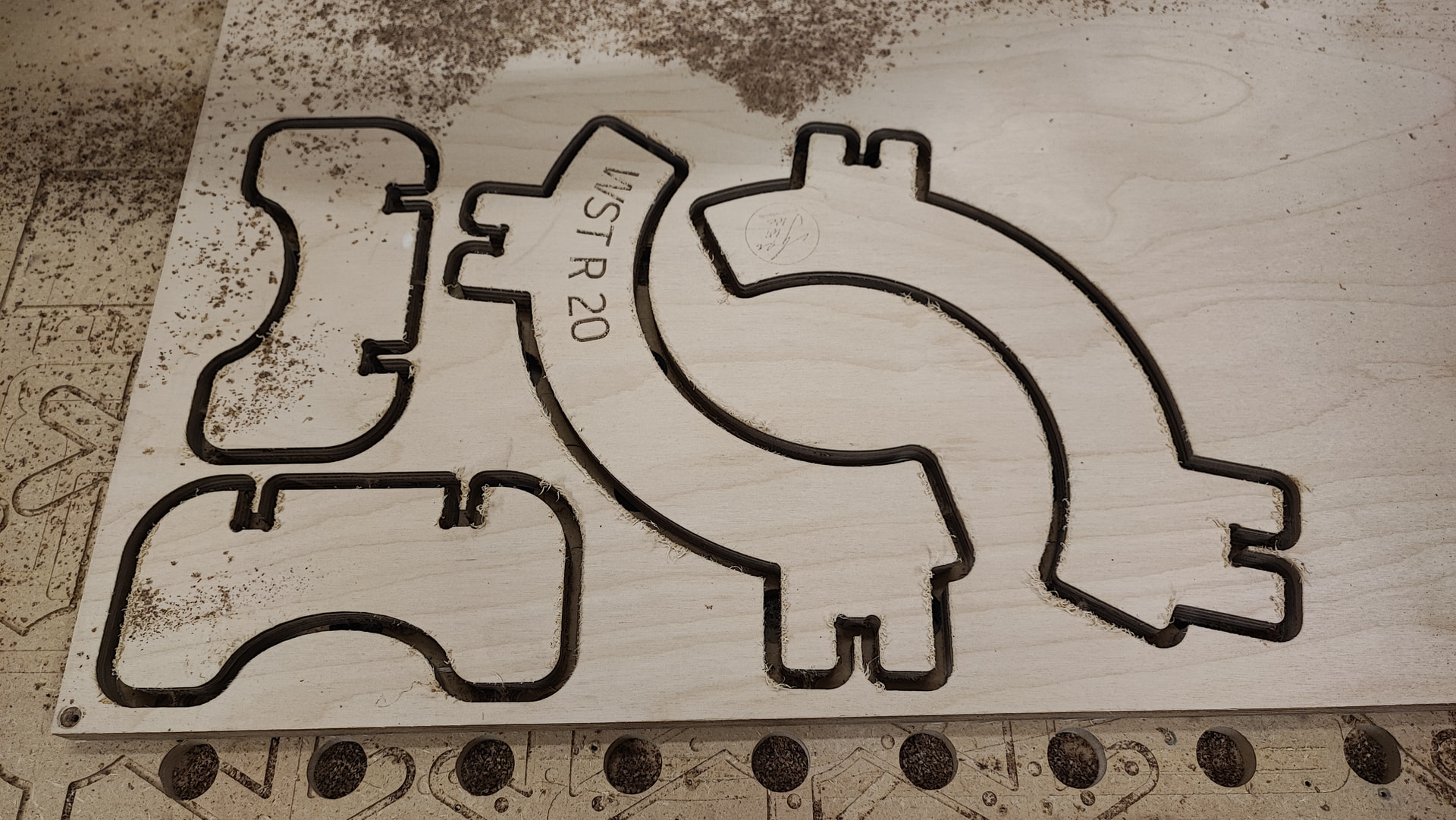
The bicycle stand also got a FreeCAD makeover and is now fully parametric. I had to change the legs a bit because I am not that great at FreeCAD yet, but at least I can crank out new stands in a jiffy.
Here’s the file if anyone wants to make his or her own. The values get altered in the Spreadsheet and should be pretty self explanatory. You can then export the STL via the “Page” (that I did not rename into anything useful) or set up CAM via FreeCAD (haven’t done so yet).
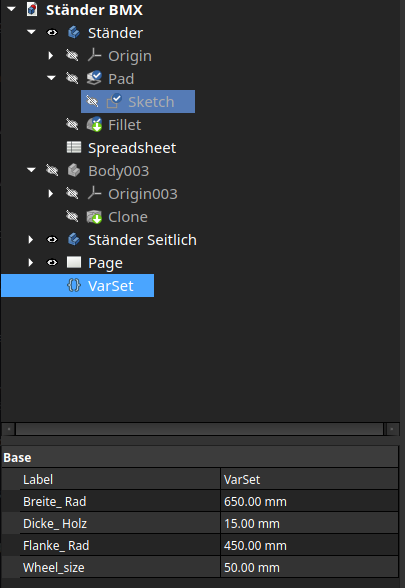
Nice. I’m a big FreeCAD fan. Great idea to use the techdraw workbench to generate the svgs. An idea to try if you haven’t yet, you can use a varset these days to contain name/dimension pairs like a spreadsheet. I find them easier to use because you can edit values over on the left rather than in a separate page.
David, would you be so kind as to help me out with another problem I am having?
I created a parametric gaming table, but I can’t wrap my head around how to do the legs. There is an arch that needs to be shortened dynamically and I am just too stupid to figure it out.
I’d upload the file if you’d be so kind to help.
Is it a FreeCAD problem or a math problem? Maybe if you give us a screenshot and some example dimensions, we can figure out the math to define the variables instead of forcing FreeCad to do it. I love me some geometry.
I have to do that sometimes in Onshape. Things like the number of hexes that can fit on a surface are determined by an equation rather than letting it try to fit them in itself.
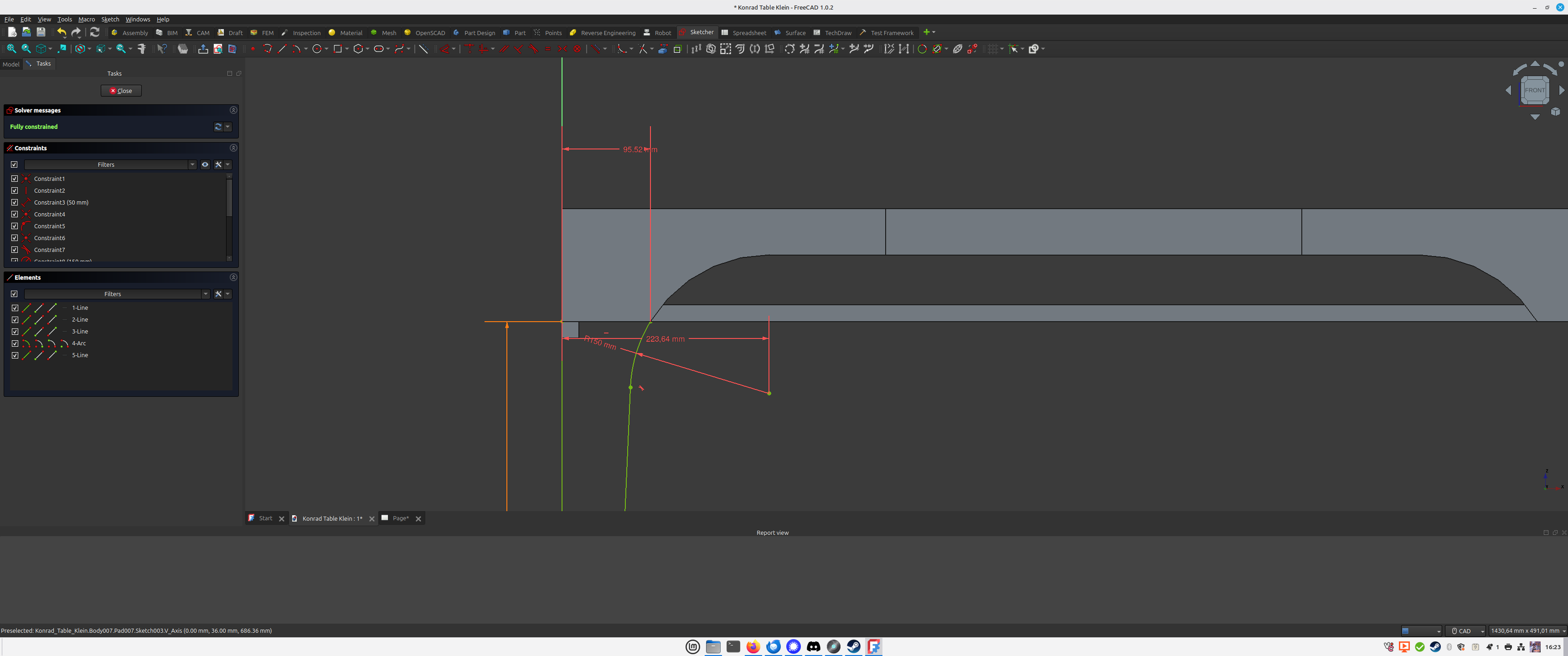
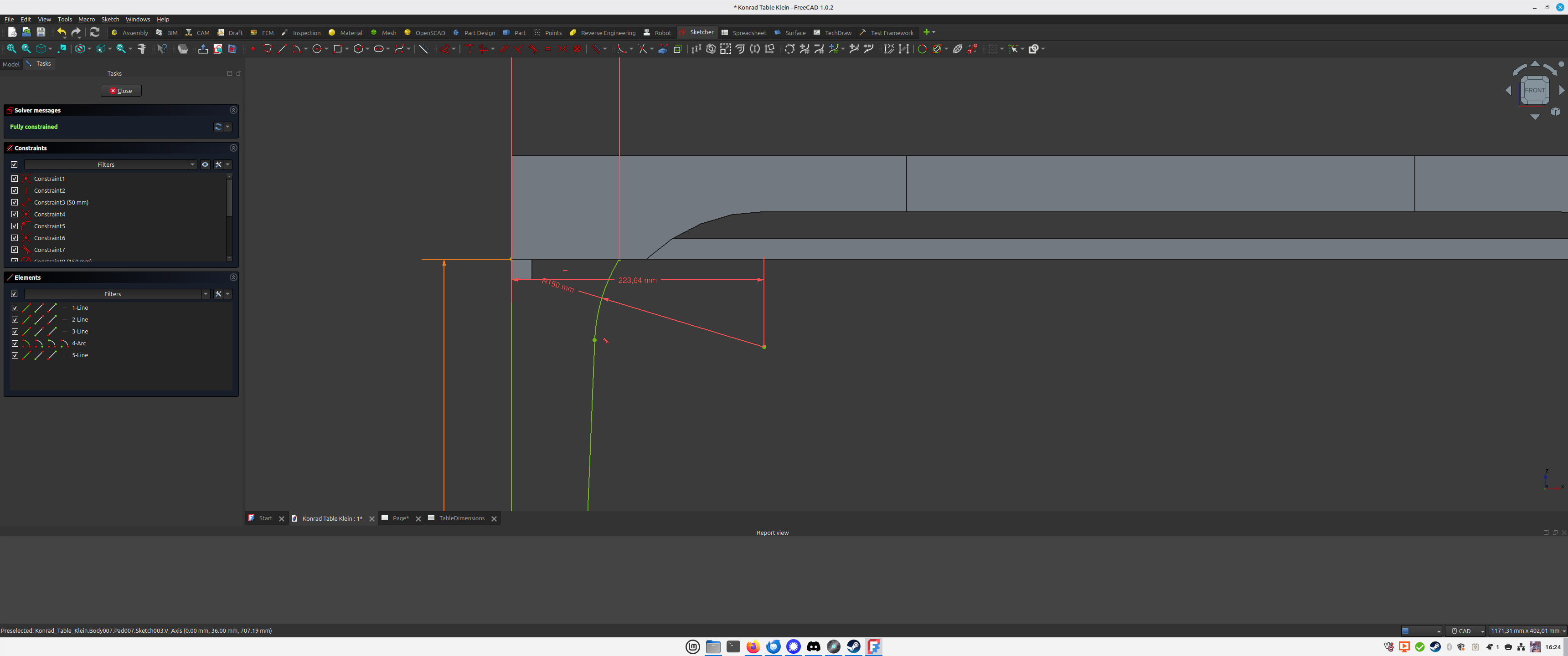
Okay, here are pictures and files (the file is not pretty, it was my first FreeCAD project ever, but it works, I can modify the tables etc. in the scope that is needed). The only thing that does not work is the lower leg inside part. There is a curve that I can’t figure out how to make it fit.
If the storage height is at 140mm, front and back part match (front part is the solid, back part the drawing in the examples):
If I set the Storage Height to 110mm the curve is not continuous any more, the front part is now only 110mm, as it should be, but the curve of the lower inside leg is too shallow and does not match the other curve any more (not sure how I should phrase that any better, you can see the screenshots).