Home is Important, Homing…not so much
At first, I assumed that the stock version of FluidNC left out the ability to home, when Wallplotter Kinematics is set, because of the difficulty of locating limit switches. Eventually, it occurred to me that the reason has more to do with the kinematics. When a Cartesian or Core-XY machine is turned on, they have no idea where the toolhead is, but they can effectively move it horizontally and vertically to find home. That isn’t true for a Wallplotter setup. In order to move the gondola parallel to the X and Y axes, it must be at a known location when it is switched on. Otherwise, the math simply doesn’t work. My suggestion for anyone building one of these is to have a permanent mark where home is and start the system with the gondola as close to that mark as possible. That should be easy on a dry erase board. It is difficult on my system since the paper is always scrolled up for a new drawing and any mark goes with it.
If you want to set up homing, you will need a modified version of FluidNC. I can provide my latest upon request. One major limitation is that the plotter must be started with the gondola in the lower left quadrant of the canvas. Movements during homing are calculated on the assumption that the gondola is starting in the center of that quadrant. I typically start it at around x100 y100. When $H is sent to FluidNC, it first attempts $HY and moves the gondola straight down until the Y limit switch is triggered. It is usually at a slight slant, but close enough. When limit Y is triggered, it then performs $HX. When moving left, to find the limit switch, it always slants up a tiny bit, so when it does get to X0, it is typically a few millimeters off in the Y, typically +2 to +5mm. I then do a second $HY and homing is complete.
A description of the process can be found in this thread: Laser led limit switches
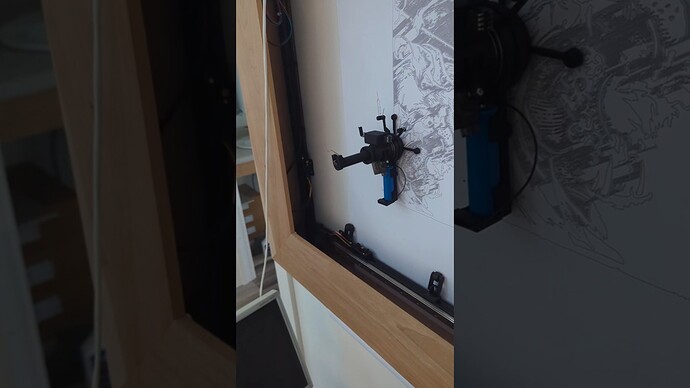
Here is a video (same video that is in the above thread).