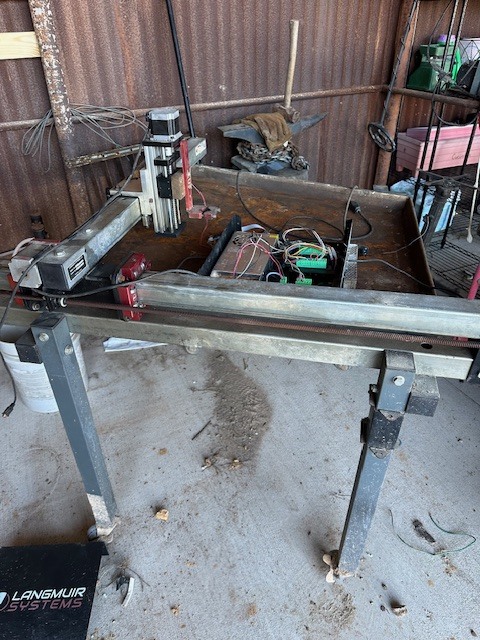
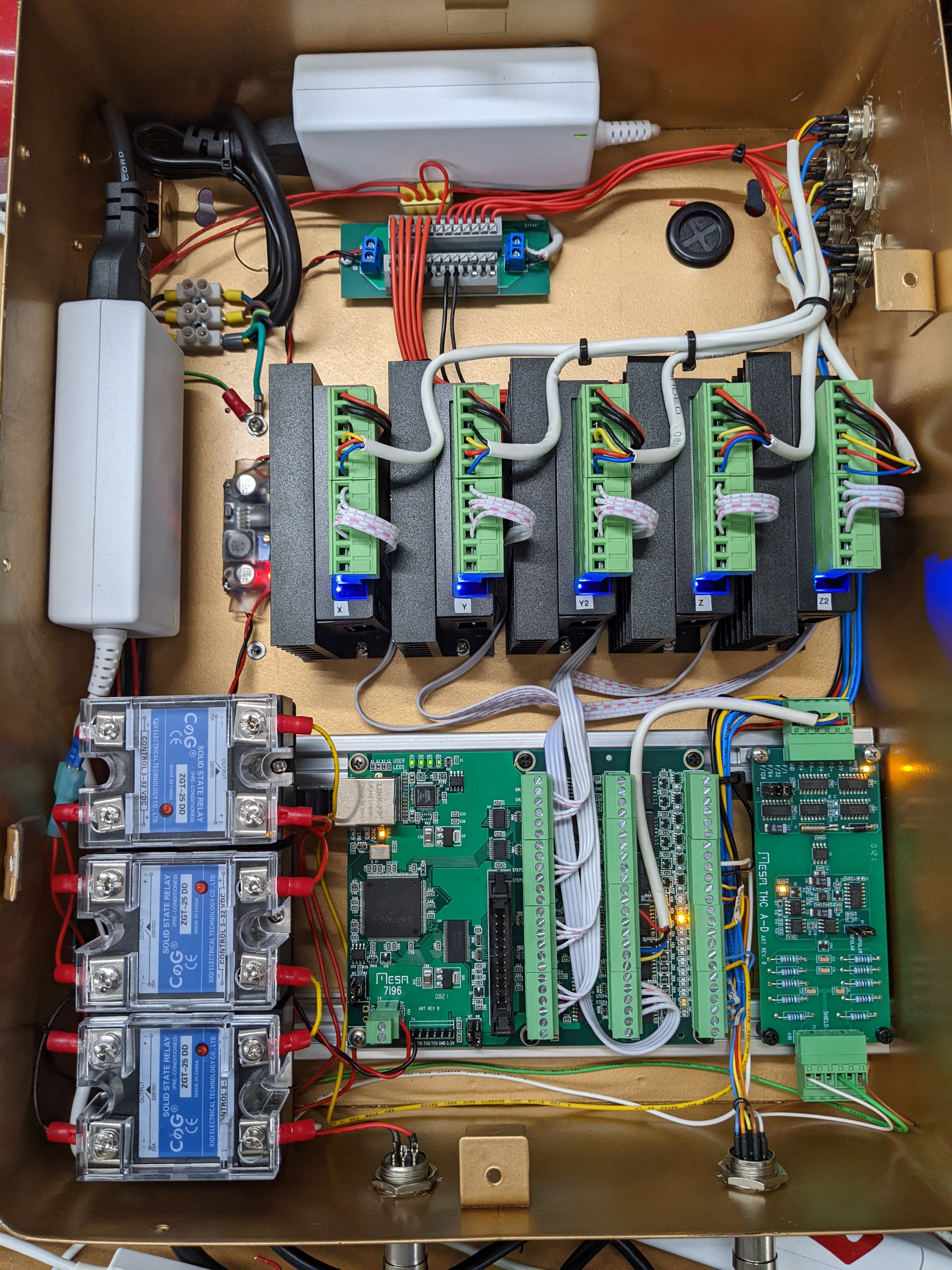
I’m new to this forum, and a friend recommended this site to me. I’m quite impressed with all the builds and knowledge within this community. Inspired by what I have seen, I have started my own build of the LR4 CNC machine—thanks to Ryan for the hardware parts!
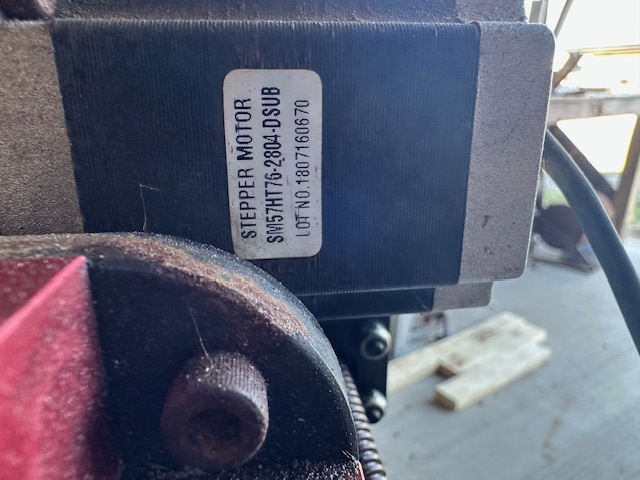
I hope you all can offer me some advice. I apologize in advance if I ask any silly questions; perhaps someone else has encountered similar issues. Here’s my situation: I have an old Langmuir Crossfire CNC table machine that I purchased several years ago from an individual. Unfortunately, he sold it due to software issues. I was able to get it running using Mach3, but it didn’t have a Z-axis.
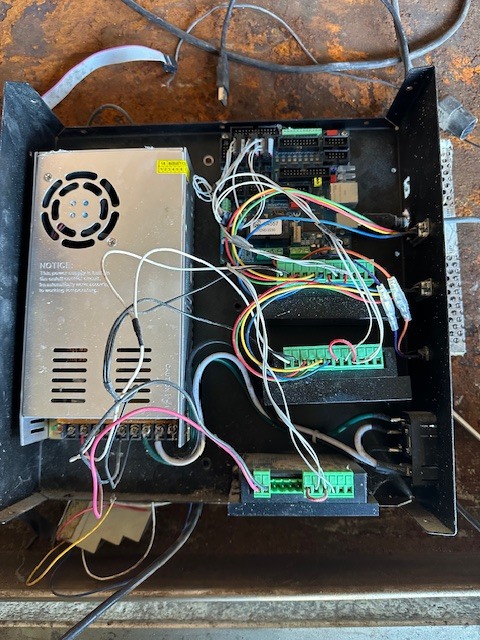
Recently, I upgraded the machine and added a Z-axis, but I do not want to use the Crossfire controller. The company is local, but I find their software messy and problematic. I’m looking for an open-source alternative that might work better. I noticed that Doug has created a plasma machine with the LR4 CNC, and I would appreciate any advice you might have.
You don’t have to, but if you want to run something other than Mach3/Mach4 (or whatever you’ve got now) you’ll have to.
Personally I’d use it as it works now. It’s going to take a lot of work and knowledge to replace the controller and get back to as much functionality as it has now.
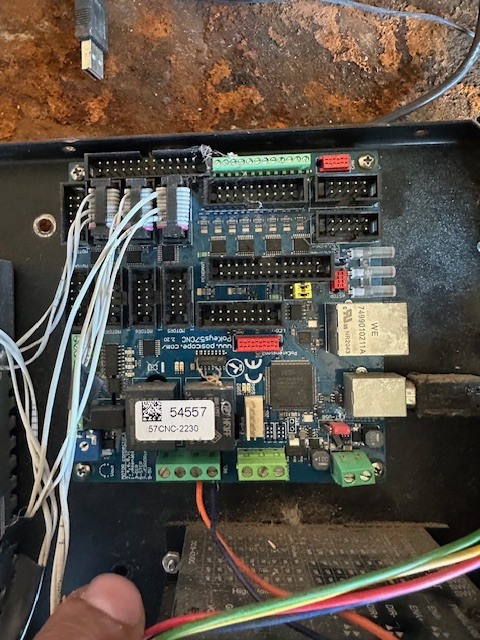
You should be able to get your Z axis working with the PoKeys57CNC controller that it has now. Apparently it supports 8 stepper drivers.
Yes thats what I rather do, I like to run something different will be using open source software and Linux computer etc. I feel that it would be a better choice. I used Mach3, but i was looking at QT plasma C, which is on Linux world if you know what I mean.
Well I really hope I can find a simple solution for this machine, I want the simplest controller, software etc. and I don’t want to depend on this company anymore, I want my owe open source etc, yall can relate
Plasma control is simple (only hitch is managing electrical interference and plasma on off control) …until you add a Z axis with Torch Height Control, then it gets very complicated fast.