Things I’ve learned since making this post… G26. Never heard of it. Keep a log of changes I make to my printer. I completely forgot I had put those hard rubber standoffs. I have a build thread on this site, but it’s quite large.
3) I still dislike Marlin, but at least a lot of the G commands I’m using you can override the default values (G29 H250)
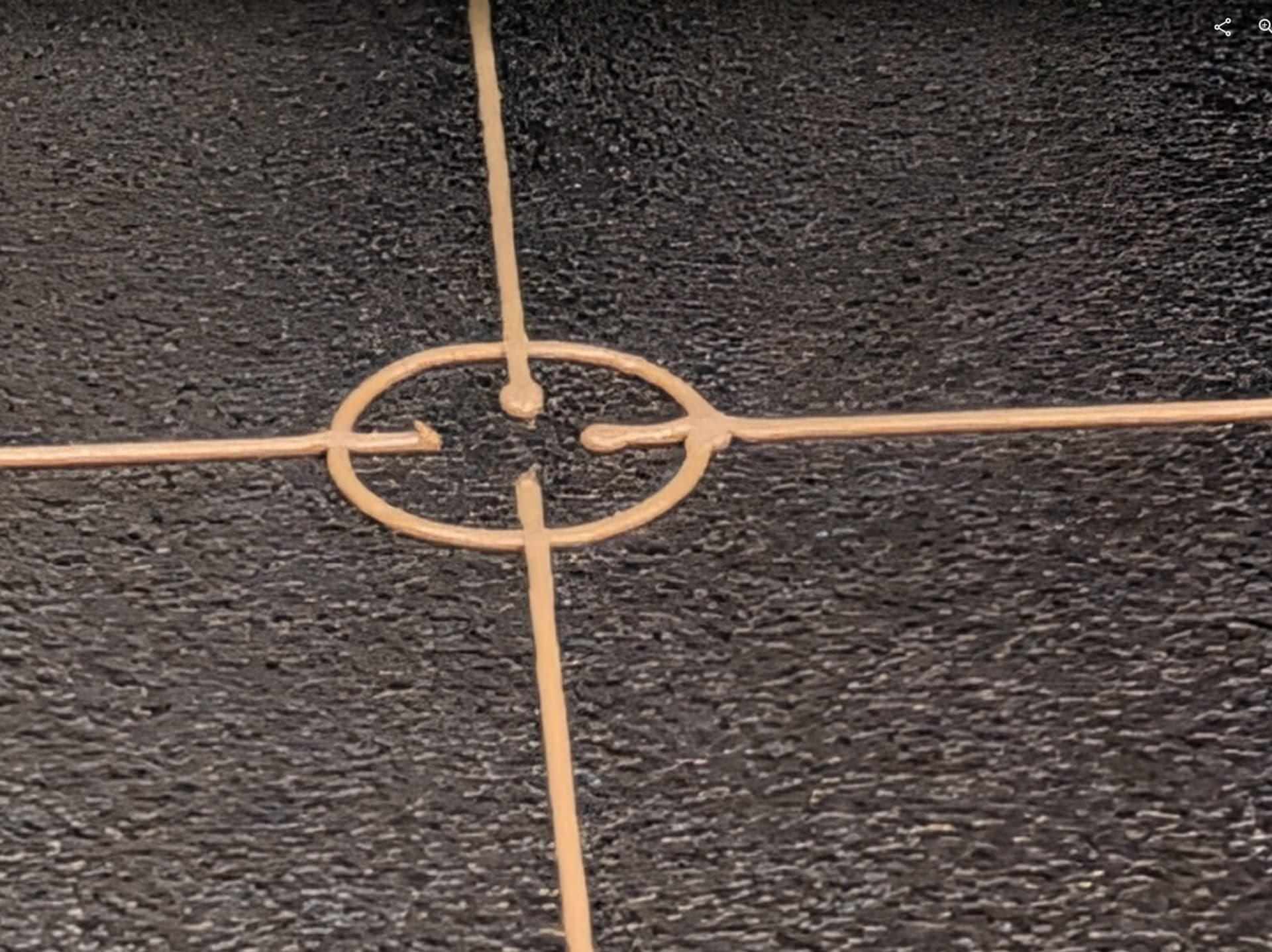
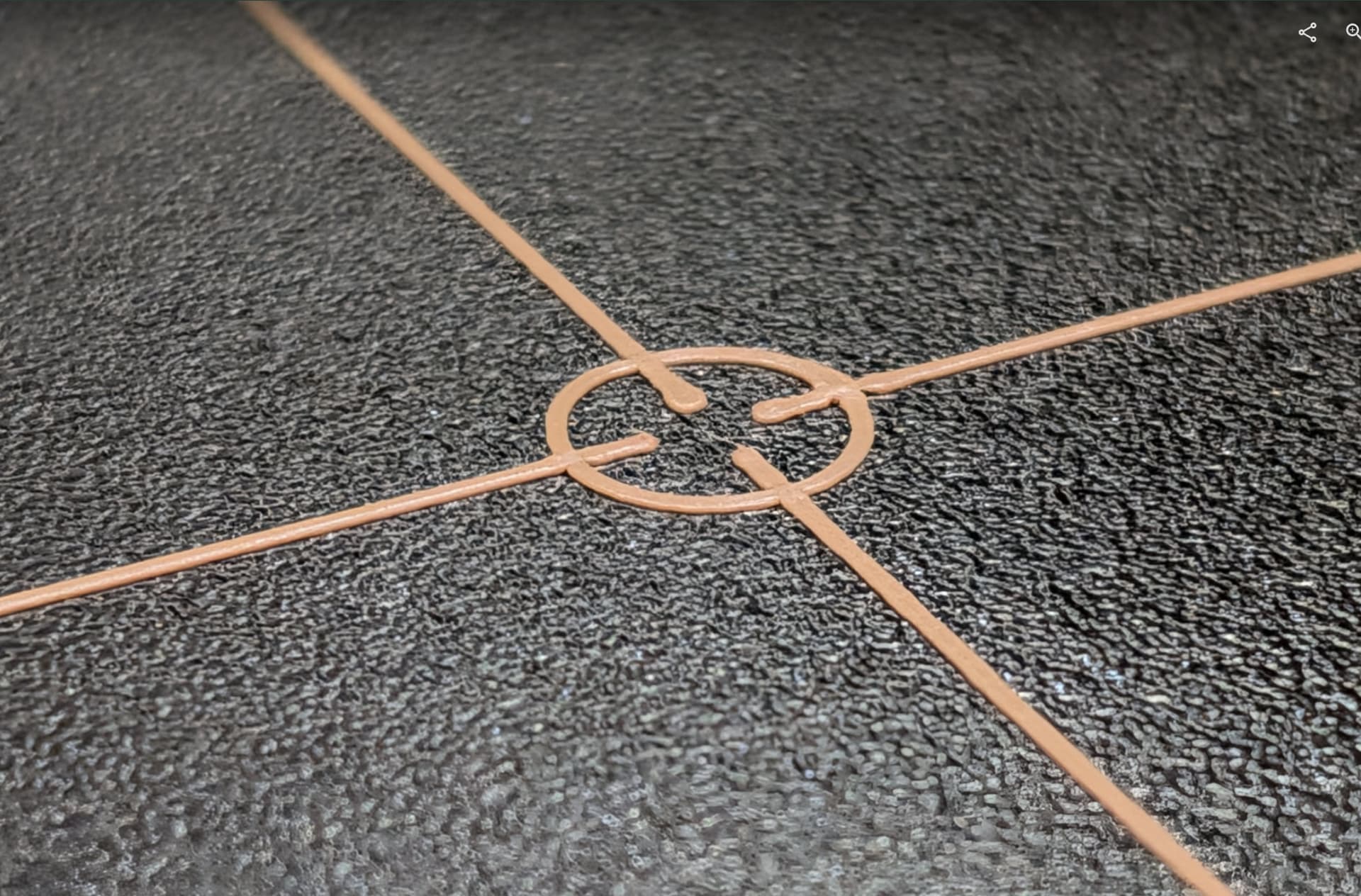
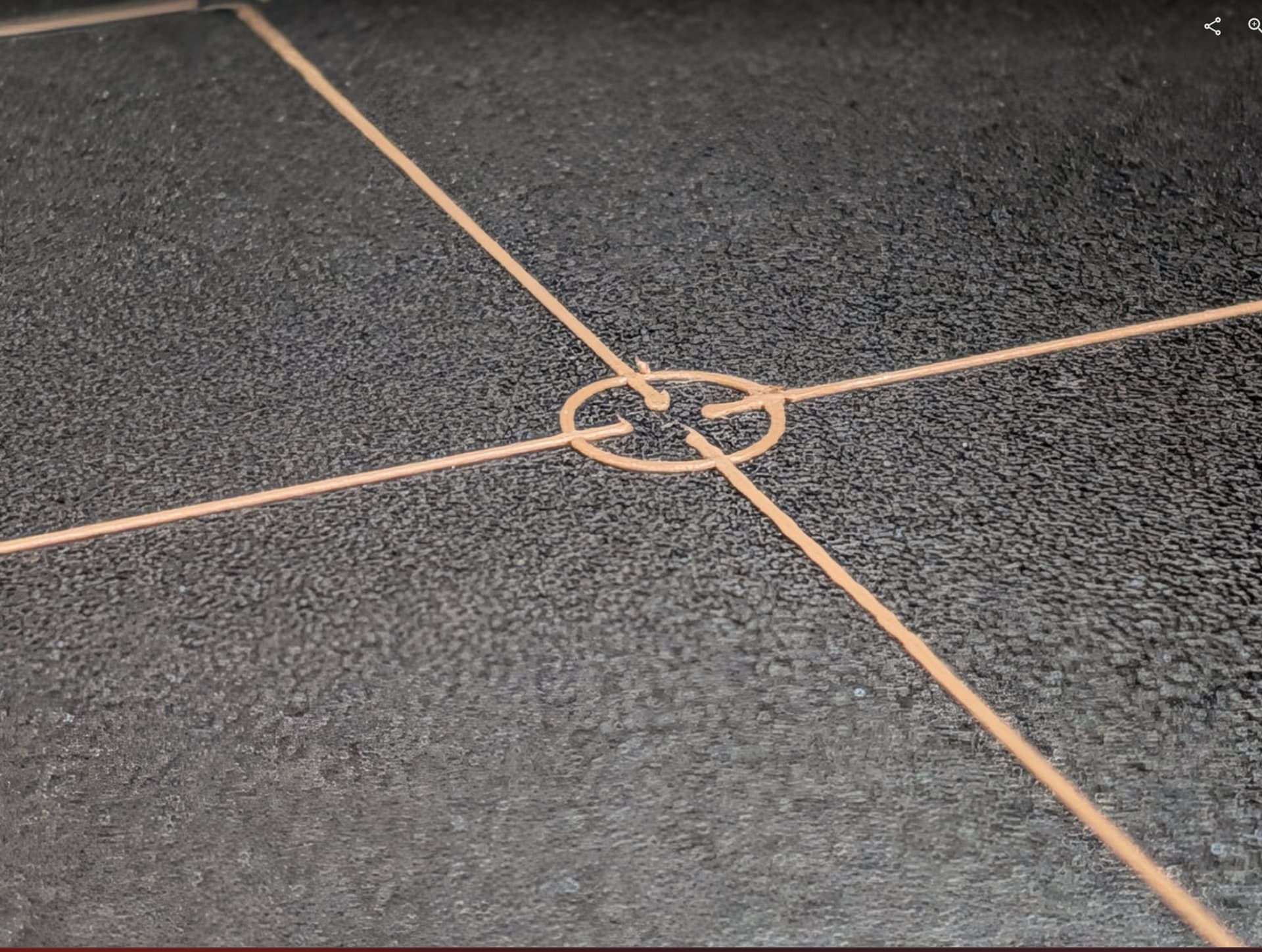
Here’s some pictures of the G26 print. I zoomed in on a few of the spots along the outer edge. They look fairly even to me.
I chased mesh leveling for a long time and it turned out the issue was the Z probe happening before the bed was totally warm. Mine warms unevenly and thus is tacos a little while warming up.
I proved this to myself by running a probe command at multiple intervals and graphed the result. I did it using a script, but you could do it manually. I ended up putting a 6 min warm up before doing the Z probe.
And no printer is perfect. As long as the mesh isn’t compensating for too much, it is well within tolerance of any other printer error. It should be able to lay down a nice first layer.
I thought about that, but I was out there for 2 hours today with the bed heated while testing various commands. Also, I marked the steppers and you can easily see they don’t move when printing side to side or front to back while printing. You can see them move when running the G26 test.
This work may all be a mute point. I found a spare pi4b not doing anything. I’m going to drop klipper on it this evening and swap out the raspberry Pis on the printer and finally move forward with converting the printer over to that.
I’ll hang on to the marlin Pi in case I need to swap back for some reason. I may temporarily lose my heated chamber while I figure out how to wire that direct to the SKR instead of going through the Pi.
Klipper is on the pi. I have a basic printer.cfg loading. I still need to build and flash the board and then do all the real setup and testing. There’s others running klipper on this site, so I’ll be stealing a lot of their configs. Plus I have my smaller printer running klipper to steal from.