I have just started CNC’ing so I’m not very familiar with cutting speeds and settings. I don’t even know what most of them mean honestly.
I tried to google and see what I should use, but I still want to ask you guys to share your experience.
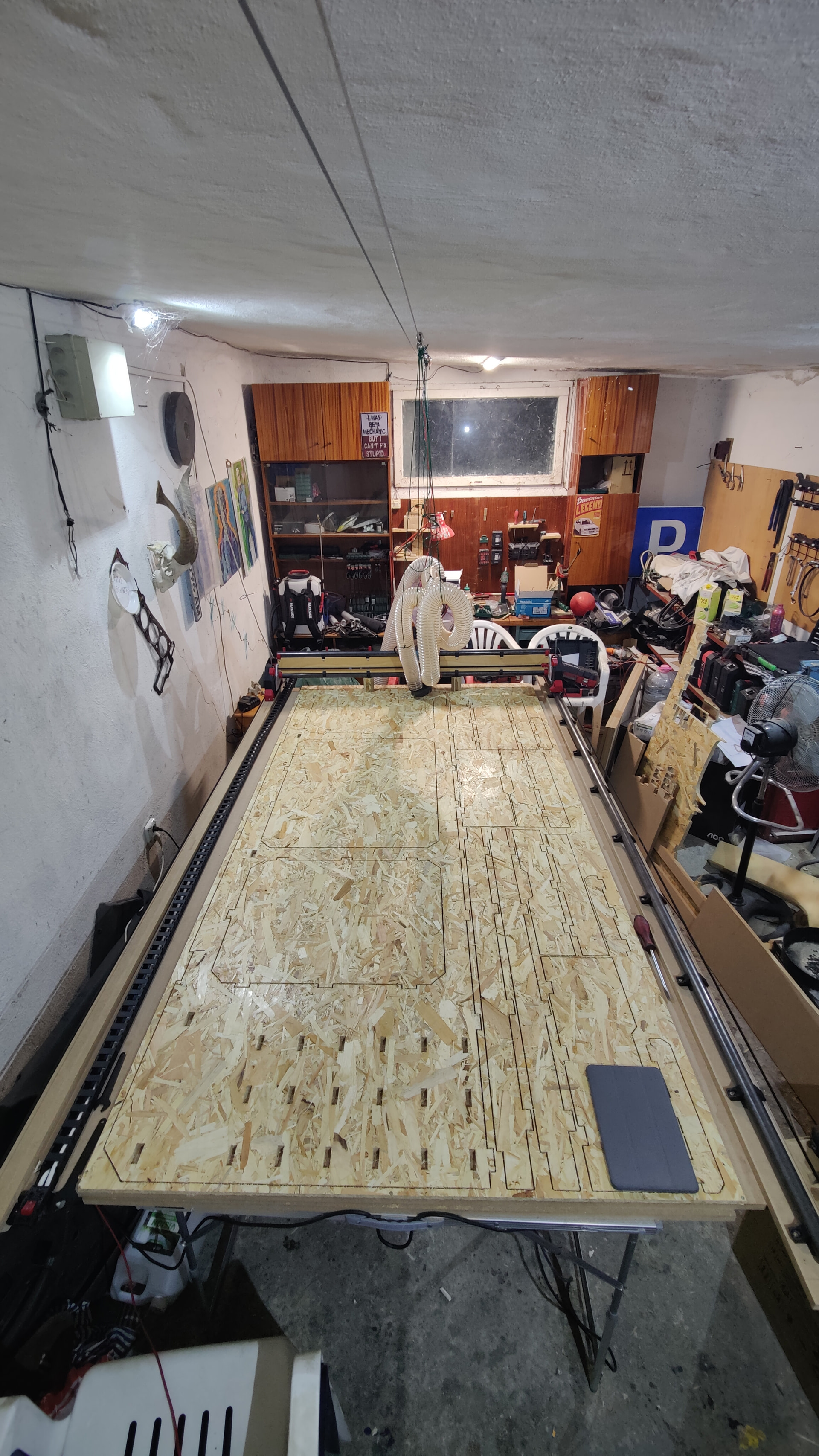
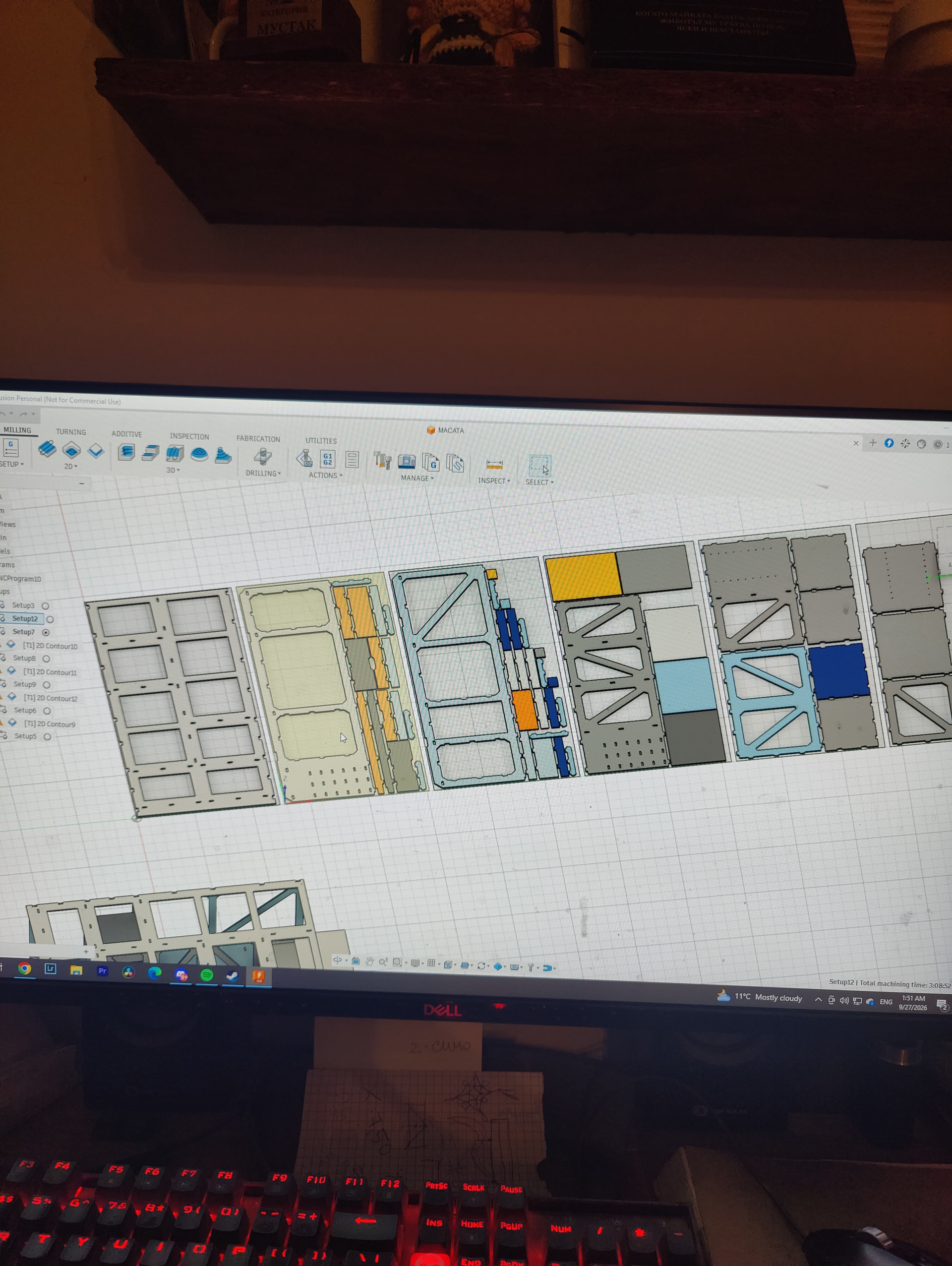
For now I’ve cut 7mm plywood for my strut plates, 18mm OSB3, 15mm OSB3 and 12mm OSB3 for the torsion box, the top and bottom of the full size table Ryan shared and the settings I’ve used until now are on a 3mm bit, 17krpm, 1.5mm depth cut, 2000mm/min X/Y and I have not touched the Z cut and travel speeds in the post processor from the forums here for fusion 360.
As these cuts take lots of time, I’ve ran this machine for 12 hours the first time, since the post processor was capped at 1000mm/min. After that I bumped it up to 2000mm/min but I still use 1.5mm depth of cut.
Now I want to try the ramp feature in fusion, since the bit for my previous cuts just plunges straight down, even though only 1.5mm I want to make the cuts a bit faster and safer if possible.
I’ve set the ramp at 35 degrees and now I’m wondering what Z cut and travel speeds are safe, as I’m unfamiliar with this ramp setting, and the limits of the LR4 as a whole.
Also was wondering what feeds and speeds and doc you guys have used for different materials over and over which you are happy with.
All I have left for the table base is the sides and drawers but I want to try new settings and get more knowledge with each and every cut sheet. Also a little side note, fusion 360 cutting times estimate and real time cut estimate left me babysitting the machine till 9am once, they are sooo different.
For my machine, I use speeds and feeds that are listed on the bits from CIC Workshop: Bits — CIC Workshop . These seem to be pretty spot on for my machine. I have tried to push it more, but it does not always work. But this is a good starting point.
Oh, that’s nice of them to do. Seems the bit I’m using they have listed speeds for plastic.
I just want to make sure this bit survives the next sheets of OSB so I can finish the table since bit availability here seems to be limited and ordering will take time for one to arrive.
Welp, I’ve set ramp speed at 1500mm/min 35°, Z cut at 300mm/min, X/Y at 2000mm/min, 1.5mm per pass on the 3mm extra long single flute upcut from V1. Will let you know how it does.
I haven’t tested my LowRider yet, but I also have a homemade belt-driven CNC. With that machine, I get good results at around 2000 mm/min, 16,000 RPM, and 6 mm depth of cut.
6 mm is a bit more stable, but it also creates more dust. So I usually use a 4 mm single-flute bit with 22 mm cutting length instead, because it’s still very stable and produces noticeably less dust.
You can keep testing and adjusting it. You need to find the best balance between cut quality and cutting speed.
If you cut too fast, the machine can lose steps, or the belts and structure can flex and deform the cut. In more extreme cases, you can even break the bit.
If you cut too slowly, you may gain some quality, but you also lose time. And if the feed rate and RPM aren’t well matched, the bit can overheat and its lifespan will be reduced.
I usually suggest you start with the milling basics. From there each cut after work your way up to 2x diameter depth of cut, then slowly increase feedrate until you notice accuracy issues. For some people that is 30mm/s, others that is 60mm/s.
Every machine is different, most importantly the machine size, then how it was built, what components, what router, what endmills, what material you are cutting. As you can see there are a lot of variables.
I highly suggest using mm/s, trying to visualize one minute or 2000 of anything makes it difficult to understand how large of a change you are making.
Even though i haven’t cnc’d before, i kinda went straight into cutting. Oops… Good news is its cutting without issues (somewhat, still have that jittering/vibrating to figure out). I don’t know how i missed the milling basics! It even has a nifty calculator in there. I haven’t tried finishing passes too, i must look into that, ive been cutting just final dimensions from start. Im cutting full sheets, it has accuracy of perfect 0.00 to 0.20mm from end to end, amazing machine you have made!
I have been doing some testing with my 6mm 1F Compression bit lately and was wondering what router speeds people are generally advising to start with for the basic feeds and speeds? I was previously using very low speeds in the realm of 10000-14000 rpm but recently have found I can cut at 1x diameter depth of cut at around 800-1000 mm/min if I increase the router speed to setting 5.
I’ve gone through the milling basics and looked at chip load etc but since I am working with speed settings of 1-6 rather than actual RPM I can’t be sure what the actual chip load is and I try just to work by sound.
Compression bits have to be used a full depth to work, otherwise you are wasting a very expensive endmill. For that you will just have to tune to what your build can handle. The manufacturer should have a chip load range; start with the lowest end and work up from there.
Or you can rough with a regular single flute upcut and leave a generous area for the finishing pass, then use the compression bit for a full depth finishing pass.
Honestly though with a fairly sharp endmill and a good margin for a finishing pass I have never had tearout issues. I just did some manual woodworking yesterday and every dang tool makes a ton of tearout, even a fresh blade on my circular saw; in comparison, I would say my CNC work has none.

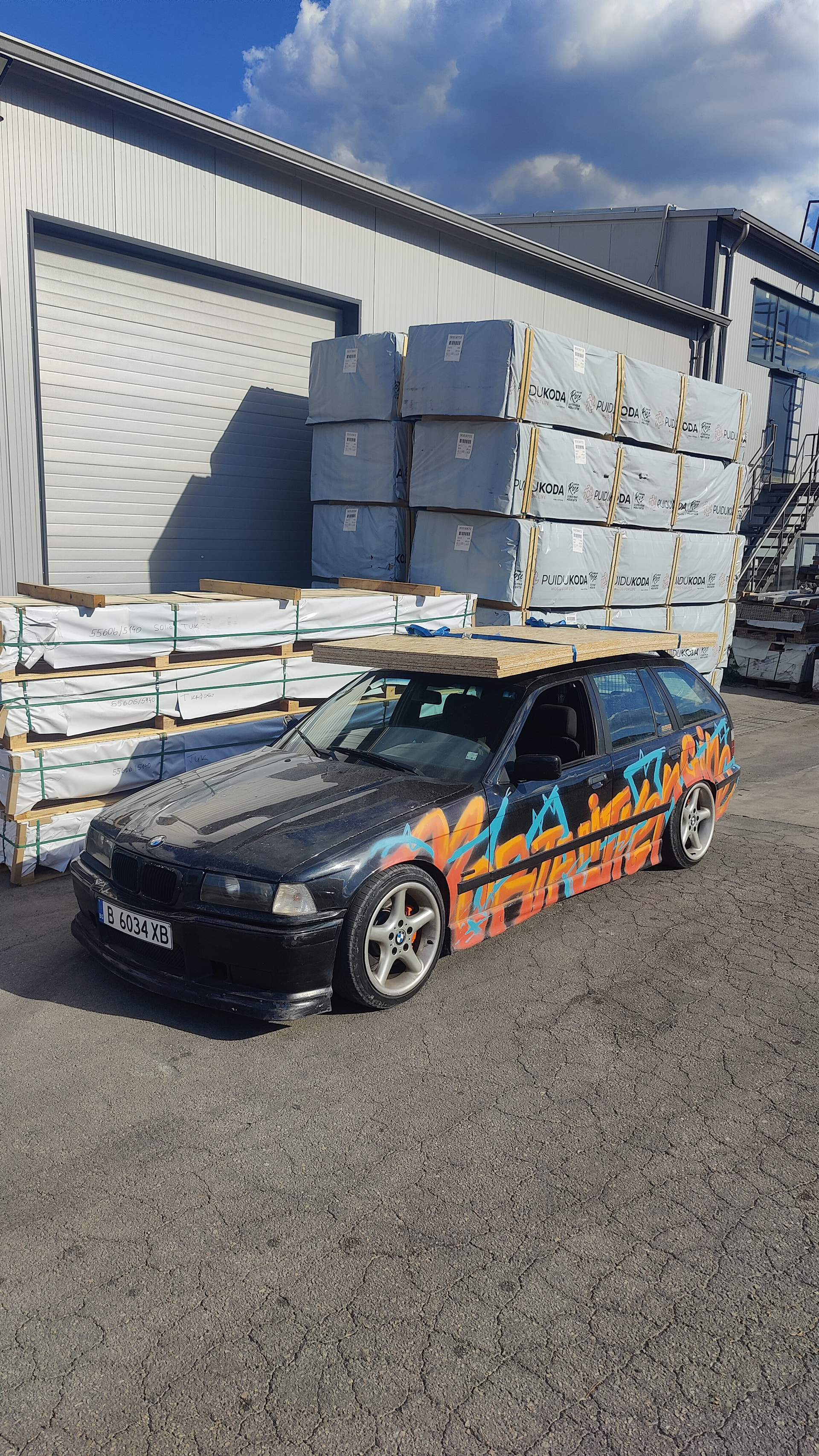
 since bit availability here seems to be limited and ordering will take time for one to arrive.