Hi all, I’ve recently finished up my LR4 build (using the full build kit from the v1e store) and I’ve noticed that the Z axis is dropping steps while cutting.
I’ve tried to upload photos/gcode, but new users aren’t permitted to do so.
I noticed it first while cutting the struts. I figured it was a loose bit, or uneven table, etc, but it’s continued to persist. I’ve read through the forum and I believe I’ve addressed the usual culprits:
The Z screws are well lubricated.
There is no perceivable binding in the Z screws and the gantry crashes when power is disabled.
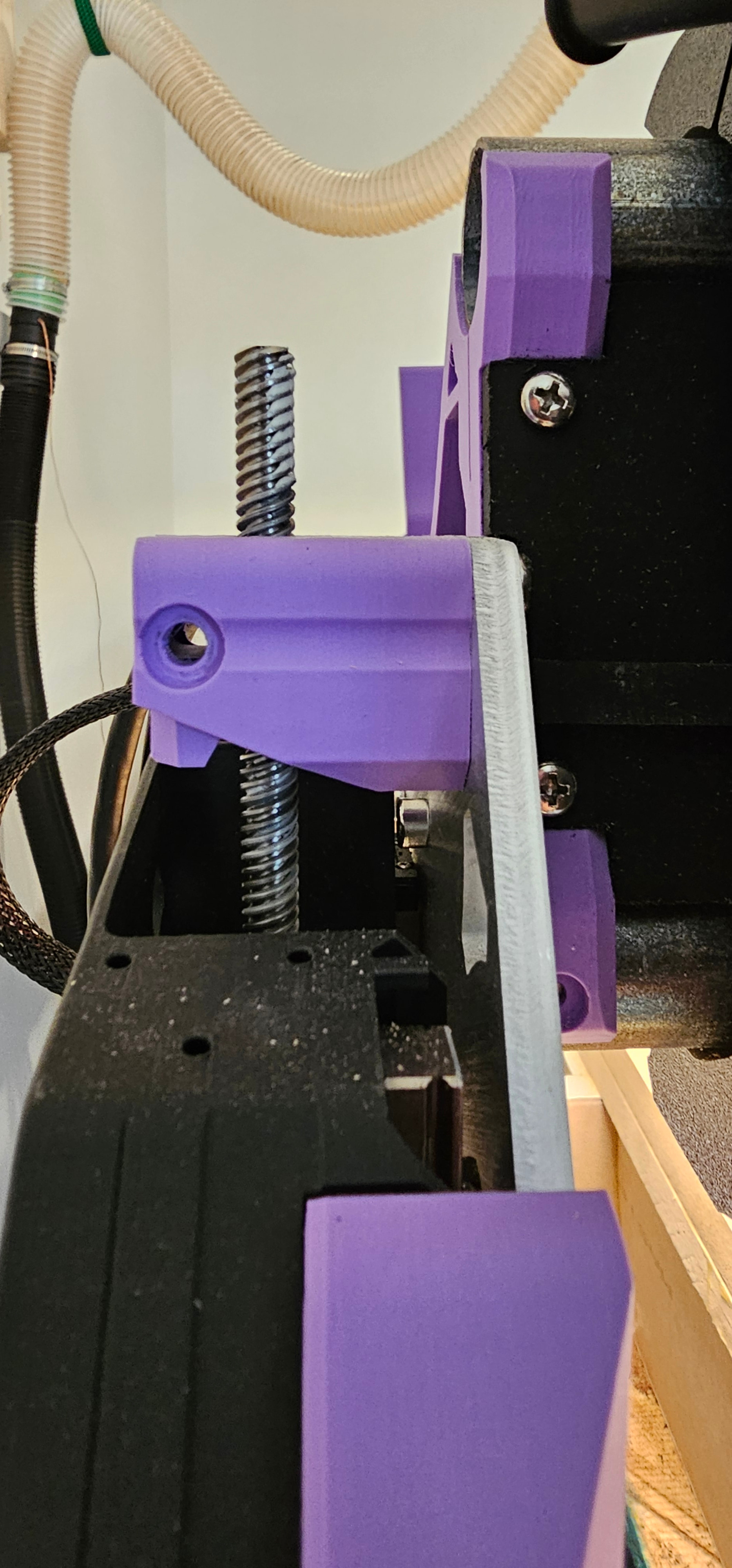
One observation on this, I have noticed that the lead screws aren’t perfectly aligned with the direction of travel of the gantry… if I send it to the top and lift the gantry to let the screws settle where they want, then send it to the bottom and lift again, they spring laterally a couple mm. There is a very minor amount of twist in the Zmax screw as it rotates that I haven’t been able to address by reseating the screws.
I do not have the cross-tensioner screws in.
My Z max move rate is 900 mm/min and acceleration is 80mm/s^2. The Z steppers are set to 700mA hold and 800mA run and they do get warm while running. Aside from pull-off and max travel settings, I’m using the defaults that arrived with the board.
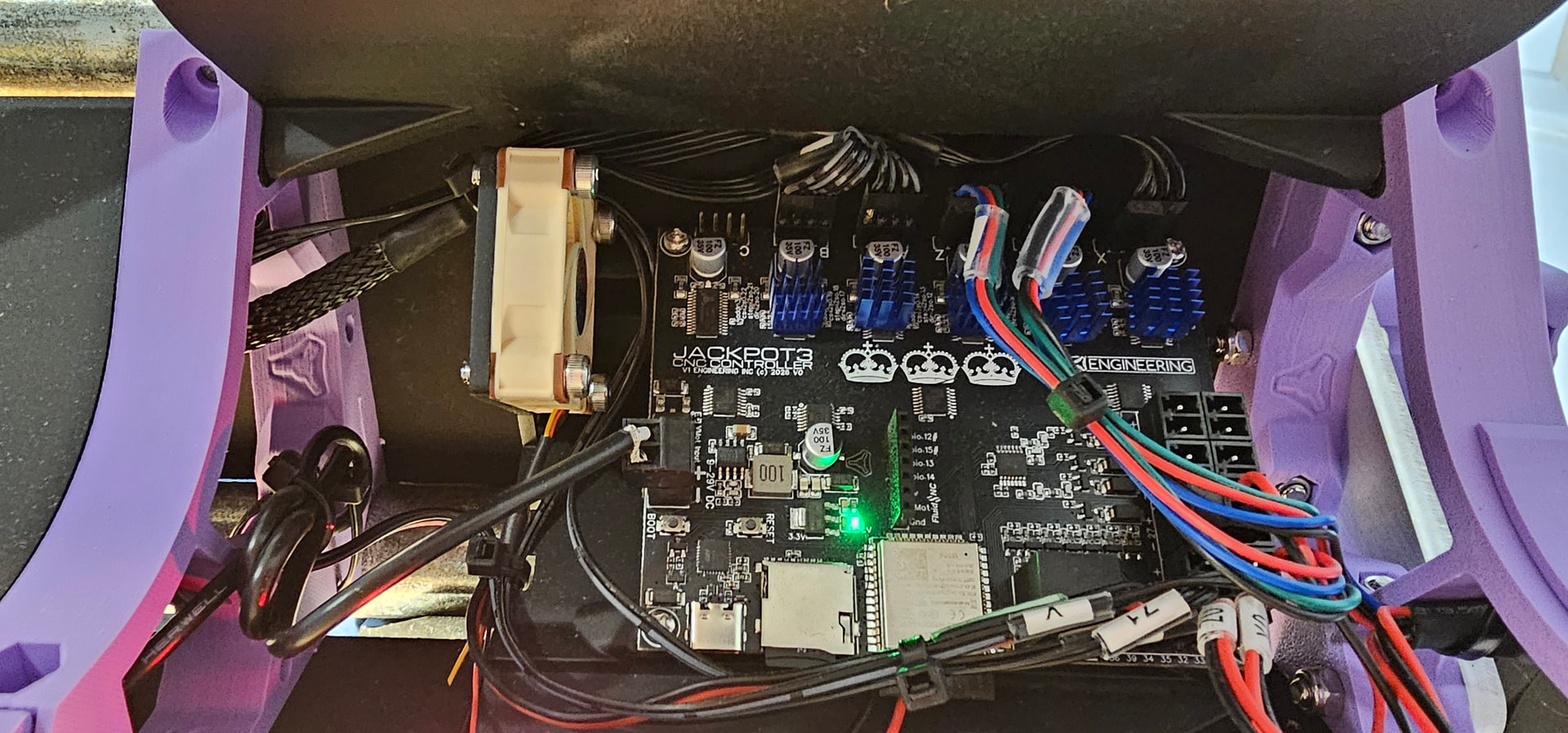
My dust extraction hose is grounded, and I have a fan blowing over the PCB heat sinks.
I’ve triple-checked that the bit is not slipping from the collet.
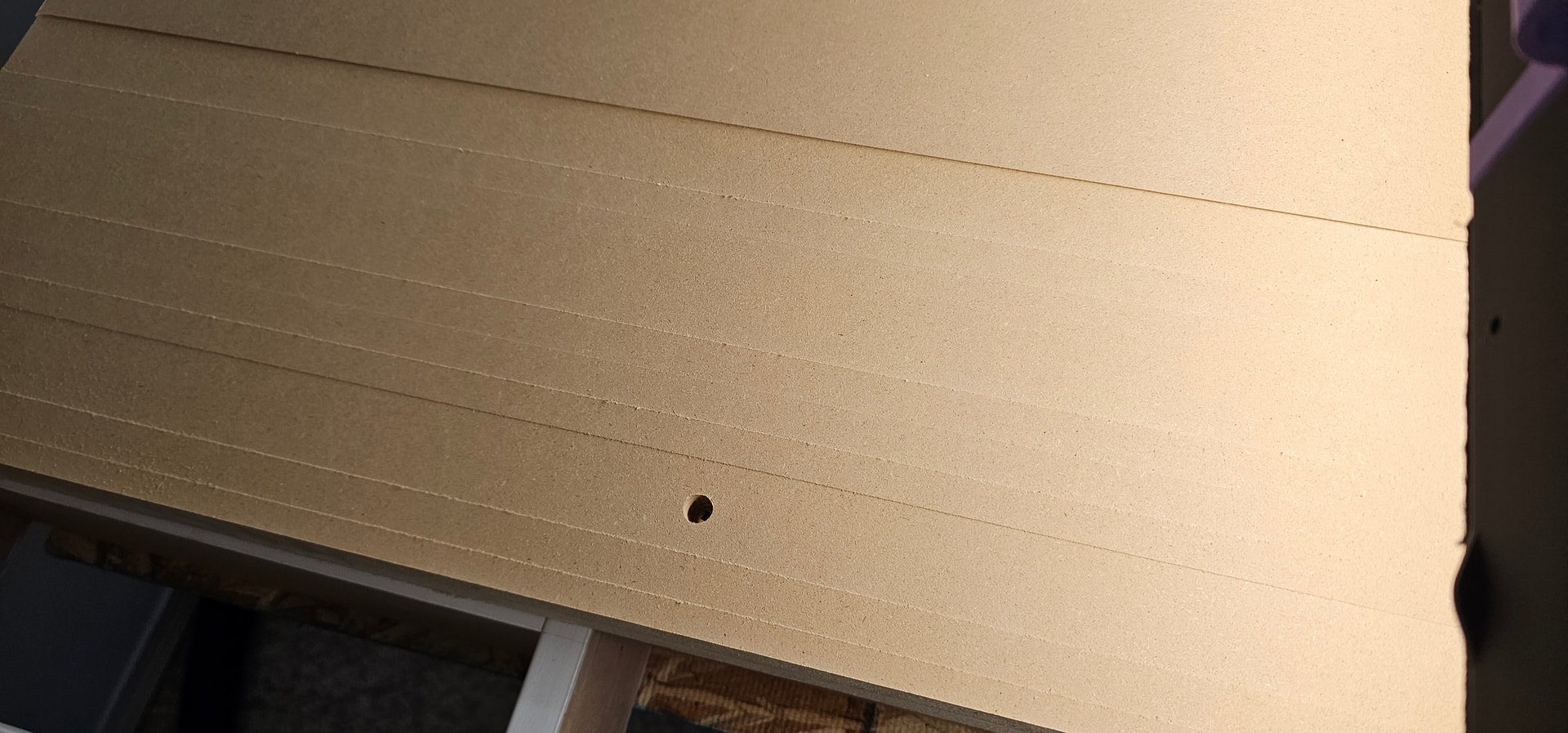
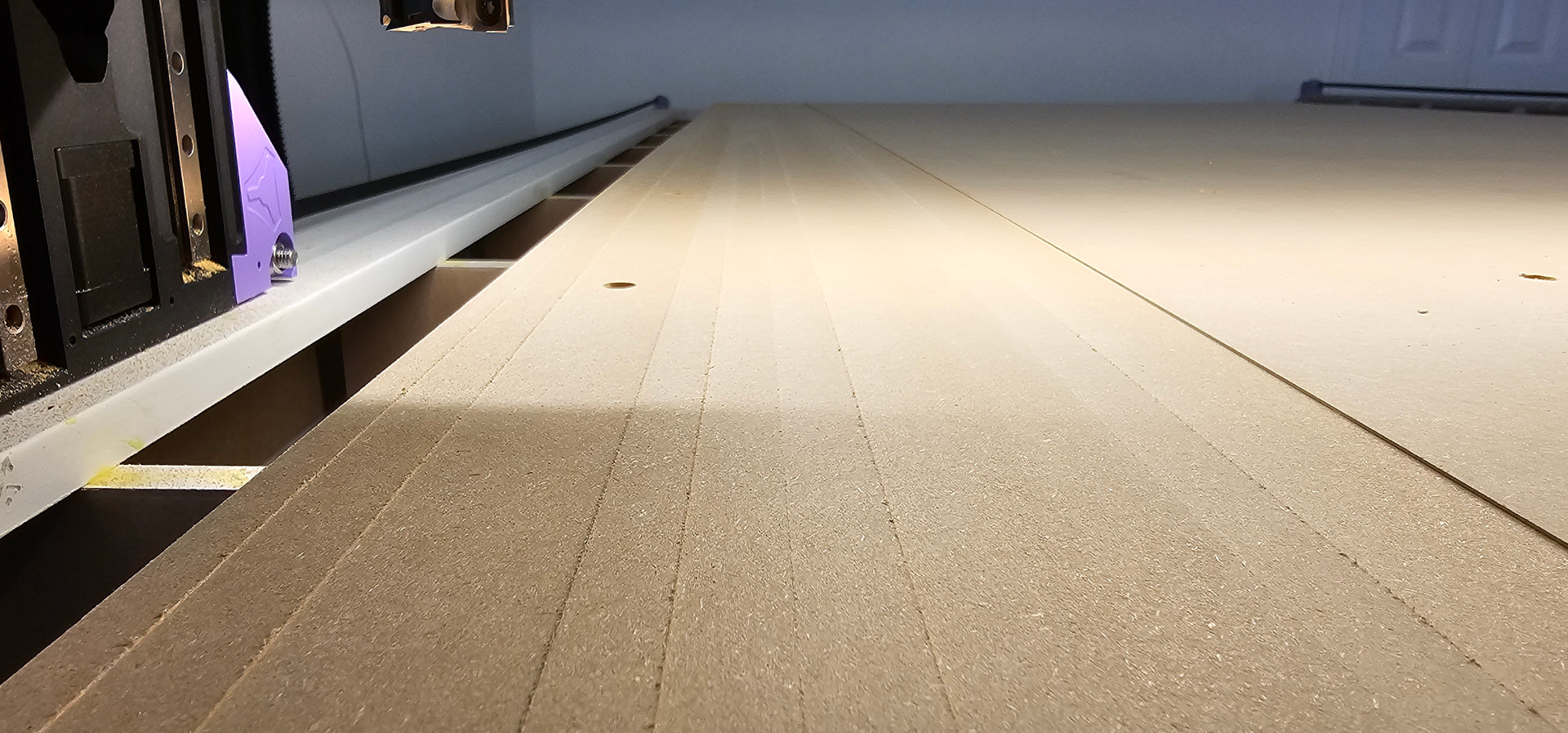
As a specific example, I tried surfacing my spoilboard with a very simple gcode script I put together. I was using a 1-1/4" surfacing bit with a 50mm/min plunge rate. The machine lost Zmin steps with most passes, resulting in stepped zebra striping down the table. Here is a snippet of the gcode I was using:
I tried another test where I made a gcode file to rapid (G0) move the gantry from the top travel down to the spoilboard and back up repeatedly, and even after a 100 cycles, it did not drop any steps… so it seems to be something specific about cutting that causes it.
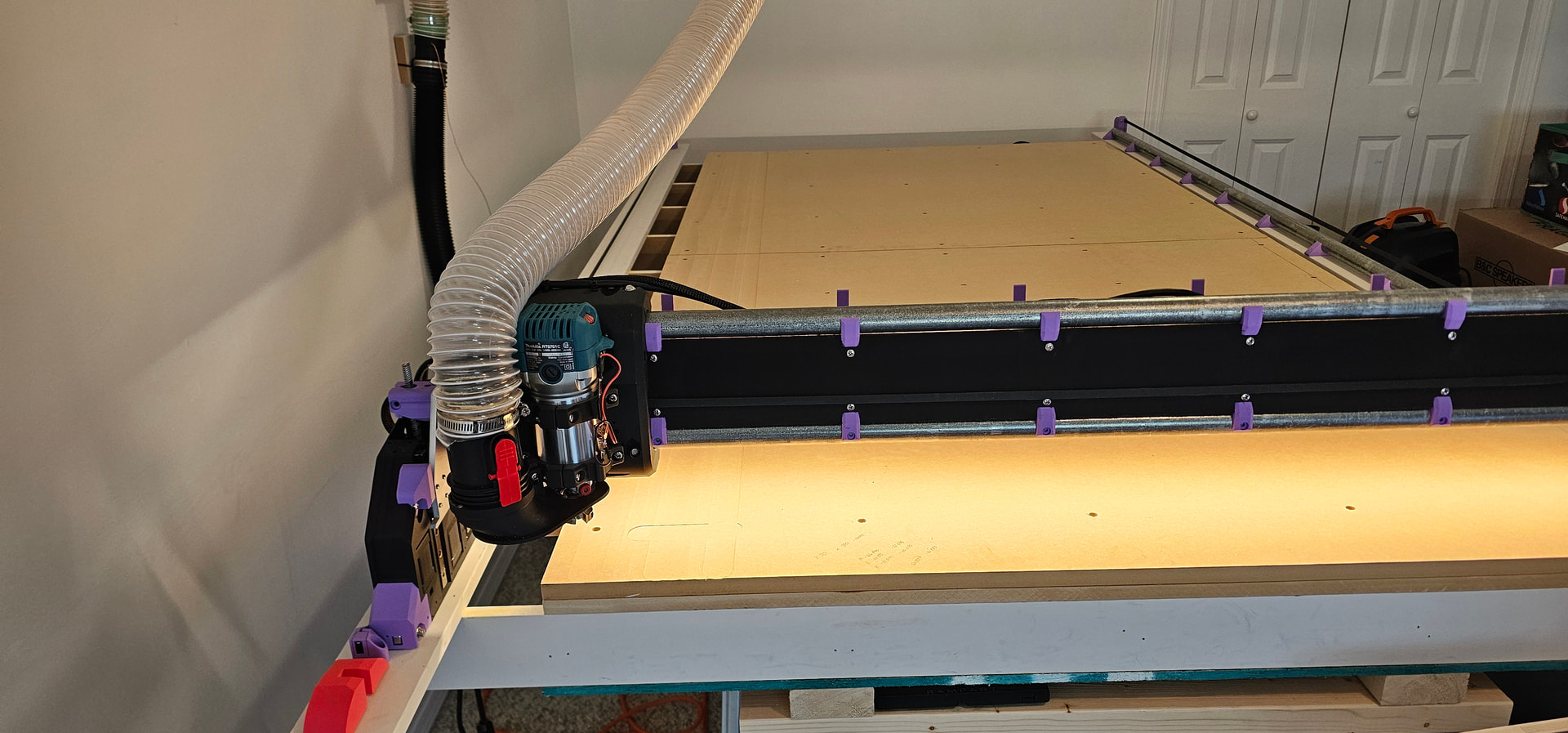
You need to attach that hose to the top of the core with Zip ties through the 2 holes. The hose coming from the celling isn’t the best idea, but at minimum attach it to the core.
Not saying that it’s the case, but have you turned you z stepper by hand to see if it moves freely in both direction, at least a couple turns each side?
Not from CNC experience, but I had extrusion problem with clog in my 3d printer. Everybody talk about heatcreep, over extrusion, dirty nozzle, etc. Tried everything and it’s drove me crazy for a while.
Then by accident I have played with the extruder shaft by hand, aometime it was jamming and not freely rotating. That was the culprit all the time, a bad bearing/bushing in the extruder! And the stepper was quite new, not an old one. Those things happen…
Hope you’ll solve the situation! I’m putting mine together right now.
+1 on this. I just fixed a 3d printer that had a skewed z nut and the motor refused to move the z axis. The plate the nut mounted to was bent and required some “manual adjustment.”
Some progress today. Thanks to all of you for your input!
I started off by checking your suggestions. The stepper motors turn cleanly and the wiring looks fine; the connectors on both ends are fully seated and there are no obvious visual issues.
I tried adjusting the z-axis max move rate from 900mm/min to 800 mm/min and the acceleration from 80mm/s2 to 70 mm/s2, then ran the spoilboard surfacing operation again. Still lost steps, though perhaps nominally improved, hard to tell.
Next, I turned up the Z stepper hold and run current over a couple of iterations: first to 850/750 mA, then 900/800 mA, then 1000/900 mA. With each increase, it lost fewer steps while running. On the last try with 1000/900, there was only some barely perceivable striping on the spoilboard from the surfacing operation… I’m not sure that’s actually lost steps though, it may just be because I’m using a wide 1.25" surfacing bit and my router hasn’t been trammed.
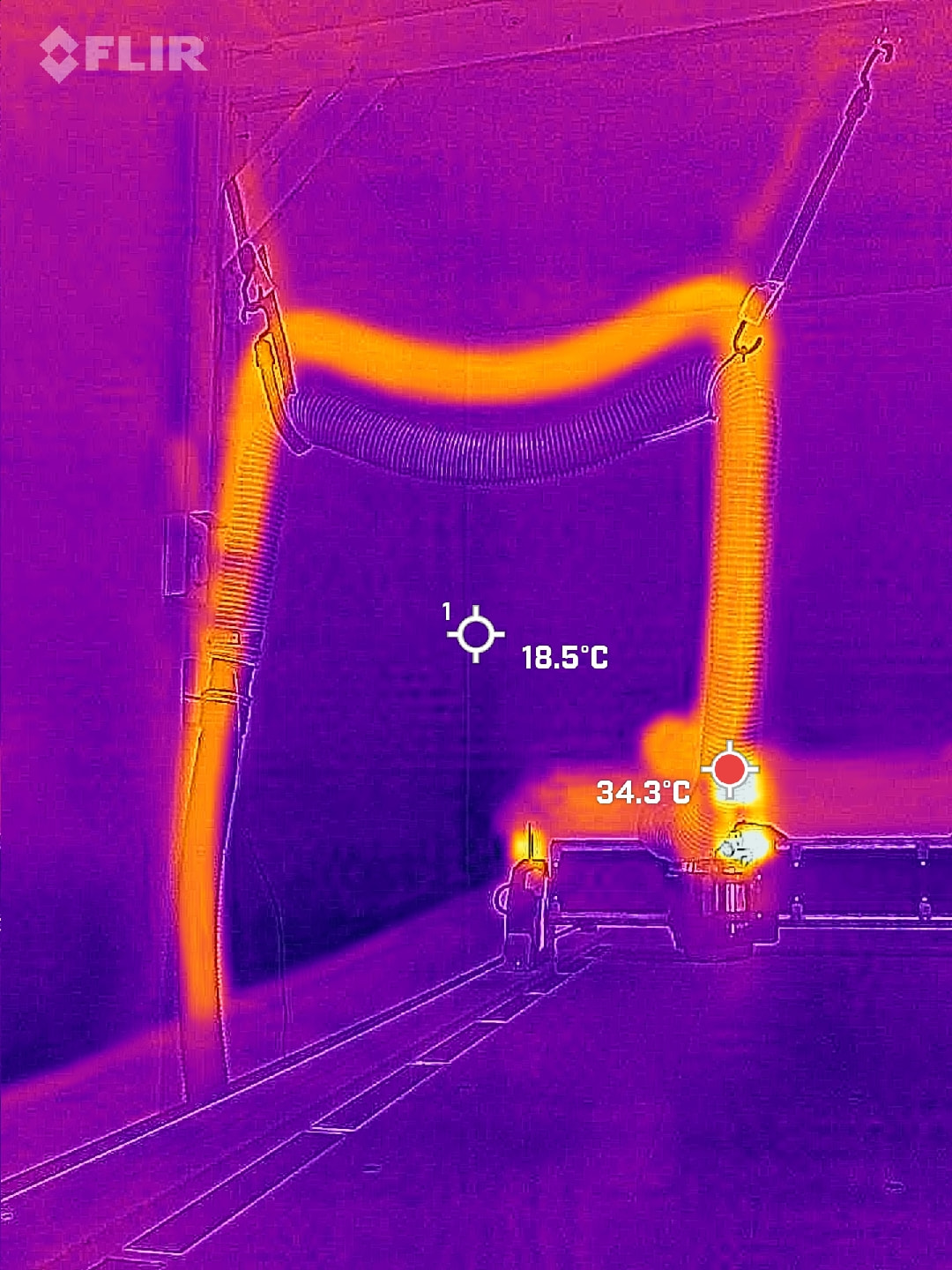
I kept an eye on the stepper motor temps with my thermal camera while I did this. Even at 1A run and 900 mA hold, it settled at 30°C after 45 minutes of running. I have the LR in a fairly cool (~15°C) basement but I’ll keep an eye on it as it warms up, and also as I run jobs with more Z movement.
At the end of the day, it just seems like my Z axis is overloaded compared to other people’s builds for some reason. I’m not too sure why this would be as I didn’t deviate from the standard BOM and there isn’t any noticeable binding of the Z screws, but I’ll keep playing with it and see if it continues to be an issue.
Ps. It’s kind of interesting to see how much heat the dust extraction pulls from the system
When you turn on the suction the hose will get considerably shorter. That is just not a great option. The hose is pretty simple to run along the back and add zero strain to the Core system as designed. On top of that it will work better not trying to lift debris up 4’.
I know if seems pretty minor but I assure you it will affect your cuts.
As
A 1/2" bit is considered large. 1.25" is a monster. Tramming that flat is going to be difficult.
How did the board temps look? You have a fan on the side, but the v1e case has integrated airflow that should give better cooling if needed. The drivers disapate most of the heat to the board, specifically the bottom copper layer.
Something is fishy here, not exactly convinced you are skipping steps either, typically it would be a pretty large drop and it would get worse each time not better.That picture does not seem to be a big drop, it really could be as simple as the hose is letting off pressure and it is relaxing down.
Ok, you guys have convinced me, I’ll take the time to rework the hose.
Totally. I don’t really care that it’s not surfaced perfectly flat as long as it’s not losing steps. A minor tramming offset that’s visible with this bit should be negligible when cutting with a 1/8" bit.
Board temps were warm but not alarmingly so, around 38° at the heat sink if memory serves. However that was after 20 minutes of running so it likely wasn’t fully heat soaked. I’ll continue to monitor that as well.
I wish it were that simple. The photo is deceptive because I would let it run a few passes before stopping, adjusting something, re-homing, and and starting again roughly where it left off, which is why it seemed to recover. Each pass in a run was definitely stepped down from the previous.
I did confirm it was losing steps by measuring both Z stubs relative to the YZ assemblies at a set position before and after running some surfacing passes, and each time Zmin dropped 1-2 millimeters compared to where it should have been.
I have had a loose collet with a 6 mm shank instead of 1/4” (6.35 mm) shank pull out during operation once the router warmed up. Is your bit sliding out?
Interesting, I had no idea. I just confirmed, you are right.
So Noah, maybe adjust your Z rapids in the webui a little lower just to confirm it is not a speed thing. If it is, then you have Z binding of some sort (usually all the way at the bottom)