For me, its like playing with a giant erector set I had as a kid in the mid 70’s. LOL
3 Likes
What a great idea !!
My next unistrut project will be a mobile table/cart for joiner. Finally purchased one, so between that and the surface planer, I should be carving some nice things with this LR4 rebuild. 
4 Likes
I love the table. Thanks so much. I am just about to start my build. Besides having a table to start with I was happy to know there was a person down the road with experience I could check in with.
I didn’t realize until I got home and started watching more YouTube videos, as the camera panned I noticed a nice old red Ford Mustang in the background and realized that one of the main inspirations I have building one of these things was the guy who was kind enough to give me his table. I should have asked Peter to sign it. 
I look forward to being part of this community. I know I’ll need the help. Thanks again. I’ll keep everyone posted as the journey begins.
4 Likes
Did three things today…
-
Failed to get MillMage (from Lightburn) to work with the LR4/jackpot (but I haven’t given up).
-
Installed the adjustable arm mount for the Surface Pro. The extension arm fit perfectly on the end of the max Y strut channel.
-
Rewired underneath the LR4 strut-channel frame table redoing all the temporary wiring tucking all the wires, installed main power switch that also acts as emergency shutoff.
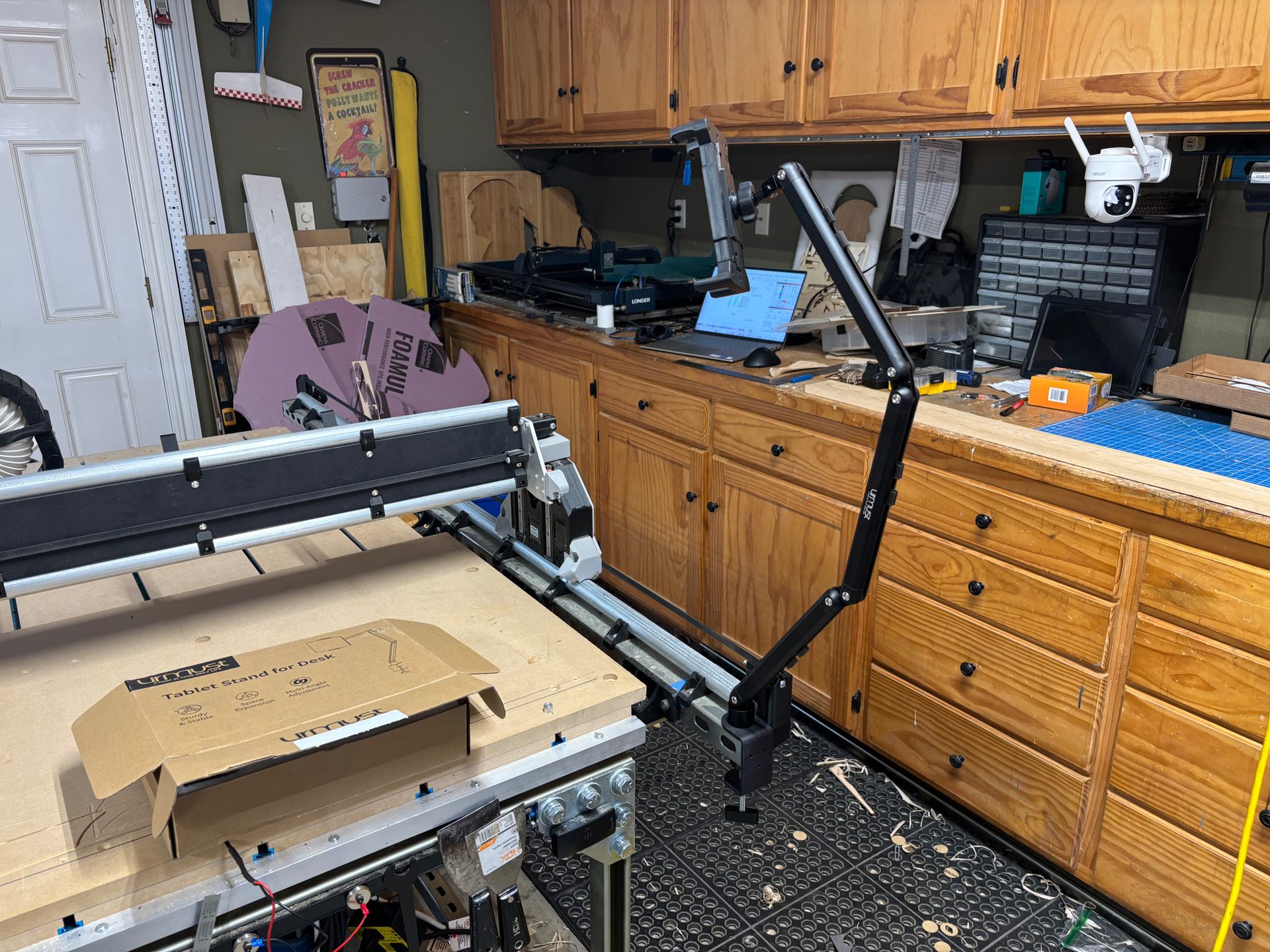
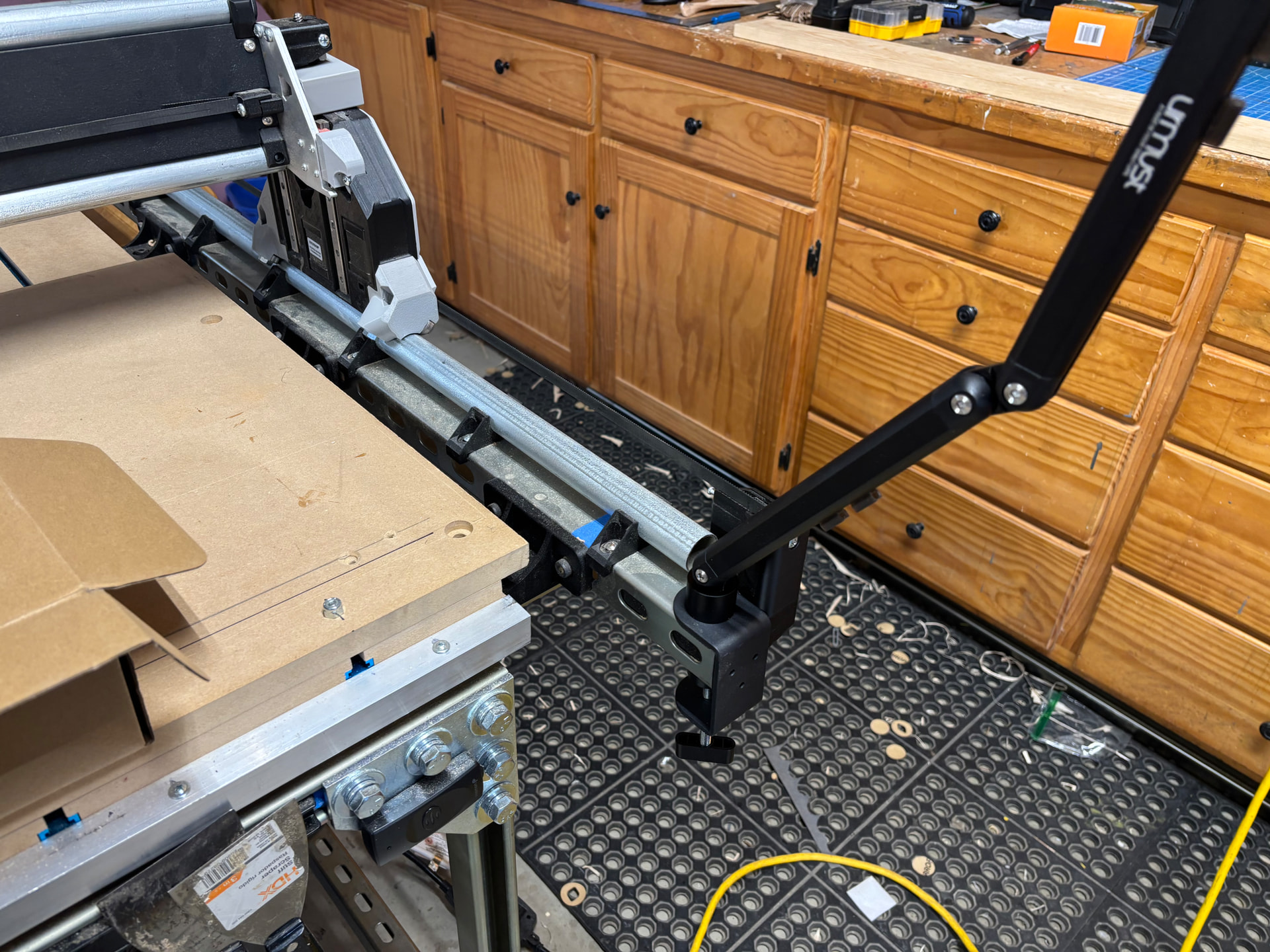
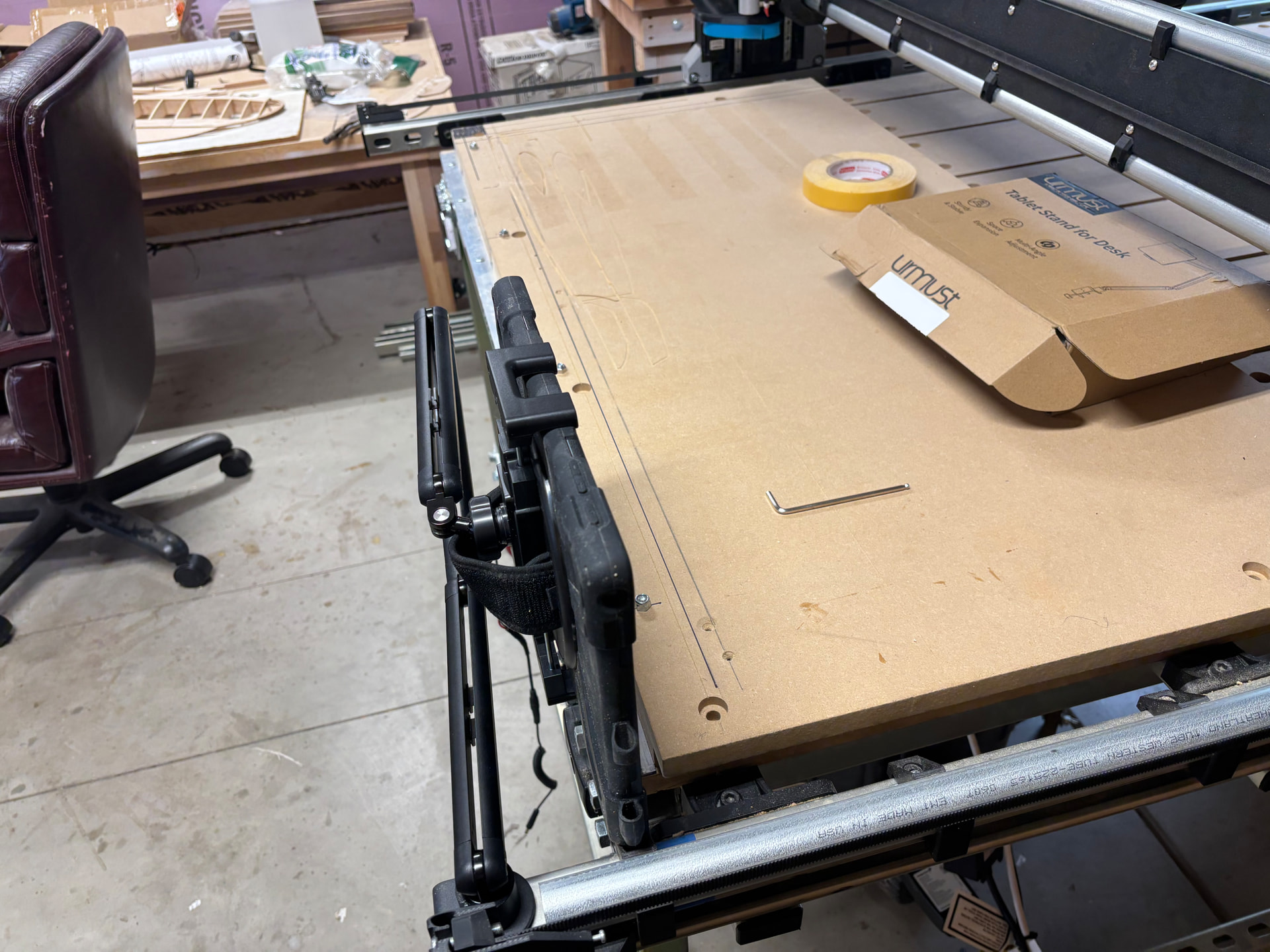
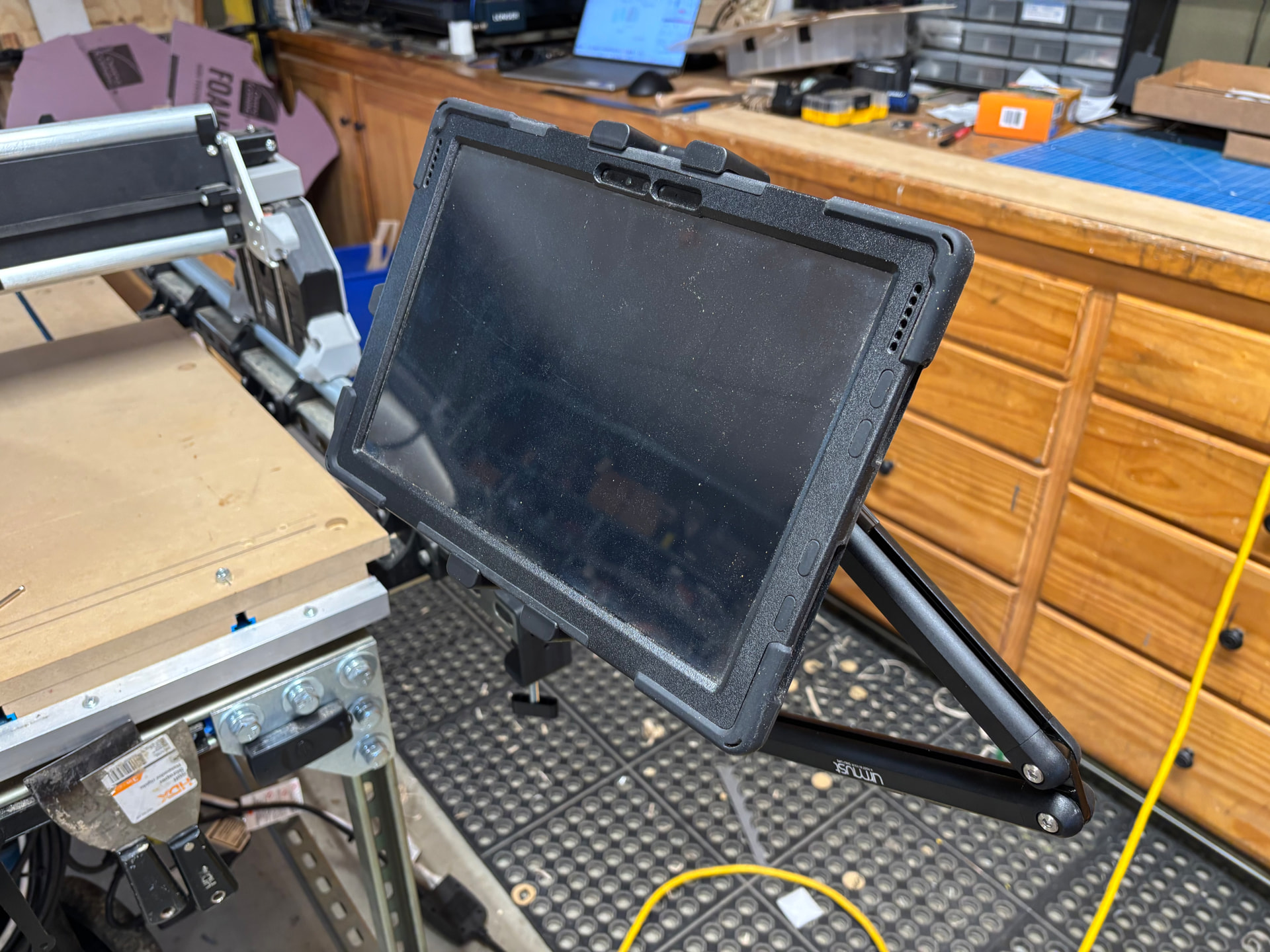
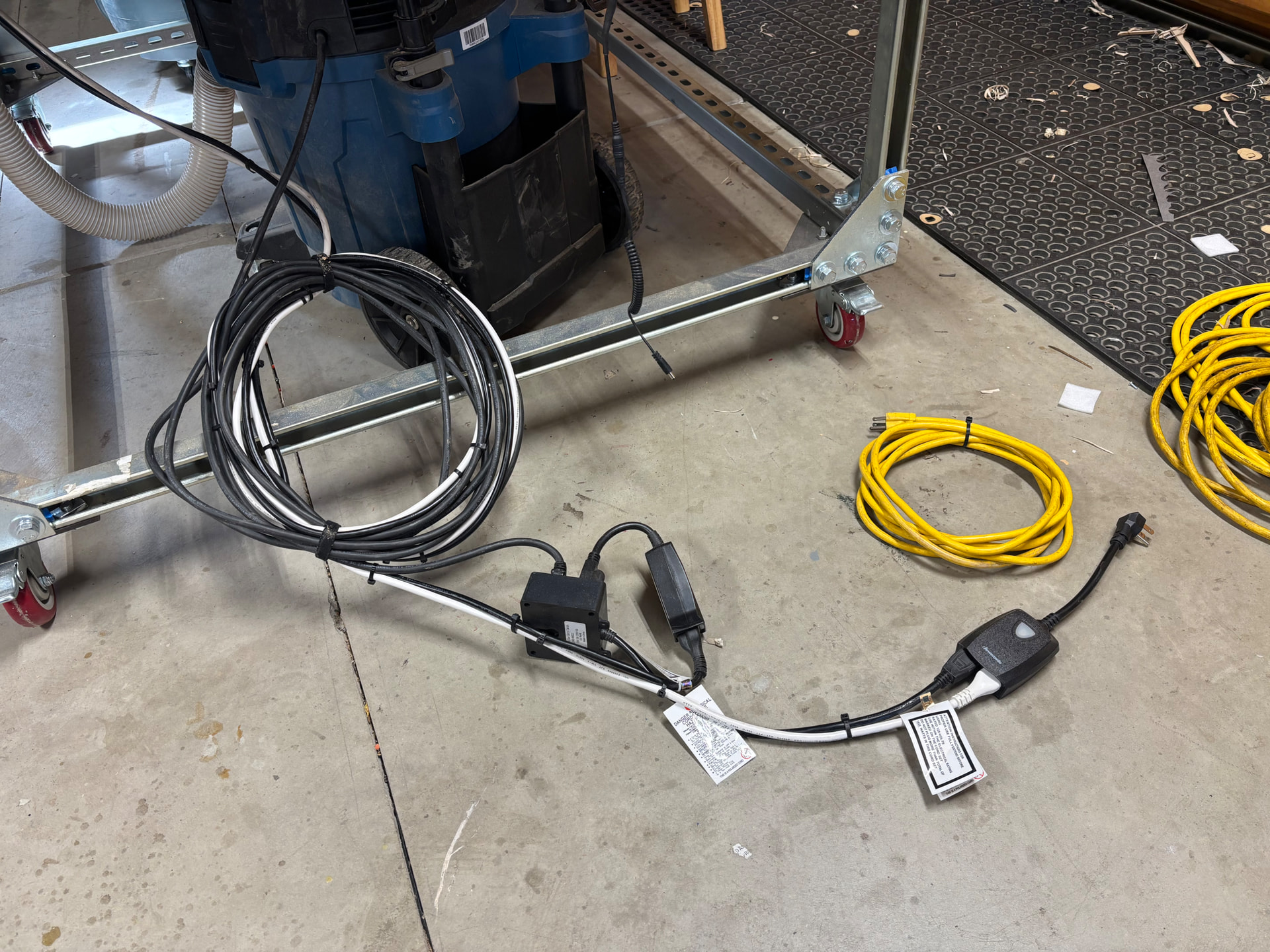
Before wires and such
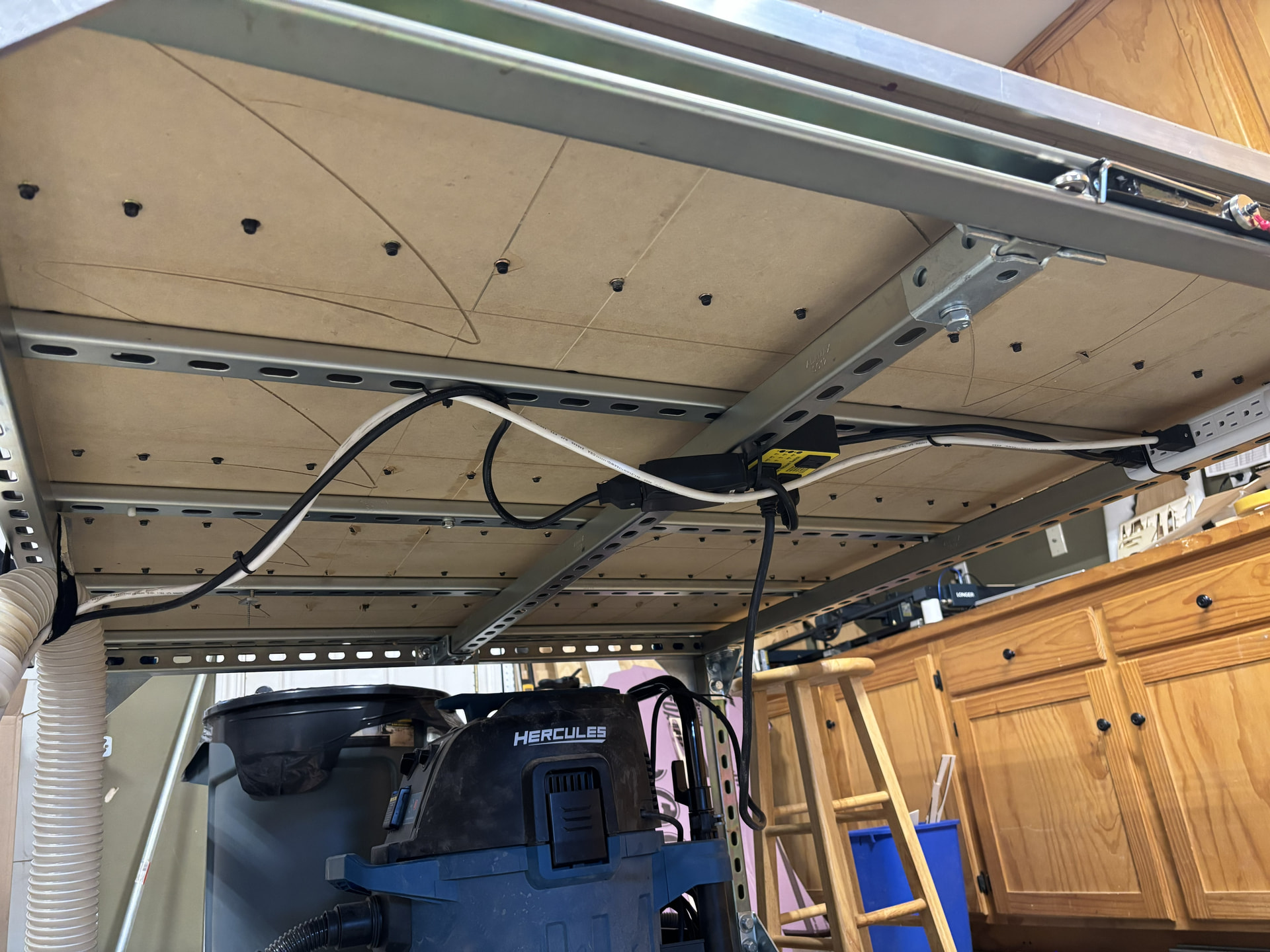
after proper sizing wires and tucking them away…
4 Likes
I just downloaded MillMage a couple days ago but only last night was I able to spend a moment dialing it in. Longtime Lightburn user, it was very easy to grasp (and there is already much on the web when I was unsure). I think Ima gonna like it… probably.
I am hoping they get the v-carve tooling soon as I have a few projects in mind. I don’t think it is any better than using Lightburn to draw the DXF then Estlcam to do the tooling/gcode saving. once that was done on my workstation, I would head to the machine, fire up that there surface pro, open the WebUI and run the job (from the file on my cloud or download to SD then run, both work w/o failure).
So I would now use MillMage to draw and set tooling, then save, go to surface pro and fire up MillMage there and run the job.
that will be great for having a nice visual but functionally, I believe it is the same. One thing I liked about Estlcam was I could set the zero spot and place my material relative to that on the table. not sure how to do that with MillMage yet… also the z-probe is very straight forward and easy on WebUI as is the tool change gcode in Estlcam…. both things I still need to become more familiar with using MillMage.
fun fun fun
2 Likes
closing old topic to help fight spambots