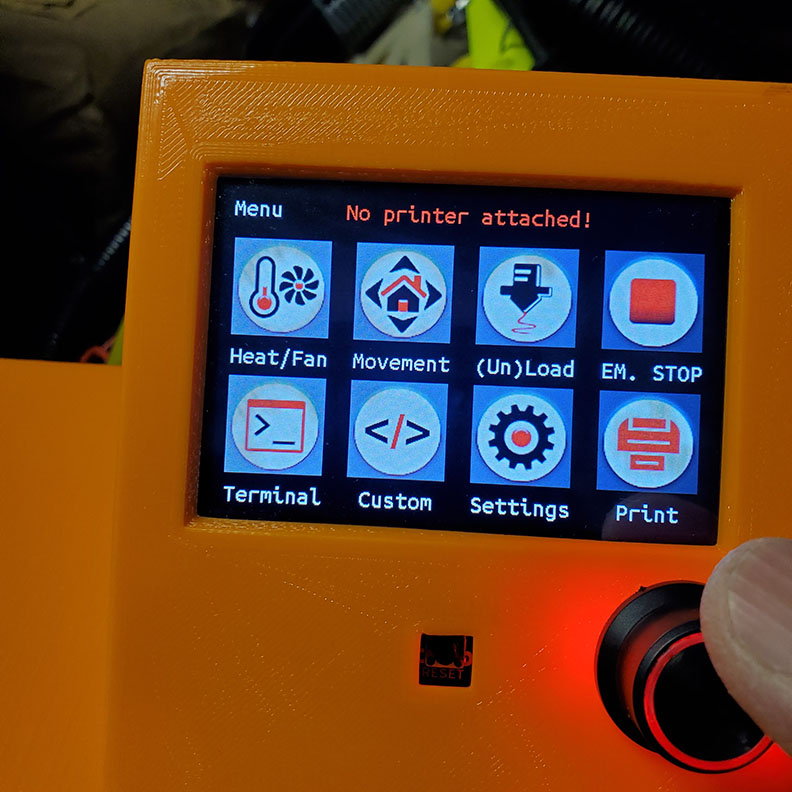
Hi, I’m have similar issue with Zach who posted “SKR Pro with TFT No Printer Attached”. The resolution is that Zach loaded the wrong FW for the SKR Pro using Dual EndStop and it didn’t take. By loading the correct FW onto the SKR Pro solved the issue. I guess he is running MPCNC.
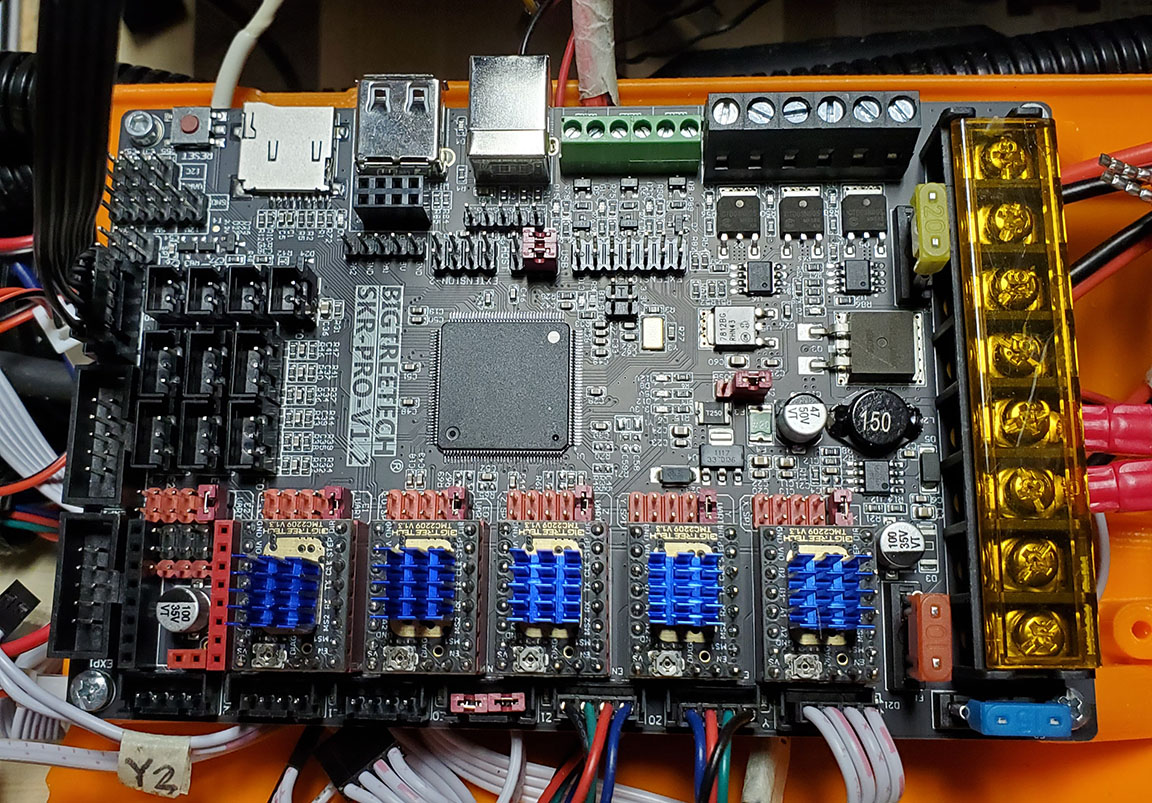
I’ve got the SKR Pro v1.2, TFT35 E3 V3, and the TMC2209 drivers from BiQu late last year. Didn’t have time to troubleshoot the FW til recently.
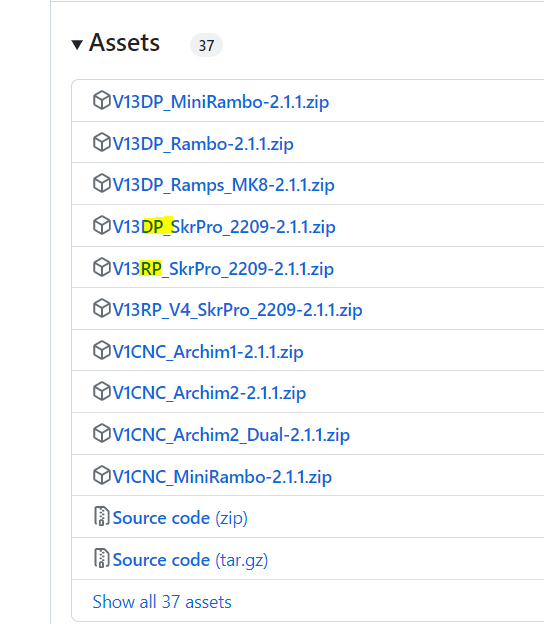
I loaded the FW from github using the following files:
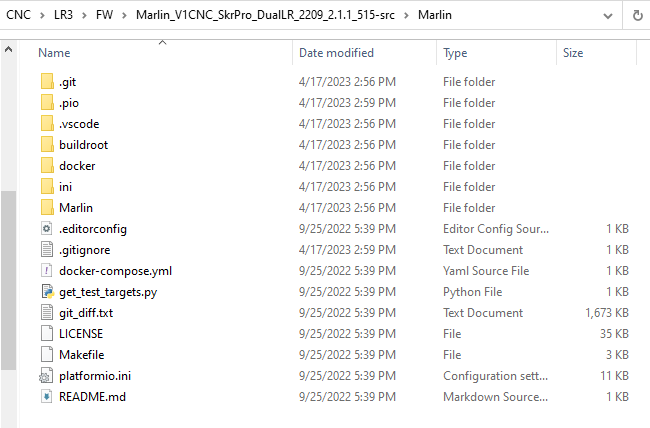
Marlin_V1CNC_SkrPro_DualLR_2209_2.1.1_515-src for the SKR pro controller PCBA
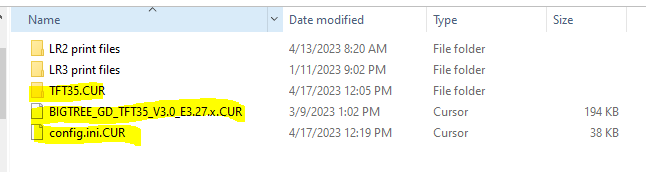
CNC TFT Package for the TFT35 E3 V3 → BIGTREE_TFT35_V3.0_E3.27.x.bin, config.ini, and TFT35 folder
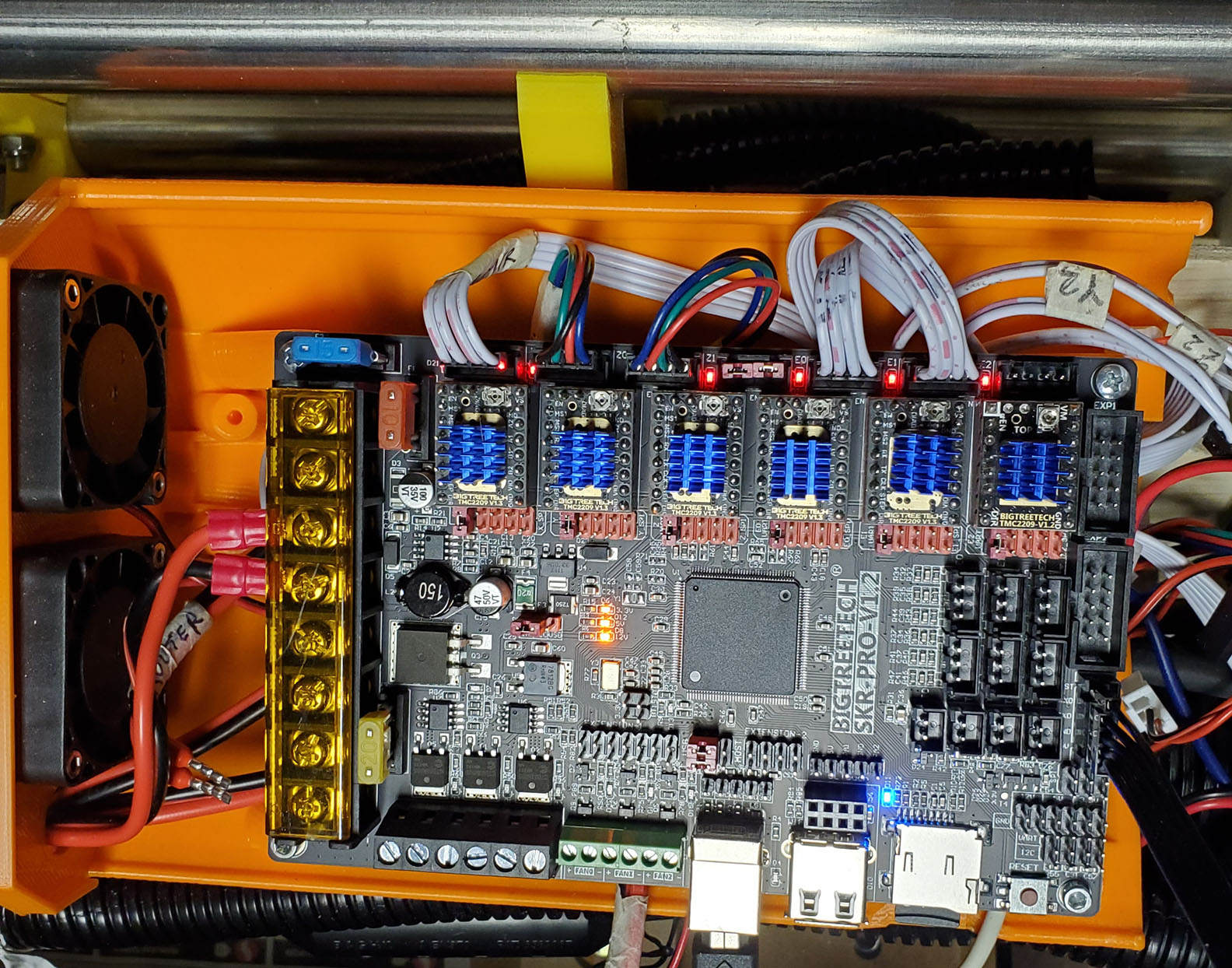
The SkrPro board setup followed the V1 Engg doc setup:
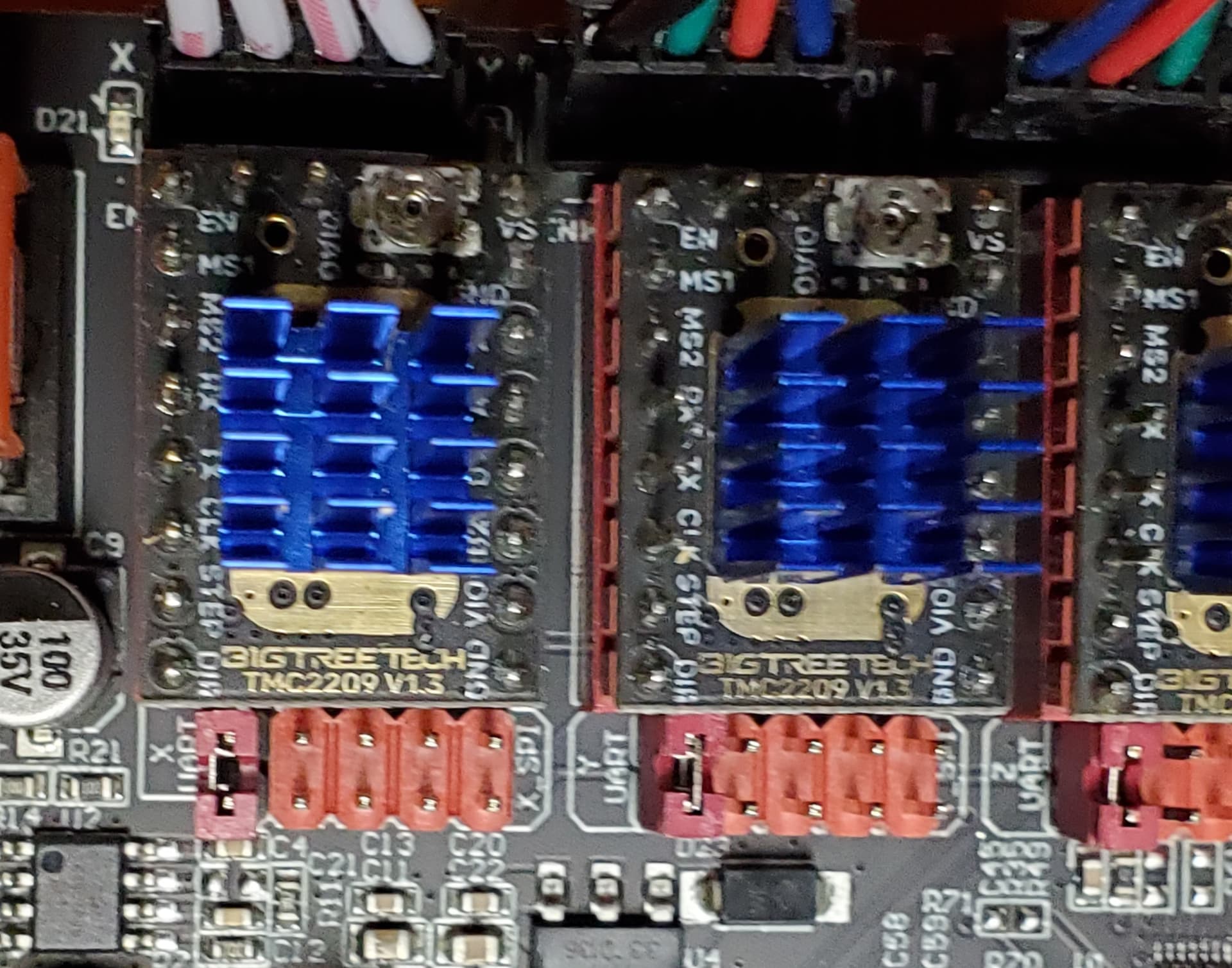
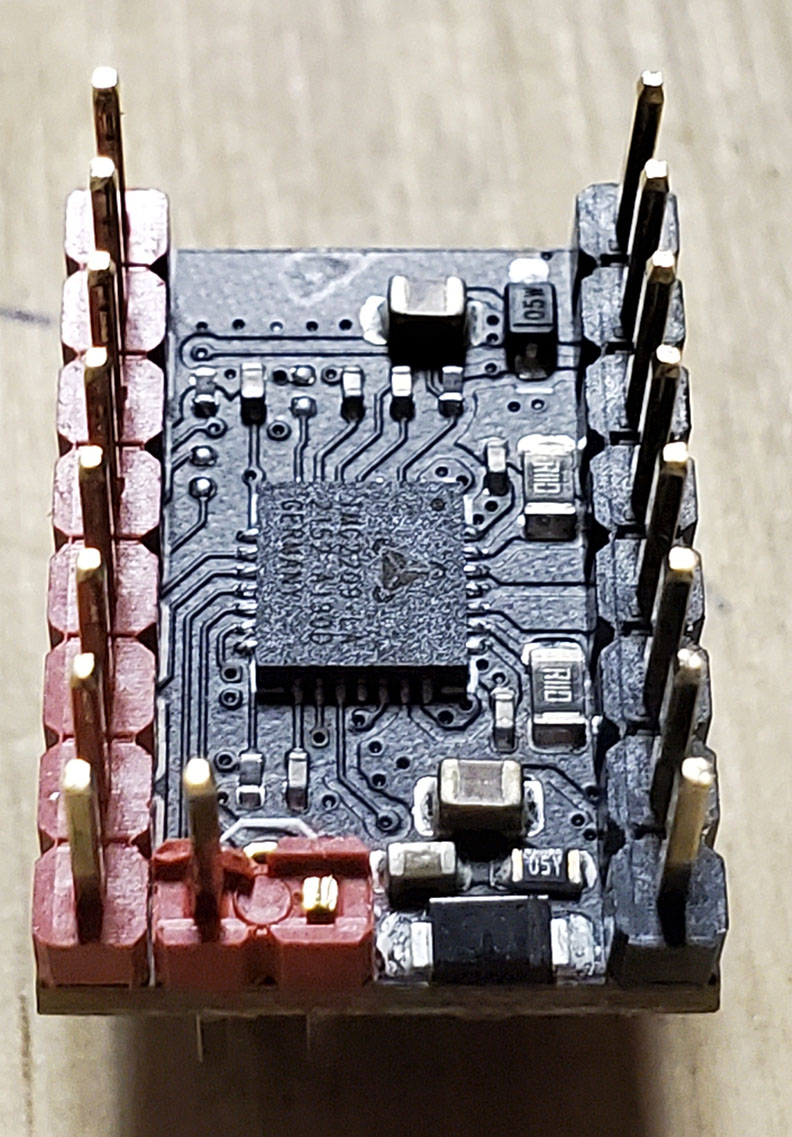
Installed all UART jumper only on first pin-pair for all drivers:
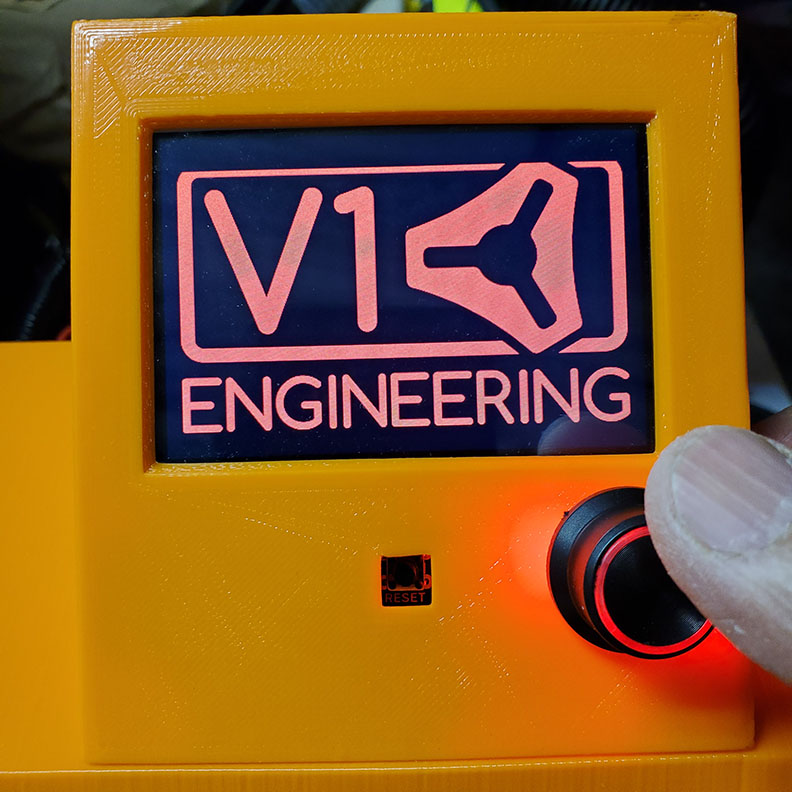
The serial cable connectivity has been checked; end-to-end continuity, and can reset the SKR Pro with the reset button on the TFT35.
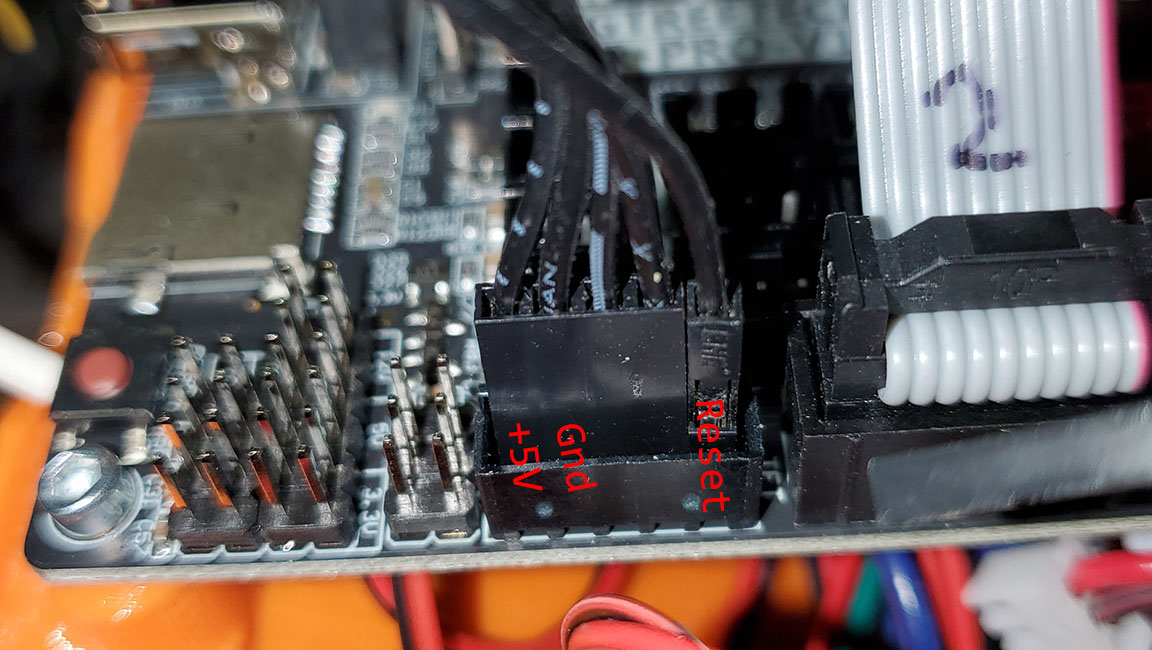
Serial cable installed into the TFT35 board:
Just dosen’t work.
Does Ryan test the combination for LR3 with dual endstops, the TFT35, SkrPro 1.2 and the TMC2209 before shipping?
Should i look into using Rambo (5 drivers) instead?
I guess you tried to flash the wrong firmware. You need the “GD” package.
Your TFT is a TFT35-E3 V.3.0.1 version. These come with the processor GD32F207 as you can see on one of your pictures. The correct firmware file for this processor is BIGTREE_GD_TFT35_V3.0_E3.27.x.bin.
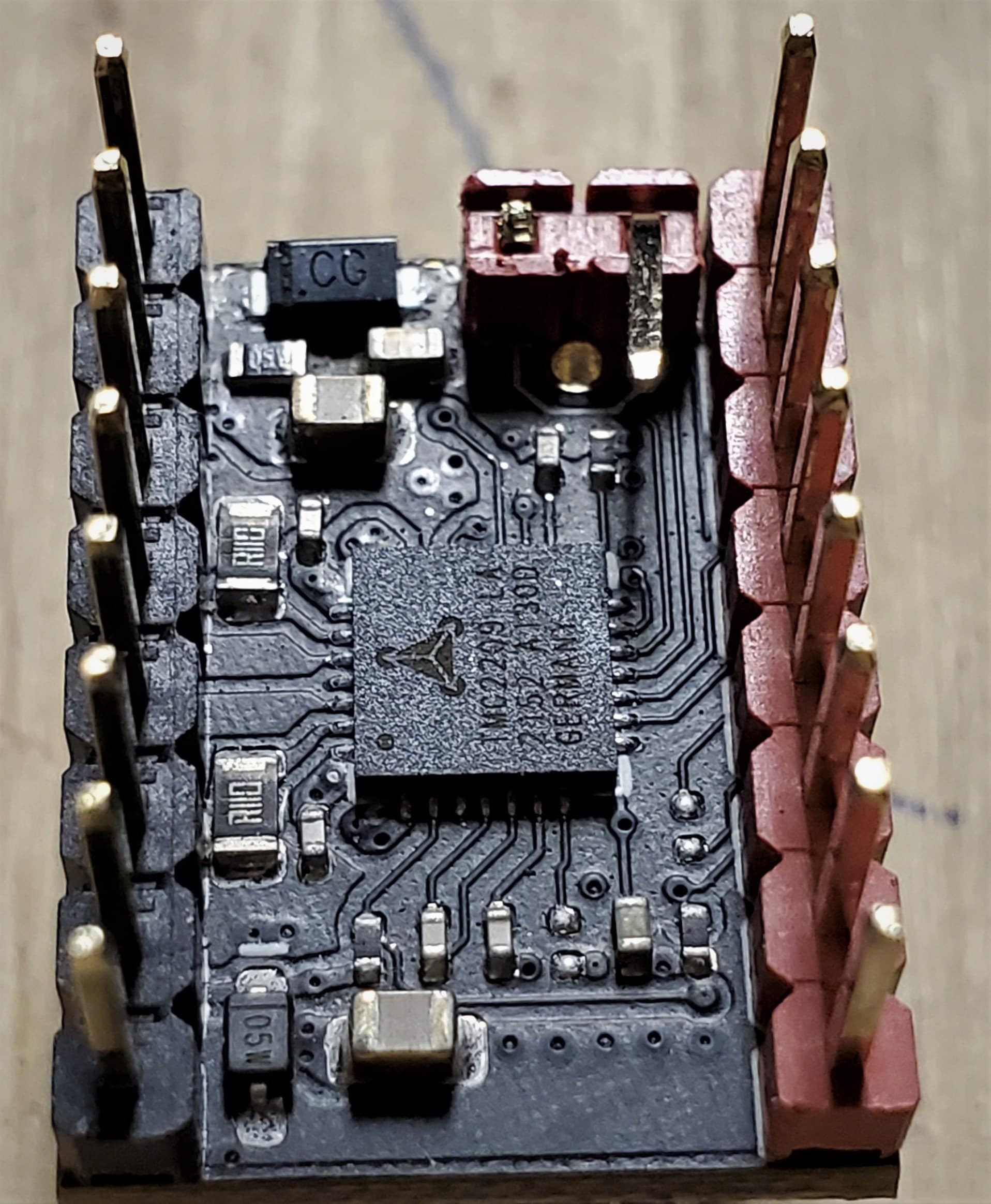
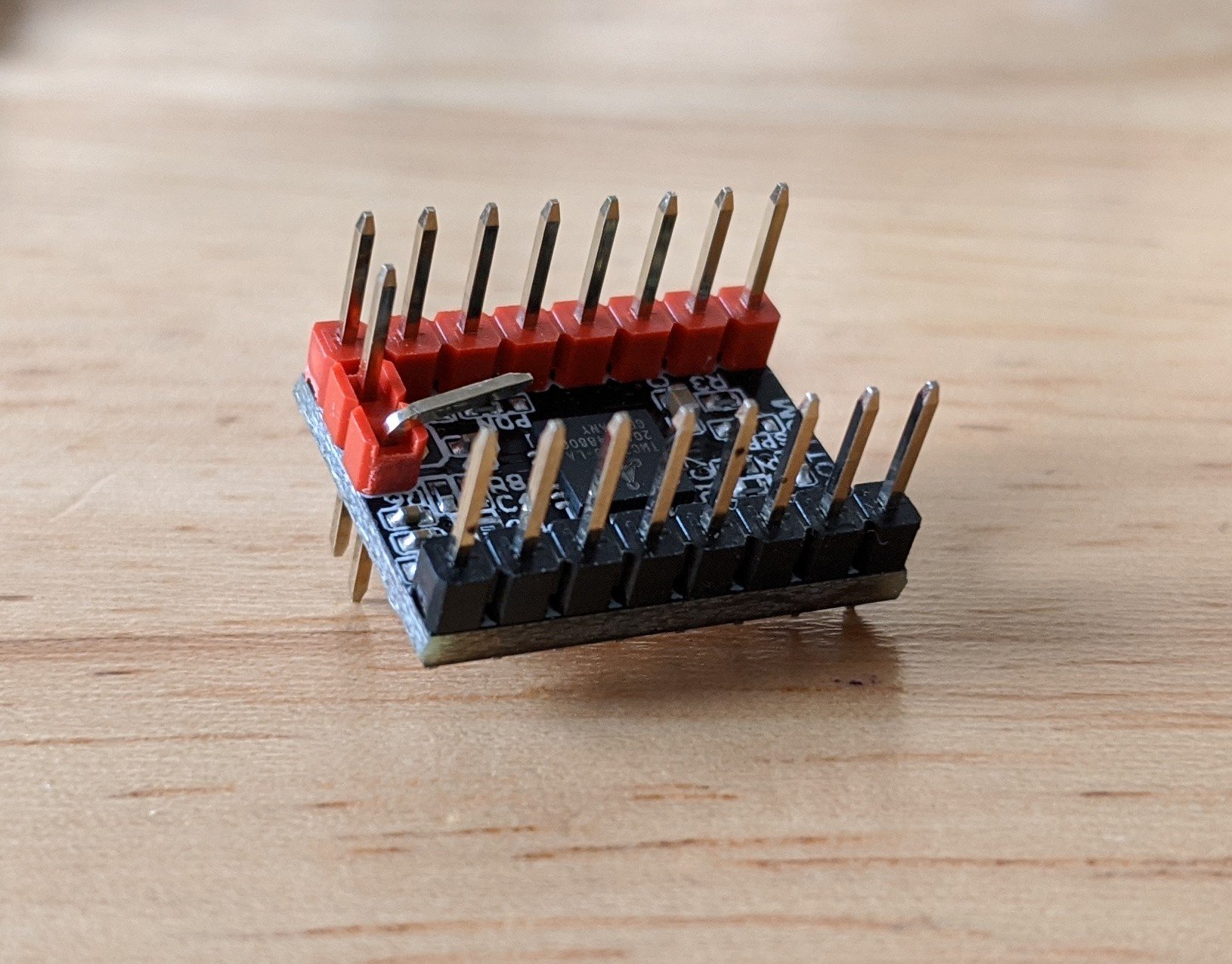
That is the wrong pin. You want the bent pin there to make contact. The other pin that has been clipped is the one you need out of the way. Compare to this image from the V1 docs:
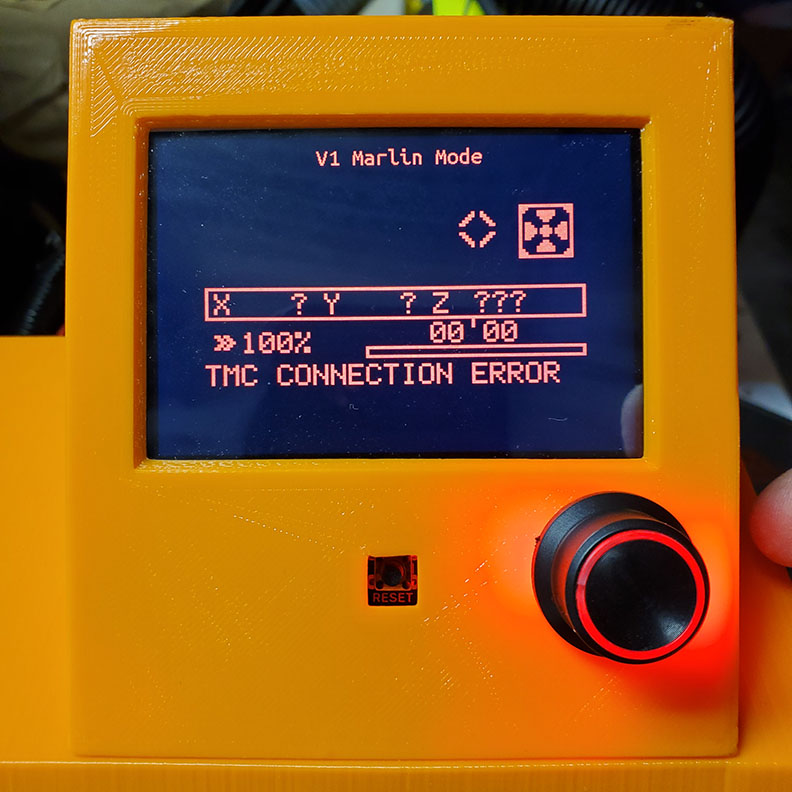
I had the UART black wire backwards on my TFT. the JST plug fits in the SKR or the TFT, but the dow pin side with the jumper wire ends was 180 degrees off (meaning I had the pins backwards). you might try that for touch screen mode, but where you are getting both marlin mode and touch screen mode to fail, you may have the firmware version issue as mentioned above.
I’m pretty bad with the phone keyboard. I keep thinking that I should just use speech to text, but with the technical jargon, that sometimes ends up worse.
In the picture of the board, I see 6 drivers where there are usually only 5. I don’t know what effect that has.
I also notices that all but one led shows triggered, and the one missing is Y1 so, how are the homing switches wired (should be NO, normally open) and have you checked the wiring to the Y1 switch?
Shouldn’t have an impact. The skr won’t look for any tmc driver if it isn’t configured for it.
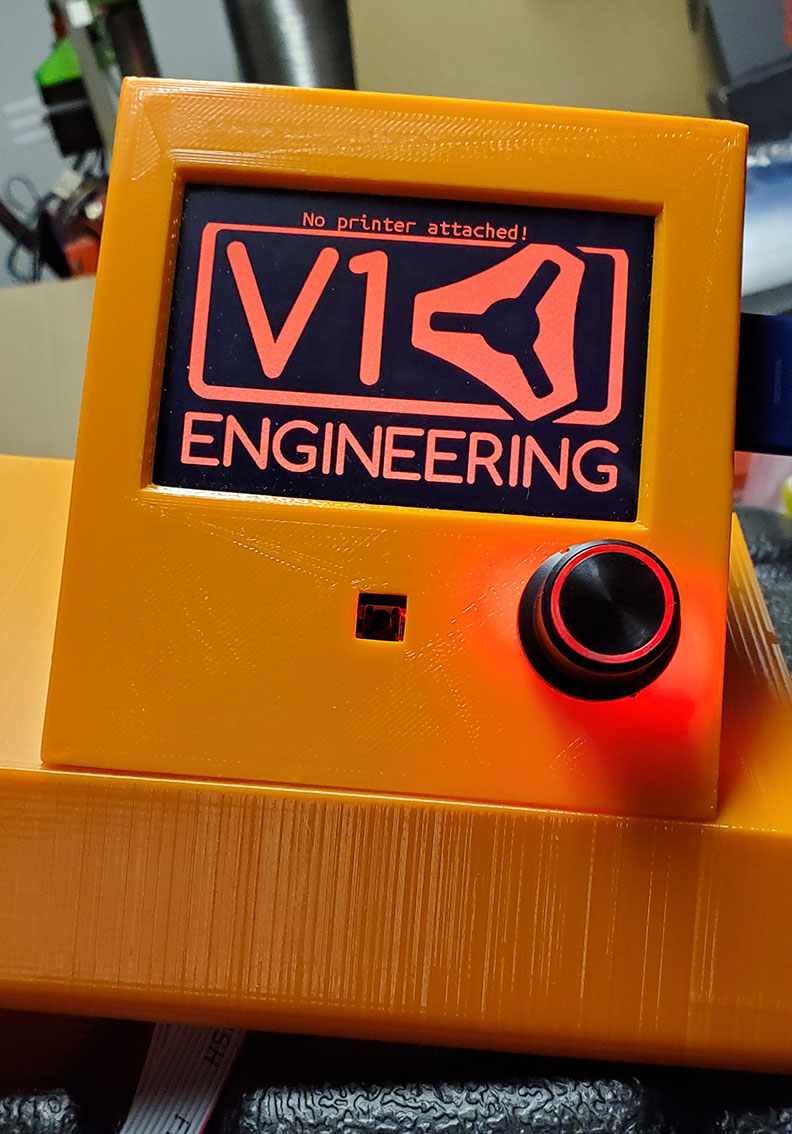
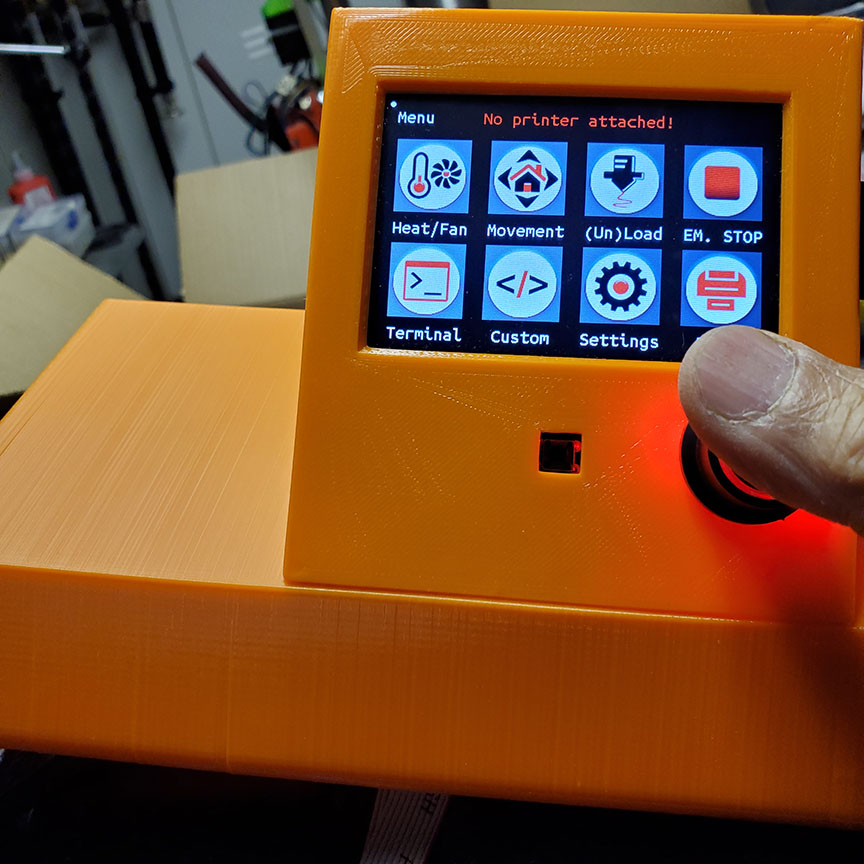
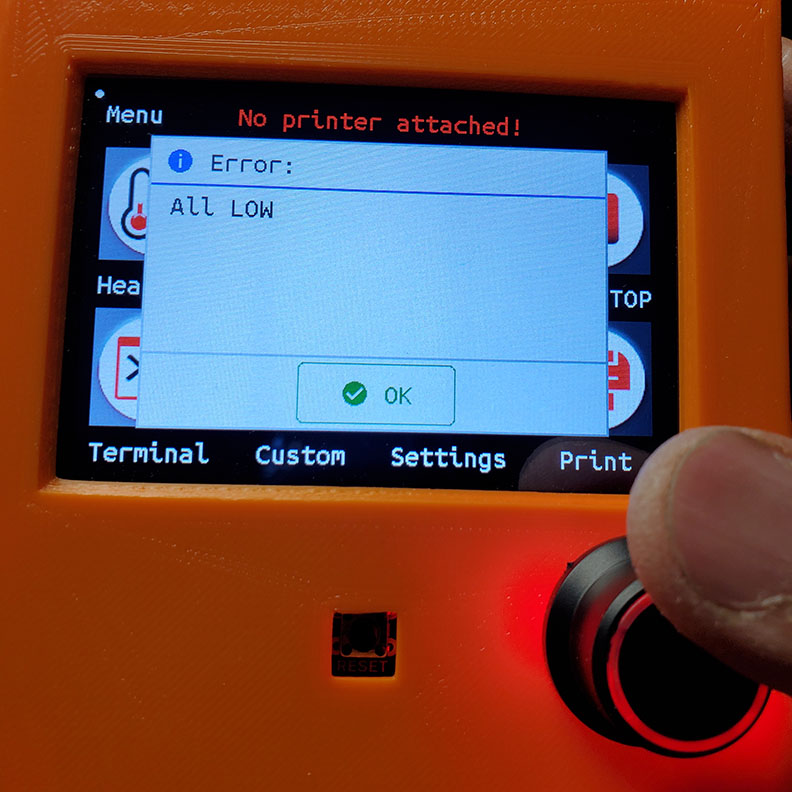
That is the screen thinking it can’t talk to the skr. But it is receiving the all low message (which is the same problem as TMC connection error). So it is talking. So my guess is the skr or the tft still doesn’t have the right firmware flashed.
There should be a firmware.bin with the source code. You can just put that on the skr sd card and it will flash it. No need to compile it yourself (unless you are into that sort of thing)…
That looks ok to me. The *.cur extension indicates that the files were properly flashed to the screen. From what I‘ve seen so far, the TFT ignores firmware files that don‘t match its type/version. So it is highly likely that you‘ve now got the right TFT firmware installed.
On startup of the TFT this message always shows up, but disappears after a couple of seconds. This is normal. Can you see this message permanently?
Can you please also check your power supply cables. I couldn‘t see how you‘ve connected power to the motor power connectors of the SKR pro board.