[quote=“Tom Traband, post:20, topic:53911, full:true, username:ttraband”]
Everyone gets to choose their own safety and risk tolerance levels. Just remember, if you can smell it then it’s getting past your PPE.[/quote]
I’m absolutly with you: It’s for shure not the cleverst thing to do!
I will use a proper breathing mask, not just the “corona stuff” but real protection. I will do it in a well ventilated room. And it is hobby, I don’t want to do it an a regular base, but only some times.
And I will be very happy about other ideas and tipps to minimize exposure to toxic fumes…
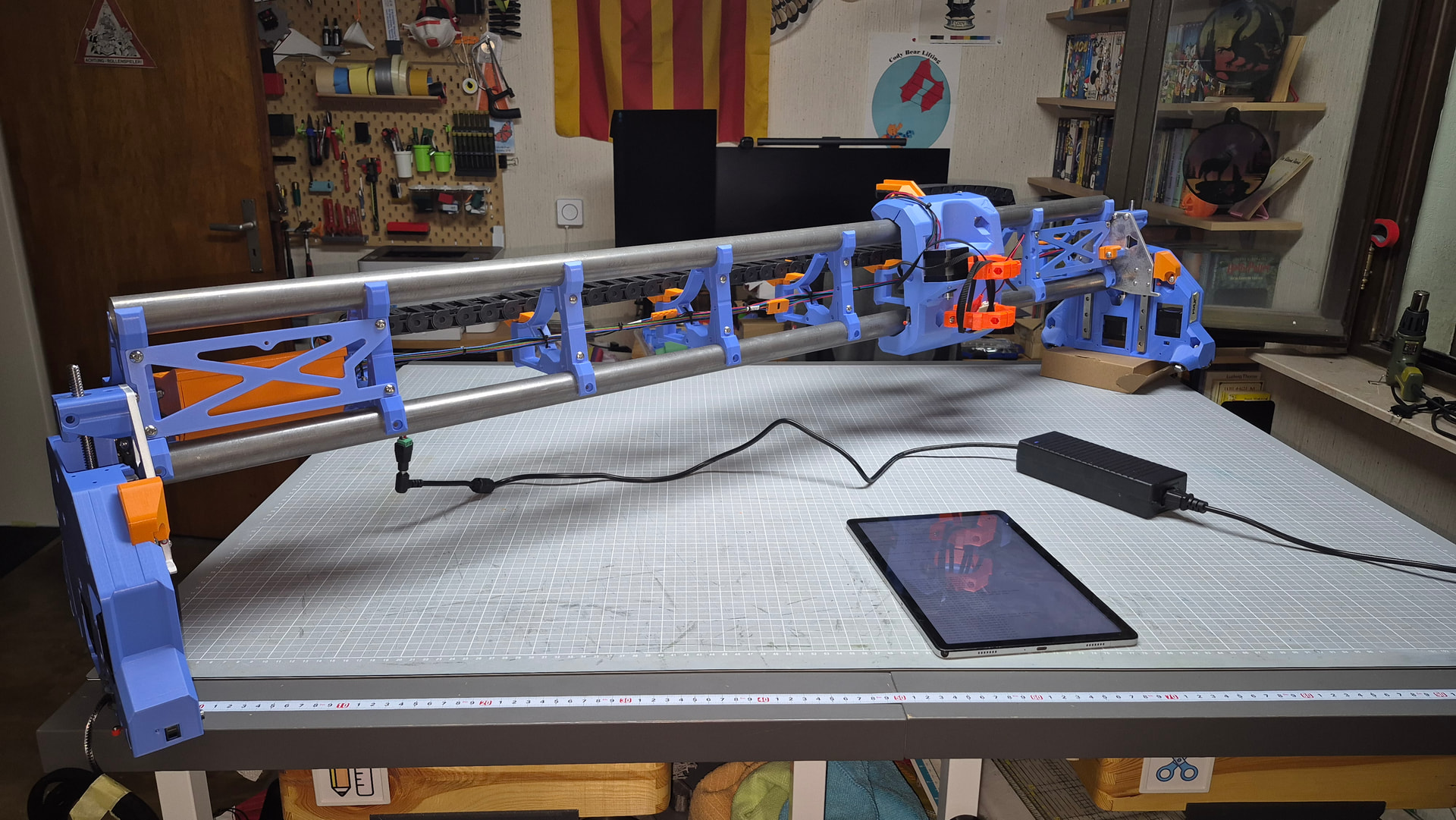
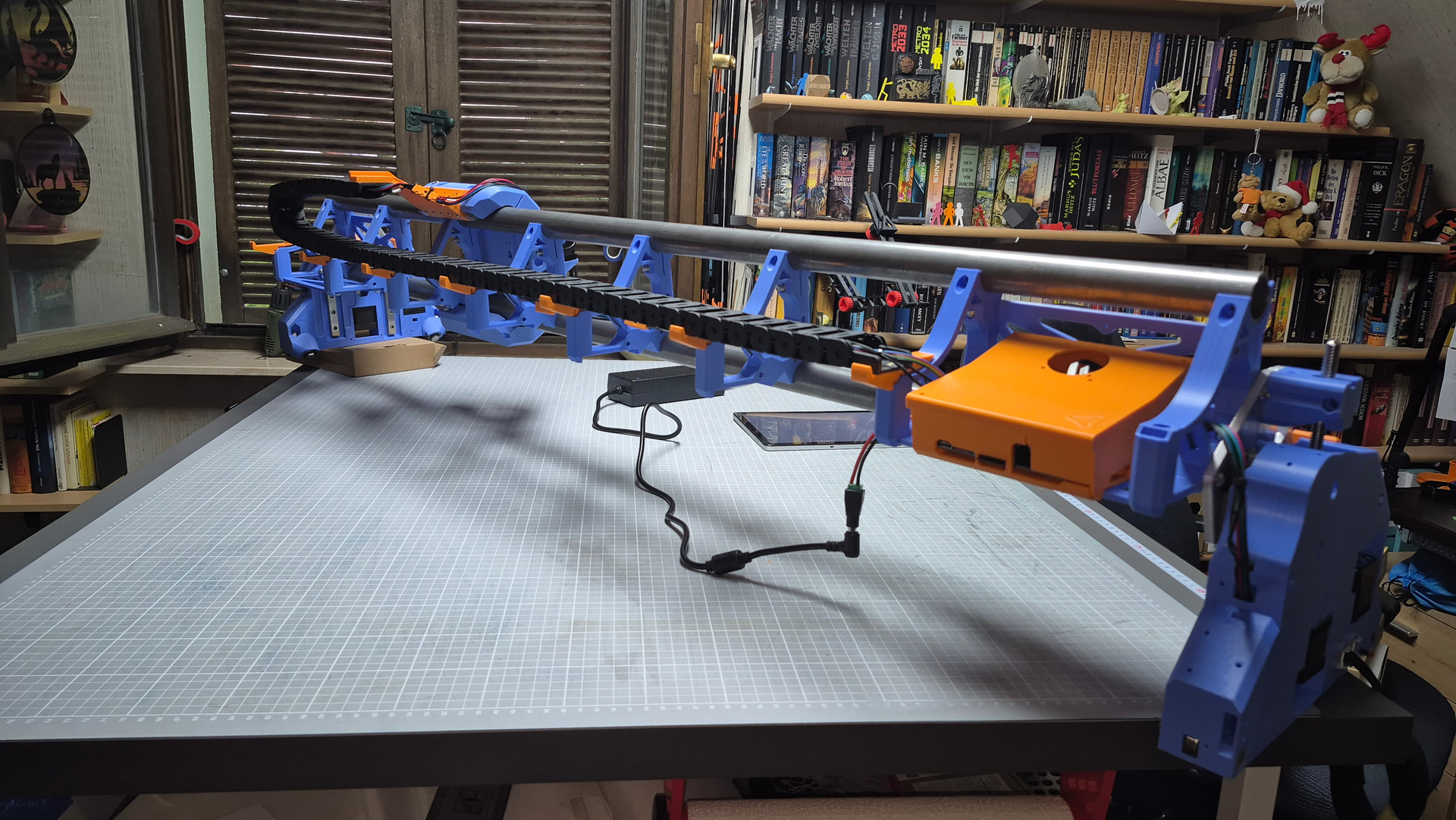
I’m back from holidays, the heatwave in germany takes a break, and I used the weekend to build more of my lowrider - because it looked like a rainy day (but it wasn’t).
It’s fun to build a big machine in a small workshop. You have to love the chaos, because you can’t fight it.
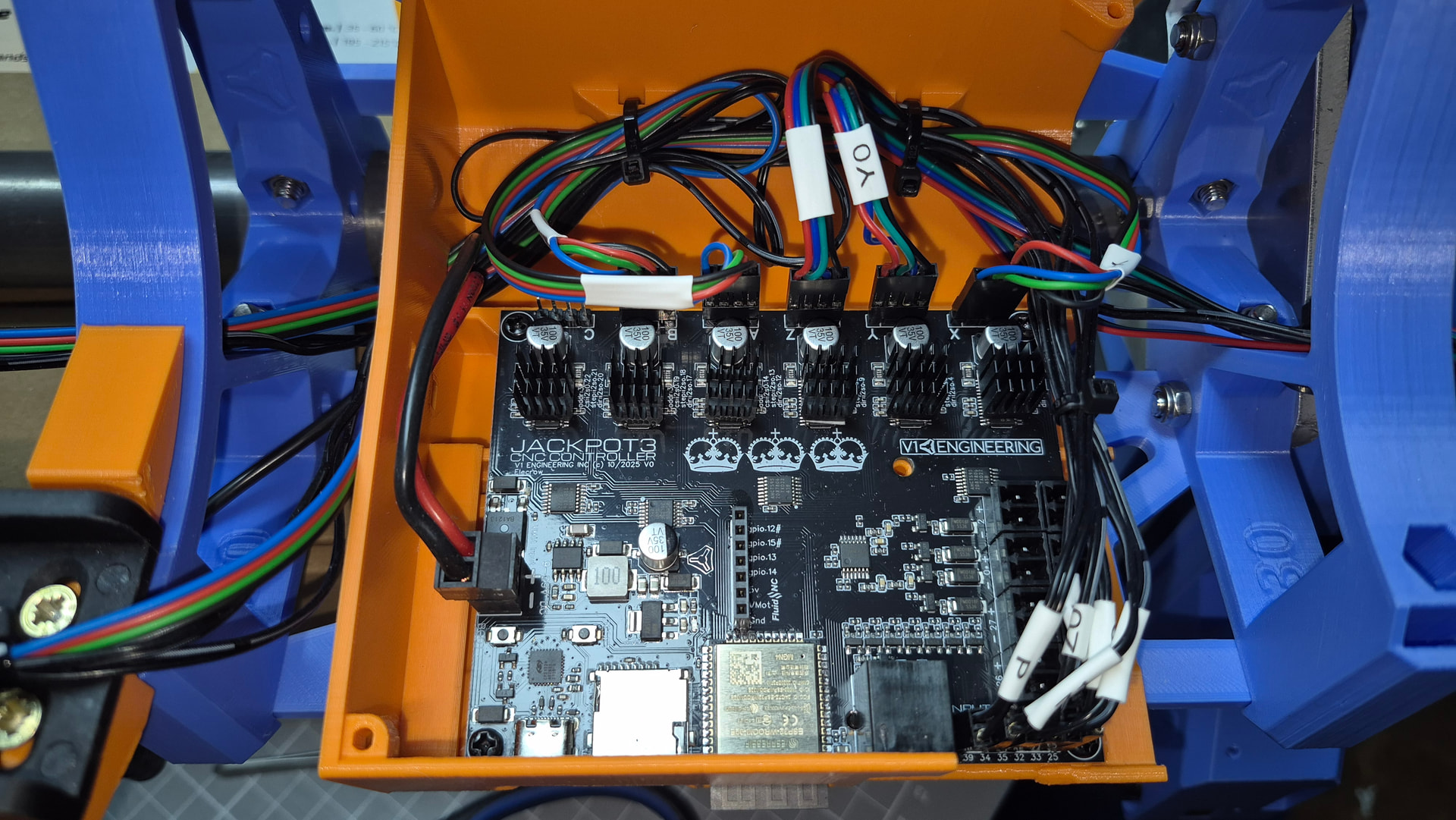
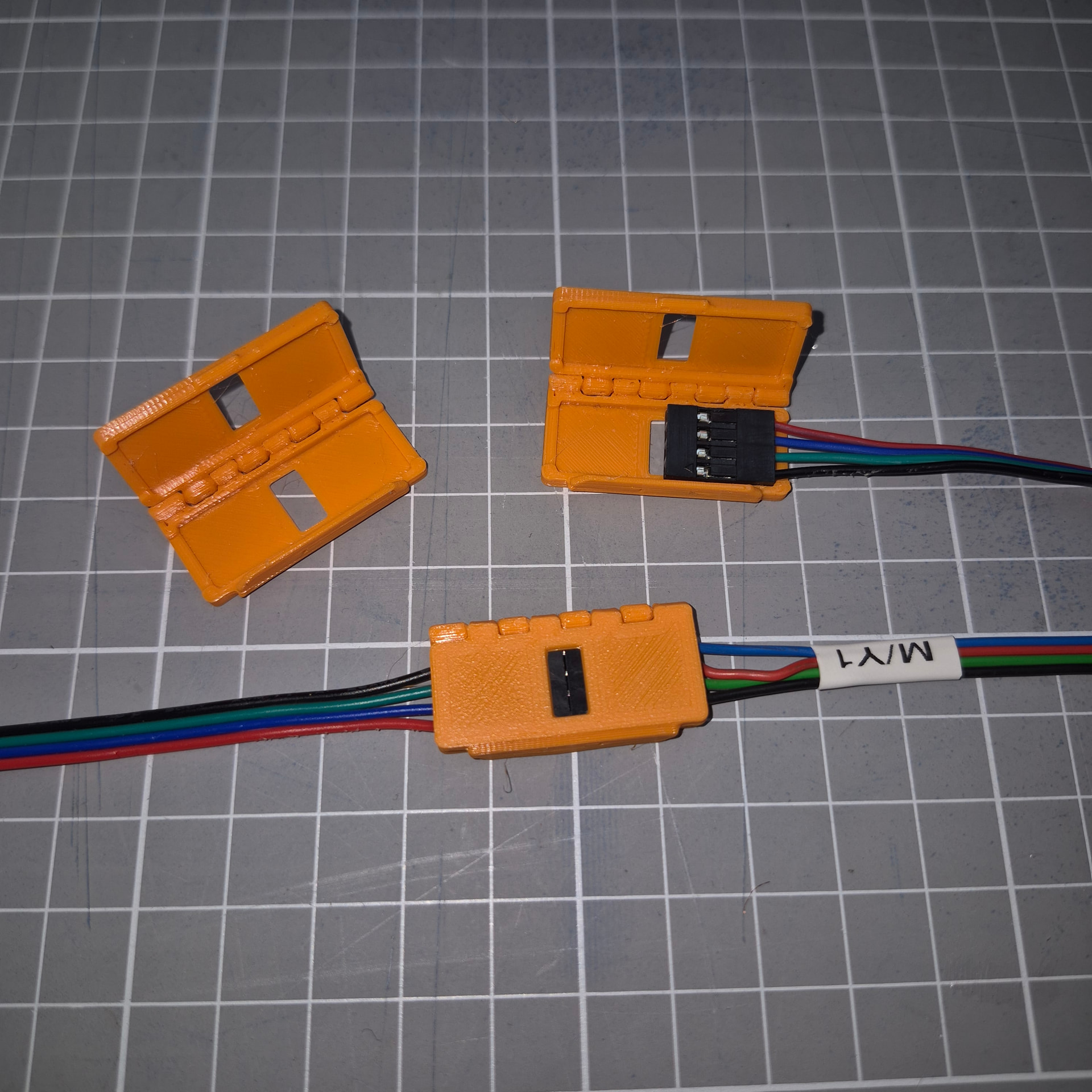
You get better with crimping connectors with each one! I decided not to use ready made cables, but crimp then to length.
Never change the size of your Lowrider during build. I changed some measurements, I now one cable and one timing belt is to short. New material is an the way.
I’m very impressed how smooth the x-carriage runs. And now wiggle at all.
But until now, it seems to work so far.Every connected endstop reports right (learned about “$limits” yesterday.). And the two already connected motors are turning. And yes, I flashed the board, and can reach it over my wlan. In the great image, I’m very happy with the build until know.
Bye
Marcus (aka Tiggr)
PS: Is it possible to move this thread from “Advice” to “Your Builds”? It’s getting more of a build blog.
Time (or someone in this forum) will tell me, if that’s a clever ideal. I like the look of it!
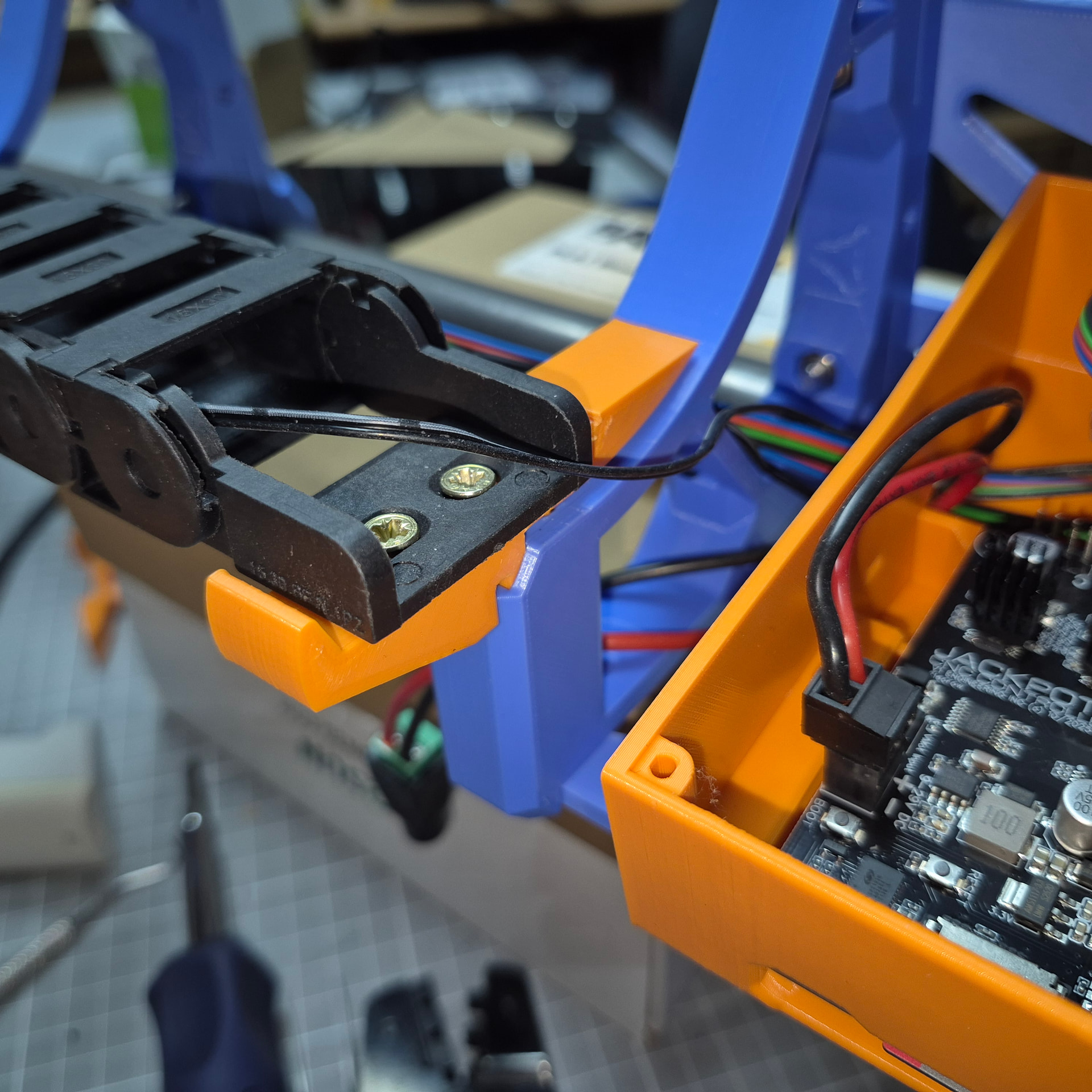
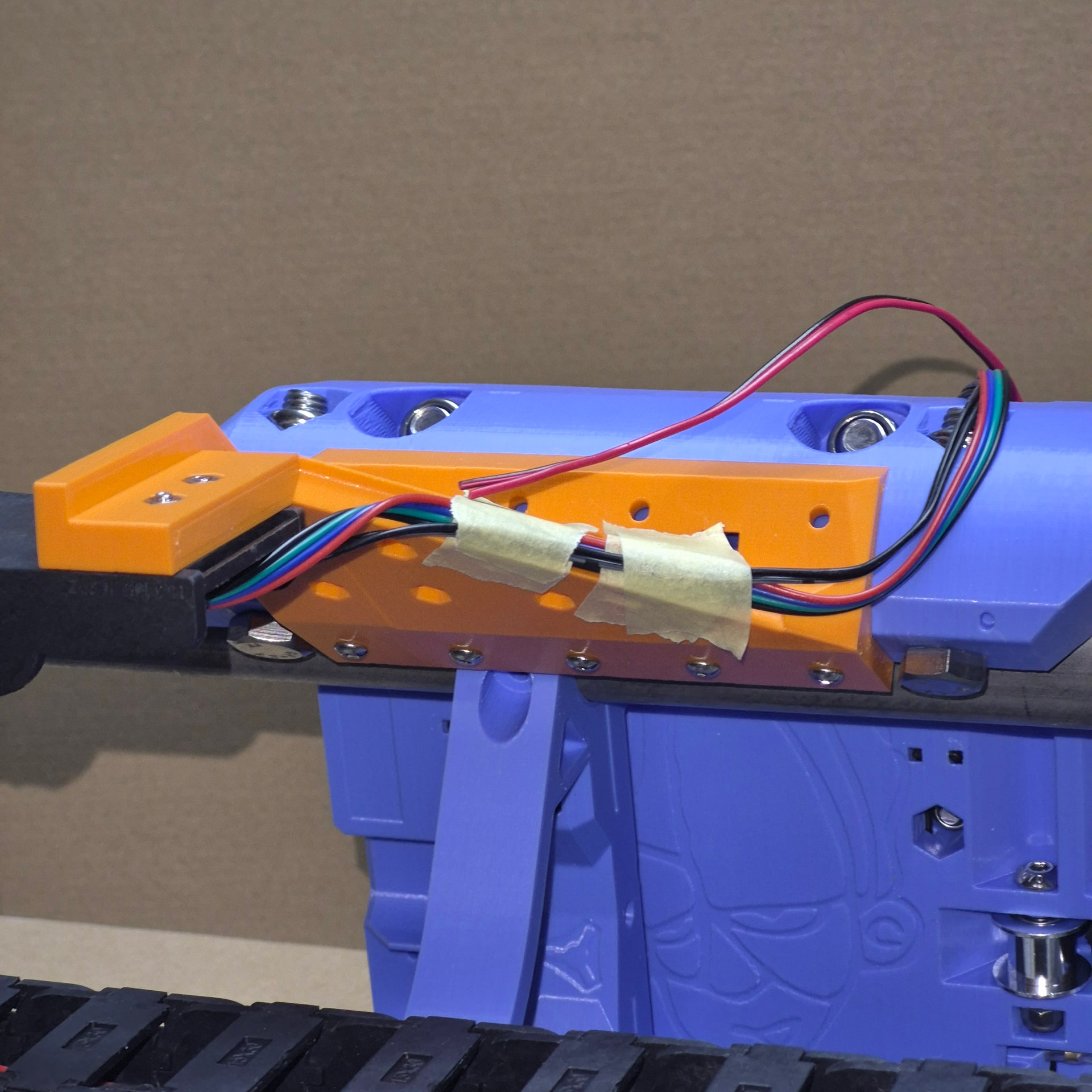
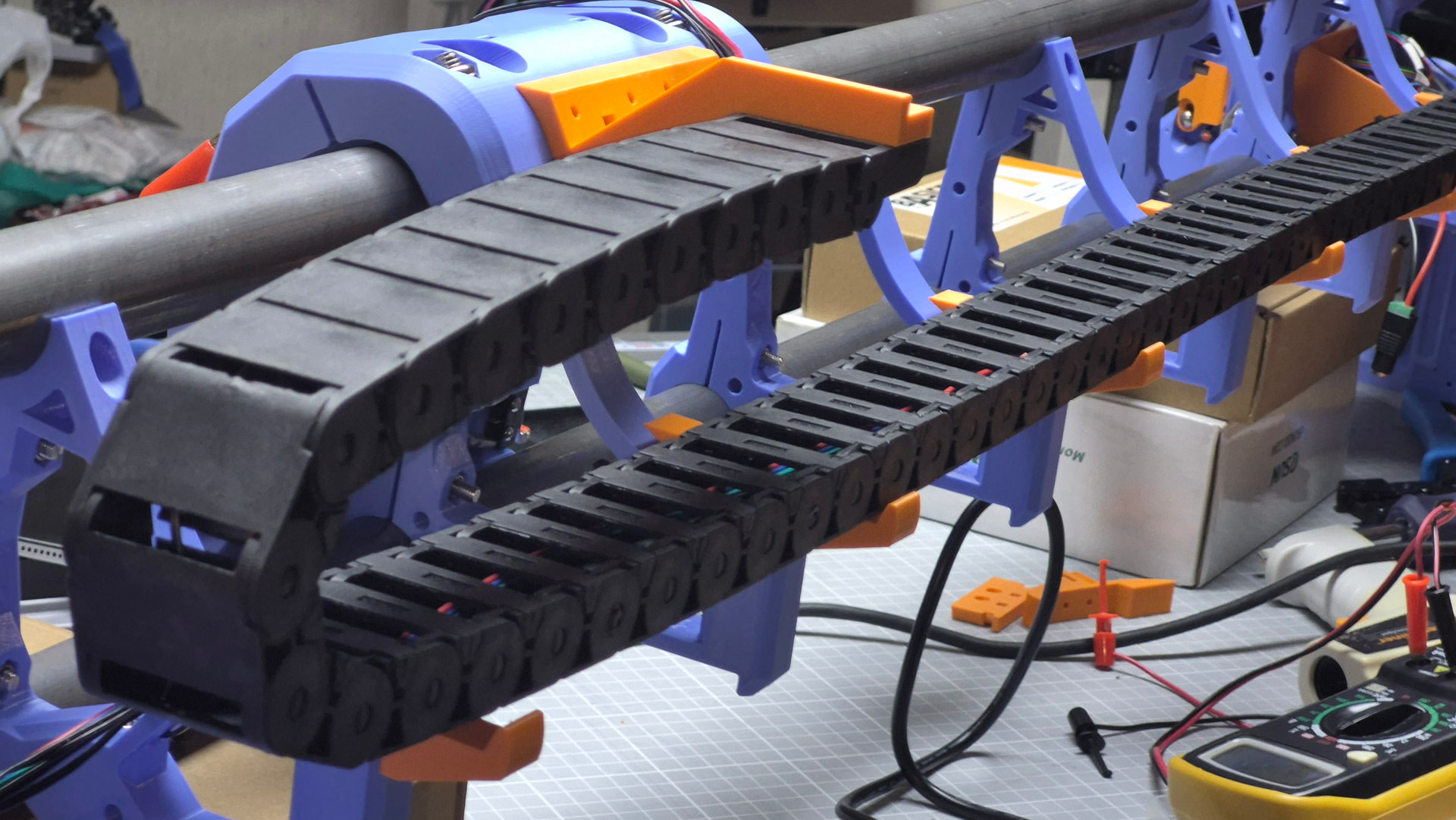
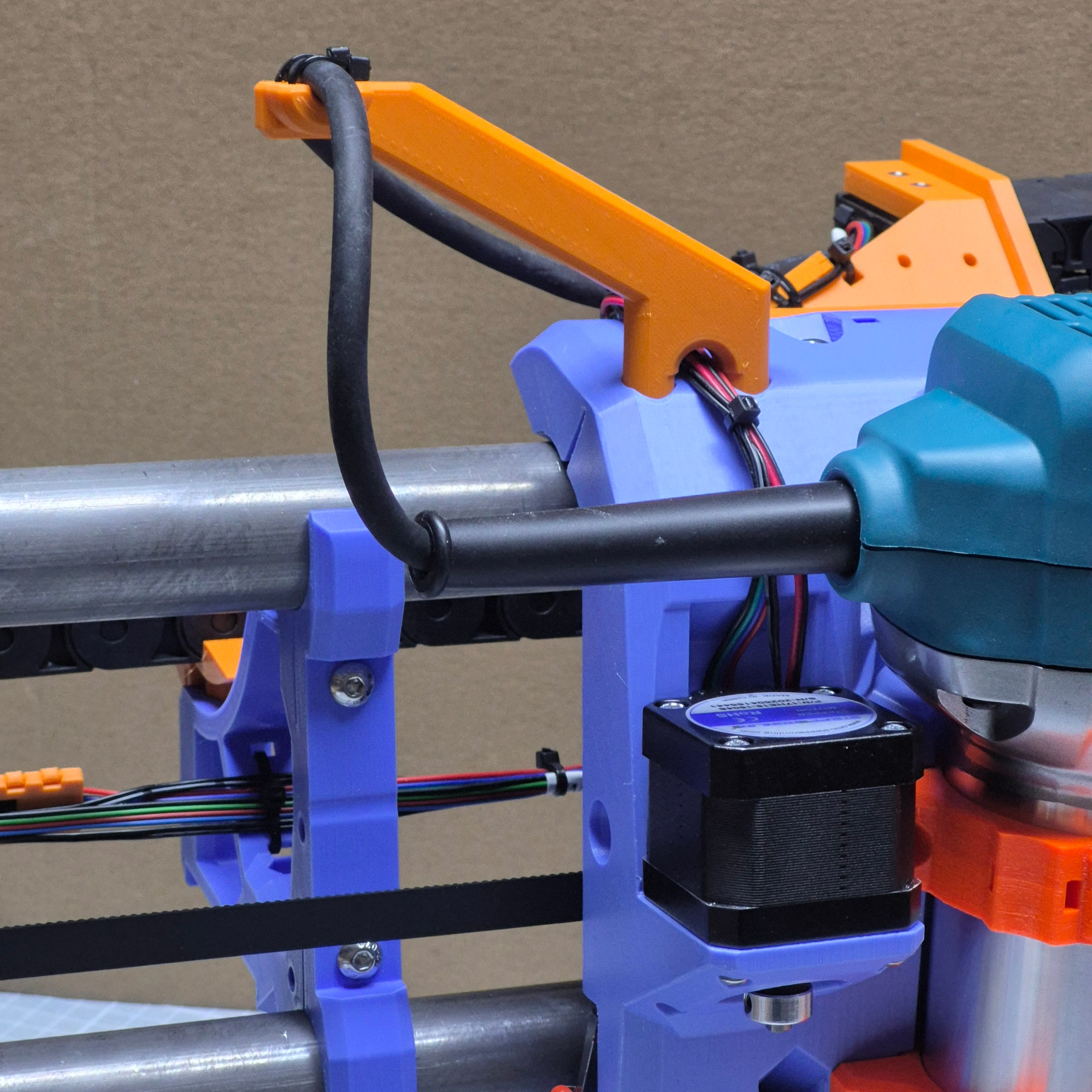
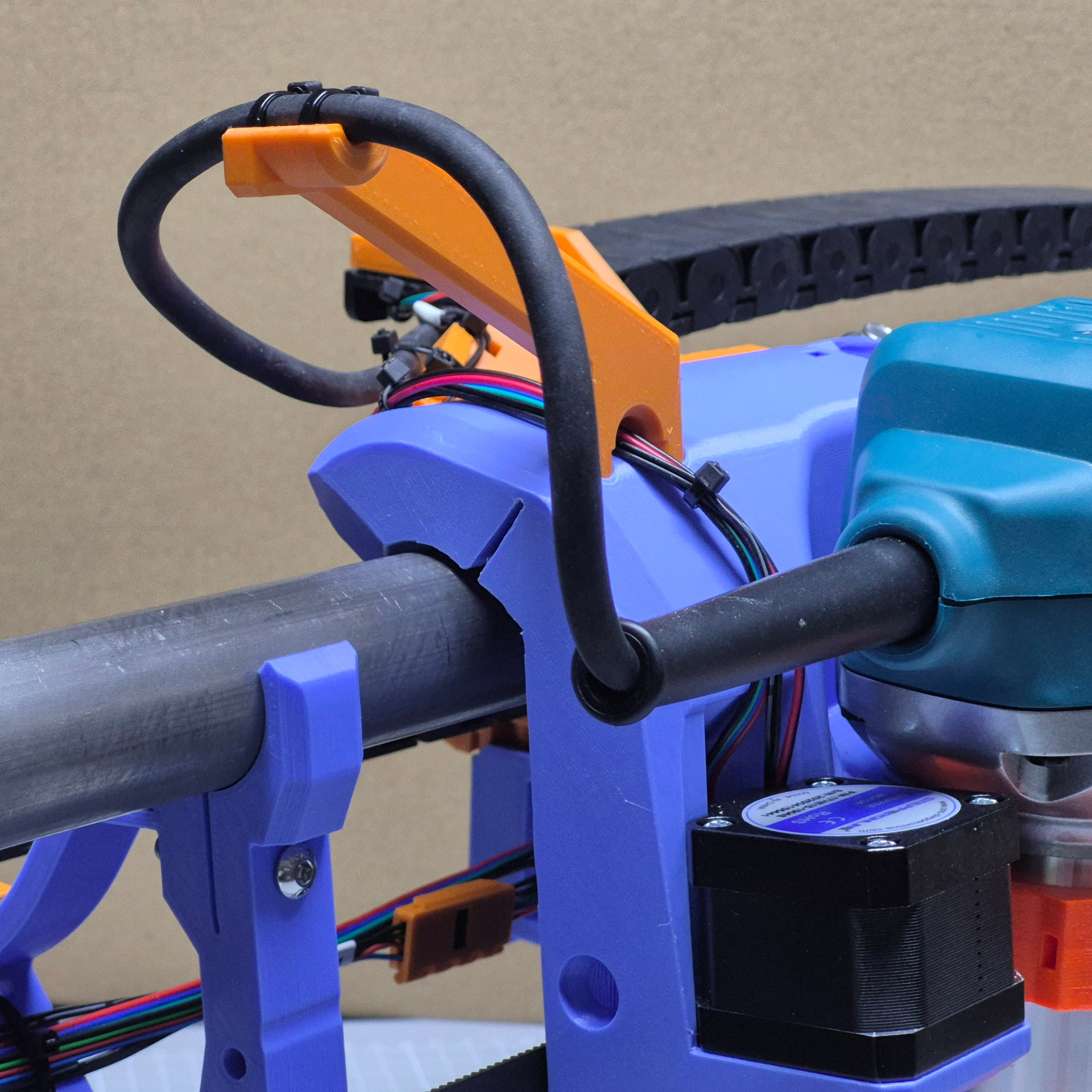
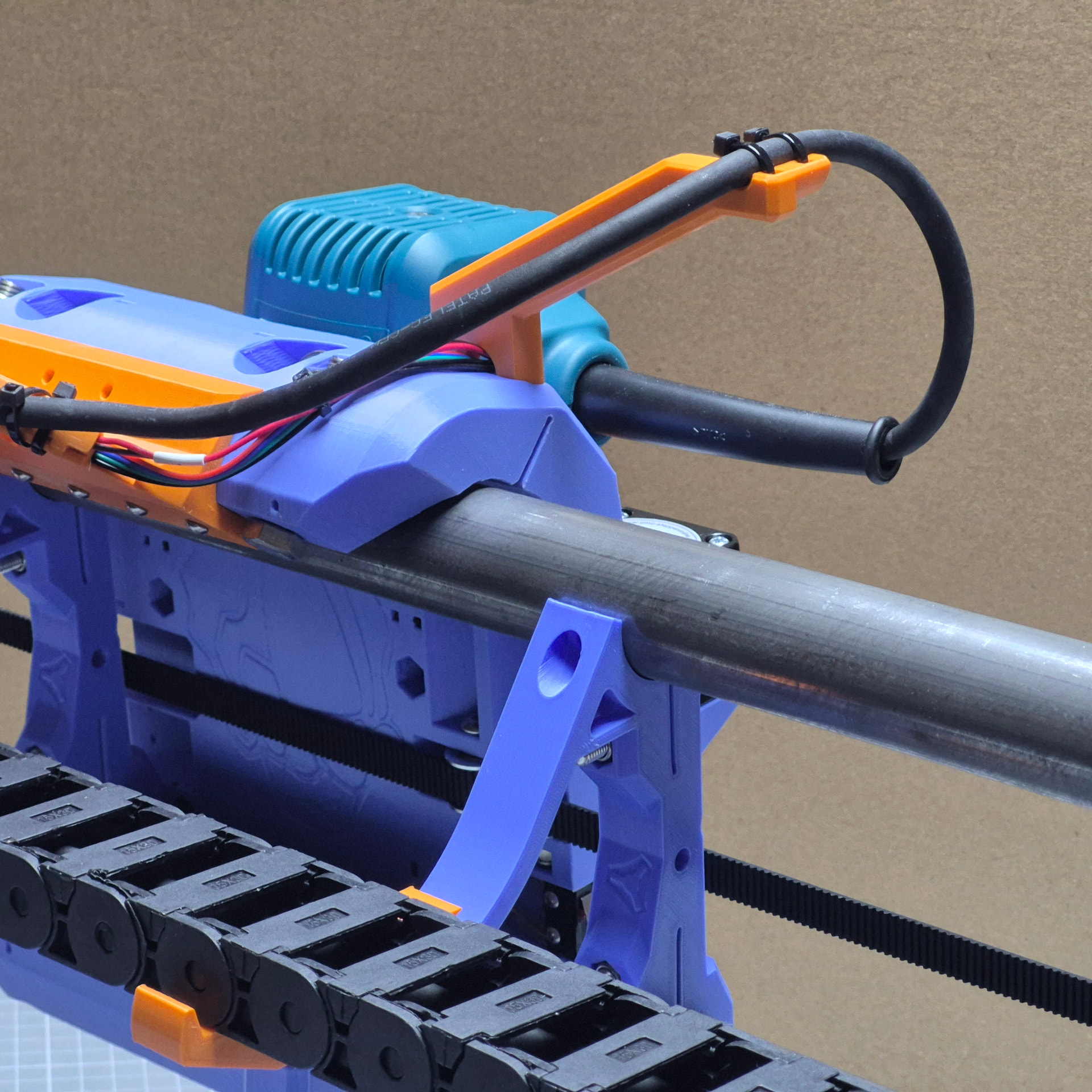
And I don’t have a shop vacuum, and won’t buy some soon. So I tried some solutions for guiding the cables. But I didn’t like any of them. That’s why I decided to use a drag chain instead. Using a solution I found on printables (Lowrider 4 Drag Chain by Tigger09 | Download free STL model | Printables.com):
Find a place for the power brick or another, better fitting power brick.
This weekend I will try to clean up the room, where the Lowrider should life. And then I have to find way to get the wood for the table to my home. I drive a small convertible, so I need the help of a friend with a big car, to move the wood.
What I learned until now:
I have to learn a lot about routing and routers.
Have to learn how to generate GCode, I already installed Estlecam and started watching tutorials.
If you swap the order of the cables of a stepper, it rattles like a snake.
It’s really fun to build a Lowrider!
It’s much easier to build a Lowrider than I thought. It’s so well constructed and documented, if I can do it, everybody can do it.
I’m still trying to figure out, how to source the wood for my table. I think, I will rent a van and do some shopping of high volume goods. I need some furniture for me home too.
Until then, I started thinking about the software side of a Lowrider. I’m using the new Jackpot3 board.
Do you all use some gcoder sender software? Or only the web interface of the fluidnc (WebUI)?
I played a bit with the webinterface and must say: It seems to work fine, and it looks feature complete to me. I can’t find a huge advantage in using a gcode sender.
I played a bit with OpenBuilds Controls, but I didn’t find any killer feature.
I think I will stay with fluidncs webinterface (WebUI). Maybe because that fits the workflow I’m used to from Octoprint?
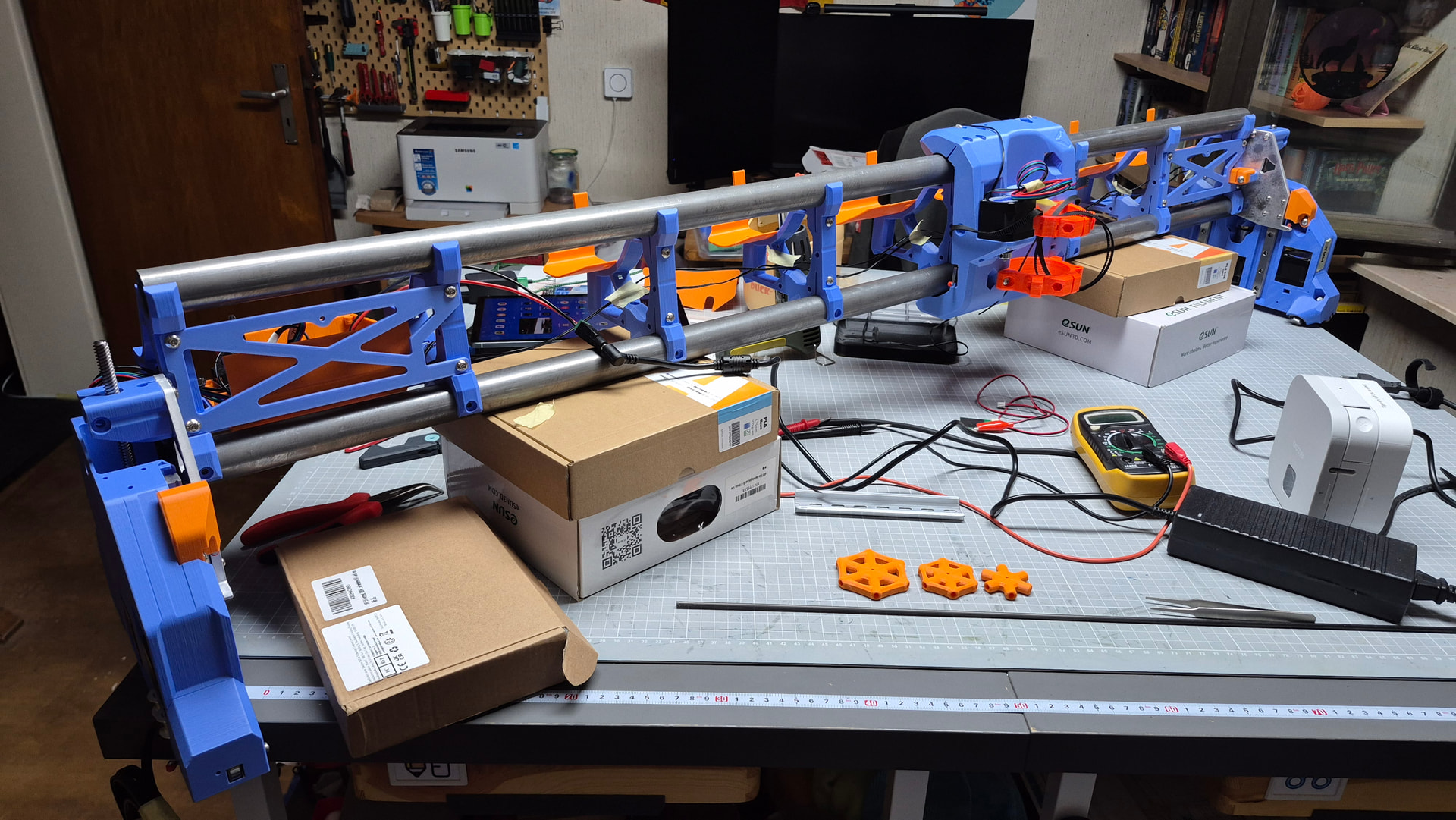
 I decided not to use ready made cables, but crimp then to length.