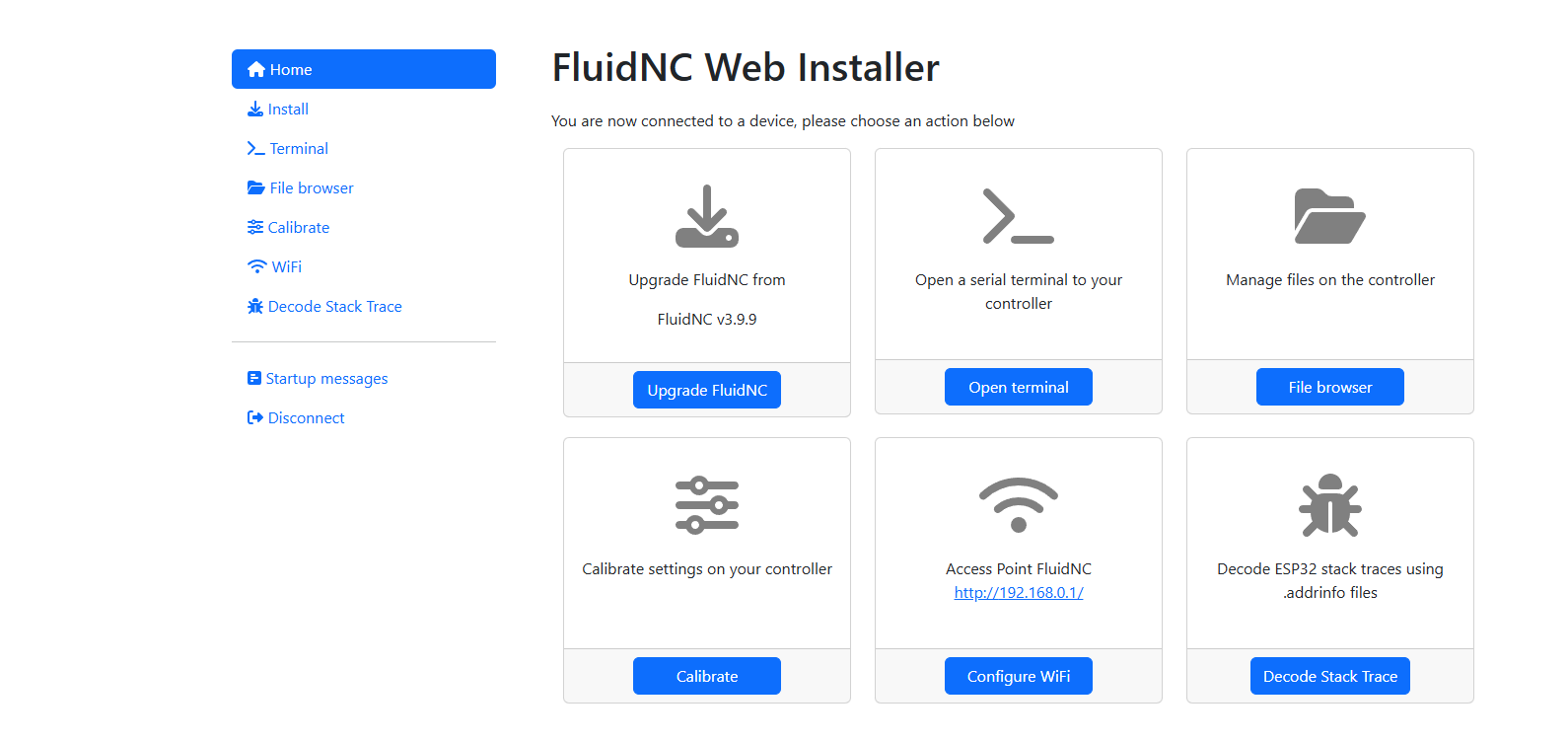
Lowrider v4 having troubles with start up

I have the jckpot controller. havent used it in a while. just relocated it and fire it up but got this. jot sure what it means.

**Config File Error

Fix it or FluidNC will not work**

MSG:ERR: Showing startup log from previous panic
MSG:INFO: FluidNC v3.9.1 https://github.com/bdring/FluidNC
MSG:INFO: Compiled with ESP32 SDK:v4.4.7-dirty
MSG:INFO: Local filesystem type is littlefs
MSG:INFO: Configuration file:config.yaml
MSG:INFO: Machine LowRider
MSG:INFO: Board Jackpot TMC2209
MSG:INFO: UART1 Tx:gpio.0 Rx:gpio.4 RTS:NO_PIN Baud:115200
MSG:INFO: I2SO BCK:gpio.22 WS:gpio.17 DATA:gpio.21
MSG:INFO: SPI SCK:gpio.18 MOSI:gpio.23 MISO:gpio.19
MSG:INFO: SD Card cs_pin:gpio.5 detect:NO_PIN freq:20000000
MSG:INFO: Stepping:I2S_STATIC Pulse:2us Dsbl Delay:0us Dir Delay:1us Idle Delay:255ms
MSG:INFO: User Digital Output: 0 on Pin:gpio.26
MSG:INFO: User Digital Output: 1 on Pin:gpio.27
MSG:INFO: Axis count 3
MSG:INFO: Axis X (3.000,1263.000)
MSG:INFO: Motor0
MSG:INFO: tmc_2209 UART1 Addr:0 CS:NO_PIN Step:I2SO.2 Dir:I2SO.1 Disable:I2SO.0 R:0.110
MSG:INFO: X Neg Limit gpio.25
MSG:INFO: Axis Y (3.000,2483.000)
MSG:INFO: Motor0
MSG:INFO: tmc_2209 UART1 Addr:1 CS:NO_PIN Step:I2SO.5 Dir:I2SO.4 Disable:I2SO.7 R:0.110
MSG:INFO: Y Neg Limit gpio.33
MSG:INFO: Motor1
MSG:INFO: tmc_2209 UART1 Addr:3 CS:I2SO.14 Step:I2SO.13 Dir:I2SO.12 Disable:I2SO.15 R:0.110
MSG:INFO: Y2 Neg Limit gpio.35
MSG:INFO: Axis Z (-297.000,3.000)
MSG:INFO: Motor0
MSG:INFO: tmc_2209 UART1 Addr:2 CS:NO_PIN Step:I2SO.10 Dir:I2SO.9 Disable:I2SO.8 R:0.110
MSG:INFO: Z Pos Limit gpio.32
MSG:INFO: Motor1
MSG:INFO: tmc_2209 UART1 Addr:3 CS:I2SO.19 Step:I2SO.18 Dir:I2SO.17 Disable:I2SO.16 R:0.110
MSG:INFO: Z2 Pos Limit gpio.34
MSG:INFO: X Axis driver test passed
MSG:INFO: Y Axis driver test passed
MSG:INFO: Y2 Axis driver test passed
MSG:INFO: Z Axis driver test passed
MSG:INFO: Z2 Axis driver test passed
MSG:INFO: Kinematic system: Cartesian
MSG:INFO: STA SSID is not set
MSG:INFO: AP SSID FluidNC IP 192.168.0.1 mask 255.255.255.0 channel 1
MSG:INFO: AP started
MSG:INFO: WiFi on
MSG:INFO: Captive Portal Started
MSG:INFO: HTTP started on port 80
MSG:INFO: Telnet started on port 23
MSG:INFO: Flood coolant gpio.2
MSG:INFO: Mist coolant gpio.16
MSG:INFO: Probe gpio.36:low
when I clear the alarm. the machine will say idle, then when i try to jog the machine it gives code like its moving but dosnt move. it wont home either. here is the code it gave me on start up. any help would be awsome thanks.

$G
[GC:G0 G54 G17 G21 G90 G94 M5 M9 T0 F0 S0]
ok
$SS
<Alarm|MPos:0.000,0.000,0.000|FS:0,0|WCO:0.000,0.000,-67.585>
[MSG:ERR: Showing startup log from previous panic]
[MSG:INFO: FluidNC v3.9.1 https://github.com/bdring/FluidNC]
[MSG:INFO: Compiled with ESP32 SDK:v4.4.7-dirty]
[MSG:INFO: Local filesystem type is littlefs]
[MSG:INFO: Configuration file:config.yaml]
[MSG:INFO: Machine LowRider]
[MSG:INFO: Board Jackpot TMC2209]
[MSG:INFO: UART1 Tx:gpio.0 Rx:gpio.4 RTS:NO_PIN Baud:115200]
[MSG:INFO: I2SO BCK:gpio.22 WS:gpio.17 DATA:gpio.21]
[MSG:INFO: SPI SCK:gpio.18 MOSI:gpio.23 MISO:gpio.19]
[MSG:INFO: SD Card cs_pin:gpio.5 detect:NO_PIN freq:20000000]
[MSG:INFO: Stepping:I2S_STATIC Pulse:2us Dsbl Delay:0us Dir Delay:1us Idle Delay:255ms]
[MSG:INFO: User Digital Output: 0 on Pin:gpio.26]
[MSG:INFO: User Digital Output: 1 on Pin:gpio.27]
[MSG:INFO: Axis count 3]
[MSG:INFO: Axis X (3.000,1263.000)]
[MSG:INFO:   Motor0]
[MSG:INFO:     tmc_2209 UART1 Addr:0 CS:NO_PIN Step:I2SO.2 Dir:I2SO.1 Disable:I2SO.0 R:0.110]
[MSG:INFO:  X Neg Limit gpio.25]
[MSG:INFO: Axis Y (3.000,2483.000)]
[MSG:INFO:   Motor0]
[MSG:INFO:     tmc_2209 UART1 Addr:1 CS:NO_PIN Step:I2SO.5 Dir:I2SO.4 Disable:I2SO.7 R:0.110]
[MSG:INFO:  Y Neg Limit gpio.33]
[MSG:INFO:   Motor1]
[MSG:INFO:     tmc_2209 UART1 Addr:3 CS:I2SO.14 Step:I2SO.13 Dir:I2SO.12 Disable:I2SO.15 R:0.110]
[MSG:INFO:  Y2 Neg Limit gpio.35]
[MSG:INFO: Axis Z (-297.000,3.000)]
[MSG:INFO:   Motor0]
[MSG:INFO:     tmc_2209 UART1 Addr:2 CS:NO_PIN Step:I2SO.10 Dir:I2SO.9 Disable:I2SO.8 R:0.110]
[MSG:INFO:  Z Pos Limit gpio.32]
[MSG:INFO:   Motor1]
[MSG:INFO:     tmc_2209 UART1 Addr:3 CS:I2SO.19 Step:I2SO.18 Dir:I2SO.17 Disable:I2SO.16 R:0.110]
[MSG:INFO:  Z2 Pos Limit gpio.34]
[MSG:INFO: X Axis driver test passed]
[MSG:INFO: Y Axis driver test passed]
[MSG:INFO: Y2 Axis driver test passed]
[MSG:INFO: Z Axis driver test passed]
[MSG:INFO: Z2 Axis driver test passed]
[MSG:INFO: Kinematic system: Cartesian]
[MSG:INFO: STA SSID is not set]
[MSG:INFO: AP SSID FluidNC IP 192.168.0.1 mask 255.255.255.0 channel 1]
[MSG:INFO: AP started]
[MSG:INFO: WiFi on]
[MSG:INFO: Captive Portal Started]
[MSG:INFO: HTTP started on port 80]
[MSG:INFO: Telnet started on port 23]
[MSG:INFO: Flood coolant gpio.2]
[MSG:INFO: Mist coolant gpio.16]
[MSG:INFO: Probe gpio.36:low]
ok
<Alarm|MPos:0.000,0.000,0.000|FS:0,0|Ov:100,100,100|A:>

The recommended version of Fluidnc now is 3.9.9. I would update to that.

Try typing $X in the terminal window.

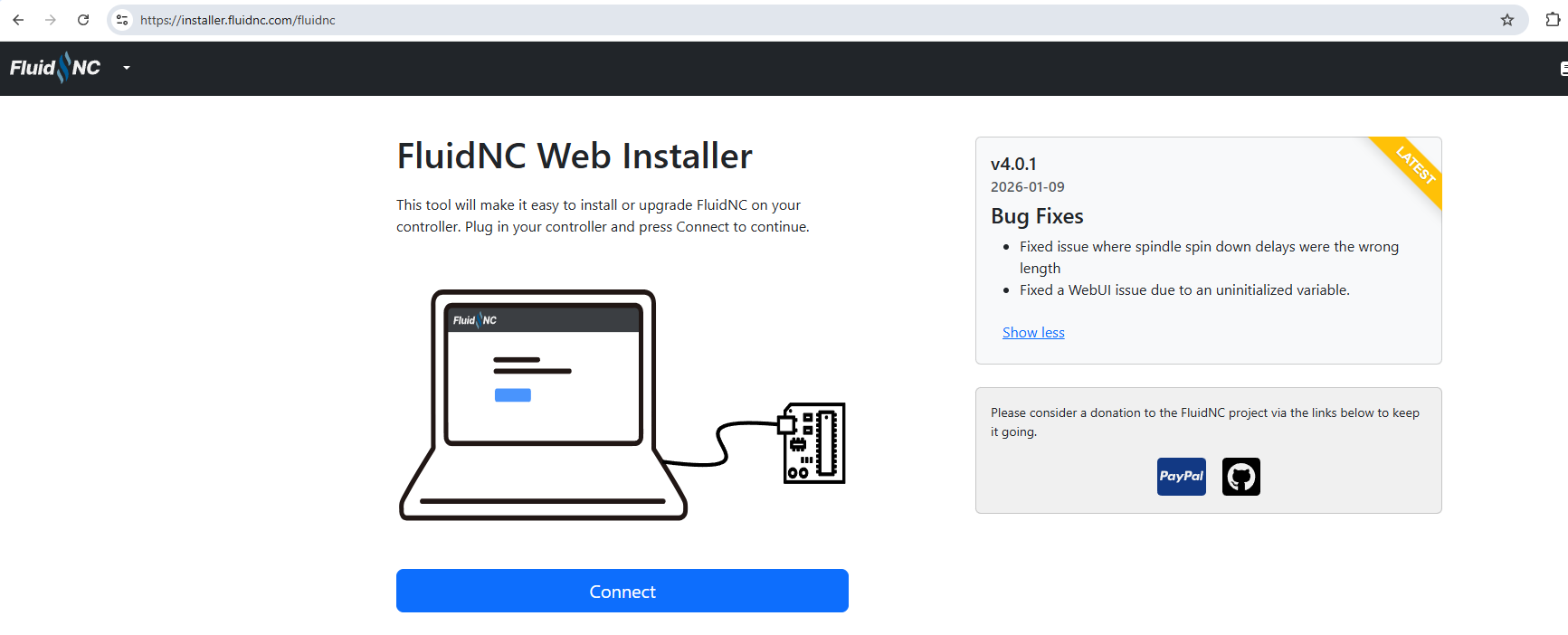
thanks for the reply should i upgrade to the V4.0.1. showed it in the pic

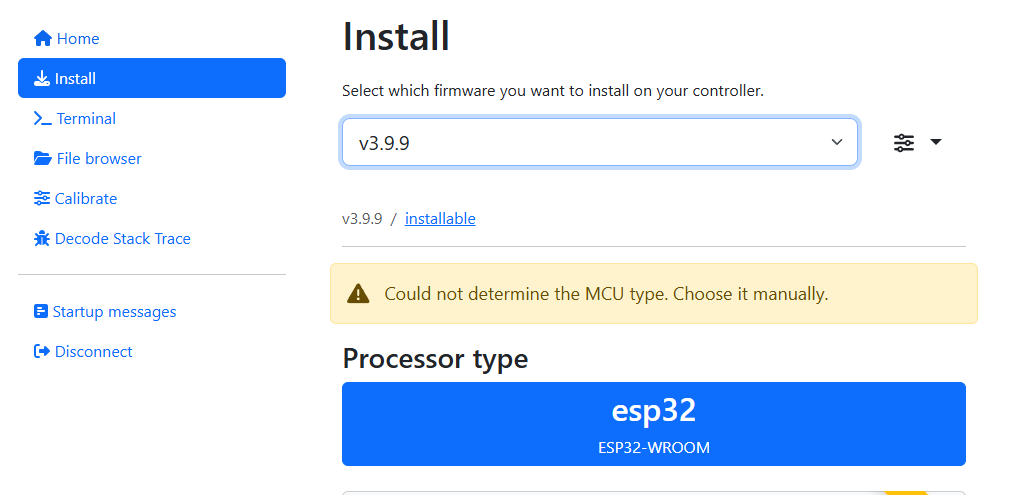
No, 4.0 is still stabilizing. Stick with 3.9.9. It lets you select the version to install.

copy thanks. I need to find a data port mini usb. i think the one i have only does pwr. on the hunt threw the house.

got 3.9.9 installed did fresh install.

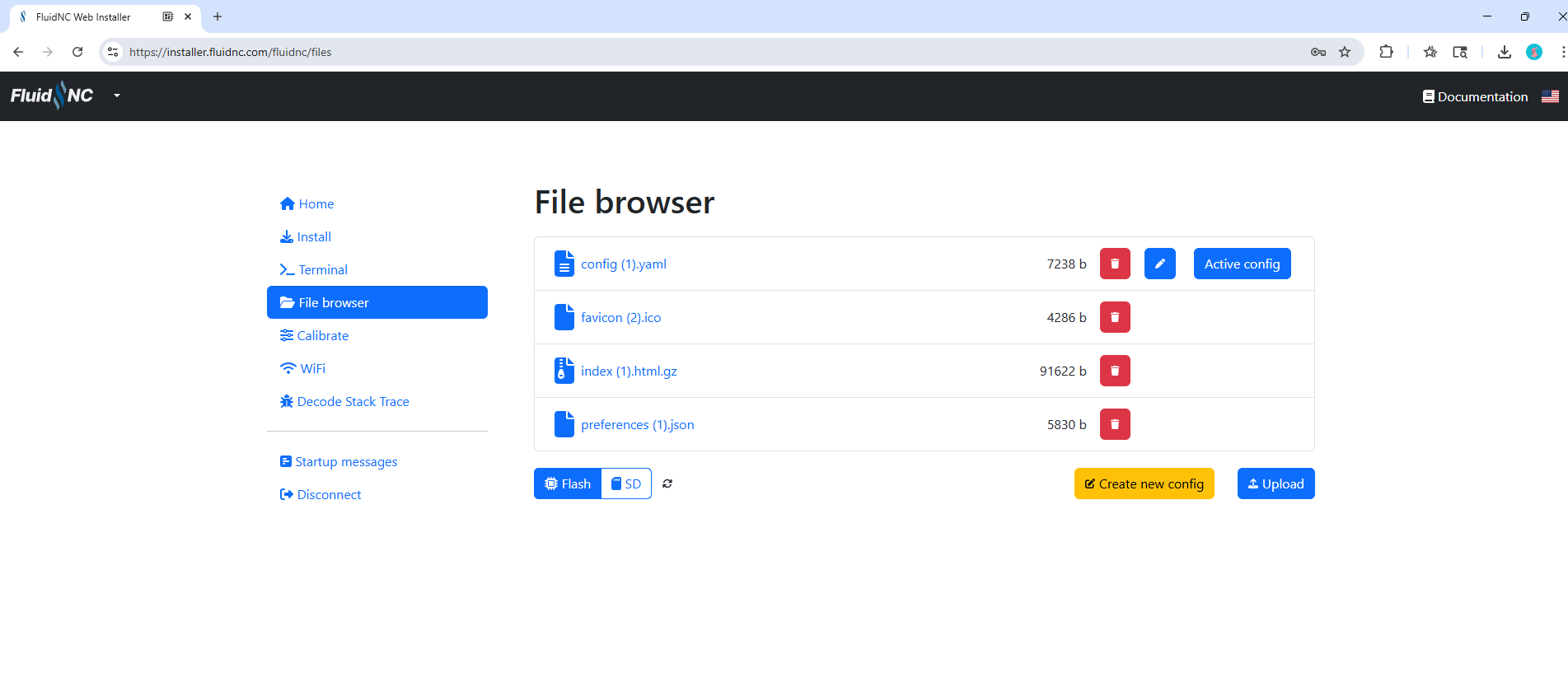
when i open file browser this is what i have.

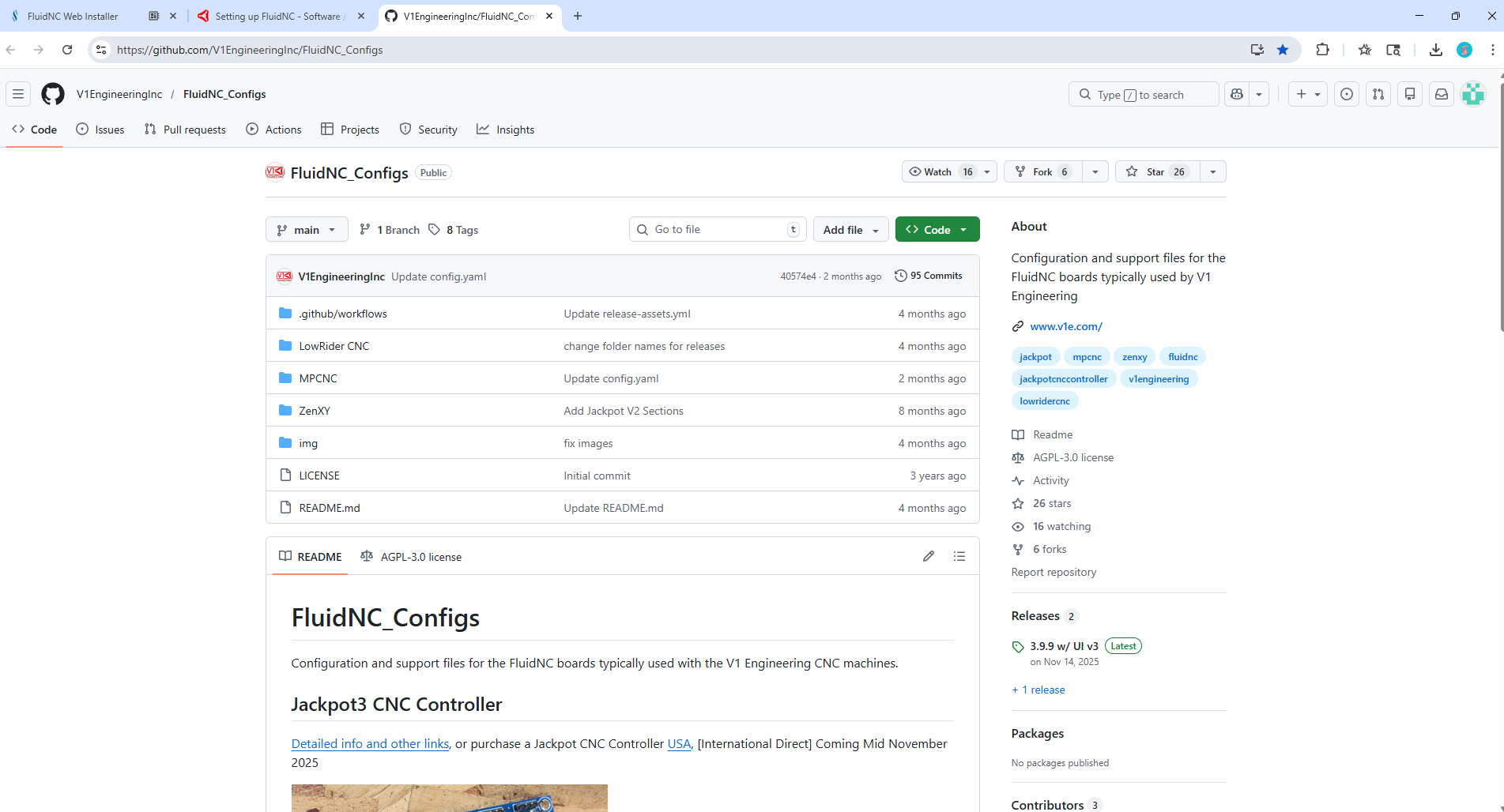
I was folowing the fluidnc set up directions and went to the download it from github link but dont know what to pick or if i have to. this is the screen shot of i get when i hit the link.

not sure what to dnload or how from here, or if i need to

heres the link it sent me to GitHub - V1EngineeringInc/FluidNC_Configs: Configuration and support files for the FluidNC boards typically used by V1 Engineering · GitHub

i have the jackpot 1 not suer if that matters

Download the files from here for a Jackpot 1 and a Lowrider:
FluidNC_Configs/LowRider CNC/Jackpot/JP1_LR at main · V1EngineeringInc/FluidNC_Configs

You’ll have to click on each file and then download them using the download link on the right.

1 Like

found got them loaded. this is what it looks like now.

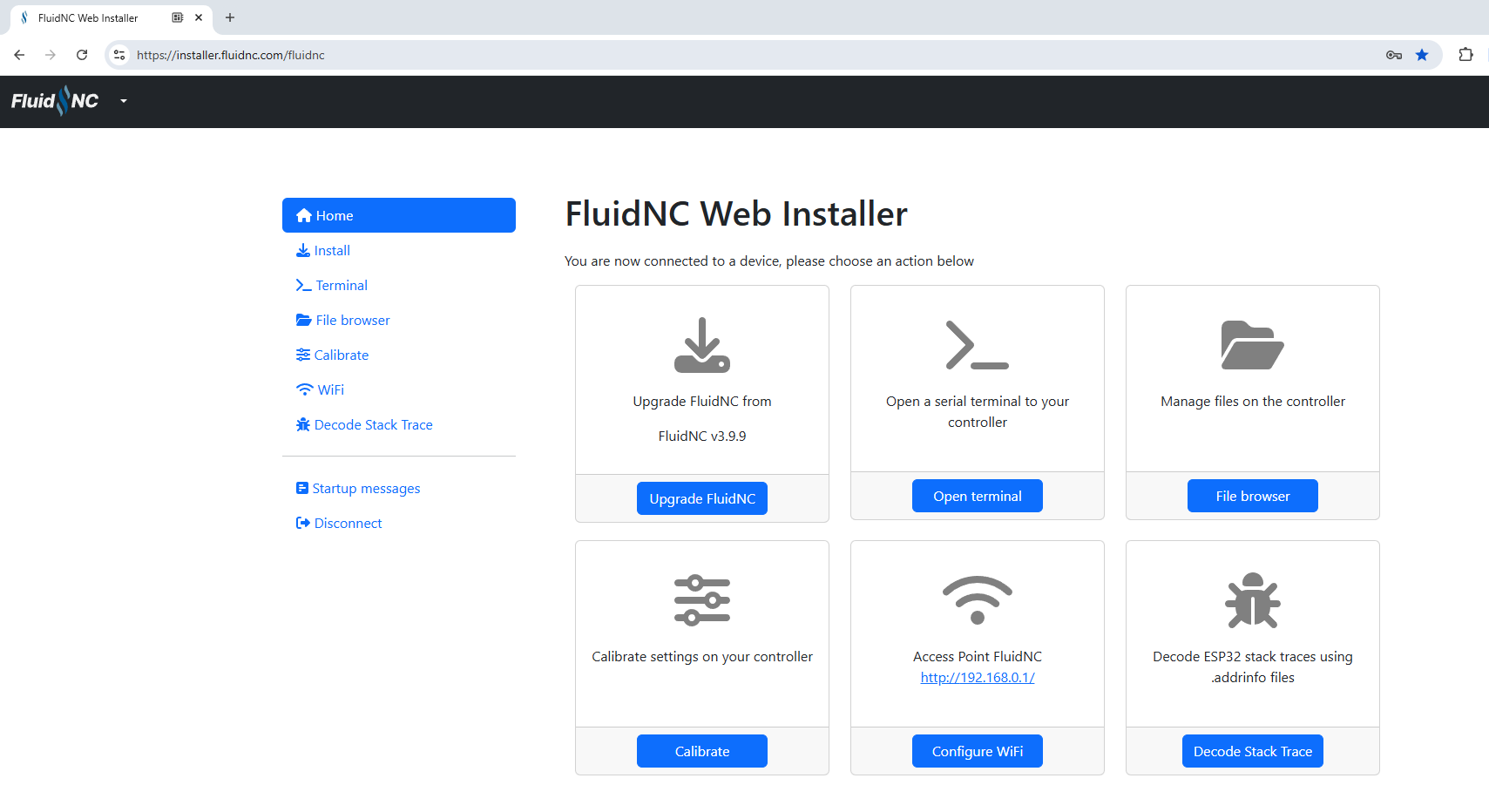
here is my home page

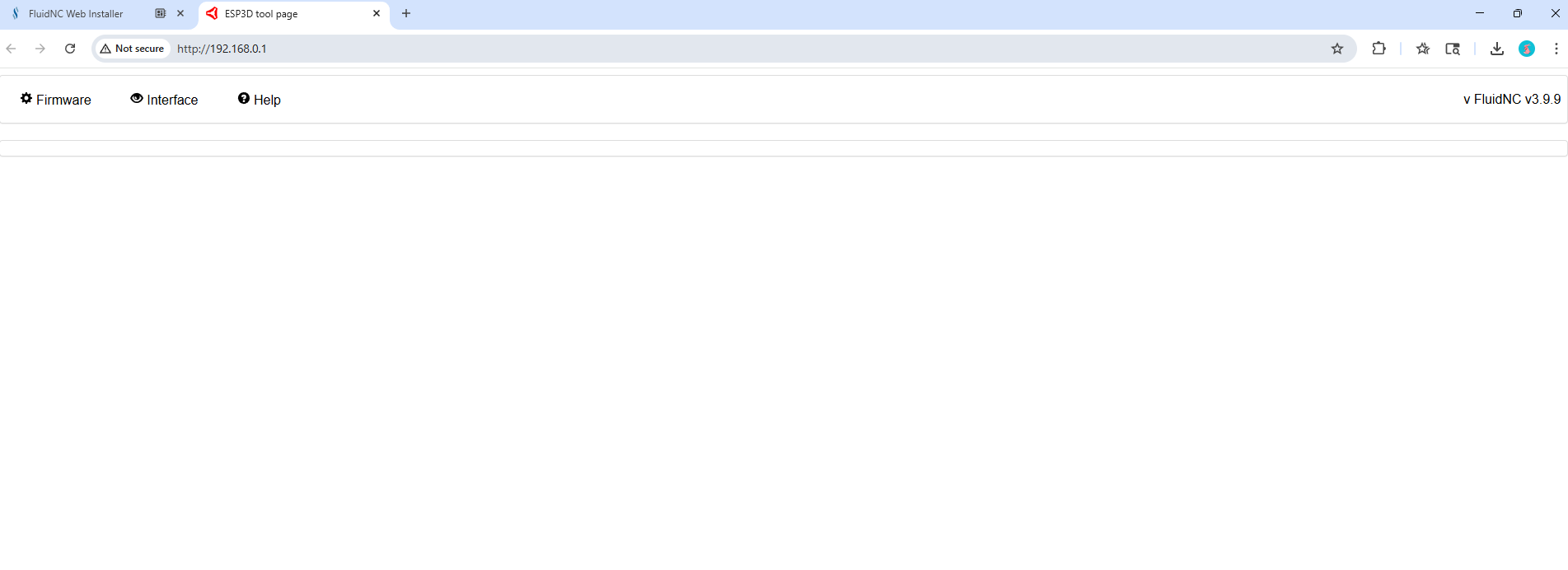
when I go to my acces point this what it looks like. I dont have it hooked up to the machine though.

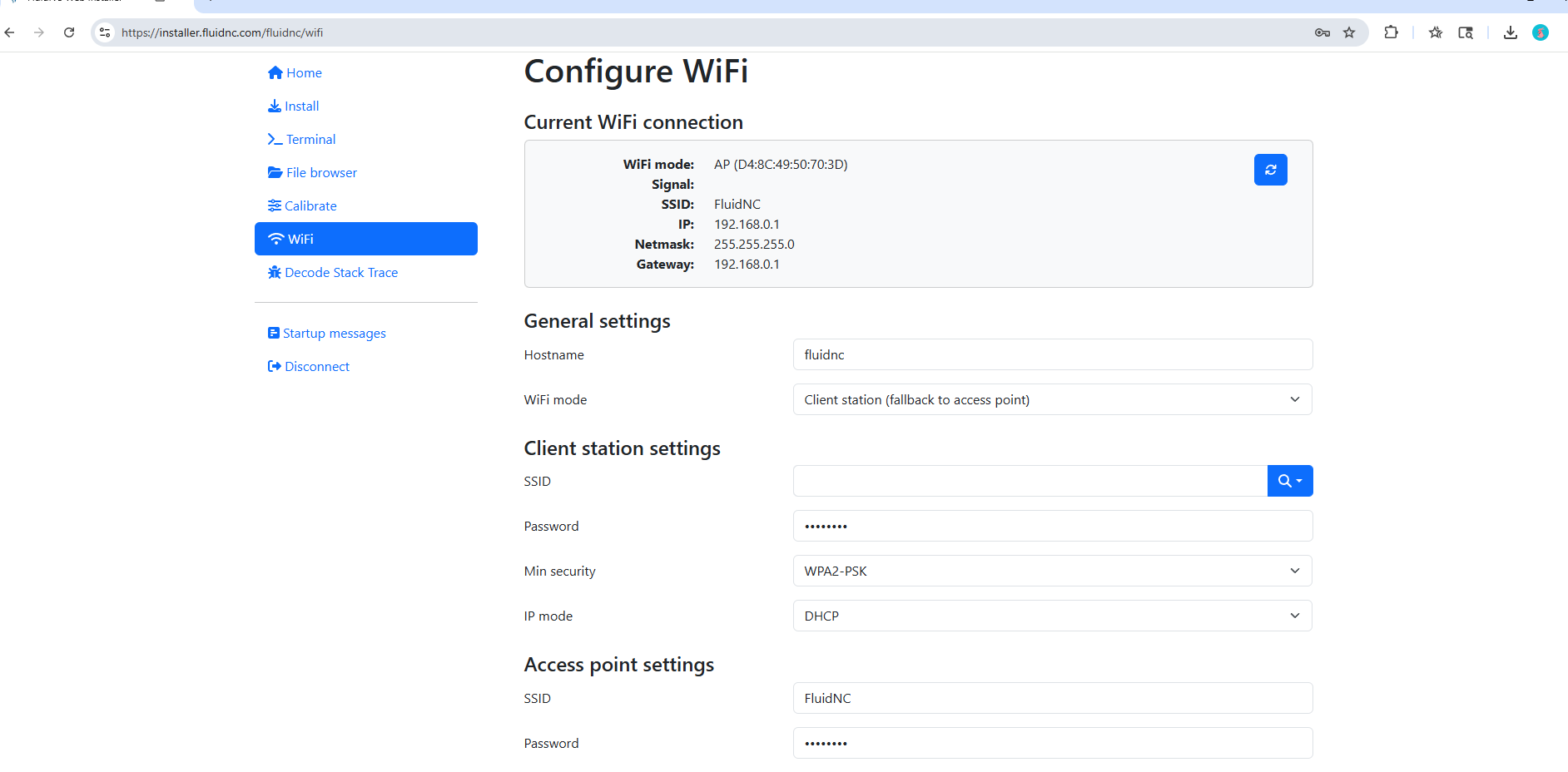
it dosnt show the controls, not sure what i did wrong here is a pic of my config wifi

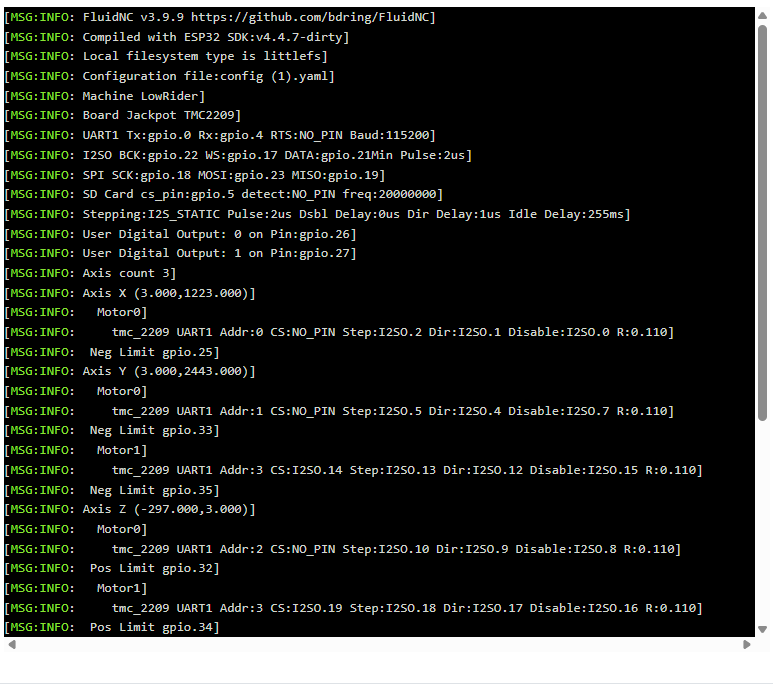
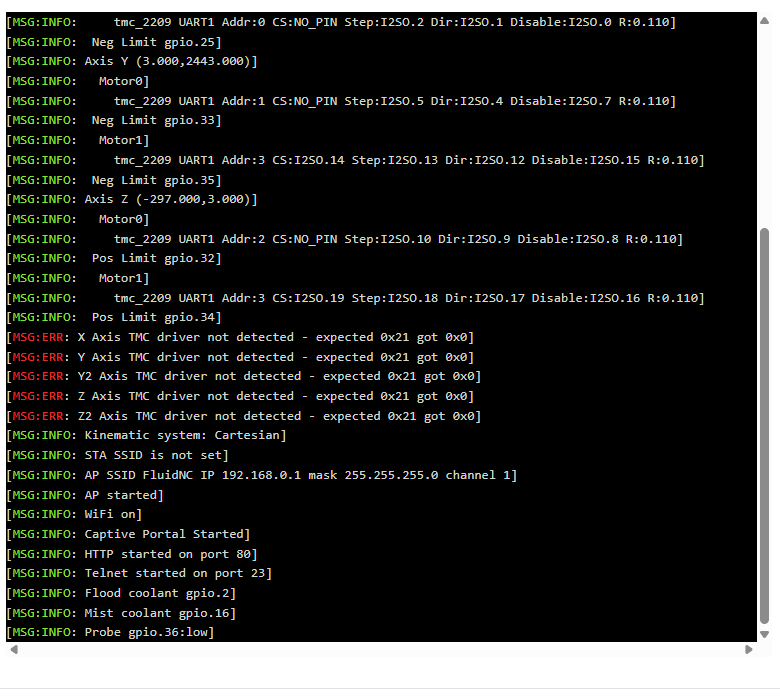
here is my startup code

1 Like

You need to get rid of the (1) and (2) in the filenames. The filenames must be what they are in the repo.

1 Like

that worked. going to install and try it out thanks

2 Likes