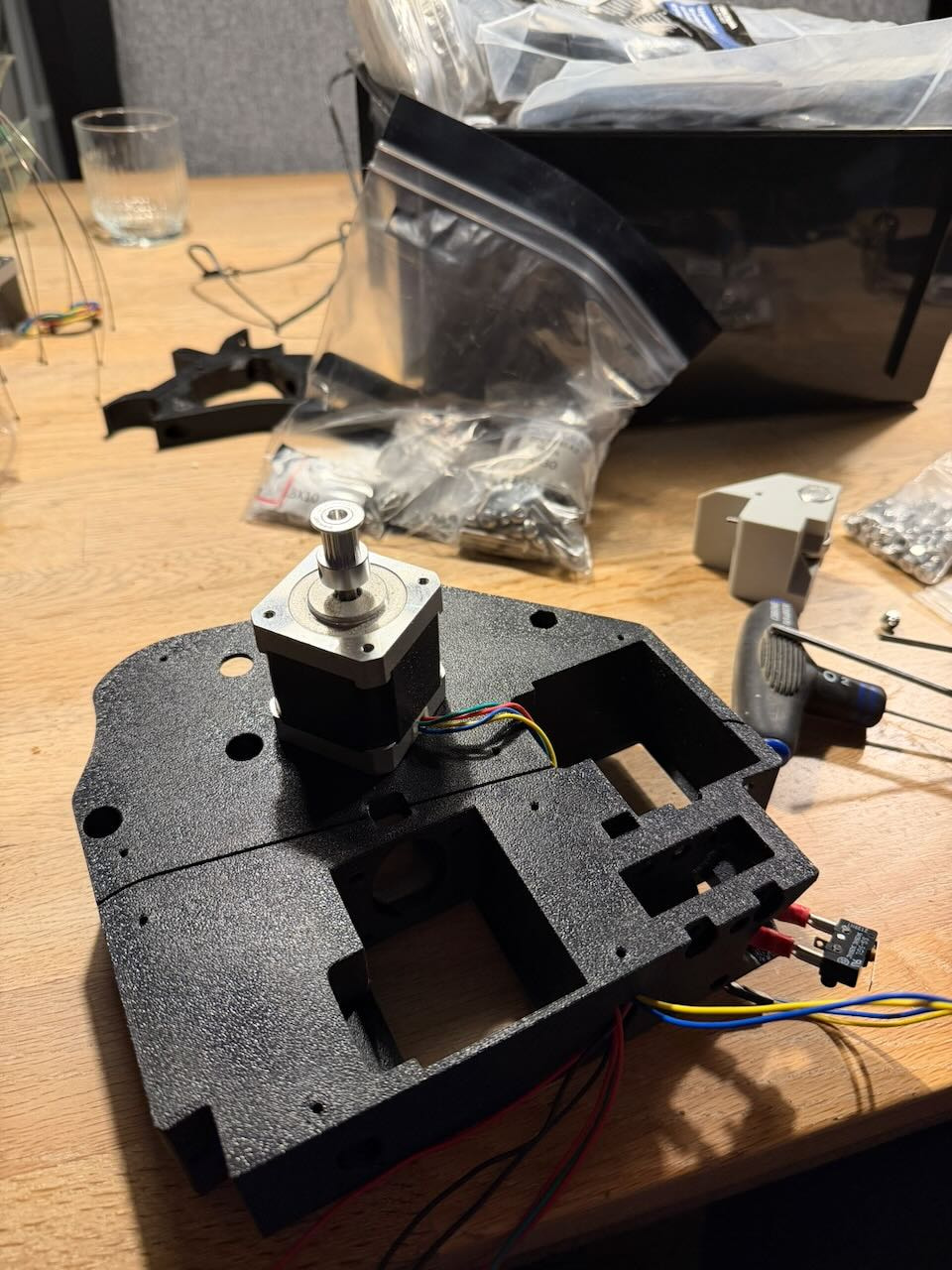
So I started this build back in may, printing all the parts in ABS-GF for a nice rugged finish, had the motors from an LR2 that never manifested due to divorce and moving with the entire workshop…
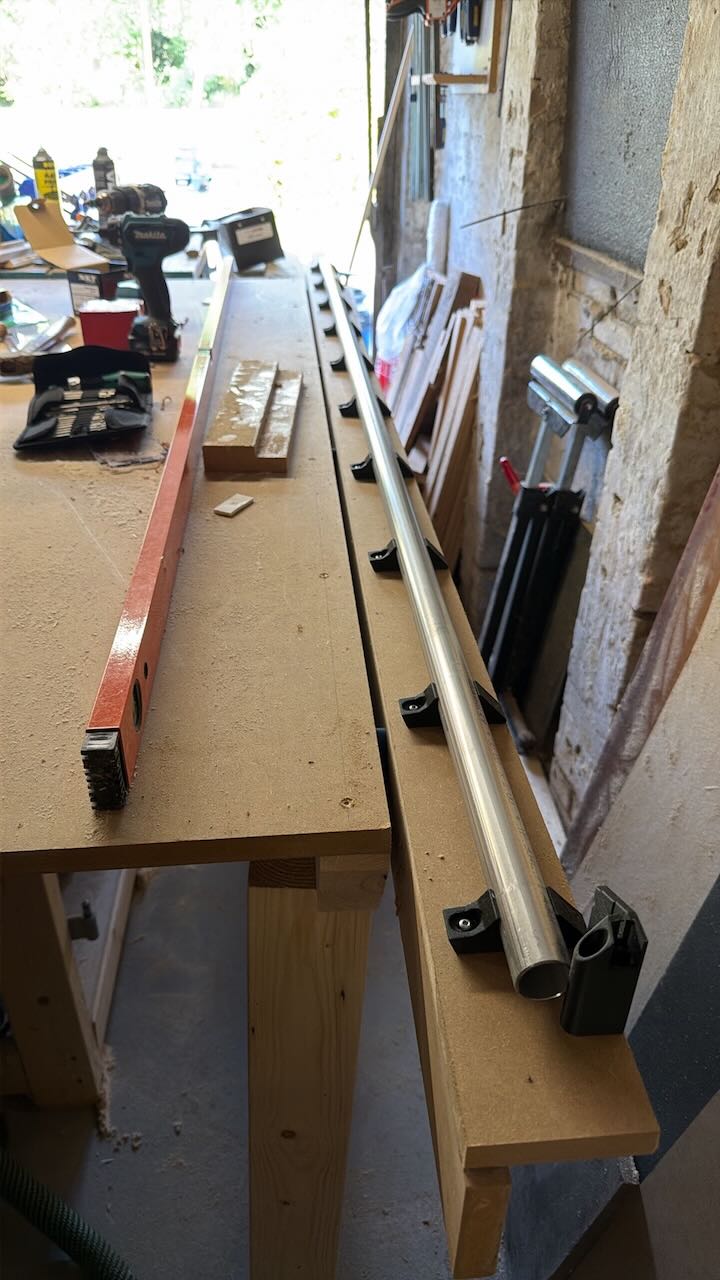
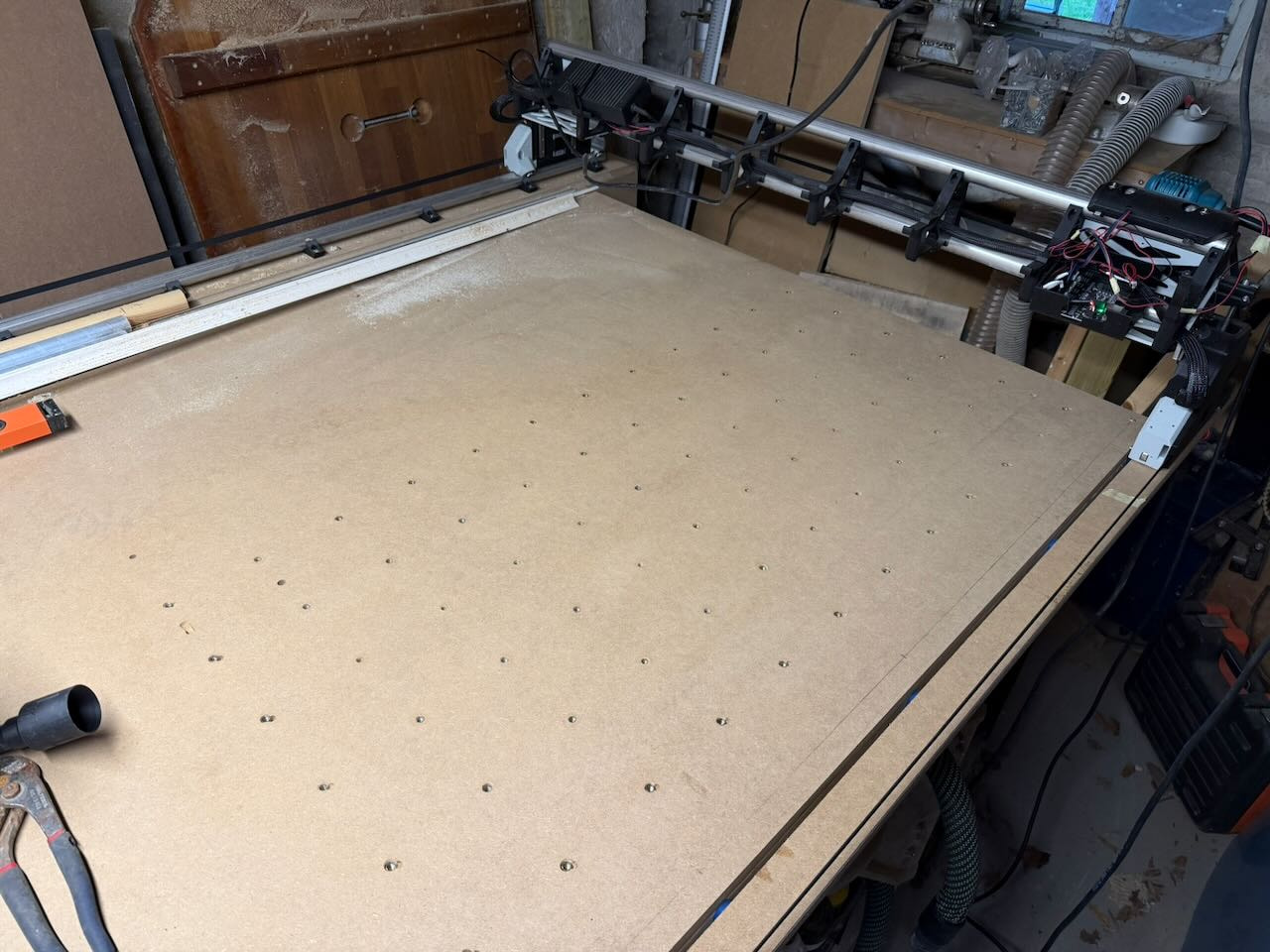
So I went with a black finish, guess it could be called the (K)nightrider, maybe I should add a running strip of red LEDs. Size was dictated pretty much by my existing worktable though I have extended it a bit to accommodate as large cutting area as possible. It can do roughly 1075x1875mm which is cool, I can slide in an entire 1220x2440 plate if I lower the blade on my saw at the end and remove the fence so if the objects are within 1075/1875 I can squeeze in a full plate If needed. Currently I can only go to 600mm on x-axis, need to extend the stepper and end stop cable.
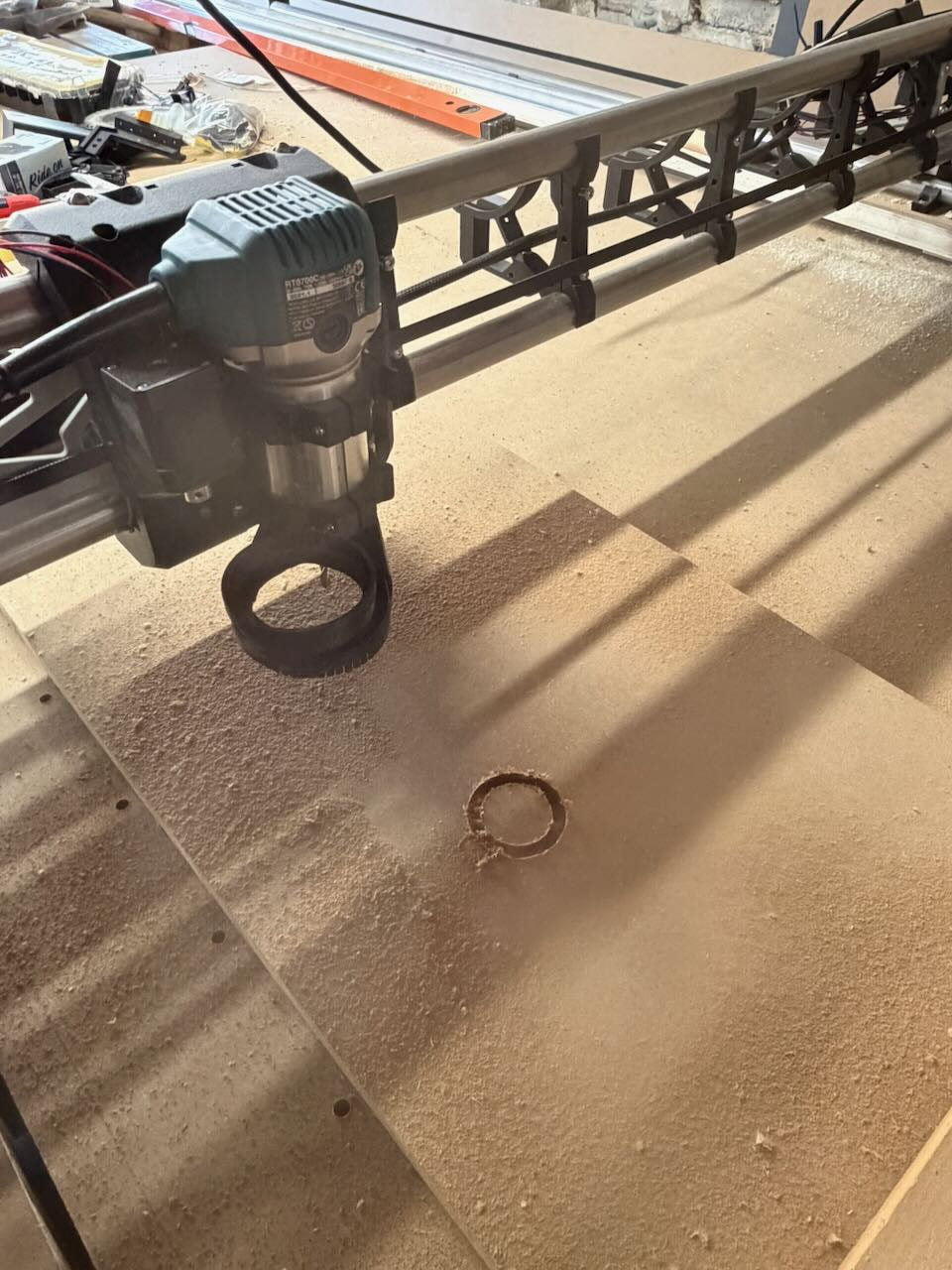
Today was a big day as I finally cut for the first time with it, drilling some holes and making a circle etc. First part of the day was spent aligning, squaring etc which was actually not that bad.
Now I just need to cut the struts and add LED strip underneath it, find a good solution to fastening the dust hose and run power cable for router and power supply, set up my extractor somewhere useful, finish printing the drag chain and extend the x-axis cables plus run cable for z-probe, laser crosshair and an extra cable for a laser module in the future(maybe…) oh and all the other stuff.
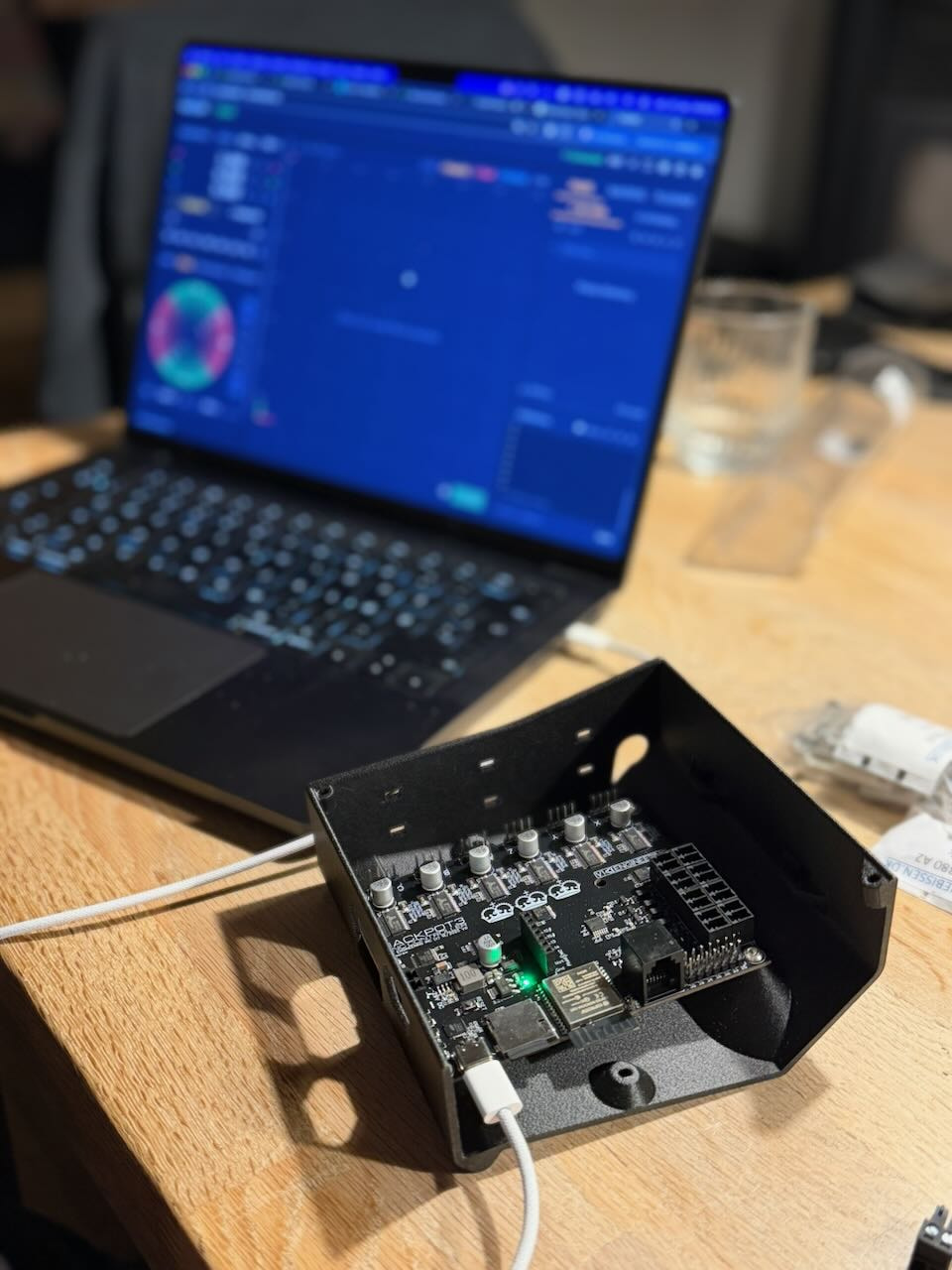


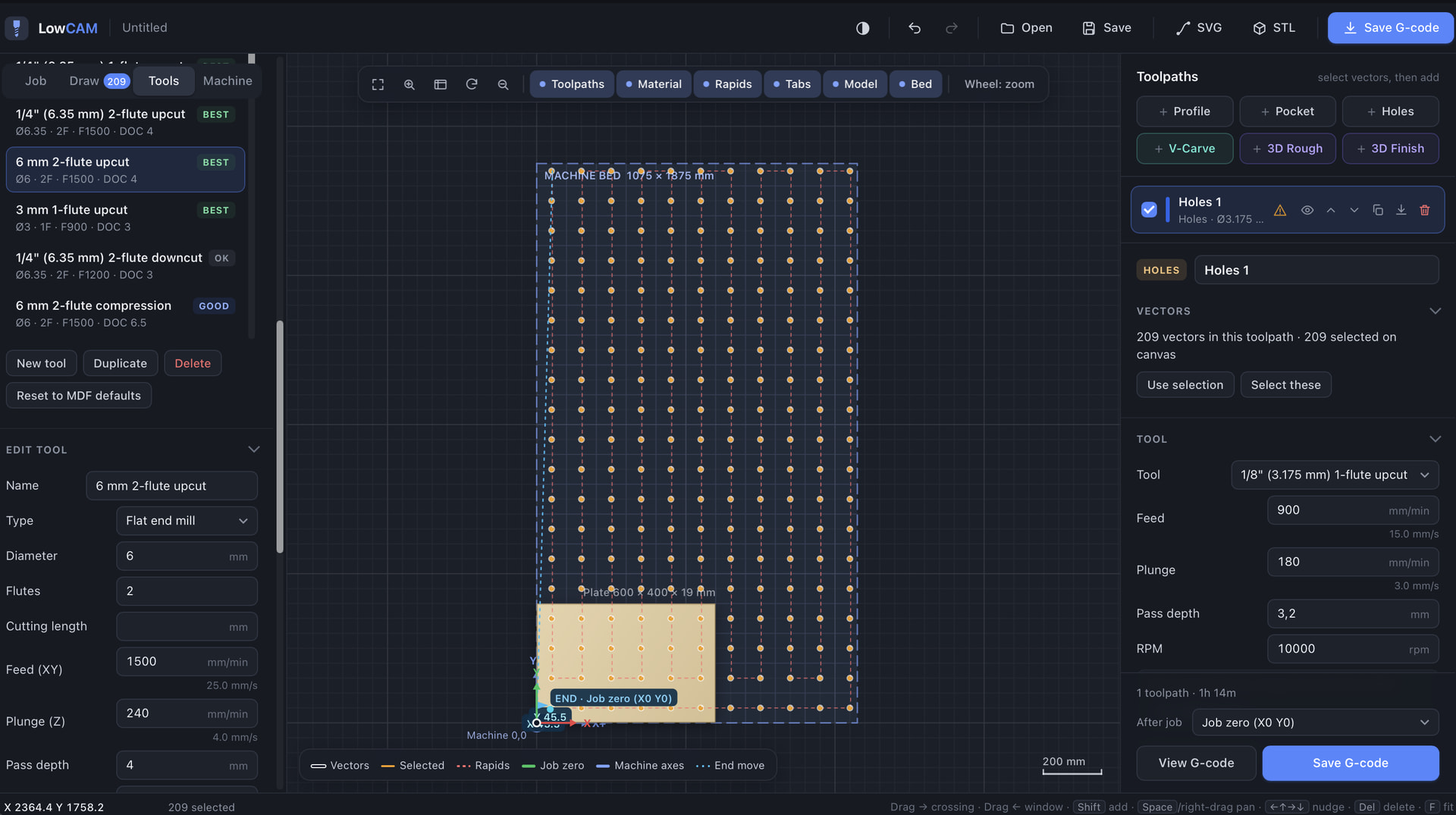
Did not fancy Kiri:moto or the other free alternatives, so I had Claude vibe code a CAM solution pretty quickly. It has a tool library that I can manage, material library and can do profile, pocket, drill and v-carving but also 3D roughing/finishing(haven’t tested it yet but profile and drilling works perfectly so…). Tabs is included but should be refined I think, there is setting for ramping and helix drilling for drilling with a bit and not a drill also pulling up the drill to clear chips etc. Machine settings and library etc is kept in a separate json file so I can modify it and do a backup. Jobs can be saved, gcode export of course. It calculates the chip size relative to the material and the tool which is quite handy and provides great insight. It’s called LowCAM and seems to work great so far. Of course it’s not as refined as Aspire and other pro tools, but it seems to be more than just good enough for me for now at least.
I’m not entirely new to CNC, have worked with easel and X-carve but also Aspire/Mach III and a custom built full sheet CNC that is quite a beast with spindle control liquid cooling, all the bells and whistles.