I have had web installer issues for a long while now. Originally, it had to do with my password manager…but that is not on the Edge browser so I have no idea how or why it is broken. My go-to is always check the wled installer (what this was based off of) and I have never had an issue with that one…as a test.
Mikes webui works great for me for OTA, I still need to try figui, but not for full wipes and testing; the web installer used to be great for that.
Okay…this is should be good to go, 4.1.1
I must have just put 4.1.0 on my pen plotter like 5 minutes before this was released. Updated to it now. Working on implementing ESP-NOW for FluidTouch.
I’m excited to try it out. I think I am about to make some shelves so I should get a lot of router time next week.
I’ve got 2 projects coming up here in the next week. I will get it installed and tested.
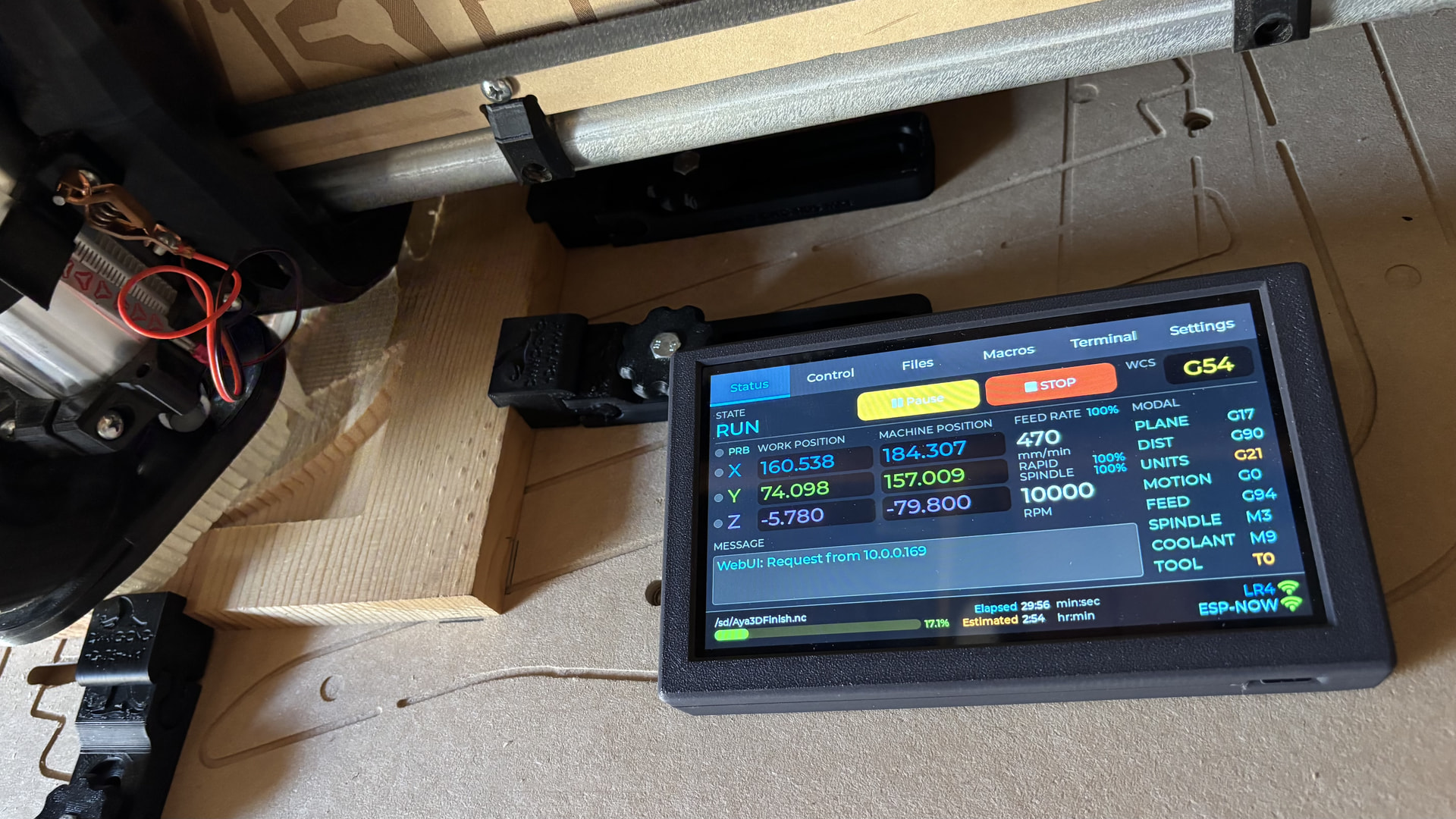
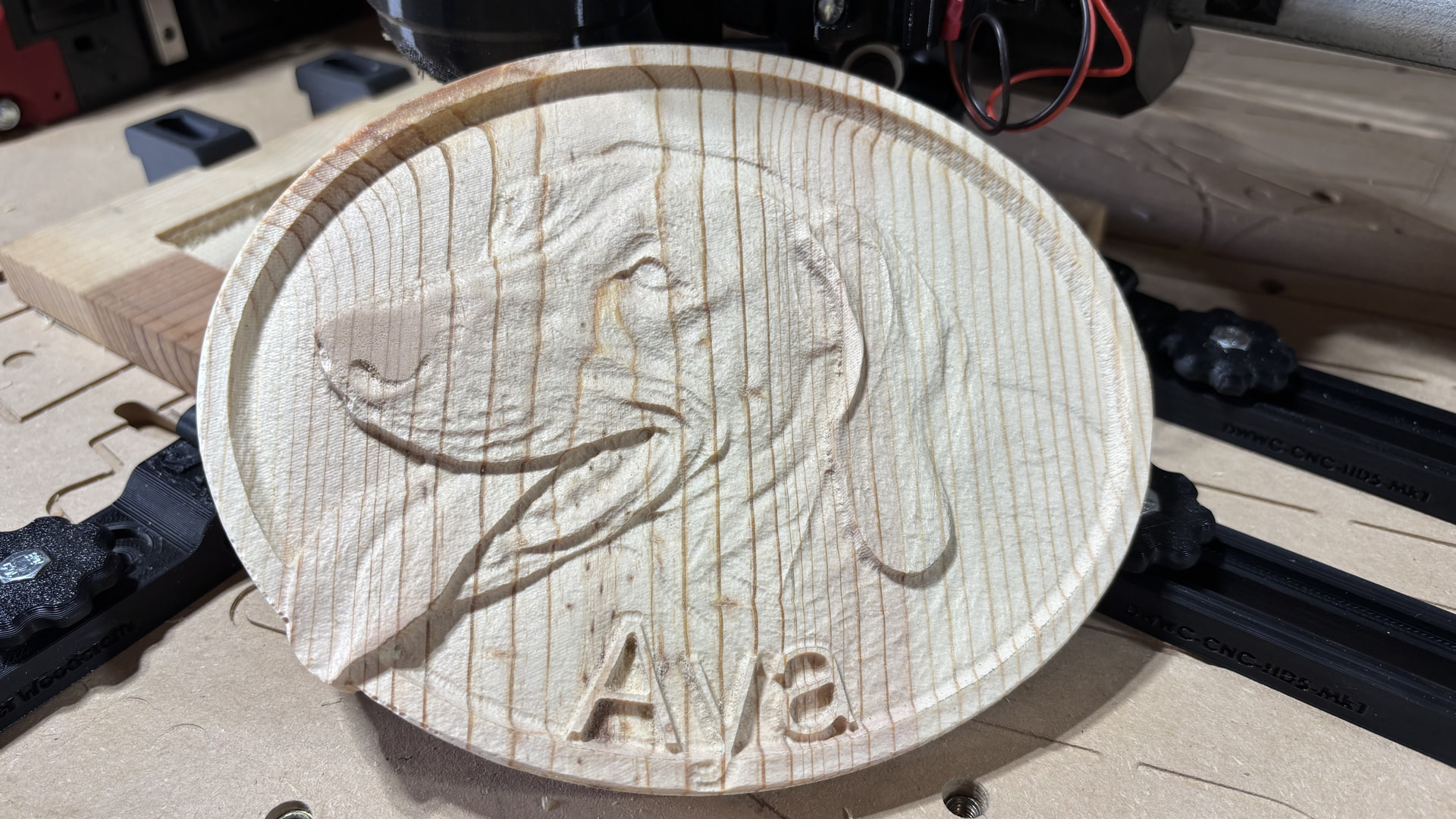
I put 4.1.1 through some testing today. First I upgraded my JP1 on the LR4. Then I paired it with ESP-Now to Jason’s FluidTouch and a CYD pendant. I homed and jogged the LR4 around for a bit first. Then I connected my laptop running MillMage to the JP1 with a USB cable. I used MillMage to jog the LR4 too. Next I used FluidTouch to probe my work piece. Then I used MillMage to frame the project. I ran the first operation with MillMage over USB. No issues there. I did a tool change and probe next. I used FluidTouch to run the rest of the operations from the SD card without any issues. All in all, it was a successful project using Fluidnc 4.1.1 for the first time on the LR4.
Awesome, thank you!
Wow! Impressive!
So far so good on 4.1.1. I’ve not ran into any issues. Using MillMage to control the CNC works fine too.
Thank you!
i have a lr4 with jackpot 1, would people consider 4.1.1 a safe version of fluidnc to upgrade to yet?
i am currently on 3.9.5, if 4.1.1 is not yet ready what is the most up to date version i should upgrade to?
4.1.1 seems fine, I am not done testing yet, but I am 99% sure it is good.
I would consider it good. I’ve done about 20 projects with it now. There’s not been a single issue. I’ve done signs, trays, and even cut out like 7 12" circles for a customer who makes rockets.
I ran into an issue where including $HZ in a gcode file like during a tool change resulted in an error and alarm. It was complaining about it not being idle. I’m not sure what version this changed with.
Claude suggests including a G4 P0 prior to any $HZ lines.
I haven’t tested that yet.
I had to look that one up as I had not seen it before, were you using it for Laser?
Laser or PWM Frequency (Alternative GRBL/Laser Firmware)
In some custom or modified laser engraving firmware, $HZ is sometimes mapped as a custom command string to set the hardware PWM (Pulse-Width Modulation) frequency for a laser module or a spindle.
- For example, sending
$HZ=5000tells the controller to pulse the laser power at a frequency of 5 kHz.
I am pretty sure this has happened before. I am trying to find the fix Mitch did a while back.
edit- I was wrong, the error was when we had a comment on that same line.
So are you trying to do the $HZ before the M0, that should work, after M0, it should not be needed.
Honestly though adding the g4 p0 sounds like the more proper way to do things anyway.
I believe it was during a tool change like in the gcode straight out of milling basics. Now that I think about it, I think I had a failure on my pen plotter too but that was the $HZ at the end of the program.
M63 P1 (turn off pin 27)
$HZ
G0 X10 Y10 F2000 (move to probing location, match first location)
M0 (MSG change tool, probe)
G38.2 Z-110 F200 P0.5 (Probe set thickness)
G00 Z10.0000 F500 (Clearance)
M0 (MSG remove probe)
M62 P1 (turn on pin27)
In FluidNC, $HZ homes the Z axis. There are similar commands for other axes and $H to home all.
@jeyeager I just tested with this tool change and had no issues,
M63 P1 (turn off pin 27)
$HZ
G0 X10 Y10 F5000
M0 (MSG change tool, probe)
G38.2 Z-120 F150 P0.5 (Probe set thickness)
G00 Z25.0000 F500 (Clearance)
M0 (MSG remove probe)
M62 P1 (turn on pin27)
I am guessing my move to 10,10 after homing made it not error out?
using 4.1.1. and Mike’s 3.10 webui v3