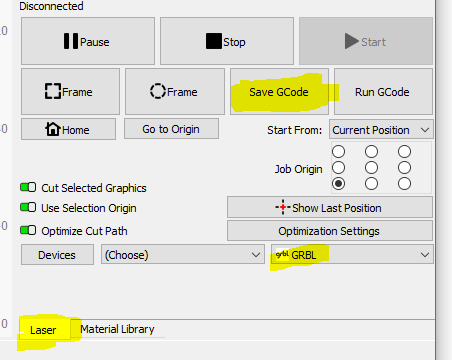
Note that you have to set up a GRBL device in order to have GRBL listed under Devices, and the name will be whatever you give it. I just named my device GRBL to distinguish it from my Marlin device.
Note you do gain a few features if you directly connect your computer to Lightburn. One feature is the ability to have the laser frame the work area to make sure you have the laser positioned correctly. Personally, I run all my laser jobs off an SD card using the Save GCode feature of Lightburn.
Alright, I finally wired together all the components that everyone suggested. Just a little bit nervous running the first job i have all my 3d printers in the same room so definitely dont want to catch fire to anything.
edit I just tried running the program i saved in lightburn as gcode in fluidnc but in the terminal it gave me this error
$G $SS [MSG:Files changed] [MSG:Files changed] [MSG:Files changed] [MSG:Files changed] [MSG:Files changed] [MSG:Files changed] $Report/Interval=50 SD/Run=/IslandDesign.nc <Alarm|MPos:0.000,0.000,0.000|FS:0,0|WCO:0.000,0.000,0.000> [MSG:INFO: websocket auto report interval set to 50 ms] ok Alarm **ERROR:8 Grbl '’ command cannot be used unless Grbl is IDLE. Ensures smooth operation during a job.** [MSG:ERR: Command requires idle state] <Alarm|MPos:0.000,0.000,0.000|FS:0,0|WCO:0.000,0.000,0.000> [GC:G0 G54 G17 G21 G90 G94 M5 M9 T0 F0 S0]
last time I turned it on it said the gpio 27 pin is already being used because I had to remove the bit where you set the digital1Pin from user_outputs above and then turned it back on again and it gave me this? Is that because there was an alarm last time
or something??
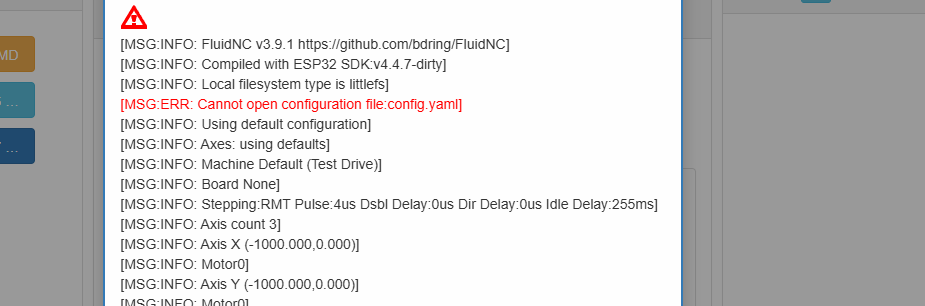
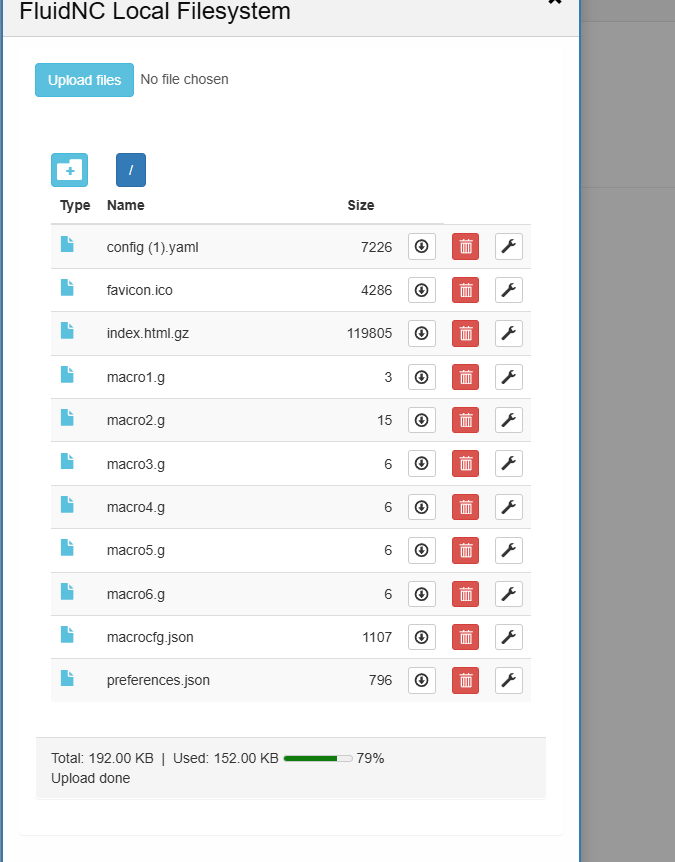
edit I just tried again and this time it said it couldn’t open the config file
Yes. You can change the system to use a different config file name, but the default is config.yaml
You have a file named config (1).yaml, which is a completely different file name, and won’t work at all.
Hi yeah It worked in the end Thanks! What a great little experience I made some temporary mounts for the laser and a holding box for the driver adapter because there wasn’t any for the v4 and the v3 versions didn’t line up correctly.

 i have all my 3d printers in the same room so definitely dont want to catch fire to anything.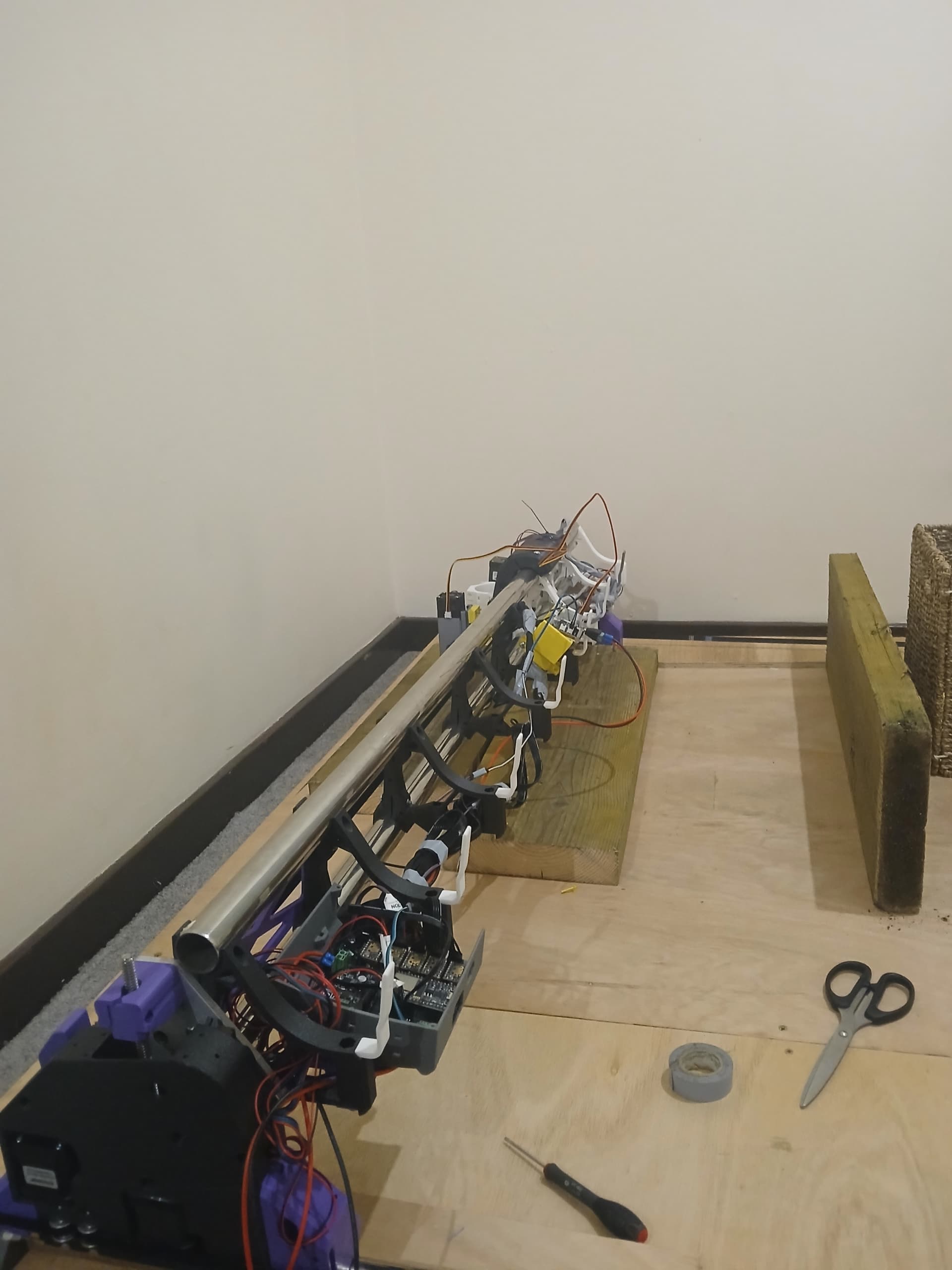
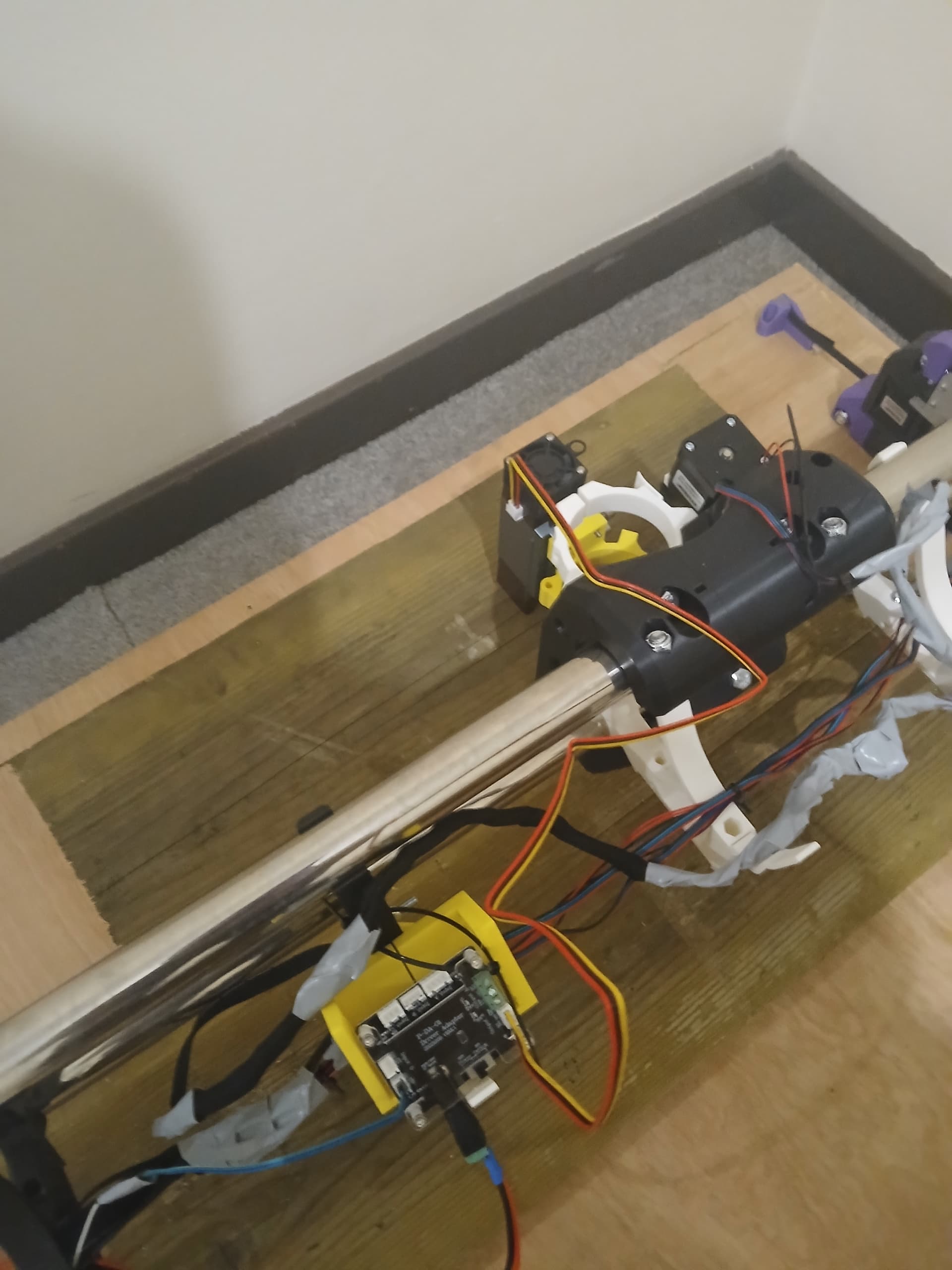
 I made some temporary