Hello!
I’m doing some of my first cuts with the LR4.
Disclaimer, never used a CNC, never used 3D software, never did Gcode or any of that type of stuff, so I’m as green as one can get, everything is a learning process.
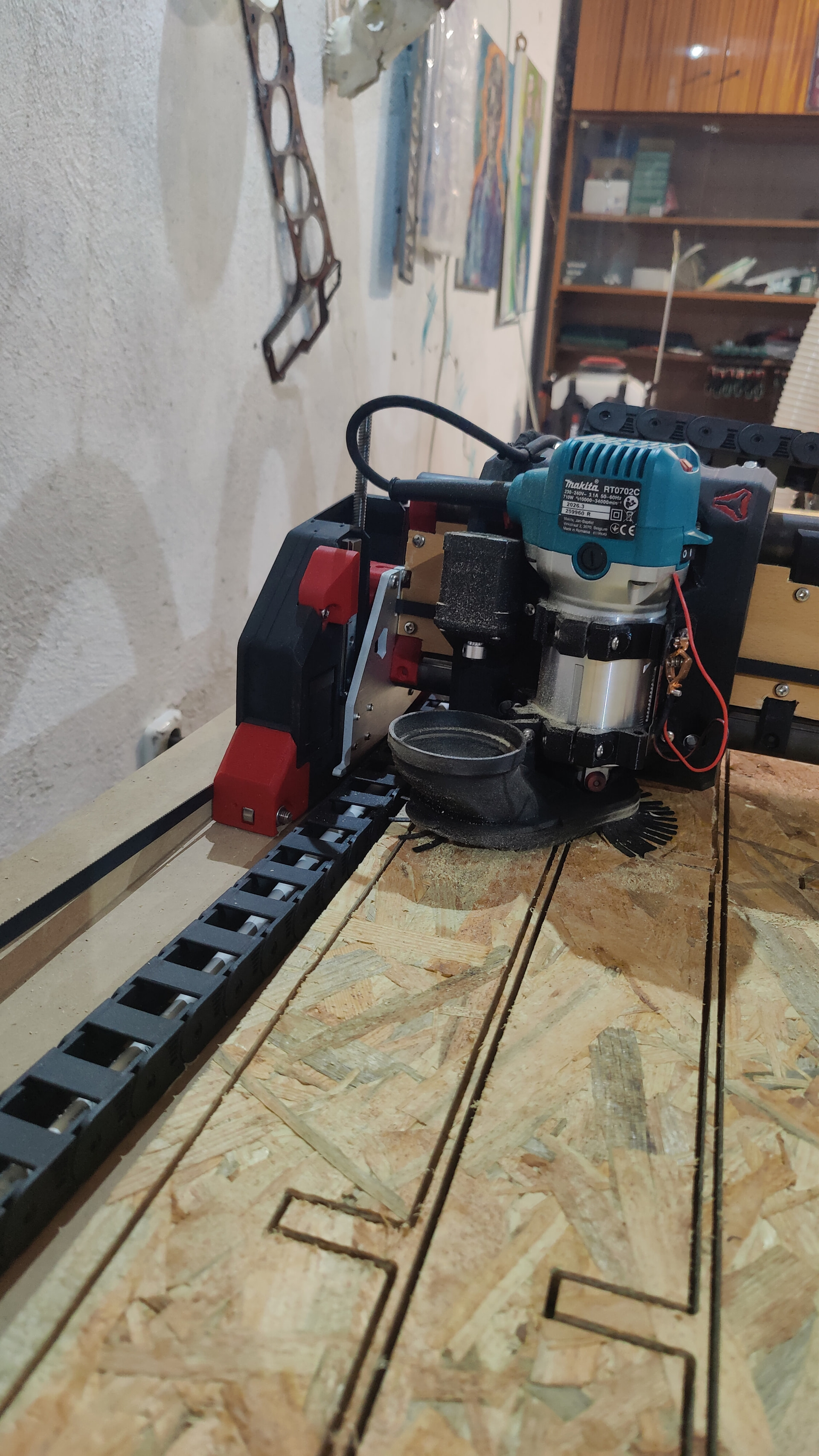
So I cut my strut plates first, everything went id say perfect, they were 0.1mm accurate, cant get better than that. I used the post processor that was shared in the forums, so I didn’t know much about pre-setting. The machine ran at 1000mm/min. It had some jitters and shakes but I could only notice it on the belts and not the gantry or router.
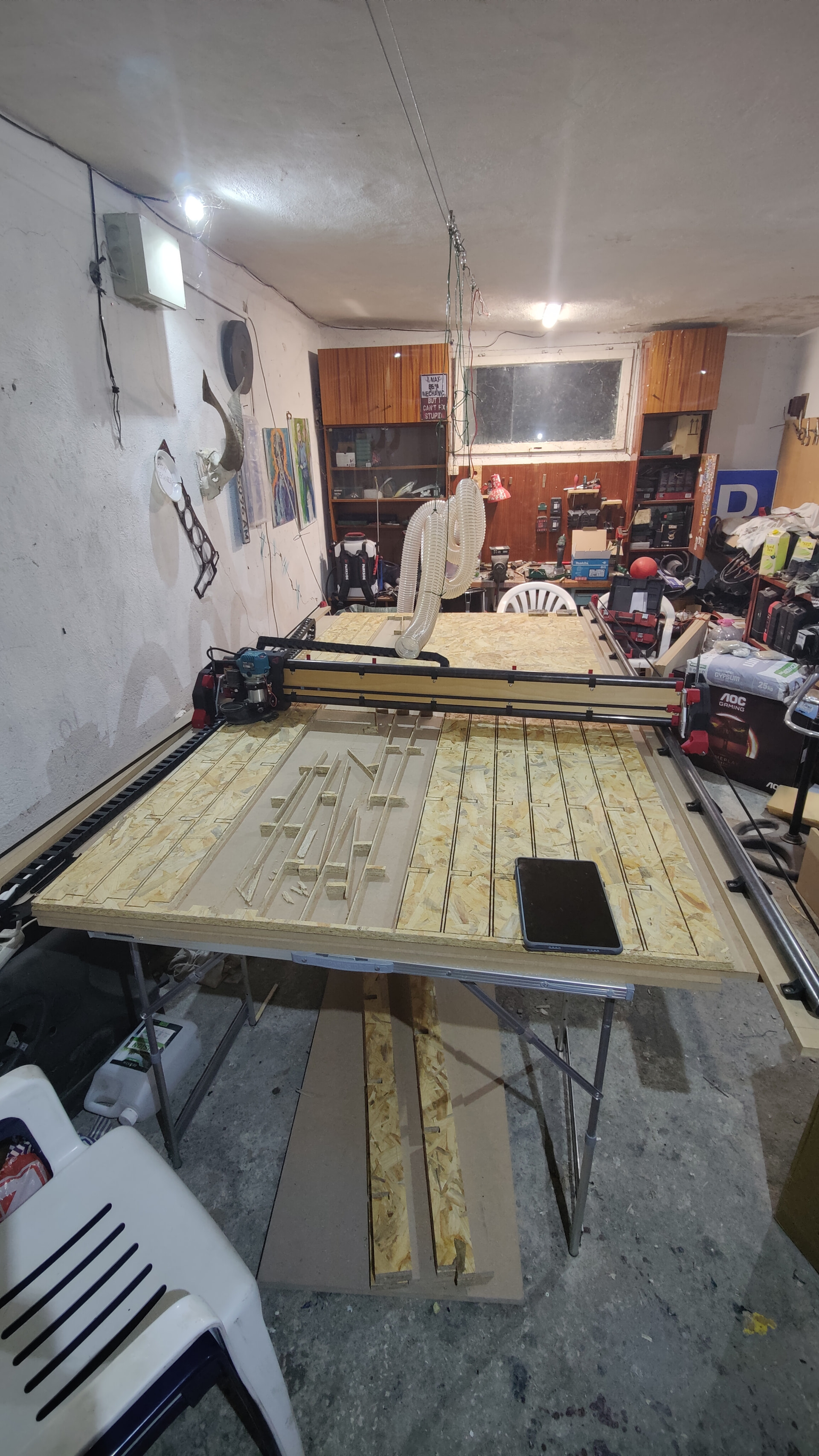
So yesterday I got to cutting the torsion box parts. I’m cutting with a 3mm single flute, extra long 18mm OSB, 17k rpm 2000mm/min 1.5mm passes.
It’s cutting pretty darn accurate again, within 0.1-0.3mm accuracy at the full lenght. (Cutting area is 2500/1250) But at this speed and rate I notice jittering/shaking, the gantry and makita move pretty fast but they have a very shaky jittery motion, the cut is clean I don’t notice the quality being degraded but I guess its hard on OSB as its a wavy material to begin with.
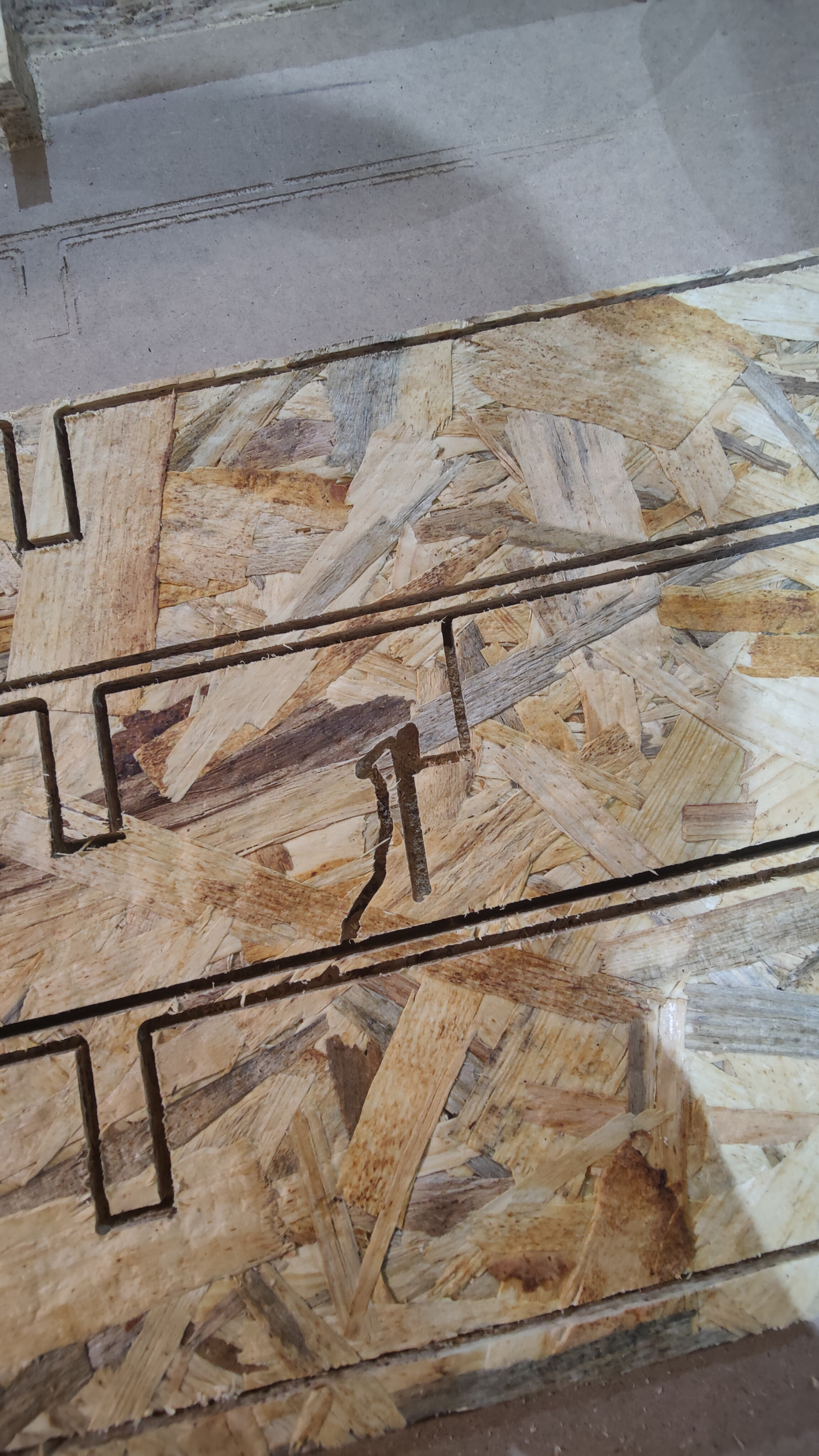
Everything was cut perfectly, if I don’t include the part where I went to brush my teeth for 3 minutes and the machine decided to try and derail right at the last piece, I couldn’t really figure what happened, but I guess my dust hose got caught with the X cable and got stuck and started skipping and twisted. After that it fell straight through and the router plunged all the way down to the collet through the table because it derailed, happy I didn’t have the belts too tight as I would probably have had to to some major fixing.
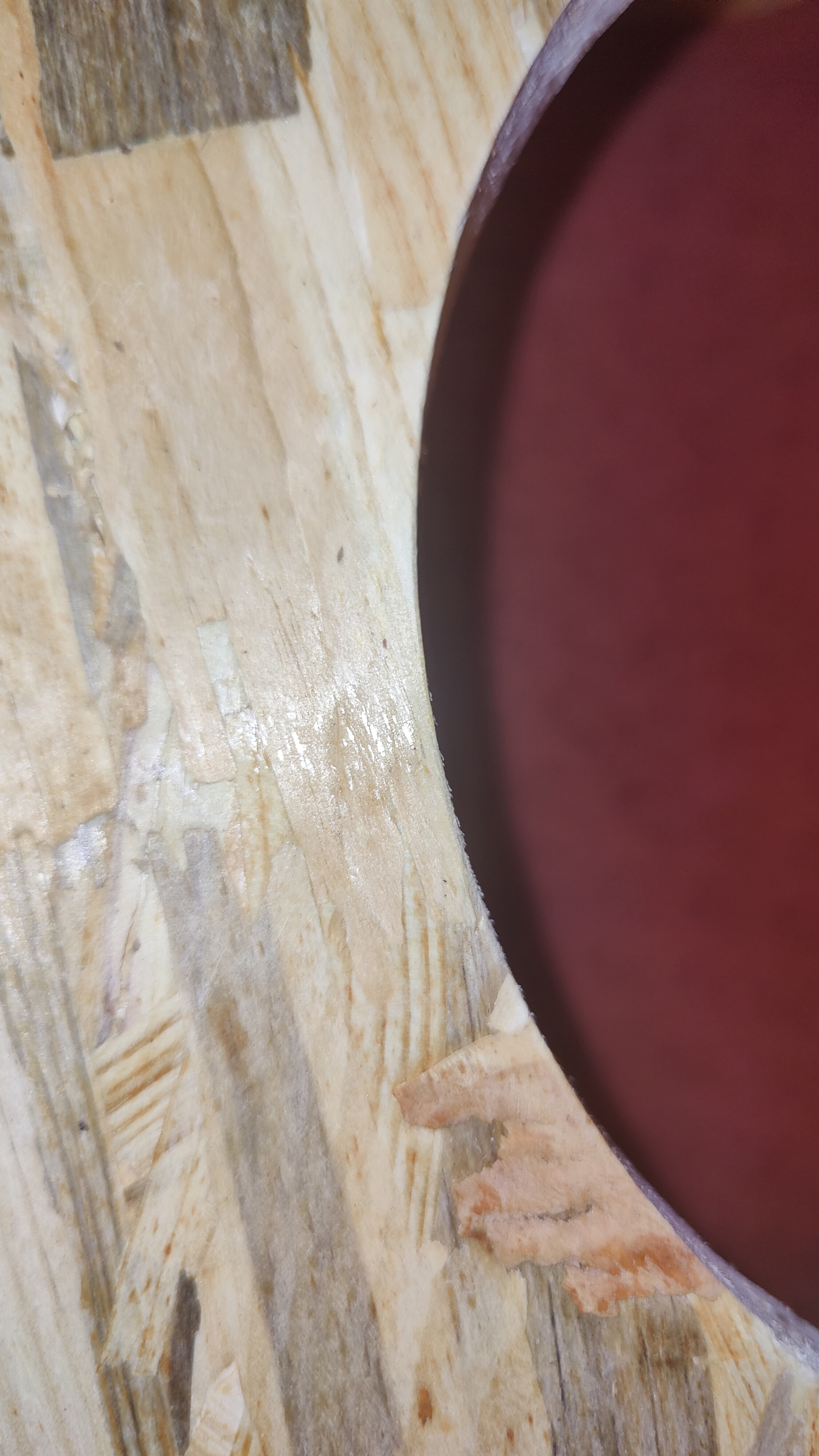
BUT, it’s fine now. I ran a G code for another thing to cut, girlfirend asked for a step on the toilet for ease of pooping, to check if the machine is fine. It cut it pretty well, there was some tight spots but I’ll give it my fault from my 3d sketch and gcode.
Ive tightened the belts the following way, I ran both axes to their furthest lenght so the belt is at its longest, pulled it by hand to remove slack, and tightened it to the point untill the belt became flat, aka all the teeth are facing the wall, however i did not tightenn it as much as so it doesn’t have any droop at full lenght. Id say it droops almost maybe 1.5cm droop in the middle. I just tightened so it didnt touch the table and so it runs flat/straight when you look lenghtwise.
I didn’t find another topic about LR4 for this and or a fix or if its normal so Im writing this one.
I’ve attached a picture close of the curve cut, also some of my fk up where it derailed at 95% done, the cut after that mishap looks smooth but the machine just looks that it will eventually get it’s nuts and screws loose from jittering, it jittered the same way before it derailed, its not something that happened after the crash.