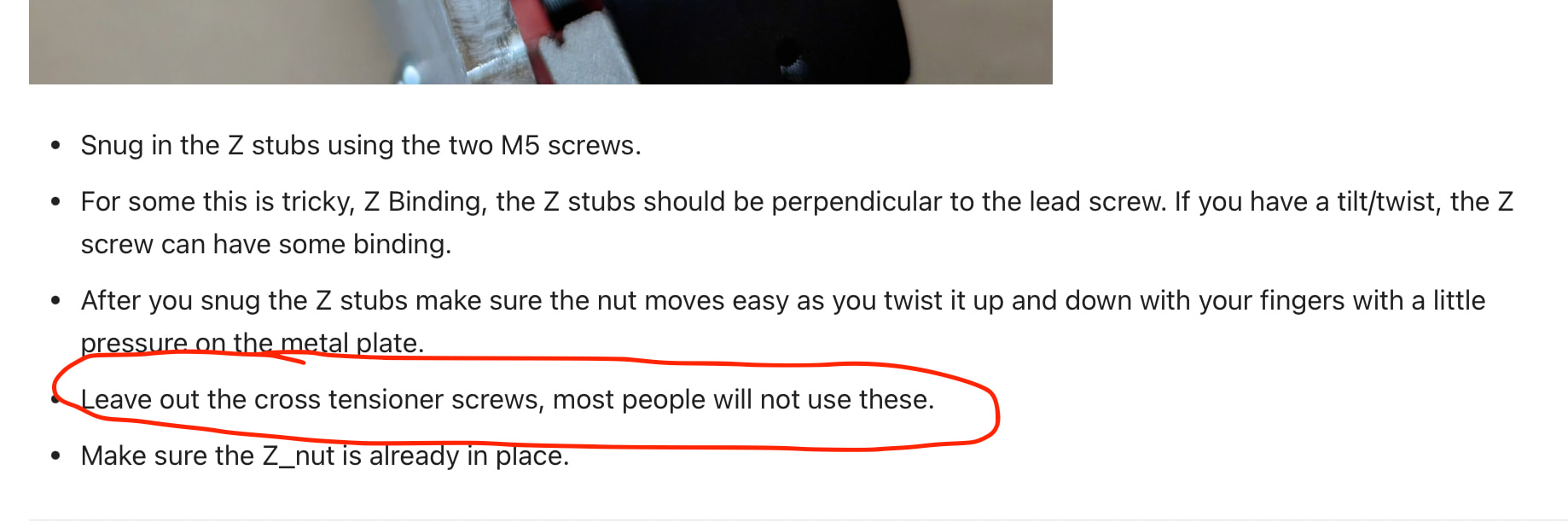
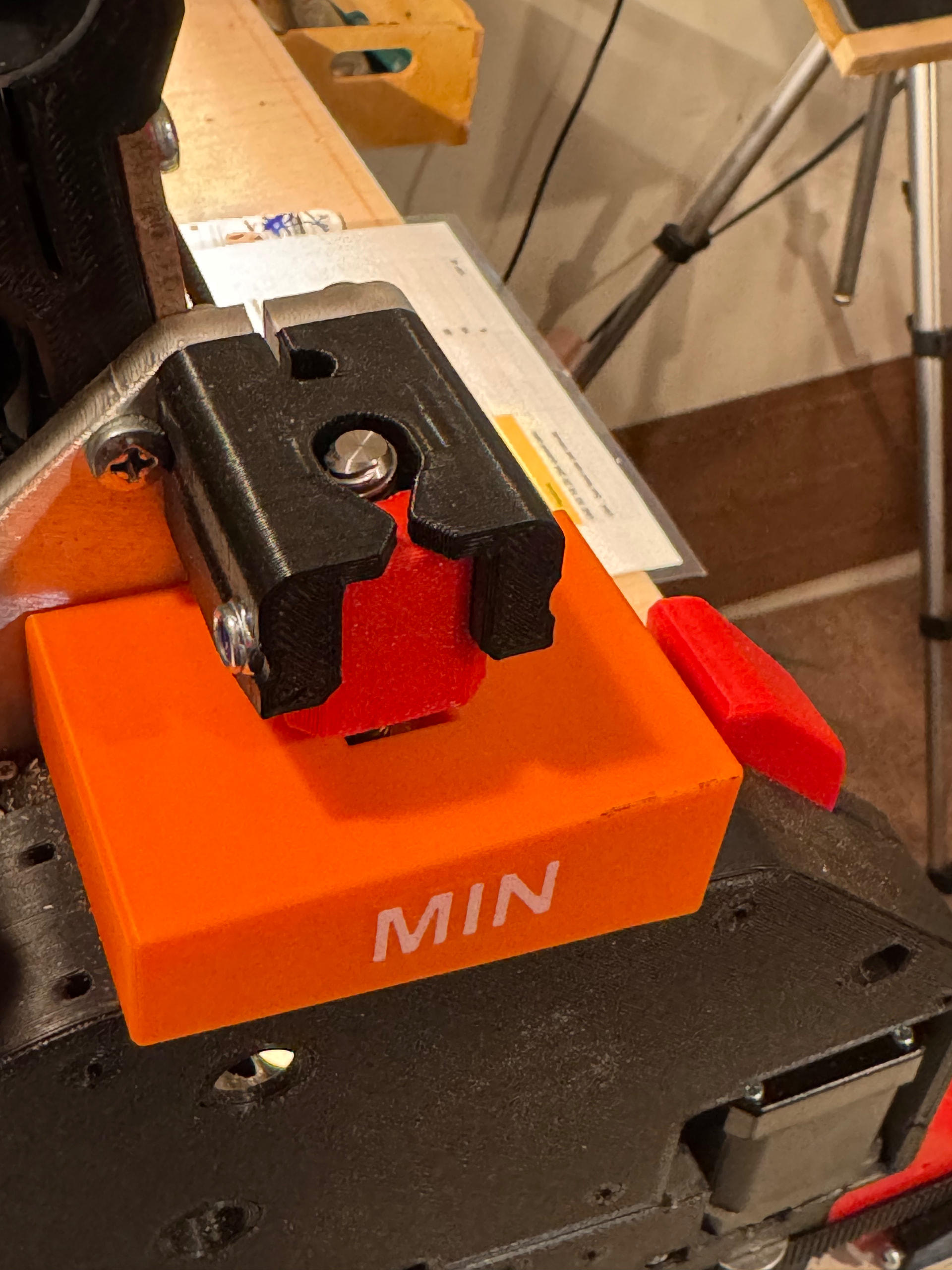
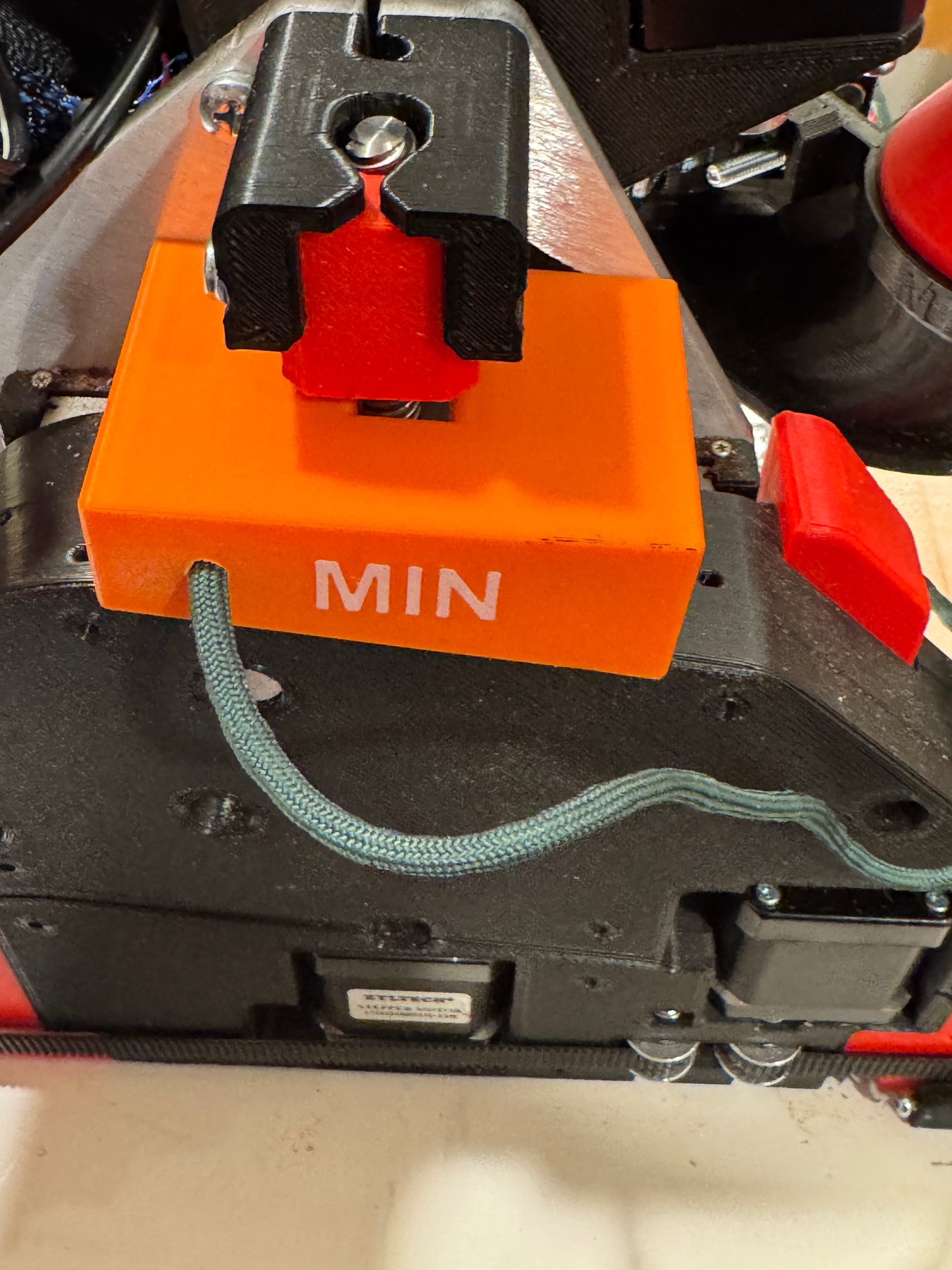
My X min lead screw allows the YZ plate to drop instantly the moment I reset the power to the controller.
No matter where the spindle (router) is in the beam. The X max is fine. I do not expect to walk away and it stay up, I printed the spacer blocks but, I have to (more then I want to admit) have momentarily cycle power for a board reset.
Note: in the picture the machine screw ins not in there. I popped the nut in during the build but never bothered to take it out as it was snug and I di not think it would hurt living there.
Someone actually experienced might come along later, but basically:
That screw can lock your leadscrew nut in place off-center with the stepper. The lower you go on the Z-axis the more severe the angle caused by this, which leads to binding of the lead screw.
I think, if you have a decent feel about how your machine behaves, having that screw in allows you’re z-axis to excert more downwards force, but for a new machine it’s just asking for trouble and means a z-axis crash is much more damaging.
All of my builds that leave here have this screw installed just enough to have the end of the M5x30 into the nylon on the nut. You are good to put it in. BUT if you start to have new problems with Z then we need to look at this and see why.
I have mine in also. They are very loose, but I need them so I can lift my LowRider off the table for storage.
They will not stop the beam from dropping when you power off. If you tighten them enough to prevent the beam from dropping, you will likely have problems with your z axis losing steps.
After I replied I just had a good thought. I think I’ll tie a paracord teather to each plastic
I had a good solution for my absent minded brain farts. Like an airplane with the wheel chocks I tied a paracord teather the two 3D printed z blocks and made a silly loop and hooked on the probe touch plate
Now maybe add an orange flag that says remove before takeoff!! Or probing.