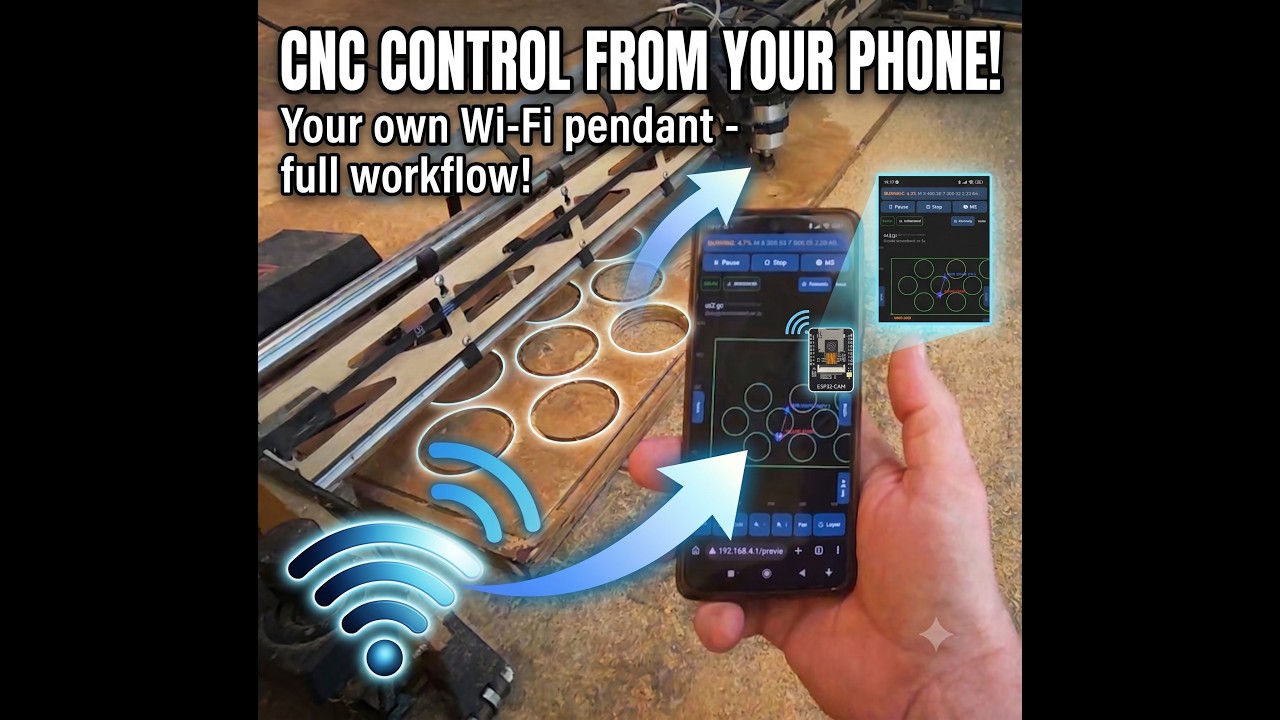
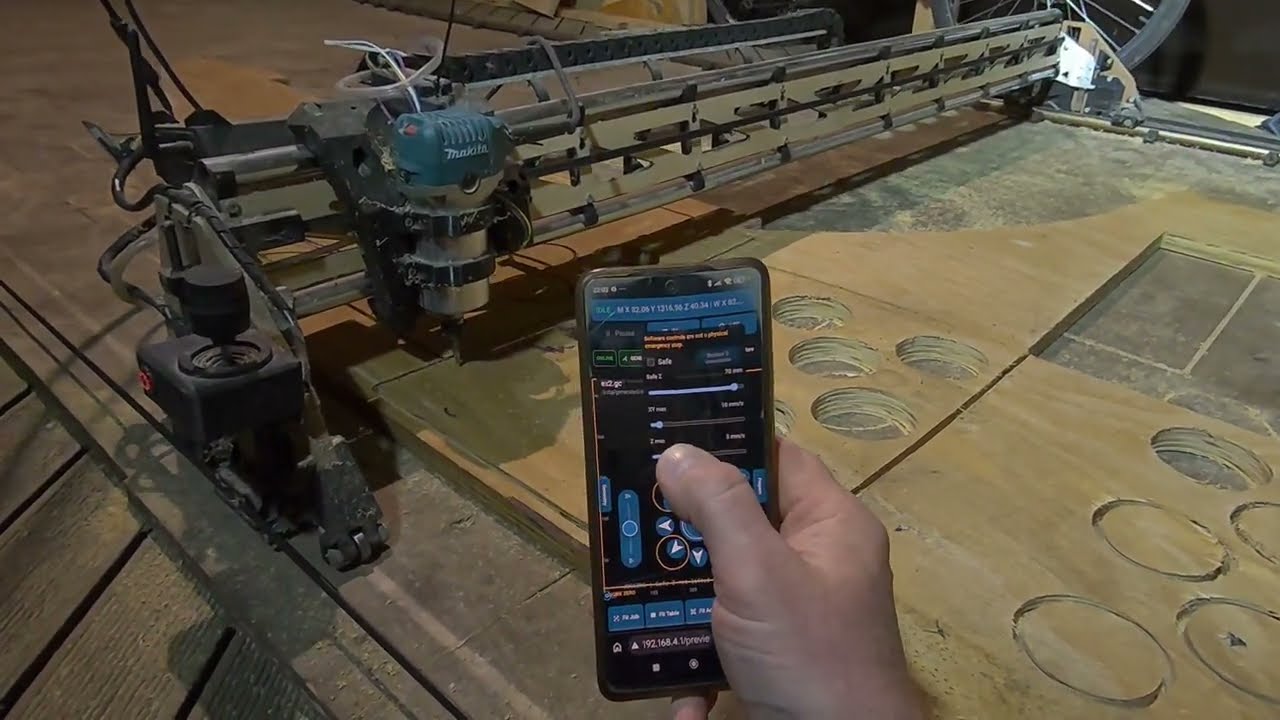
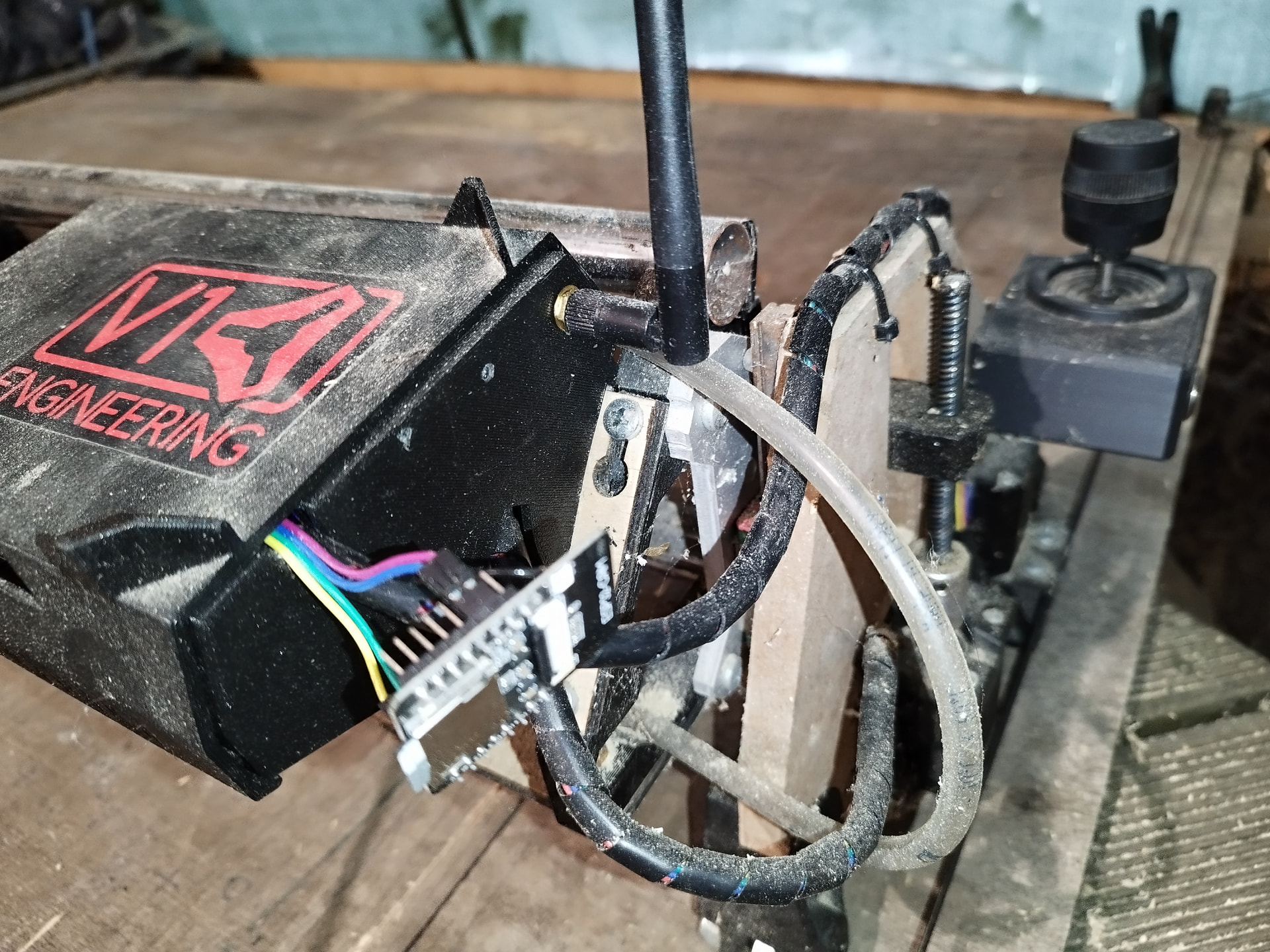
My LowRider 3 TFT display stopped cooperating, and since I had an ESP32-CAM module lying around, I decided to see if I could replace the TFT with a small web-based controller instead.
The basic idea was simple: the ESP32 talks to the SKR Pro / Marlin controller over serial, and at the same time serves a mobile-friendly web UI from its SD card. So instead of using the TFT, I can control the CNC from a phone browser.
After a couple of days of tinkering, the first working version is now running on the machine.
At the moment it already supports:
-
ESP32-CAM to Marlin serial communication
-
mobile web UI served directly by the ESP32
-
SD card file browsing, upload, download and delete
-
G-code preview in the browser
-
work zero capture
-
job JSON sidecar files for storing job setup
-
bounding box / dry run checks
-
arming a job before running it
-
basic job start / pause / stop work in progress
-
feedrate override is planned/being added
-
a top safety drawer that opens by clicking and keeps quick controls available
The safety drawer is something I really wanted on a phone UI. When standing next to the CNC, I do not want Pause, Stop or M5 hidden somewhere deep in a page. The drawer is always available at the top, and clicking it opens extra machine controls such as position, homing and zero-setting controls.
The normal workflow is becoming something like this:
-
Upload a G-code file to the ESP32 SD card.
-
Open it in the mobile preview.
-
Check bounds and warnings.
-
Jog the router to the intended work origin.
-
Set work zero / Z zero.
-
Run a bounding box or dry run.
-
Arm the job.
-
Start cutting.
One interesting thing I ran into was FreeCAD outputting G54 by default. I originally tried to remove it, but FreeCAD seems to expect a work coordinate system there. So the current plan is to treat G54 as the normal/default workspace, and have the ESP32 make the Marlin state explicit before starting a job by applying G54 and G92 in the correct order. That way the file uses my chosen work zero instead of accidentally starting from the machine/home origin.
This started as a quick replacement for a broken TFT, but it has already grown into more of a small CNC pendant / job controller.
The code is already on GitHub here:
https://github.com/MarkoNiitsoo/CNC-ESP32
It is still experimental DIY CNC software, so it definitely does not replace a real physical emergency stop. I am testing carefully and doing air runs before trusting it with real cuts.
A lot of the development has been done with AI assistance: I describe the next feature or bug, test it on the real machine, feed back the failures, and iterate. For this kind of personal hardware/software project, the speed of development is pretty amazing.
Since I also work with AR/VR, one of the next ideas is to build a Quest-based AR interface for it. I can imagine using the headset to see the toolpath, bounding box, work zero and job preview aligned directly over the CNC table. I am not as convinced that phone-based AR would be comfortable for this, but Quest could be very interesting.
I will keep experimenting with it. If anyone is interested, I can share more details about the ESP32-CAM wiring, Marlin serial setup, or how the SD-hosted web UI is structured.