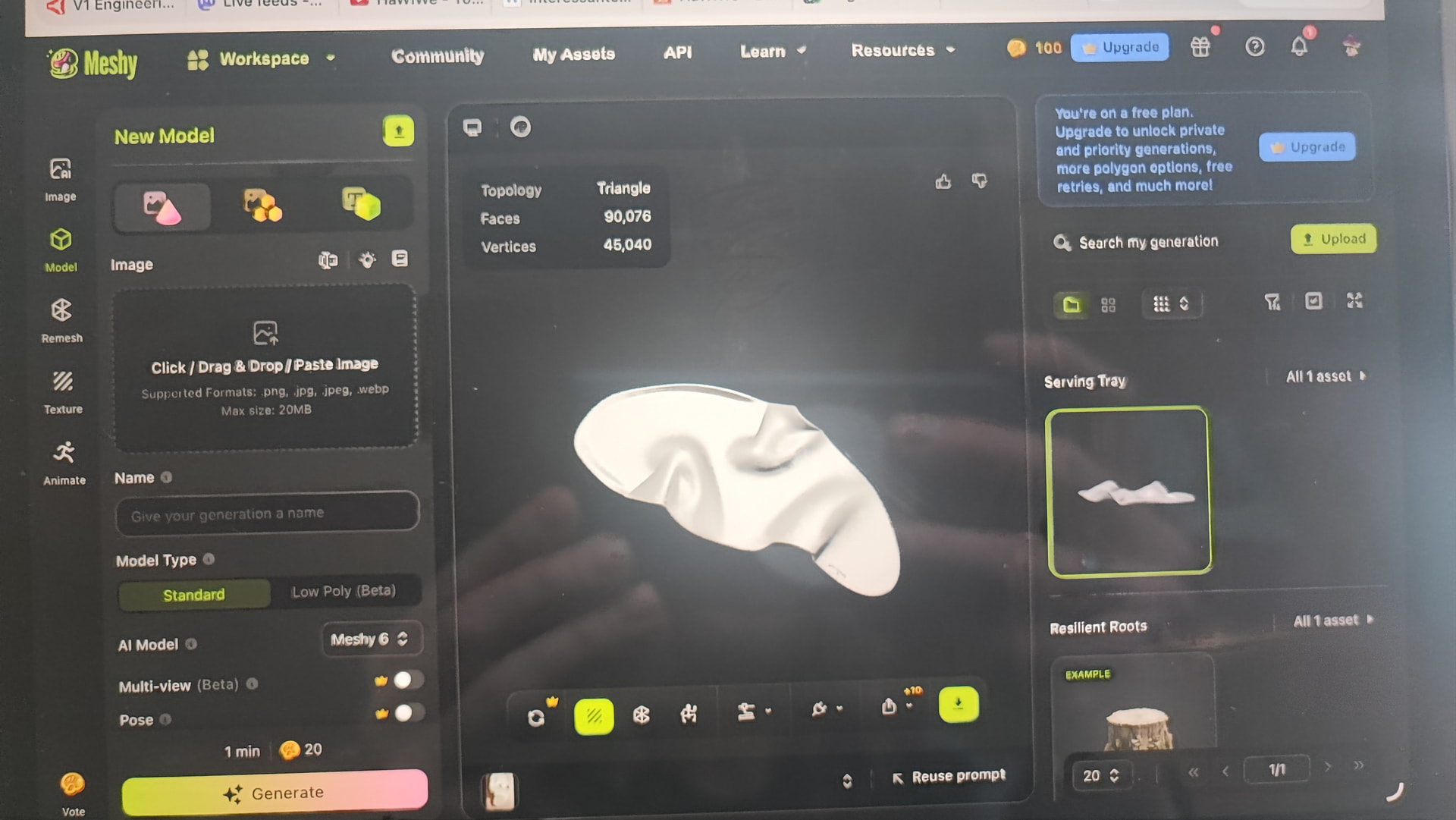
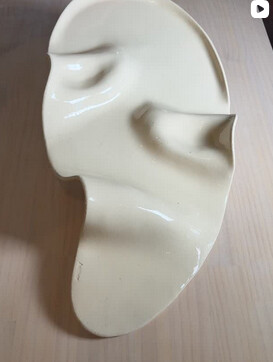
A friend of mine asked me wether I could cut something like this on the CNC in wood. I said I could, but I didn’t know how to do the model for it.
Has anyone got a good tutorial or can give me some pointers?

Thanks!
A friend of mine asked me wether I could cut something like this on the CNC in wood. I said I could, but I didn’t know how to do the model for it.
Has anyone got a good tutorial or can give me some pointers?
Thanks!
I would make the shape as an svg, import it into blender, subdivide the shape (a lot of times) and then use proportial editing and play around with random and/or smooth settings.
Also, you could try a subdivision surface to get a smoother end result.
Okay, thanks. I didn‘t understand anything of what you said except „SVG“. 
I would say that basic skill in blender is worth having, no need to be pro at it but it is sometimes faster and easier to do things in blender then in inventor or similar.
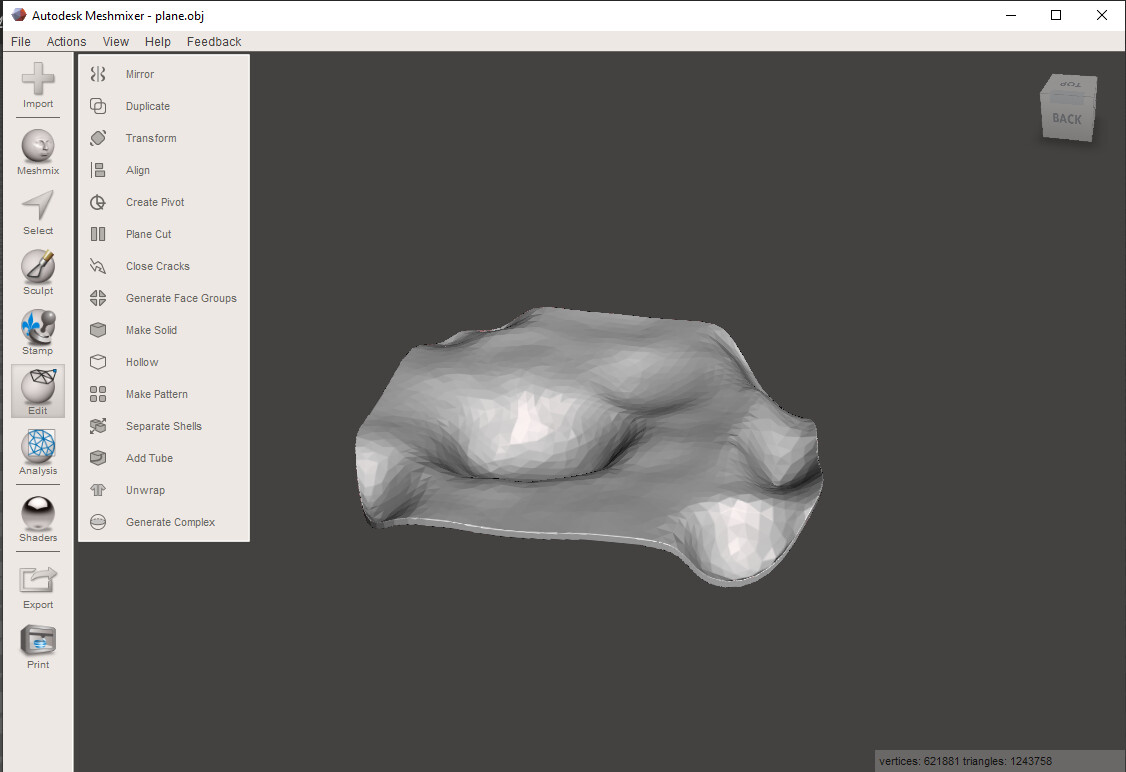
Meshmixer is a bit less daunting than blender - this is 5 minutes starting with a plane and using the scupt tools to push it around then doing an extrude to make a solid
theres that trick with using black and white images with blur to create heatmaps too, thats worth a shot
There‘s a chrome extension that might help with the download of meshy… I don‘t have chrome though. Might need to boot up the old windows PC… -_-
Or actually learn 3D software.
Or just leave it…
So many options. 
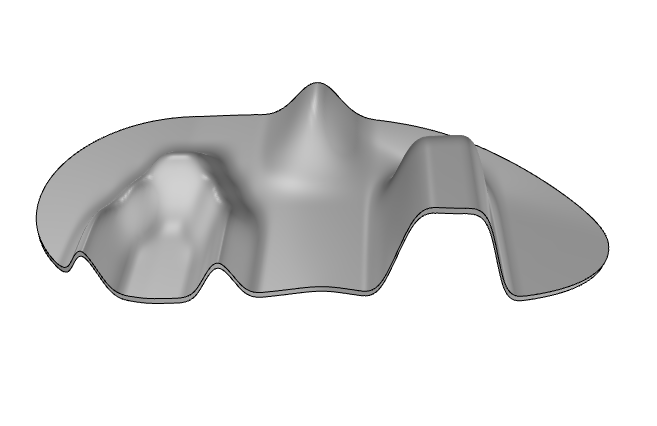
perhaps rhinoceros (the 90 days trial) will do it. In my V6 version I spend 3 minutes to test and this is the result
Funny that blender pops up in the feed this morning. My son has been wanting to make dioramas for some of his models and needs 3d printed sandbags. I could download some off of cults3d… OR… I can spend the next week trying to figure out how to design my own in blender. Guess which route I’m taking 
I haven’t touched blender since college. I won’t mention how long ago that was. I hope the UI has gotten better.
I would do the same. Then after about 20 min in blender I would be on cults downloading what I wanted 
About once a year I try to figure out blender, and so far I know as much now as the first time I ever tried it. I just cant ever wrap my head around how it works. I also never seem to get the right timing where I can settled down the ADHD and actually focus on learning it lol
Trick to ADHD is sitting down at the desk with a cup of coffee. Caffeine + Hyperfocus and I can crank out a day’s worth of work in about an hour.
Oh how I wish that worked for me! Unfortunately I didn’t get that version lol
If the last time you opened was when Left-click to select was the default and/or only option, then Blender is an entirely different animal now.
It is much more user-friendly for any version 2.8+, and the capabilities are now are impressive for a free application.
They have had huge investments from movie studios over the years (See Next Gen on Netflix… movie produced almost entirely in Blender)
They have a dedicated paid developer team in their headquarters now and have a budget north of $3 million a year supporting it
I think the last time I installed Blender was on a Dual AMD Athlon system running on an Tyan Tiger MP motherboard around 2004-ish.
Yeah, it was pretty bad back then for a casual user.
It became more usable in the 2.7x series, but you still reaaaallly had to want to learn it
in 2019, the 2.8 series started a ton of UI and workflow improvements that made it way more approachable and usable as a casual user.
Blender 5.0 was recently released