I recently got into building mpcnc primo. I looked at the v1engineering website but couldn’t find a tutorial about installing endstops to the cnc. I use jackpot3 controller card. Can anyone lead me to a useful tutorial or help me? And also, can I use it with FluidNC? Thank you.
Yes, you can. There’s also a special config.yaml file needed for an MPCNC as the motor and endstop assignments are different than a LowRider.
You should get familiar with using the $Limits command in FliluidNC to verify your endstops are wired and working correctly.
I’m on a mobile device right now so can’t post links. Hopefully someone else will be along shortly to do so.
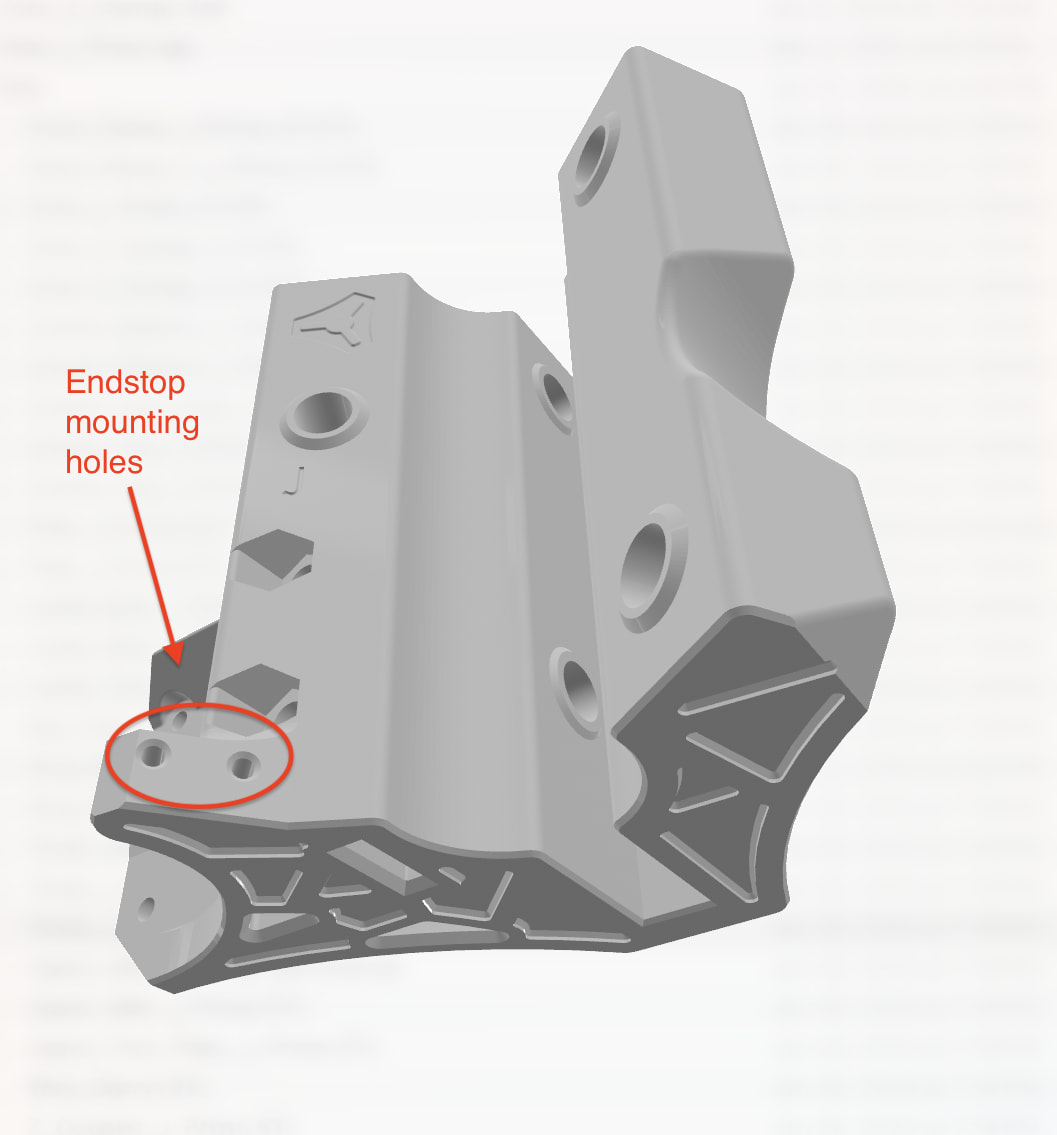
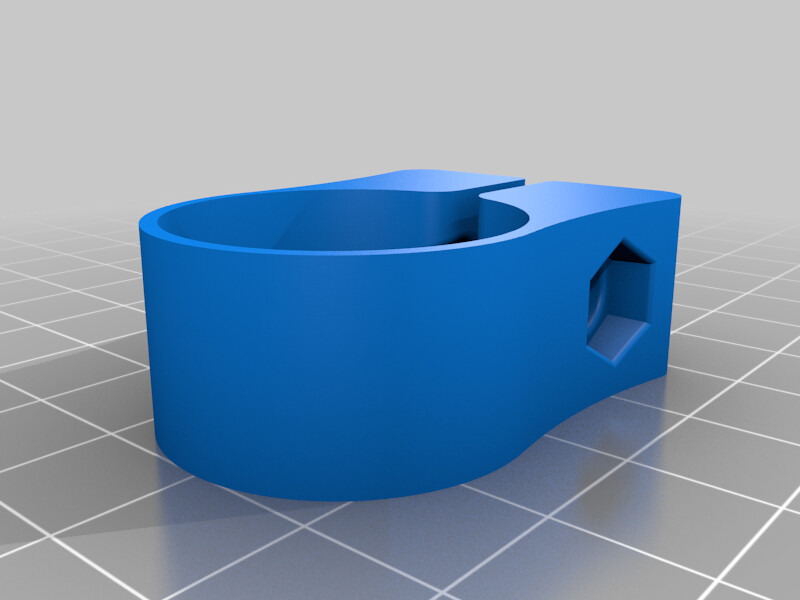
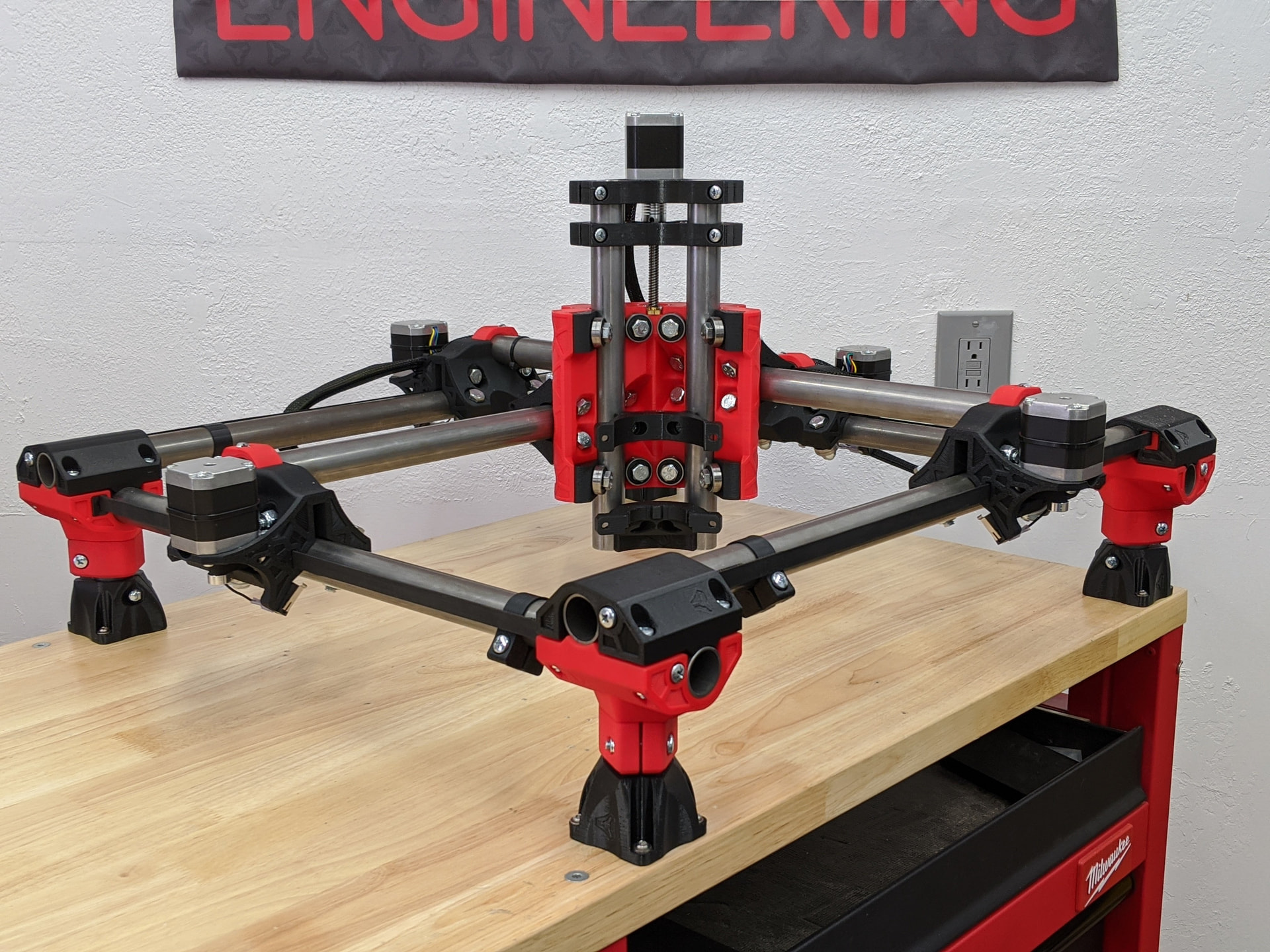
Thank you soo much! Can you also show me how do I need to wire them?
Thank you!
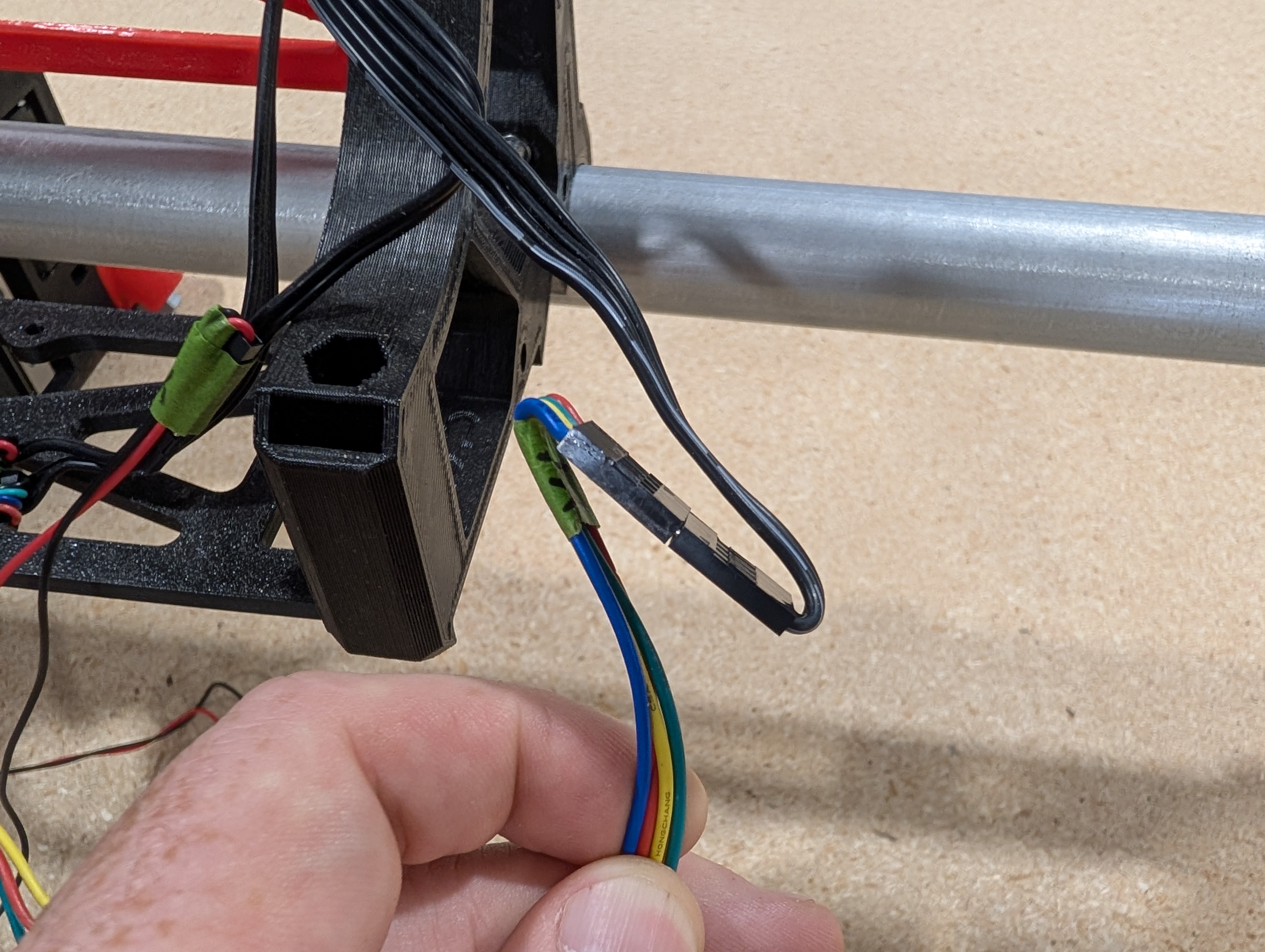
This is from the LR4 instructions, but the wiring is the same for the Primo. You want to connect the wires to the outside terminals which is NC (normally closed).
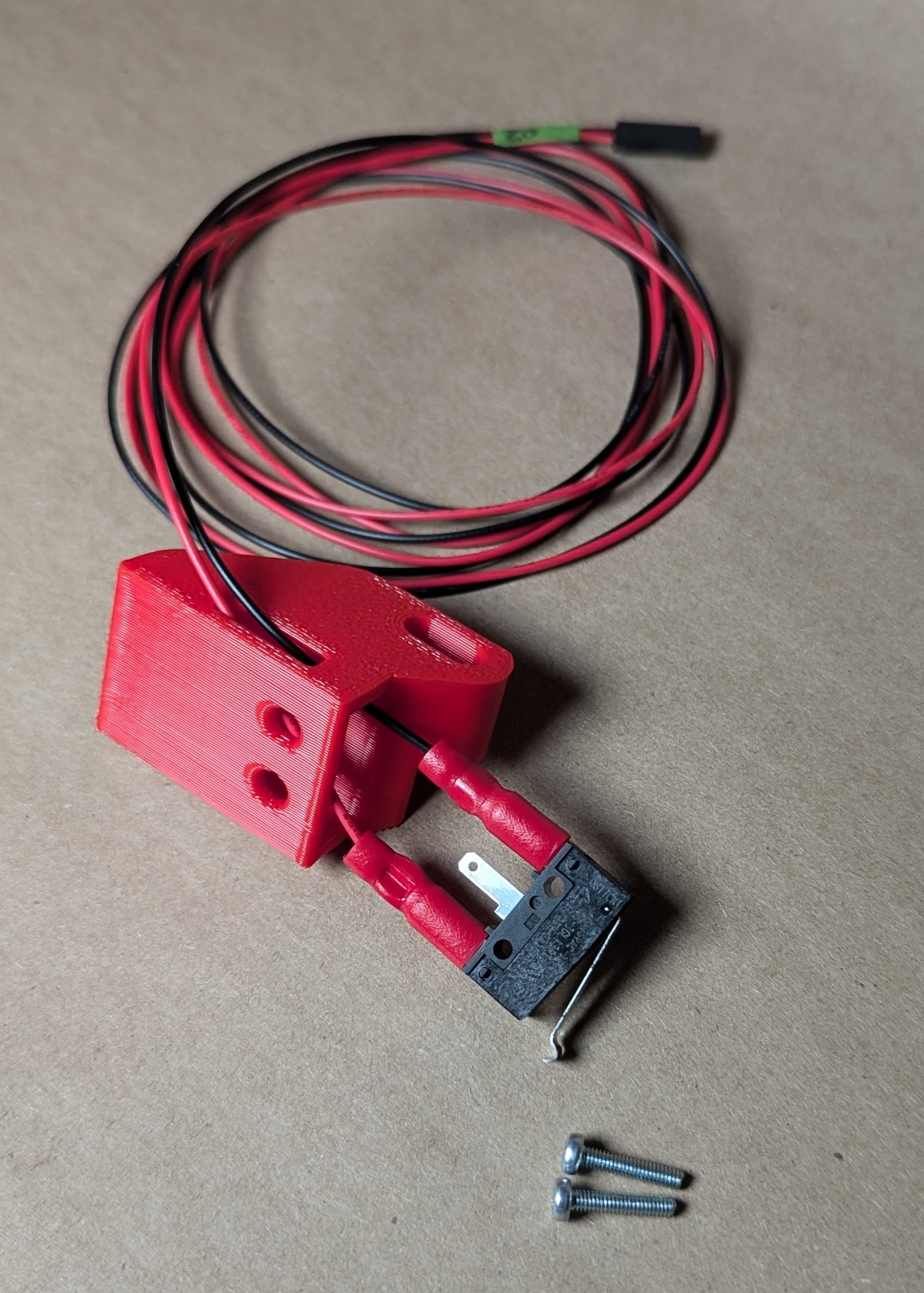
Be sure to use the fold over method to connect your extensions.

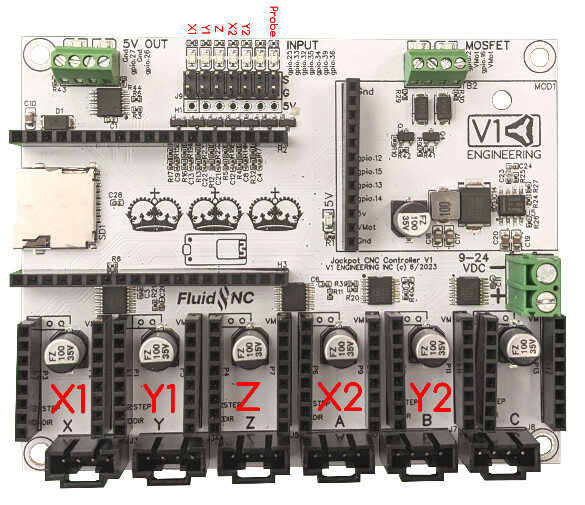
Take a look at the JP3 documentation. Jackpot3 CNC Controller - V1 Engineering Documentation
It shows where to plug in the steppers and endstops.
Tysmm
I have bought the limit switches from our local store and it has 3 pins (VCC-GND-OUT), where should i wire them to?
That switch won’t work. You need a C (common), NC (normally closed), NO (normally open) limit switch. Here’s what Ryan sells:
https://www.v1e.com/collections/parts/products/limit-switch-endstop
Thank you, I didn’t know that. Could you also show how to wire the ones you’re talking about? They still have 3 pins.
You want to connect the wires to the C and the NC terminals. @vicious1 I can’t find any pictures in the docs showing how to wire the endstops.
Here’s the description in the Docs:
Are the images down on the docs site? I can’t get any images to load?
Yeah, me neither. I haven’t looked at them for a while and was wondering if Ryan had removed them all.
They were there when I looked on the LR4 page yesterday or the day before.
I’ve seen them just today, a few hours ago.
@vicious1 When an update to the docs site was deployed this morning, the build picked up a new version of a library that caused it to strip images from the docs. I have a PR to resolve it here:
Jason how did you know it was selectorlax? I looked in the build actions and everything and did not even see any errors. I knwo it updated this morning when I merged the little zen fix but it didn’t give any errors then either.
I would love to know how to better diagnose these things.
I looked at the source and saw there were no img tags so I figured it was some kind of library issue.
So, I opened my fork of the docs repo in VS Code and this was my entire Claude prompt and it figured it out and fixed it.
Help me figure out why images aren’t loading in the deployed site docs.v1e.com
I did then look at the previous builds under Github Actions and saw that the version of selectorlax incremented between the last 2 builds.
Shoot, that was awesome. It would have taken me…who knows how long. Thank you again.
Mike has a new docs framework suggestion and The team at opulo had another suggestion. I need to spend some time taking a deeeper dive, I just do not want to lose any links we currently have…at all.
Are you all settled now, Endstops wired?