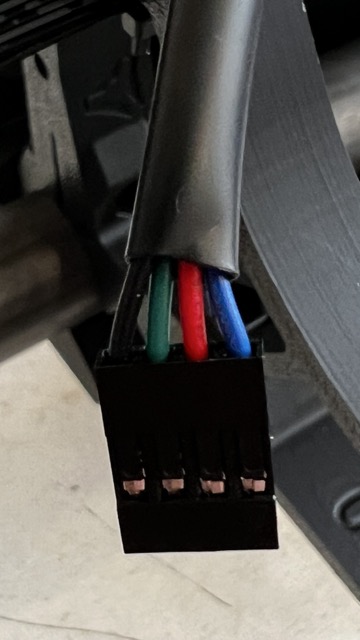
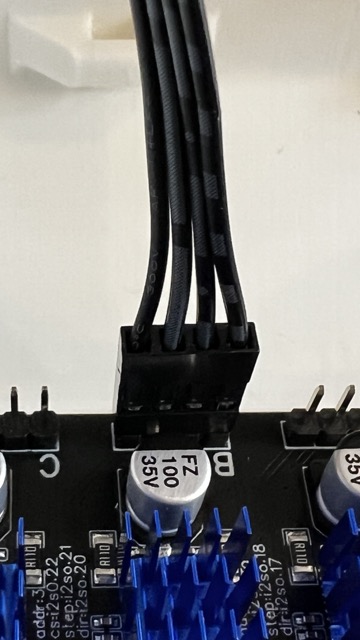
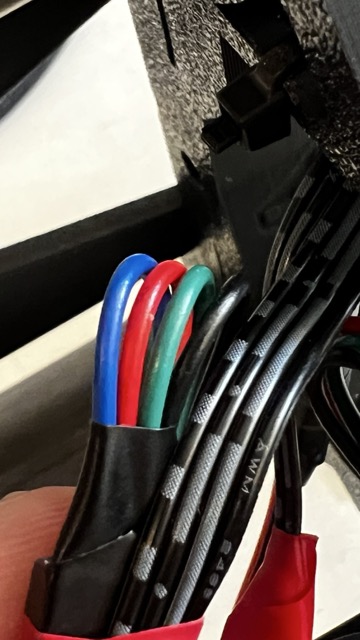
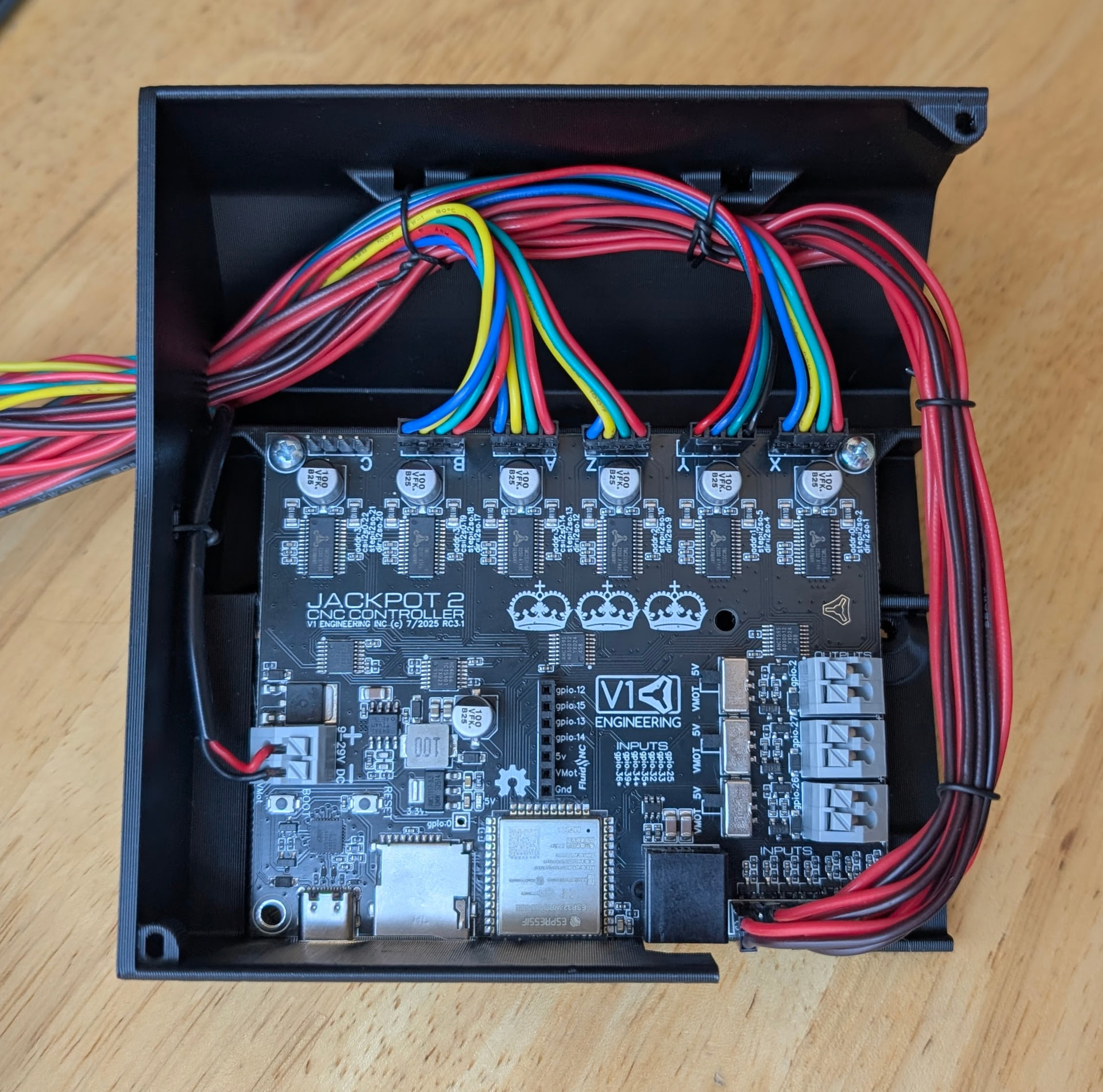
I bought the kit via V1 Store and the colors of the wires don’t match the docs for Jackpot 3. I would really appreciate if anybody could tell me in which direction these connectors should be connected to the board. The extension cables are all black now, but even looking at the colored connectors from the motors the cables seem to be different from the documentation. Many thanks in advance & best,
Power down the controller completely before unplugging or plugging in motors or you risk damaging the stepper drivers, which are soldered on to the board on the Jackpot v3 and therefore much harder to replace.
Stepper motor color codes are not standardized, even for motors from the same manufacturer from different batches. In the bipolar steppers used on V1 (and many other) machinces there are 2 coils inside the motor. The plugs are wired so that the phases get powered sequentially for each step the motor is commanded to take. Plugginn them in “backwards” poses not risk to the motor or control circuit but will result in the motor tuning the wrong direction. Flipping the plug swaps the coil connections, thereby reversing the motor direction.
 Will try, many thanks Ty