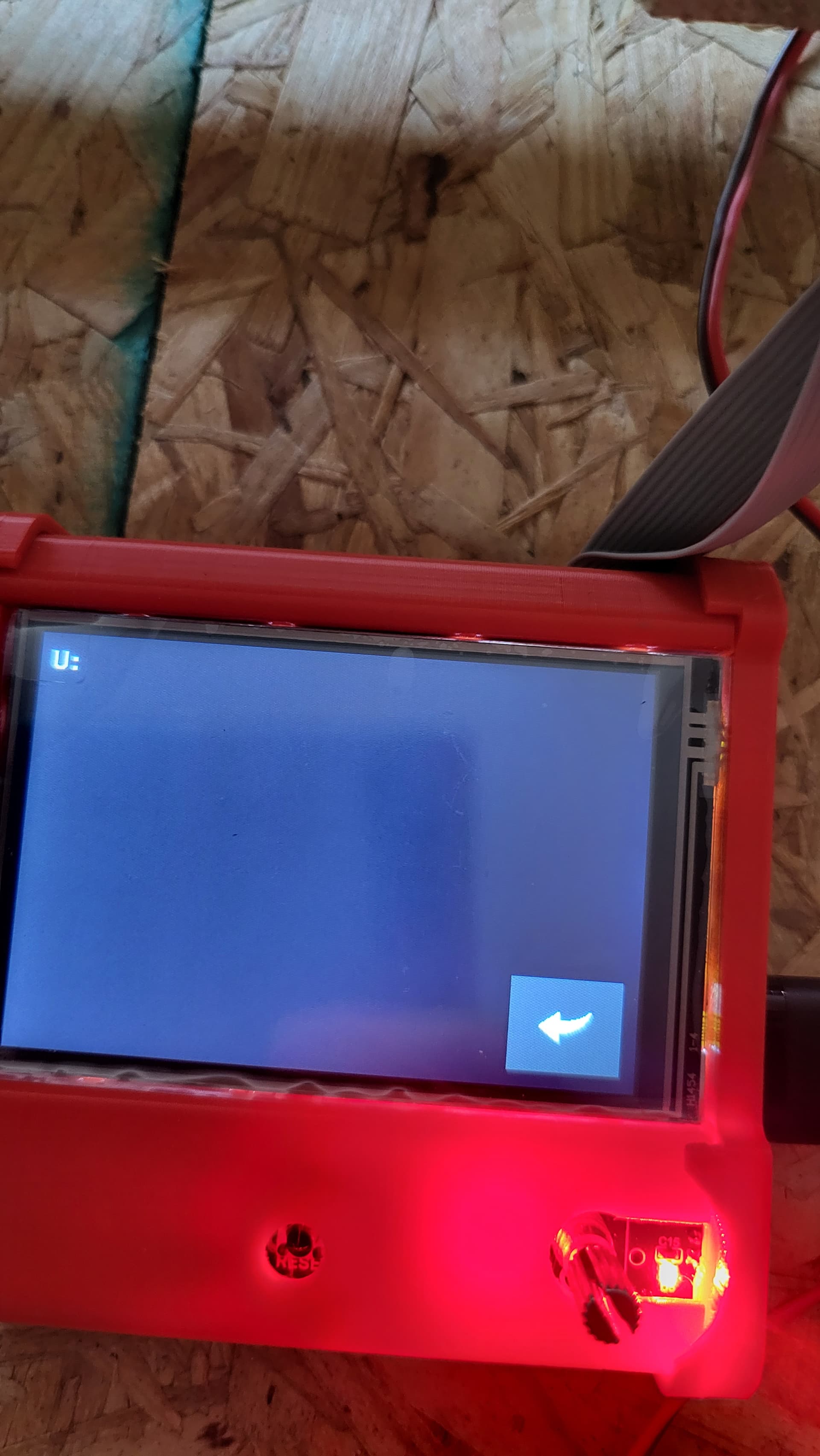
Hello, my home axis xyz are all working correctly. I assume I am ready to print? I go to carbide create and made a simple circle. Saved the g code to a usb thumbdrive and put it in the touch screen usb slot. When I click on print, then tft usb, it goes to a black screen with the letter U. Next, I try a sd card with the g code saved to it, it states sd card reading error, then goed back to print screen. Can anyone help me try to figure out how to start a print with the lowrider, skr pro board, cnc machine.
Carbide create is not a common tool in the V1E machine workflow, but should work if configured properly.
The SKR Pro firmware from the V1E documentation is Marlin based which is very similar to, but not identical to GRBL, so it is likely some gcode that the post processor is embedding that is unsupported (or being interpreted differently). Please confirm the firmware info including version to make diagnosis easiest.
Drilling to the errant code: there are multiple post-processor options in Carbide Create, so please specify which one you are using (if you know) and post at least the first 50 lines or so of the file.
I don’t use the USB storage, but you may find that depending on your specific firmware you may have to use the USB or SD card in the host board (E.g. SKR pro or whatever you have) instead of the TFT.
More details about your build and which controllers and firmware you’re using would be helpful for us to help you.
I have this picture on hand. What is recommended software to create and cut. I know it has estl on the instructions, or something along that line. But I really don’t know how to use it. Any further advice?
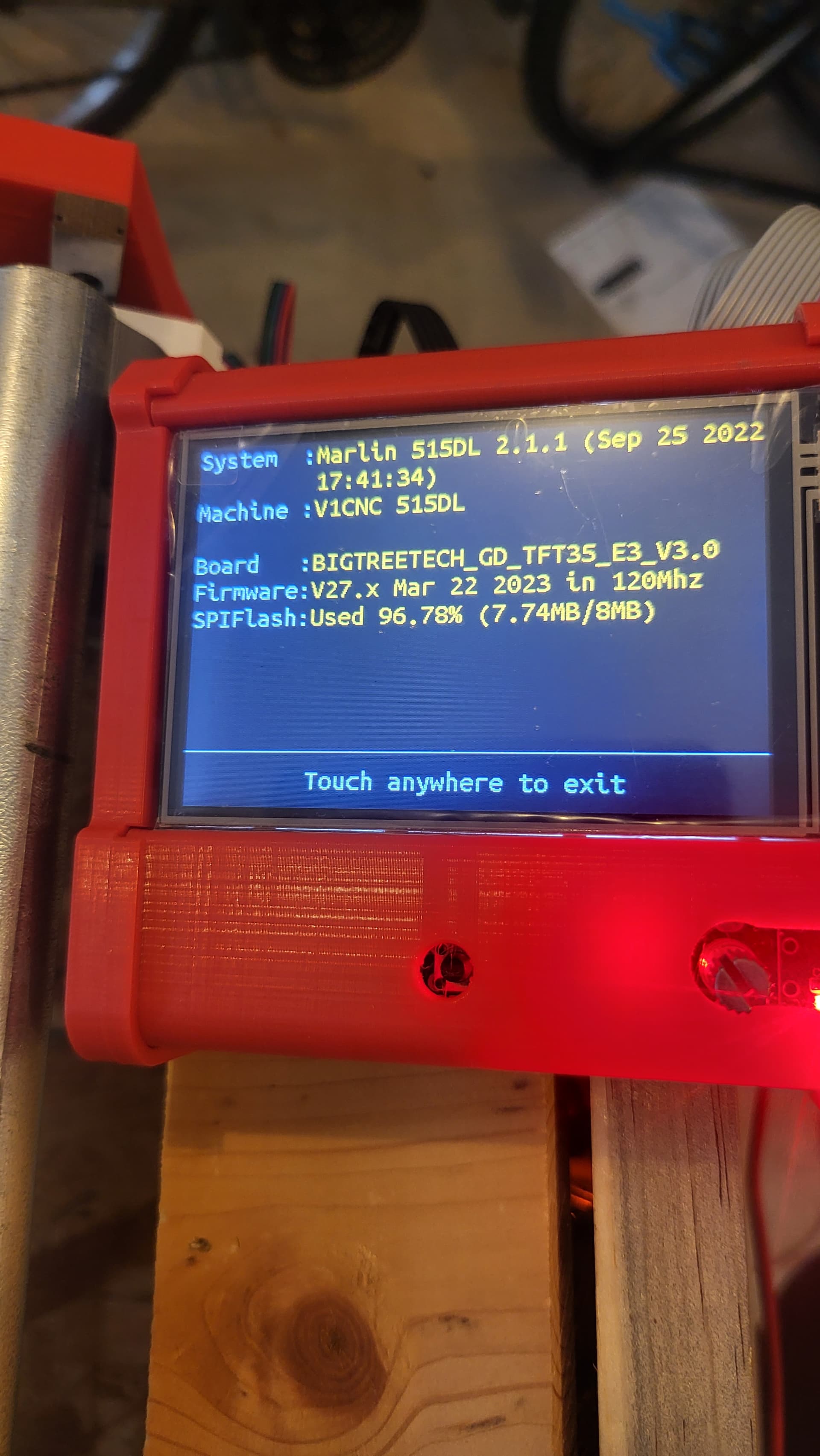
I’m not sure if that will work. Most documentation says to use the SD card reader
Are you using the SD slot on the right side of the screen, or on the left side of the controller?
If you are getting an error, rather than a “No SD Card Detected” message, there may be something wrong with your SD card. Is it < 32GB? Some devices won’t work with the larger cards.
I have seen the “SD Card Error” message when I inserted the micro SD to SD Adapter but forgot to put in the micro SD card into the adapter.
Try “printing” the Crown gcode from the Test File section (near the bottom) of the EstlCAM documentation page to see if it is an issue with your gcode or with the card reader.
You can also import the Crown DXF file from Step 3 of the same page into EstlCAM and work your way through importing CAD files, resizing and exporting gcode. That page should walk you through setting up EstCAM, importing a DXF file, and exporting the gcode project. If you still have problems, check back here and I’ll try to assist you further.
1 Like
Yes its 32gb. Also I started doing the crown test. Im having trouble zeroing to the work piece. It just plunges to the workpiece. Not sure how to zero from the tough screen. There is just, home, manual, and jog. I dont see a zero option
After you home Z, it will be at 200mm at the top of the travel.
Attach your Z probe clamp to the tool, go to the Terminal option from the main menu. Type in G38.2 Z0. The gantry will lower until it touches the touch plate, then stops.
Then enter G92 Z0.5 (or the thickness of the probe)
Ahhhhh ok. Will I do this same thing when I place a workpiece before cutting? But instead, place the touchplate above the workpiece? Sorry for the questions. I’m just new.
Yes, the touch plate sits on the wort piece to set 0 for each different work piece thickness or for various tool lengths
This is the best. Thank you! Everything checked out. Now I need to set the setting right on Estl. Its making noises as if its simulating the cut but no movement, so I am sure i did something in the software side. But the print screen is up. Progress!
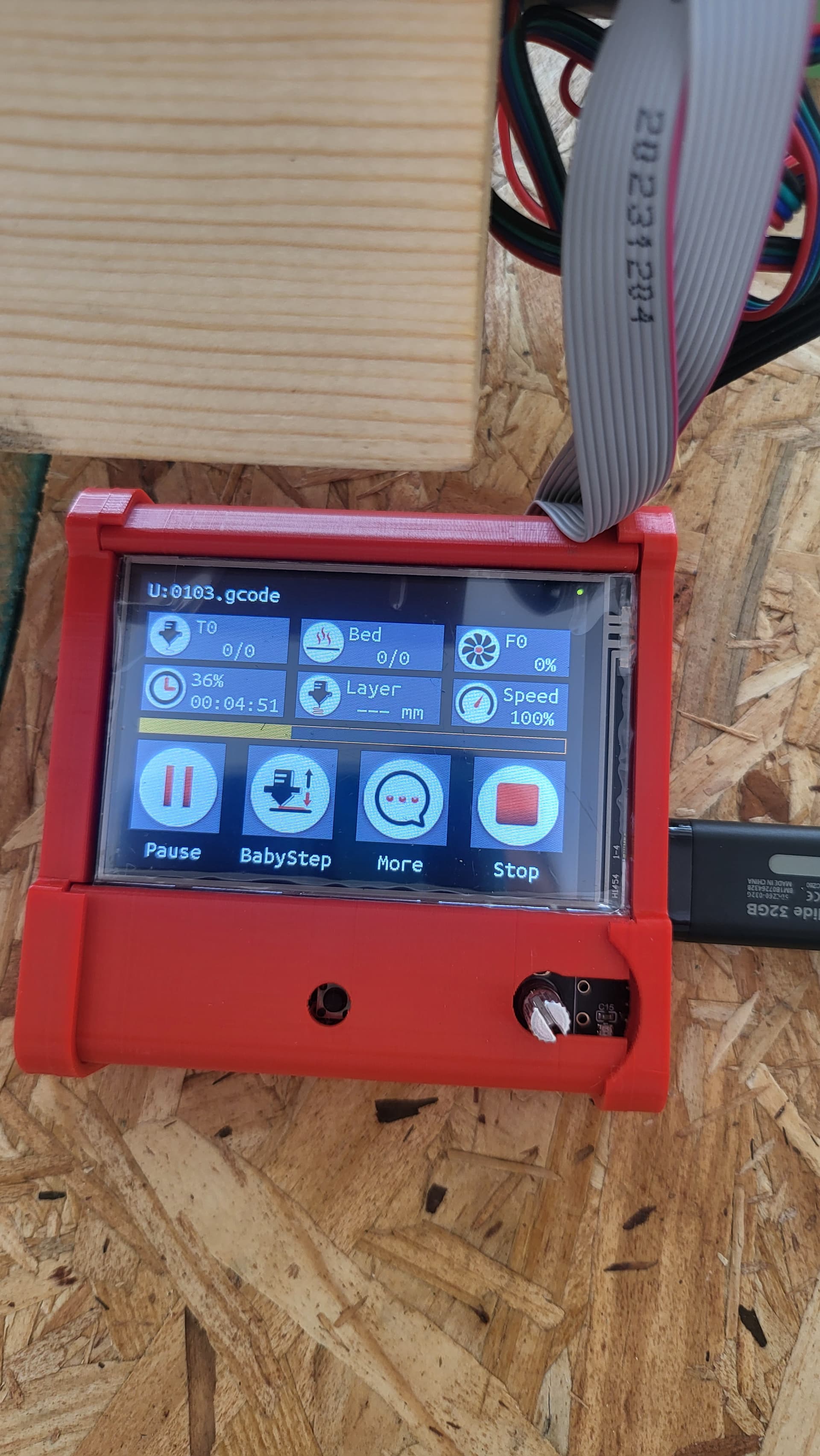
Probably an issue of mm vs inches when you are importing the DXF file. I’m not in a position to delve into this at the moment, if nobody else can lend an assist, I’ll try to get back to you this evening (west coast time)
Yes I have everything set to inches. Now i can even get the touch screen to pull up the usb again. It just says U again. Ugh. I save the file from estl. The I make sure the g code is on the thumbdrive. Once i plug it it. Nothing. I’ll keep fidling with it
So I tried a lot of different things to get my cnc to read a gcode and print. I don’t know where I am going wrong. So, I had the print screen pull up 1 time, but the cnc never moved, even though it stated it was printing.
Shown in the picture earlier in the thread.
I figured it was something I did in the estl software side. I took the usb out the board and inserted it in my comouter inside. Changed the cut settings and took it back to the machine.
When I went to re insert the usb on the board, after changing the speeds, it stated a usb was inserted but again, I just get a black screen with the U symbol. When I inserted a sd card with the g code, its states sd on a black screen but nothing else. I inserted another sd card that had low memory on it, 16gb, and nothing.
I hooked up a laptop directly to the cnc and when I try to program the controller, off estl, is stated wrong port. I’m using the printer port. Should I be using a USB to USB to make this work? I don’t know what to do from here. I just can’t get my first cut. I really want to use the touch screen I purchsed through v1 and not a personal laptop. Any advise or leads on where I go. I haven’t tried the small sd card on the board yet because I dont have one.
Ooh, don’t do that. We use Estlcam for making gcode. But you need specific hardware to program and run from estlcam.
The best thing to do is start with the premade gcode found here: test crown.
That has been confirmed to work on hundreds of machines and will eliminate any trouble in your estlcam settings.
If you can’t run that file from the screen, post a picture of what you’re seeing and your controller. We can start working on it from there.
Since you tried to flash with estlcam, you may need to reflash the controller. But let’s assume it realized it wasn’t right and did nothing.
1 Like
I downloaded the crown test again and placed it in estlecam to get a gcode. I did auto pockets and holes just to have it register something. I saved the gcode to my thumbstick. Made sure the g code was on the thumbstick. Took itnto the cnc machine, it stated a thumbstick was inserted. Hit print to see if anything was there but nothing. Here are some pictures from start to finish. I know the speeds are slow, I’m just trying to get it to read first.
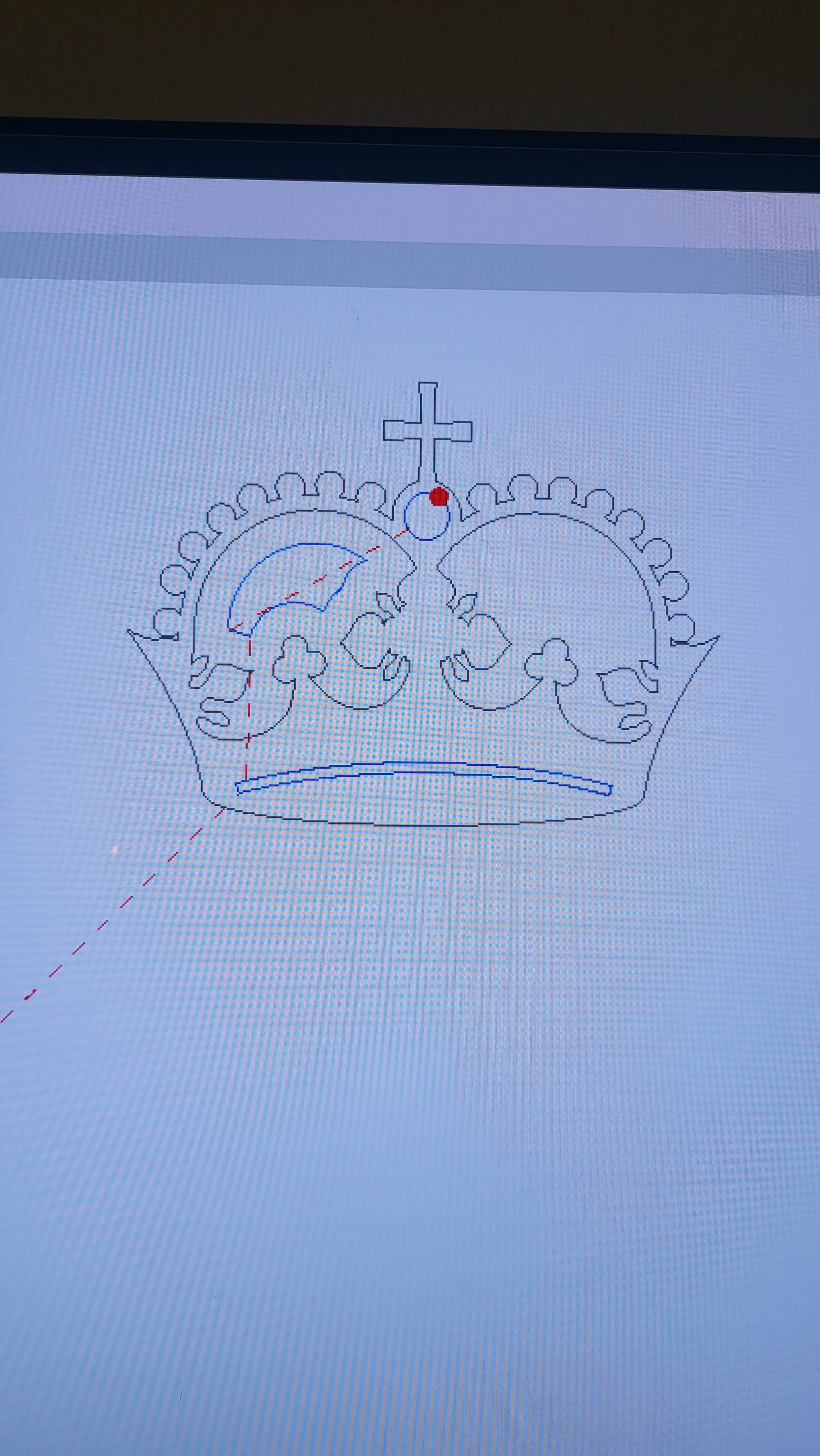
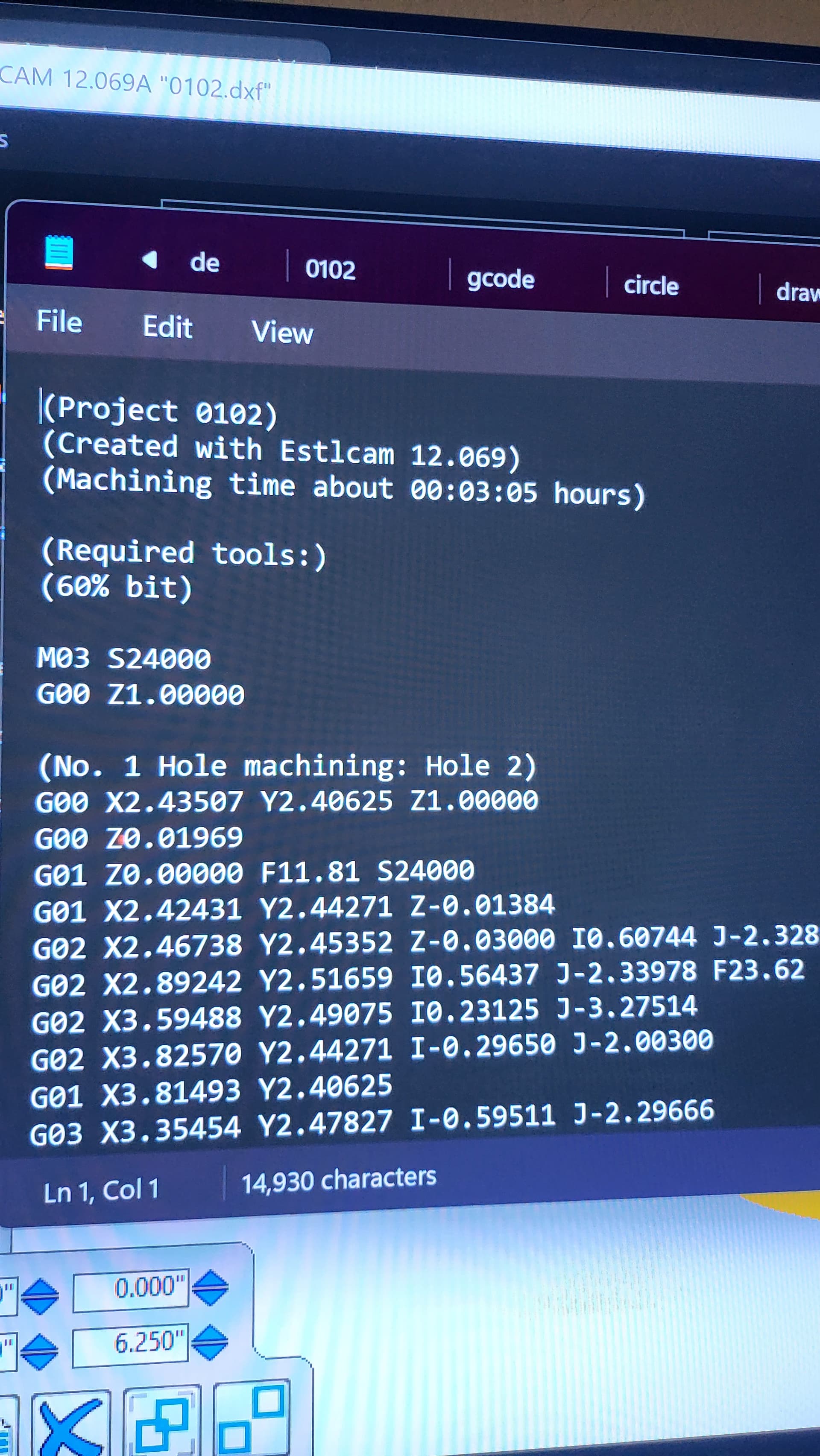
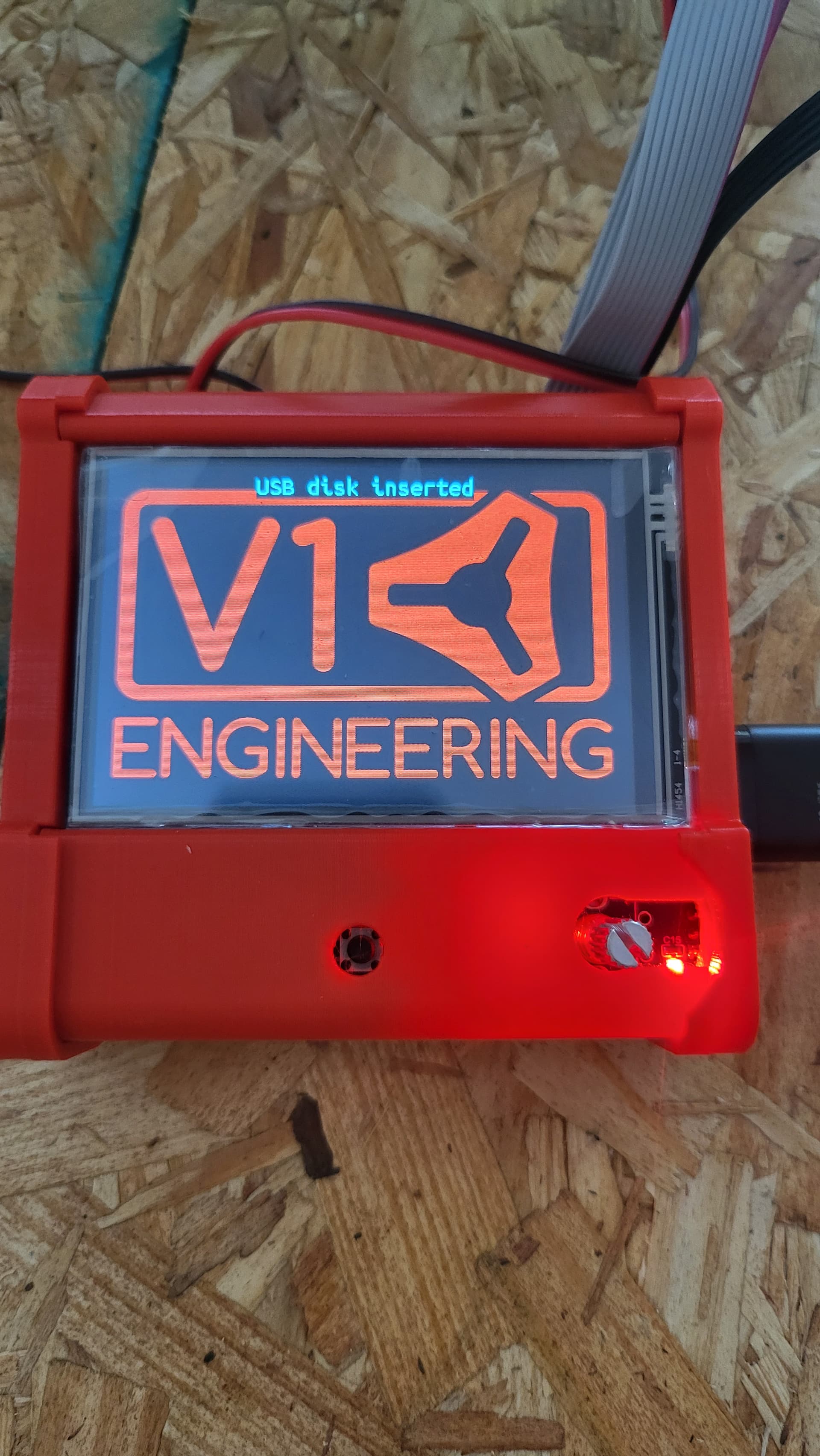
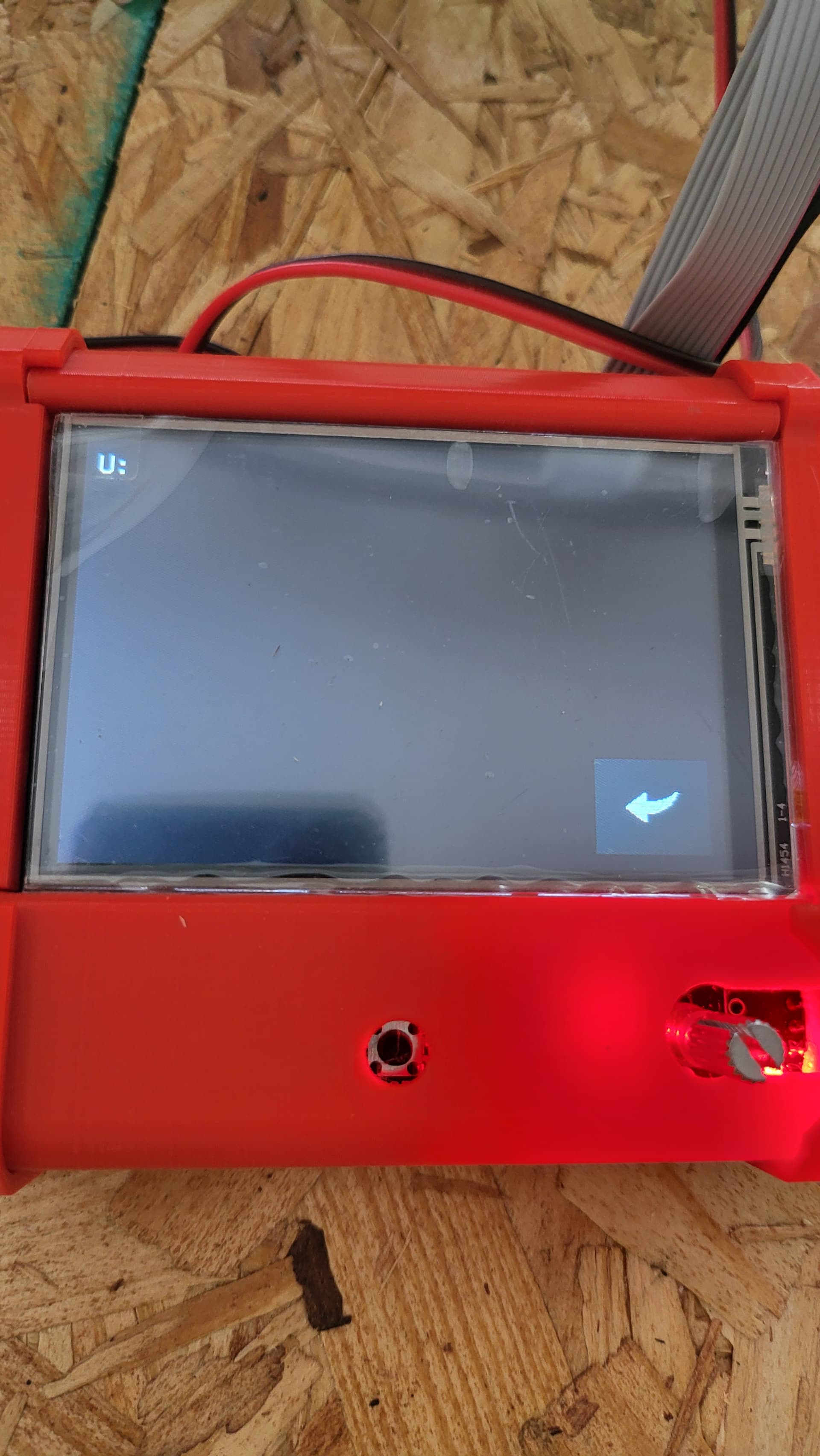
I am not actually sure if the USB slot works, if it does the stick will need to be fat32 formatted and the File needs to end in Gcode, not NC
I did getthe USB to work previously, but it was only 1 time. It never happened again. I formatted USB stick again, the default was fat32. I ended the file in .Gcode. No luck. What am I supposed to be using? I am completely new with this. I am excited to use it. So close, but I feel so far.
Go even one step simpler.
Unzip the file below and copy that (not the Zip!)
https://docs.v1e.com/img/Test-Crown-12mms.zip
you should end up with a file named Test-Crown-12mms.gcode
2 Likes
I use a micro SD card (same as the Ender 3 uses for printing) and a micro SD - USB adapter (came with the Ender 3) to load the files onto the micro SD, then insert it into a micro SD - SD adapter that fits into the TFT SD slot.