Colin_S
January 18, 2026, 9:54pm
1
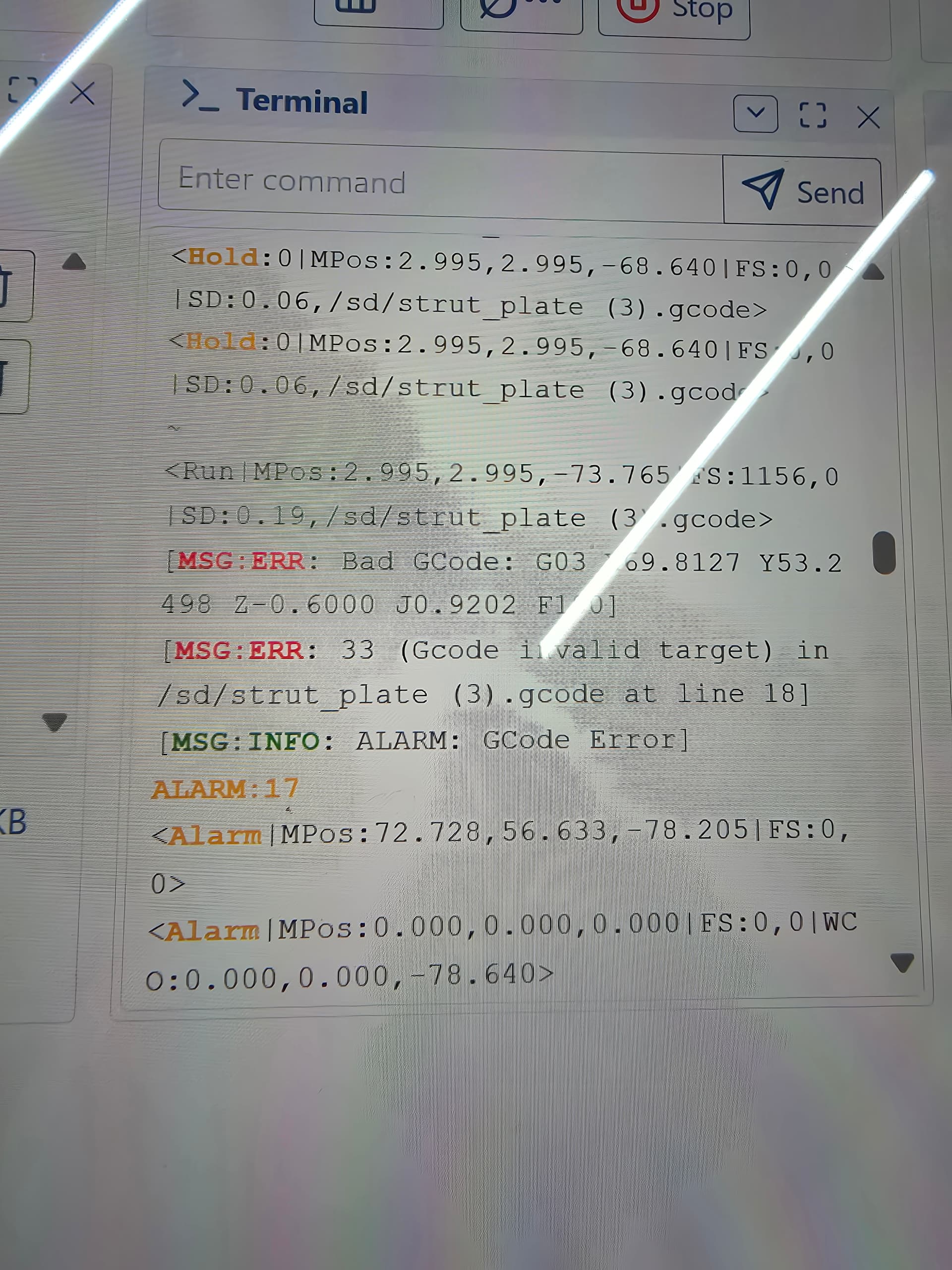
I just went through all the estlcam basics and everything seems fine. I load it to the sd card and run the gcode. It goes through the probing gcode and then when it goes to cut the first hole it alarms.
Says bad gcode G03 X69.8127 y53.2498 Z-0.6000 J0.9202 F180
MSG:ERR: 33 (Gcode invalid target) in /sd/strut_plate (3).gcode at line 18
Here is the gcode
strut_plate (3).gcode (227.1 KB)
1 Like
Tokoloshe
January 18, 2026, 9:56pm
3
Does this also happen with the premade crown code?
Please limit the post to one topic.
Colin_S
January 18, 2026, 9:59pm
4
I am following the instructions and trying to cut the strut plates out. What is the premade crown code?
I didn’t mean to post twice. I decided to create a new post about this issue.
2 Likes
Tokoloshe
January 18, 2026, 10:01pm
5
There is a pre-made crown code for the Jackpot.
Download it please and run it.
1 Like
Colin_S
January 18, 2026, 10:07pm
6
I do this with the router and end mill mounted?
timonjkl
January 18, 2026, 10:25pm
7
Ypu can just set the bit probe on a small block to keep it raised a bit. It is made to use a pen to draw the crown.with manual hight setting and
Colin_S
January 18, 2026, 10:59pm
8
I put the crown code on to my sd. Homed it and ran the code. First thing it did was go up and there was a buzzing sound like it was skipping steps. Then it came down and ran the rest of the code just fine.
Colin_S
January 18, 2026, 11:03pm
9
In the gcode it says to zero and then it goes Z10 while I had it only 3mm from the top of the hard stop. This probably created the noice.
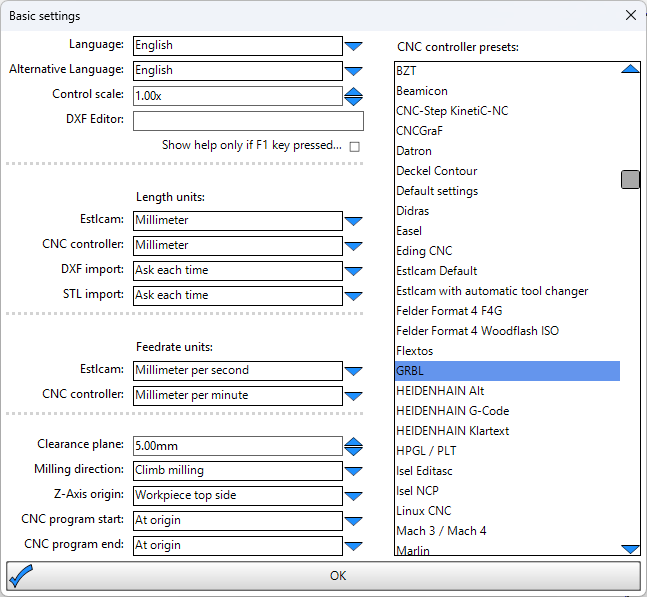
With that said, it ran the crown code just fine but it wont run my code. I have verified all my settings in estlcam.
I cannot get the strut plate gcode to run
1 Like
Tokoloshe
January 18, 2026, 11:13pm
10
It definitely means some settings are off in Estlcam, because it’s neither the CNC nor the Jackpot.
Joe_H
January 18, 2026, 11:31pm
12
What size hole are you drilling?
Per the FluidNC WIKI, (assuming you are using FluidNC). Supported Gcodes | Wiki.js
When using a G03 command, If impossible to fit an arc to the points provided, you will get an error:33 [MSG:ERR: Gcode invalid target]
If your mill is larger than the hole that would be a problem.
1 Like
Colin_S
January 18, 2026, 11:32pm
13
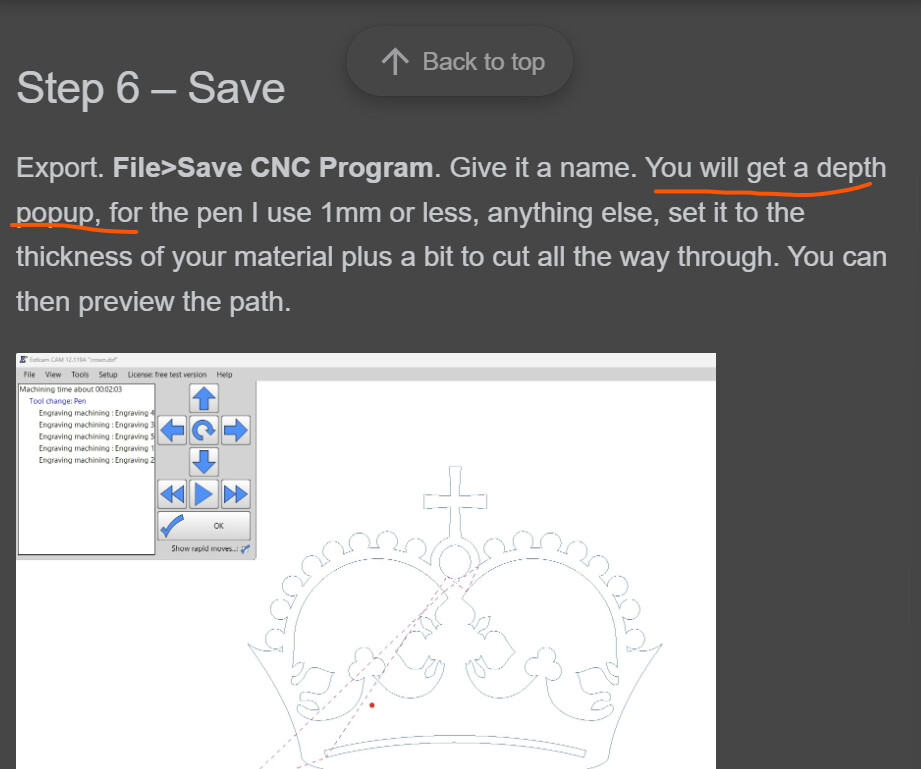
On the website EstlCAM Setup page, Step 6 it says when you “Save CNC Program” you should get a depth popup? I dont get this. Should I be getting this popup?
Colin_S
January 18, 2026, 11:36pm
14
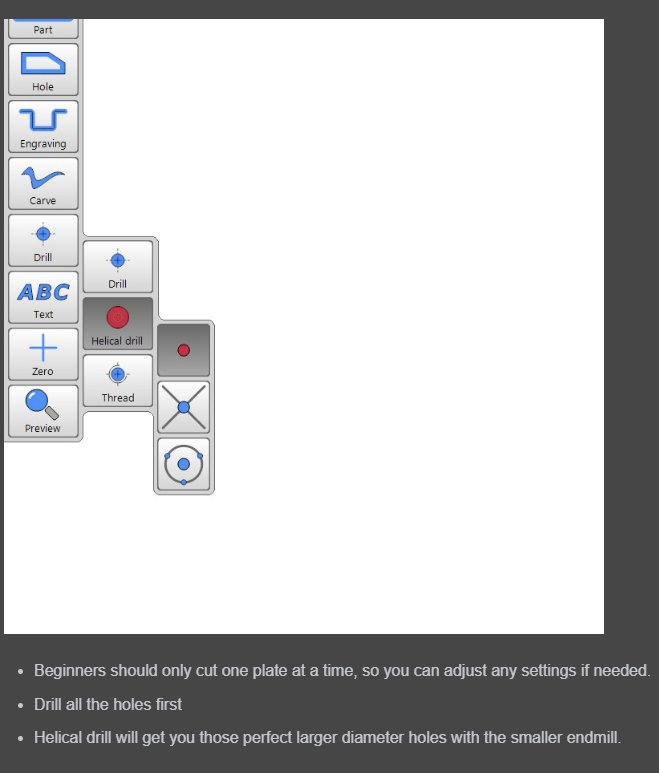
On the LowRider CNC V4 build page towards the bottom it goes through how to setup the cam software to cut the strut plates, it says to use Helical Drill. My end mill is only 3.17mm (1/8).
Jonathjon
January 18, 2026, 11:37pm
15
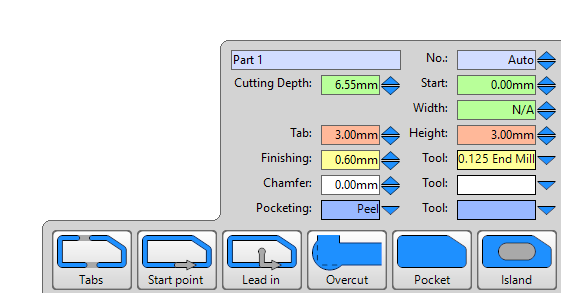
You will only get that if you didnt specify a cut depth when you set up the CAM. You have that set already at 6.55mm so you wont get the pop up
2 Likes
Colin_S
January 18, 2026, 11:43pm
16
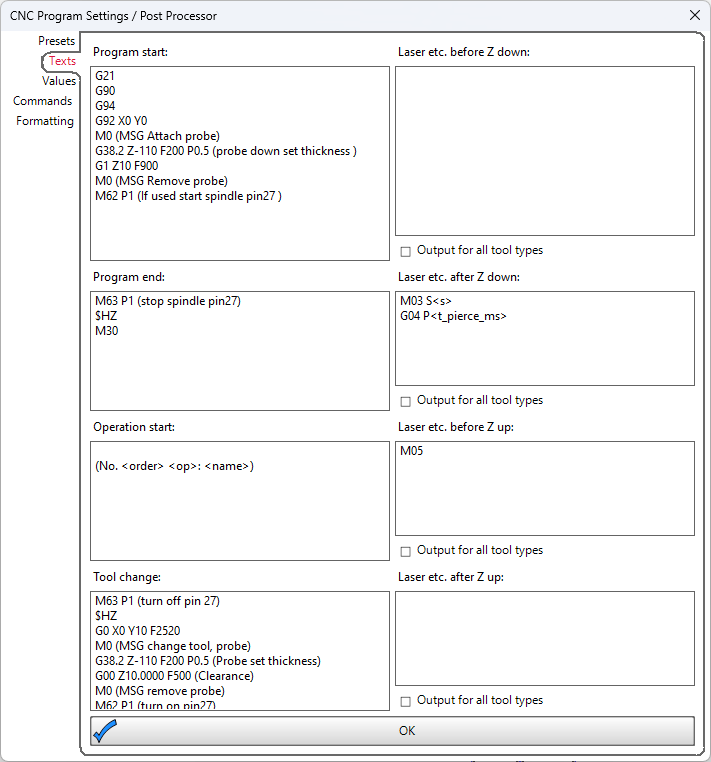
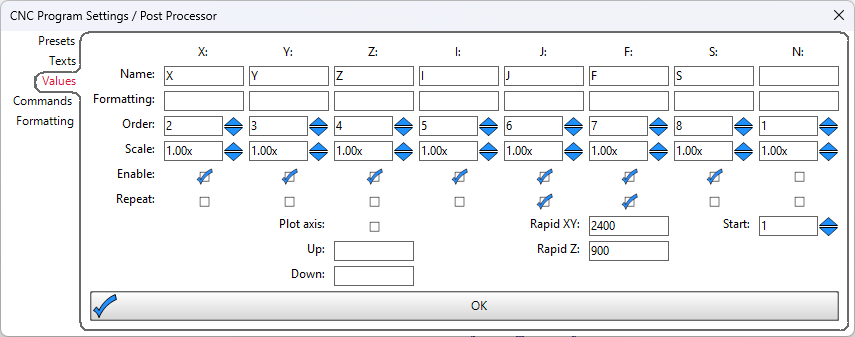
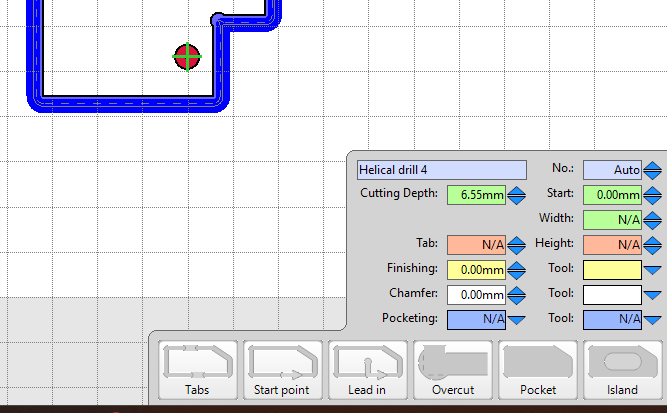
Maybe its something to do with this?
Tokoloshe
January 18, 2026, 11:45pm
17
I can’t see anything that sticks out to me, but I am using a different processor… Need to wait for one of them FluidNC boys…
Jonathjon
January 18, 2026, 11:46pm
18
I cut struts all the time using helical drilling with zero issues. I have no idea why he is getting this error
Colin_S
January 19, 2026, 12:00am
19
I added the material dimensions and tried to cut again with the same errors
timonjkl
January 19, 2026, 12:01am
20
Did you change the yaml or add soft limits ?