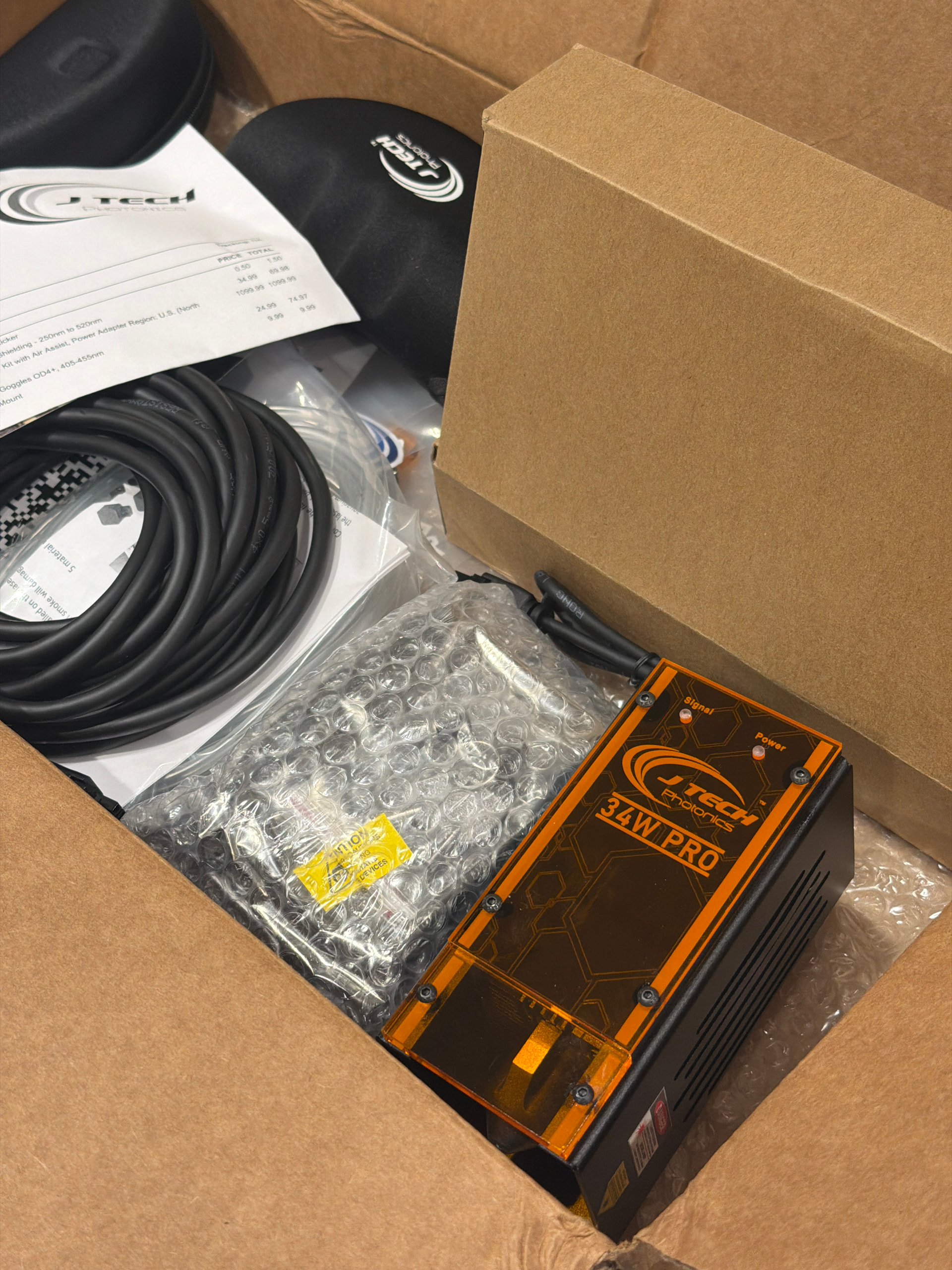
Santa dropped this off today. Any words of wisdom from people who’ve done it before? I’ll be putting this on a LR4/Jackpot3 w/ the Makita 701 router.
I have a J-Tech 64watt on a Jackpot v1 work great with Lightburn. I save the code from Lightburn and upload too sd card and launch it from the pendent. Done several engravings with burns of 8 hours in length. Works great GOOD LUCK have fun
1 Like
how did you mount it? Attached to the router? Or in place of the router?
Not my best CAD ever, but I cleaned it up a little…
You can edit the parameters according to your specific mounting plate
Mainly set plate width and hole spacing, everything else should follow… hopefully…
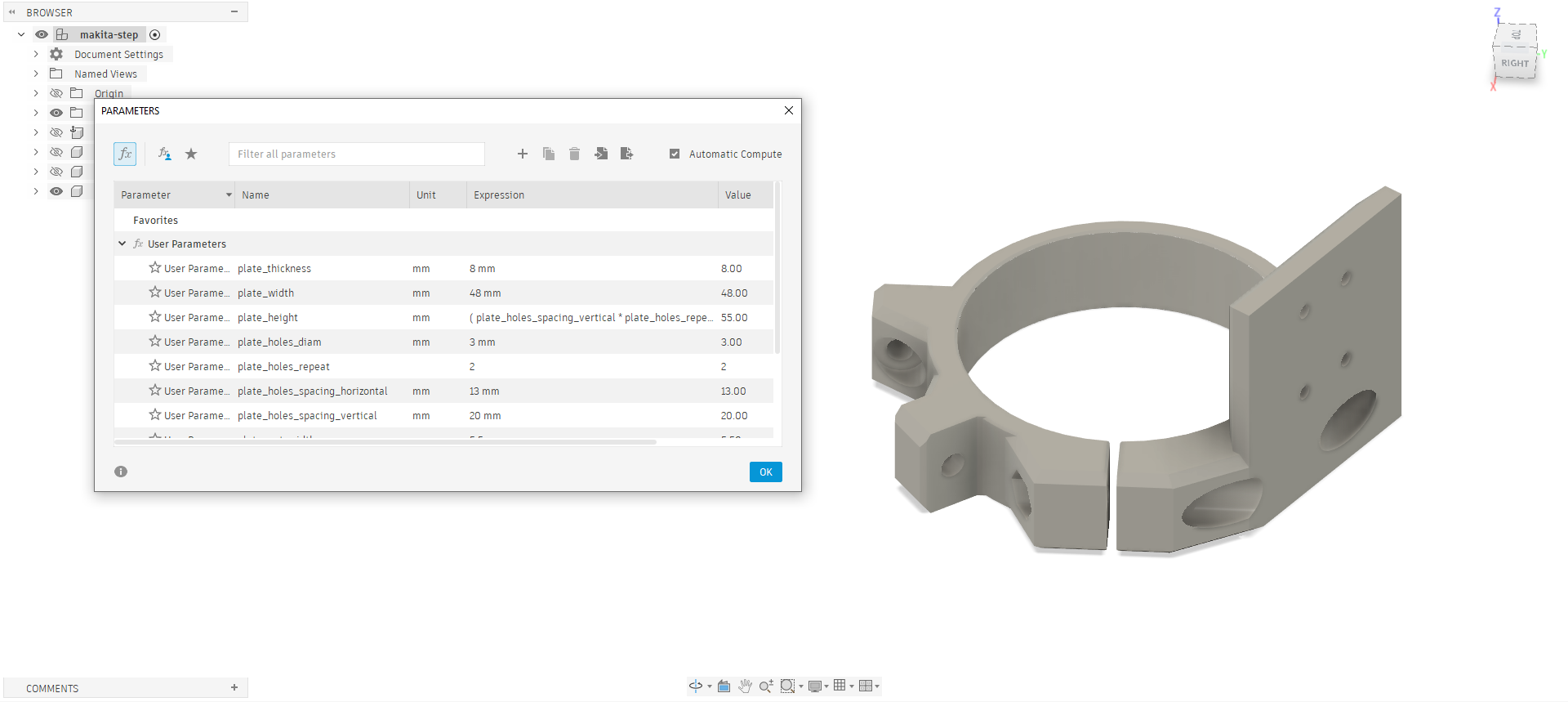
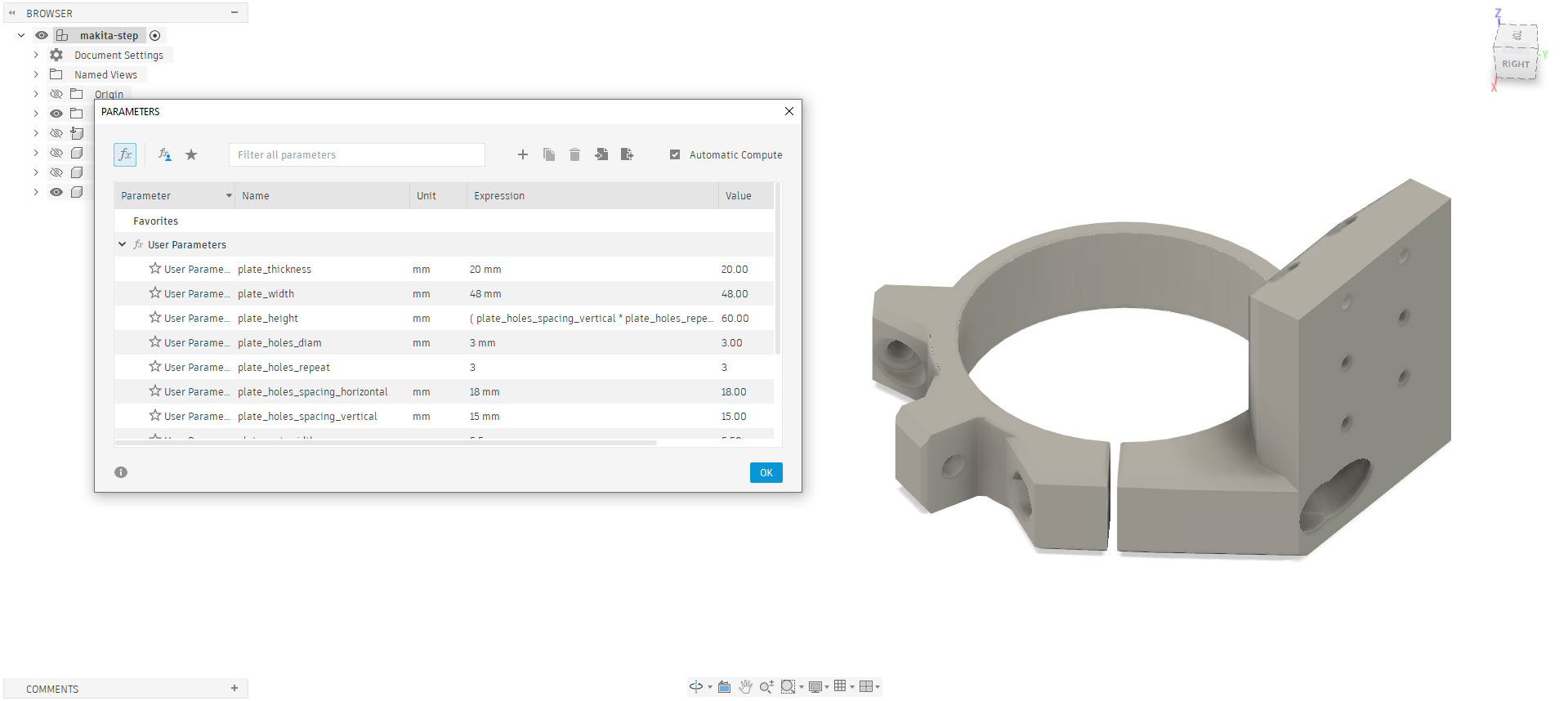
makita-step-lasermount.zip (880.2 KB)
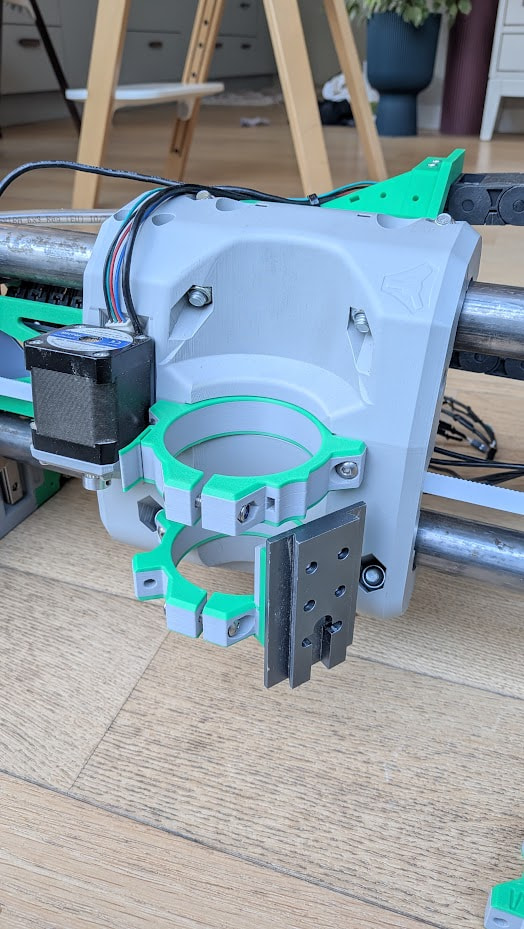
Just be aware that with this mount, the laser may interfere with the upper bracket’s probe holder
You can either:
- increase the plate’s thickness
- turn the upper bracket around so that the probe holder is on the motor side
- re-print an upper bracket without the probe mount (or just cut it off)
3 Likes
hey this F3D file is INSANELY good, BTW.
If your pride isn’t already self-inflated, I’d like to give it a little boost. This is awesome!
2 Likes