Even with the Face Groups pretty well defined, the Prismatic option can still do some funky stuff.
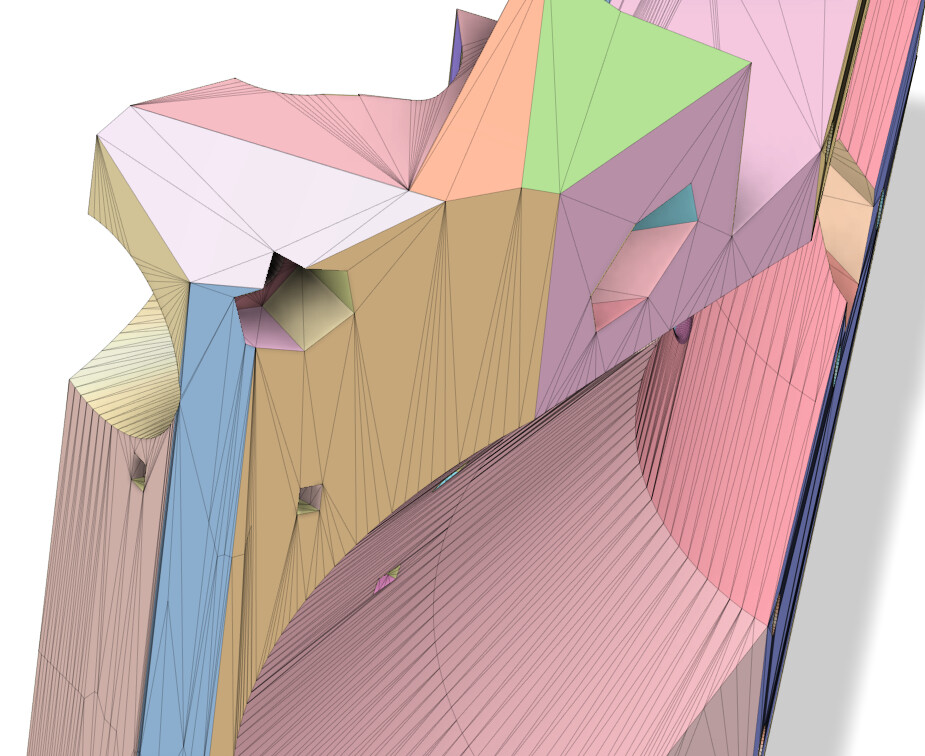
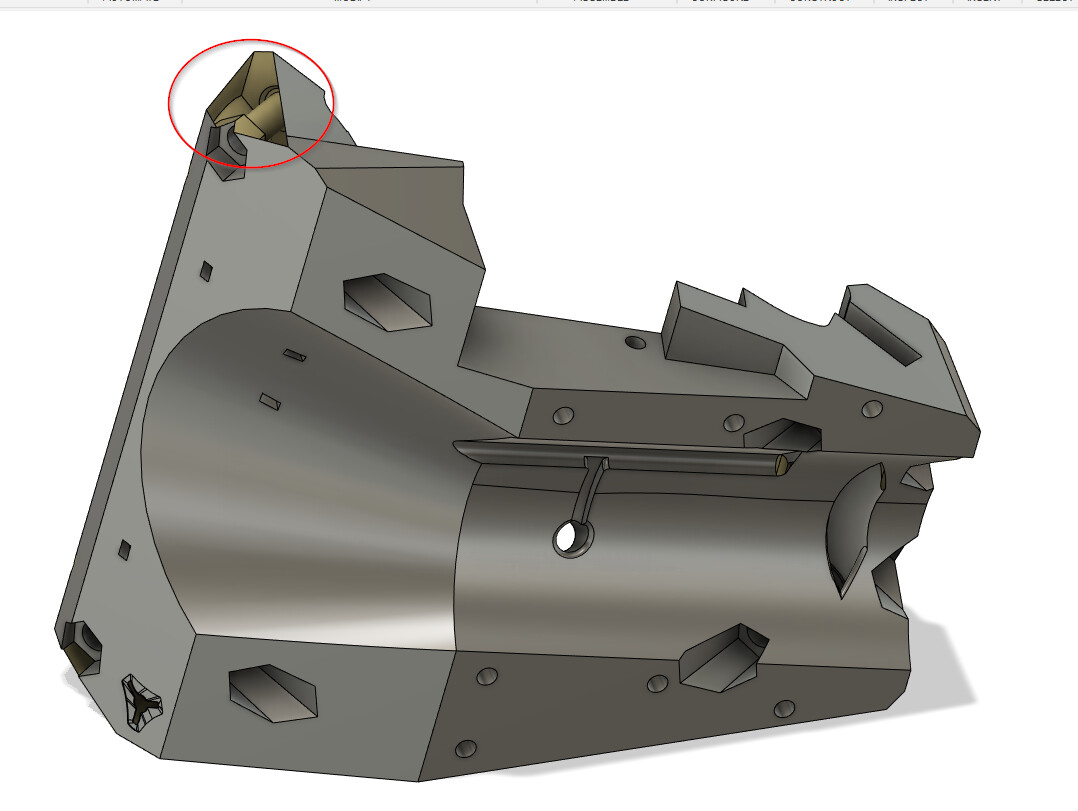
The logo also got completely skewed and has a hole, which is also hit and miss where it works on some conversions and not others.
What I haven’t figured out too well now though, is where to go from here.
I tried using the surface tools to patch that hole, but it fails.
And then some of the holes, are right in the middle of what was a single face group on the same plane.
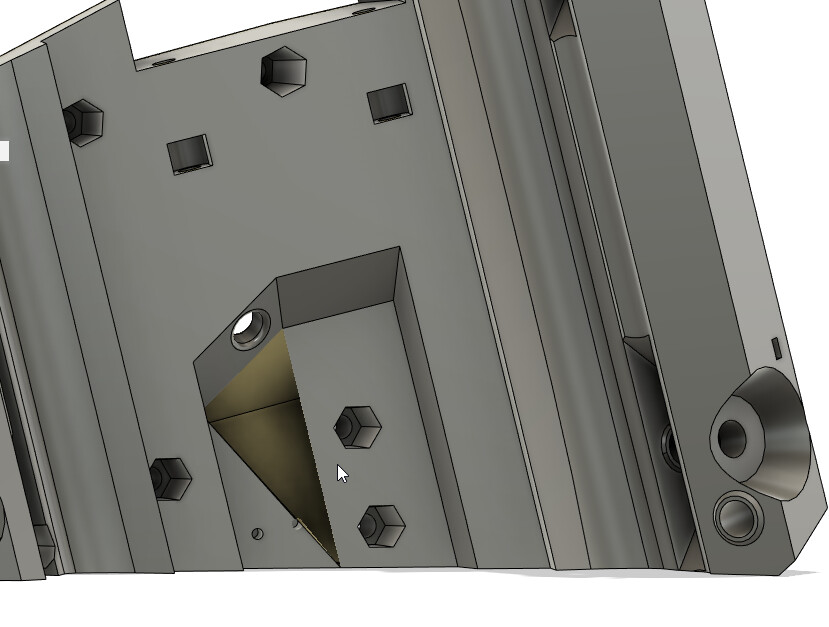
It feels like for some of these, my workflow is going to have to be
- Import the 3mf into Fusion 360
- Export to STL
- Bring STL into Blender and fix the mesh
- Import back into Fusion 360
- Generate face groups and use Prismatic conversion.
If that works, it feels like it would be less trouble for me than dealing with the Mesh tools in Fusion. I just haven’t figured out how to get them to operate the way I want