Wow playing with that online version(demo) it was nice on my phone! I really enjoyed the layout! I still have the old ui and 3.9 fw, I may have to try this! I see they have simplified workstation coordinates too, I would like to see after you click into one it show what one you are in! I was resetting zero for the tmt I recently did, it would have been nice to use coords
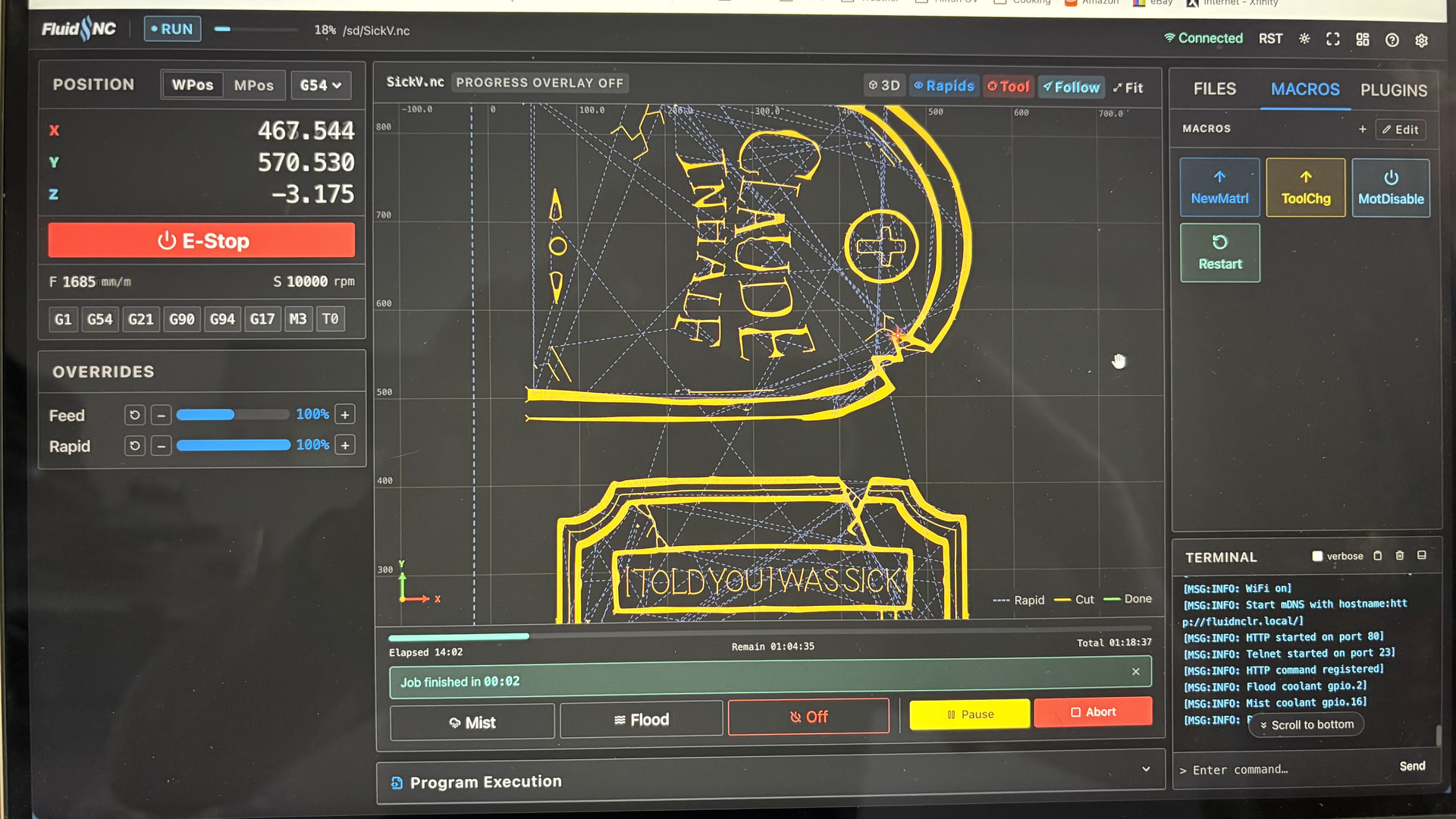
hahahha, halloween stuff, love it
You guys getting to see what Estlcam users have been seeing for years. 
You can do it with the WebUI tablet extension. I also have an extension I created that does it. Plus, a bunch of gcode senders do it. I mean it’s cool, but you can also just look at it actually being cut.
Thanks to @jhitesma
For Estlcam you can just click parts of the toolpaths and it starts from there again, if you have to pause or want to re-cut a part 0.2mm deeper. Re-set Z, click the drawn line and go again. 
But yes, you could also use your eyes, but sometimes there are too many chips. 
Is that 4.1.1 also?
Yes it is. So far, so good.
The draw plugin seems like it sure would be really fun on a Zenxy. Or a lowrider with a pen at a *mrrf event.
@jeyeager Really like your simulator, is it ok if i copy some of your ideas like the way you create the 3D bit models to FreazyKam.
Absolutely. Feel free.
Thanks, I have updated with the new bit models and now export g-code with your comment headers, so the files render in your viewer.
Okay, I finally spent more time with this.
I like;
-how the ap mode works
-endstop test screen…new cnc users are going to love this
-frame, to test for clamps and sanity
-from line, To resume after a broken endmill
-workspace and machine coordinates are clearer (need to submit a pr to change w to workspace, m to machine or something).
-the macro system makes way more sense.
-the plugin system is very promising (now that I know it won’t nuke our processor)
-and I have to be honest, the config editor is kinda nice it really lets you know what settings do what and where, like our shared axis stuff
Okay I was going to make the switch to figui with this firmware update but I found a few bugs.
I will test more and report them if they don;t get fixed before then.
The terminal on an android tablet bounces around when I try to use the keyboard, tested on a crappy tablet.
save from the config editor does not seem to work, but save from the config file editor did work.
The file editor buries the save button on android on a phone and tablet to high at the top, you can just barely use it.
All in all I really like it.
Looks like that issue was fixed, and a bunch of other things were updated today. Looks like we will have another major release soon.